Androidify
Design personalized Android bots using images or prompts with AI-driven customization features.
Androidify.com
Is this your tool?
Follow for updates & deals
Get alerts for Androidify discounts, feature releases & pricing changes
Similar Tools

Turbo AI
Transform lectures and media into organized notes, flashcards, and quizzes for effective study.

KikiVoice
Generate realistic voice clones in 75+ languages without registration.

Candy AI
Engage with customizable AI companions through chat, voice, and video for personal interactions.

Nebius Token Factory
Deploy large language models efficiently with a scalable and secure AI inference platform.

ChatGOT
AI chatbot for writing, coding, and image creation without any signup requirements.

Androidify Media Gallery

Androidify (review) video
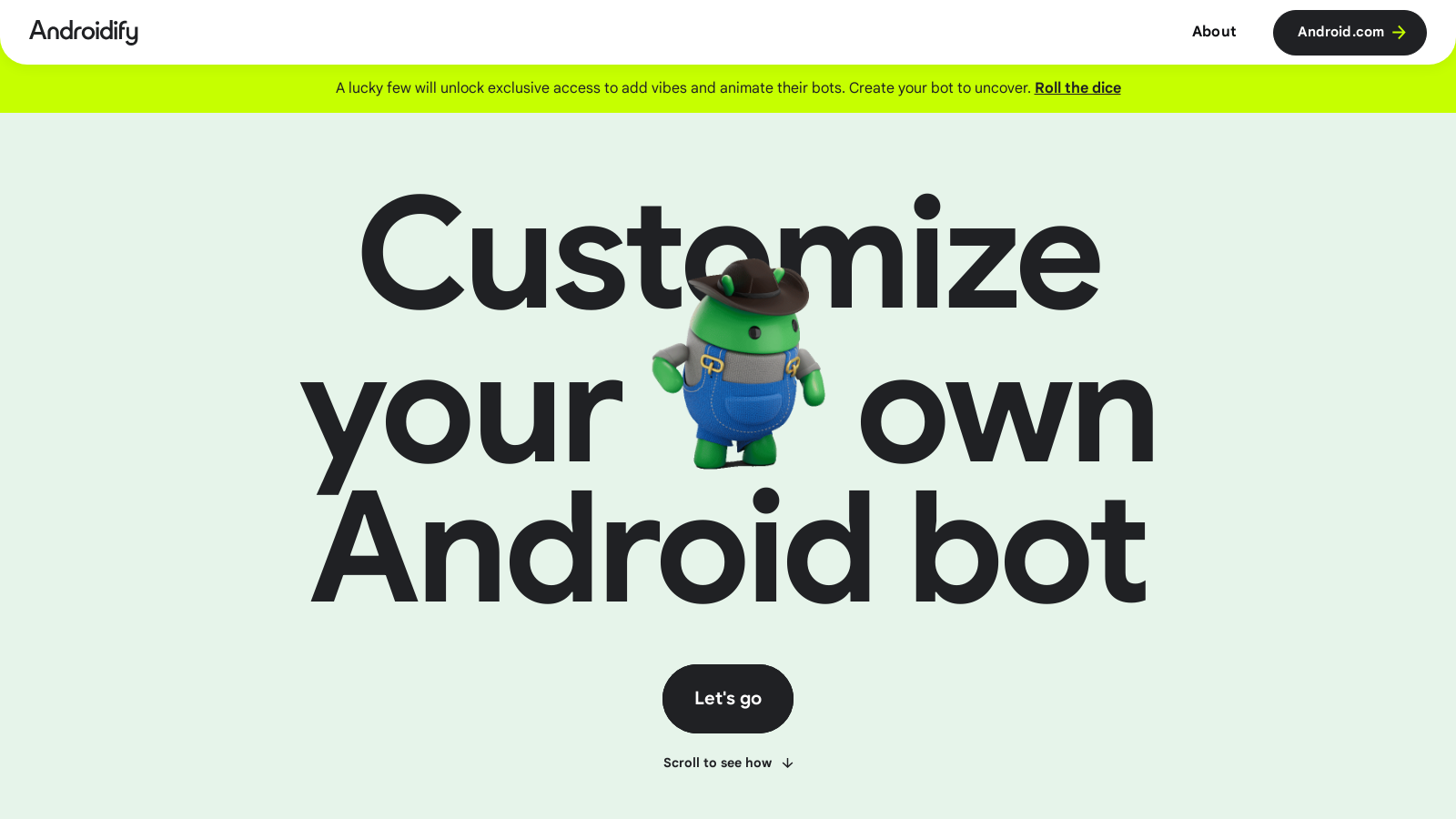
Screenshot of Androidify
What is Androidify?
Androidify is an innovative app that allows users to craft their own unique Android bots by utilizing a selfie or entering a descriptive prompt. By leveraging cutting-edge artificial intelligence technologies, including Google's Gemini and Imagen models, the app offers an engaging and interactive experience for users looking to personalize and animate their Android bots.
The process begins with the user uploading a photo or writing a descriptive text prompt. Once the input is provided, Androidify employs Gemini 2.5 Flash to validate the uploaded image, ensuring it's clear and meets specific safety standards. This step is crucial, as it sets the foundation for the final output's quality. After validation, the AI generates a detailed caption that encapsulates the essence of the uploaded photo, enriching the creative prompt for the final Android bot generation.
Using the enriched prompt, Androidify generates a custom avatar of the user's Android bot via the Imagen 3 model. The result is a stylized, playful rendition of the bot that can be customized further with accessories and features. Users can explore their creativity deeply and bring their vision to life with a range of features, including a gentle animation setup via Veo, which adds a fun vibe to the created bots.
Moreover, Androidify introduces a 'Help me write' feature that employs Gemini 2.5 Flash to generate random descriptions for a bot's clothing and hairstyle, providing users with more inspiration and a touch of whimsy. The app's user interface is built with Jetpack Compose, a modern toolkit that enables responsive, declarative design tailored to various device types. This design ensures that, whether users are on a phone, tablet, or even a foldable device, the experience remains seamless and delightful.
Recent updates have introduced new AI-driven features such as background vibe generation. This allows users to pair their bots with creative background settings to enhance their bots' visual appeal. By employing Firebase AI Logic, users can pass additional prompts for background themes, enriching the user experience when creating a scene where their bots can thrive.
Androidify also supports a 'Sticker mode' that facilitates background removal using the ML Kit Subject Segmentation library. This function allows users to create PNGs of their Android bots, perfect for use in applications that support stickers, thus extending the usability of the generated bot beyond just the app itself.
With so many features at their fingertips, the Androidify app empowers users to express their creativity and connect with a personalized Android experience. As a beta product, it's designed to enhance the user interaction with the Android ecosystem, inviting users to dive deep into AI-driven creation and customization. Androidify is currently available on the web and can also be downloaded as an app from Google Play, making it accessible for a wider audience eager to innovate and personalize their robotic companions.
Pros & Cons
Pros
- Users can upload photos or use text prompts to create personalized Android bots.
- The AI integrates with various models to enhance image generation and customization.
- The app features a 'Sticker mode' for easy background removal for sharing.
Cons
- The site is still in beta, meaning features and performance may vary.
Frequently Asked Questions
Androidify offers a freemium model with free features available and premium options for advanced functionality.
According to our latest information, this tool does not seem to have a lifetime deal at the moment, unfortunately.
To create your own Android bot with Androidify, visit the website or download the app from the Google Play Store. You can upload a selfie or enter a text prompt describing the bot you want. The AI models then generate a unique Android bot based on your input. For added creativity, you can choose from a variety of fun accessories and styles. Don't forget to review and customize your bot before downloading and sharing it!
Yes, if you are among the users selected, Androidify offers a feature that allows you to animate your bot. This is done through the integration with Veo, which adds a fun vibe to your bot's animations. Please check frequently, as this feature may not be available to all users at all times.
The 'Help me write' feature in Androidify utilizes the Gemini 2.5 Flash AI to create random descriptions for the clothing and hairstyle of your bot. This option adds an element of spontaneity and fun, allowing you to get creative with your bot's look without having to come up with everything on your own. Click the feature while customizing your bot, and it will generate a description for you!
After you generate your Android bot, the image and any animations are stored for 30 days via a unique URL. After this period, they will automatically be deleted. Be sure to download and save your creations within that timeframe to avoid losing them.
Androidify utilizes powerful technologies, including Google's Gemini and Imagen models via the Firebase AI Logic SDK. These models are responsible for validating images, generating detailed captions, and creating custom Android bot avatars. This combination ensures that the bots are unique, high-quality, and align with the playful aesthetic of the app.
Yes, user privacy is taken seriously in Androidify. Your uploaded images are not stored after the bot is generated. The generated bot image and its corresponding animation are only temporarily available for a period of 30 days. All data usage is in accordance with Google's Privacy Policy, ensuring that your information remains confidential both during and after your use of the platform.
Absolutely! Androidify is designed to be compatible with various device types, including tablets and foldable devices. It employs adaptive layouts and responsive design practices, allowing users to customize their Android bots seamlessly across different screen sizes and form factors.
Androidify offers a 'Sticker mode' that utilizes ML Kit's Subject Segmentation library to remove the background from your generated Android bot. This way, you can easily export your bot as a PNG with a transparent background, making it suitable for use in apps that support stickers. Navigate to the sticker mode feature within the app to access this functionality.