Auron

Transforms your desktop into a smart assistant that manages tasks through natural language interaction.
Tryauron.com
Is this your tool?
Follow for updates & deals
Get alerts for Auron discounts, feature releases & pricing changes
Similar Tools

Levity
Automates email management and routing for logistics operations, enhancing efficiency through AI

Spike
Email management tool that organizes messages like a chat for improved collaboration and productivity.

Everyday
Automates tasks like email drafting and meeting scheduling to enhance your workflow efficiency.

Minion
An AI that handles tasks like scheduling, emailing, and providing instant answers to simplify daily life.

Extra Thursday
AI assistant that uses voice commands to manage email and plan daily tasks seamlessly.

Auron Media Gallery
What is Auron?
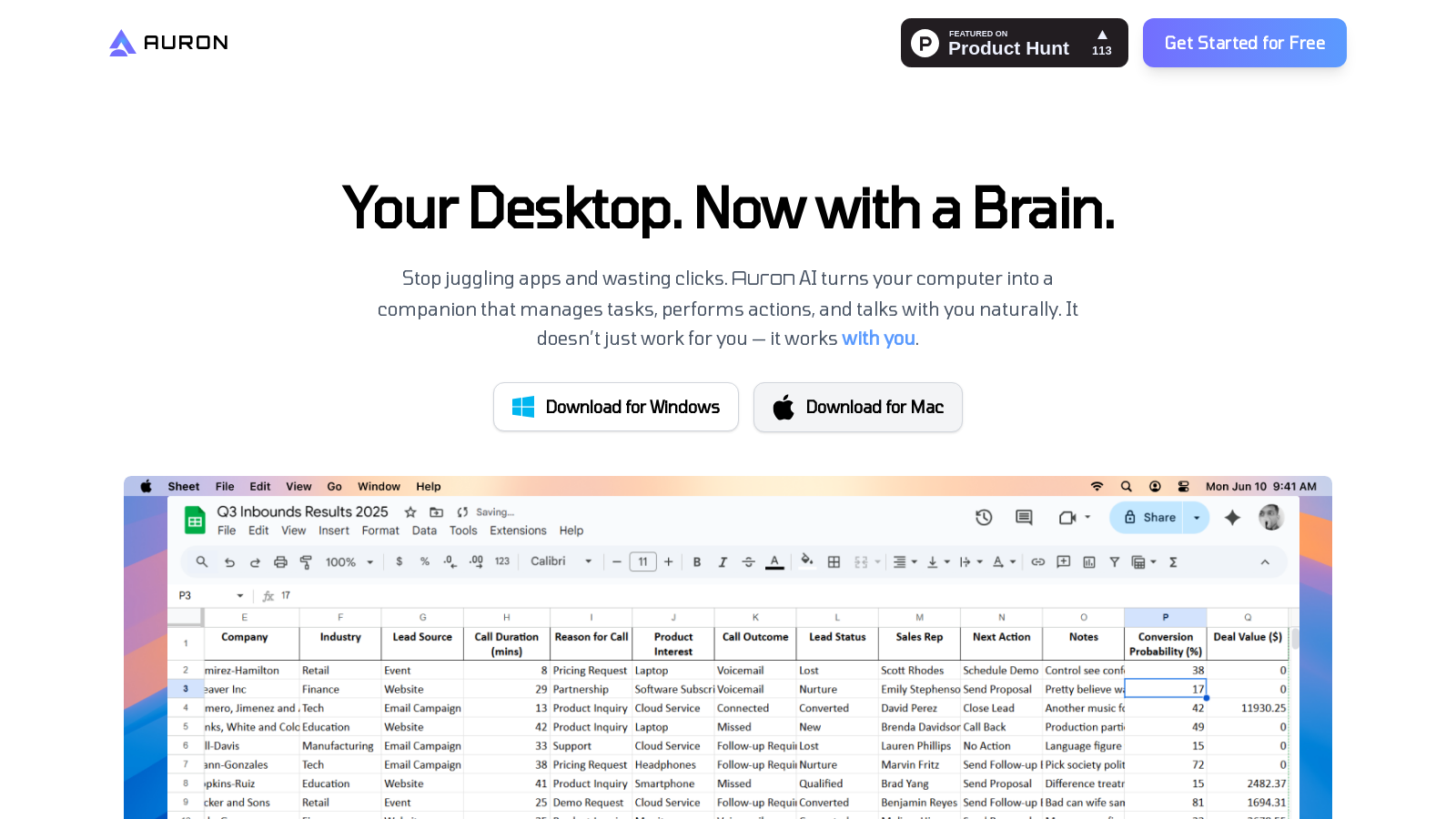
Auron is an innovative tool that transforms your desktop into a smart assistant, designed to enhance your productivity and streamline your tasks. By integrating artificial intelligence, Auron aids users in managing their daily activities with ease and efficiency.
One of the standout features of Auron is its ability to engage in natural language conversations, allowing you to communicate effortlessly. Whether it's issuing commands or asking questions, Auron understands context and responds appropriately. This intelligent interaction not only aids in completing tasks but also creates a conducive working environment where your assistant works alongside you, not just for you.
Key Features of Auron
With a variety of features, Auron proves to be more than just a virtual assistant. It offers:
- Your Device, In Conversation: Auron listens and responds to your inquiries using natural language processing algorithms.
- Smart Reminders & Updates: Keep track of your tasks and stay organized with integrated reminders that sync with your favorite apps.
- Personalized Experience: Tailor Auron to your liking by choosing its name, voice, and personality, making it feel like your own unique assistant.
- Extensible with Plugins: Enhance Auron's functionalities through a marketplace of plugins, allowing for automation and specialized assistance based on your needs.
- On-Screen Assistance: Auron can assist in real-time by understanding what you're working on and offering help with any surface errors or data explanations.
How to Use Auron
Using Auron is straightforward. You can activate its listening feature and start issuing commands verbally or through text. The assistant is designed to understand and execute your commands with precision, making it highly effective for users who frequently juggle multiple tasks.
Auron also incorporates a memory feature, allowing it to remember your previous interactions for a limited time. This capability evolves depending on your subscription plan; the free plan retains memory for a few days, while the Pro plan extends this duration for deeper assistance over time.
Integration & Compatibility
Auron connects seamlessly with popular applications such as Gmail, Google Docs, Notion, and Slack. This integration ensures that all your essential tools work harmoniously, eliminating the need to switch between various platforms.
Privacy and Data Security
Data security is a top priority for Auron. The tool only stores data from the applications you choose to integrate, ensuring that sensitive information remains secure and inaccessible. You will have full control over your data and can manage what is stored through the dashboard at any time.
Plans and Accessibility
Auron is accessible for free, which provides ample features for most users, including voice input restrictions and limited interactions. For those looking for more advanced functionalities, a premium plan is available at a reasonable cost, providing expanded capabilities and features.
Conclusion
As a powerful desktop companion, Auron positions itself as a versatile tool designed to enhance your productivity and streamline daily tasks. It recognizes the importance of not just working for you but collaborating with you to ensure your workflow is as efficient and enjoyable as possible.
Pros & Cons
Pros
- Engages in natural language conversation for intuitive user interaction.
- Offers smart reminders and integrates real-time updates for task management.
- Allows extensive personalization, enabling users to customize voice, name, and skills.
Cons
- Current app integrations are limited, with more promised but not yet available.
Frequently Asked Questions
Auron offers a freemium model with free features available and premium options for advanced functionality.
According to our latest information, this tool does not seem to have a lifetime deal at the moment, unfortunately.
Auron is designed to simplify daily tasks such as replying to emails, organizing reminders, summarizing documents and messages, taking notes during meetings, and providing real-time assistance with queries. Essentially, it acts as a personal assistant, helping you increase productivity and stay organized without the usual hassle of managing multiple apps.
Auron is designed to simplify your daily tasks by acting as a smart personal assistant. It can help you manage reminders, answer queries, summarize documents, and even take notes during meetings. By utilizing natural language processing, Auron listens and responds to your commands seamlessly, making it an effective tool for boosting productivity.
Auron allows significant personalization to fit your style and needs. You can change its name, voice, gender, and tone, and guide it on how to respond based on your preferences. Additionally, you can shape its skill set, choosing how Auron interacts with you—whether with humor or a focus on coding and reasoning.
Auron is committed to protecting your privacy. It stores data only from the apps you choose to integrate and ensures that sensitive information, such as passwords and credit card numbers, is never stored. All data is encrypted, and users have full control via a dashboard that lets them review and delete any stored information at any time.
You can personalize Auron extensively by adjusting its name, voice, gender, and communication style based on your preferences. Additionally, you can shape Auron's skills, such as coding expertise, humor, or reasoning ability, to align with your unique needs and preferences, making it a truly personalized assistant.
Auron features a growing marketplace of plugins that significantly expand its capabilities. These plugins range from automation tools to specialized AI personalities, allowing users to customize their experience and implement features tailored to their workflow and productivity needs.
Currently, Auron integrates with popular applications like Gmail, Google Docs, Notion, Sheets, and Slack. The team is continuously working to expand this list, with future updates including integrations with platforms such as LinkedIn, Telegram, and WhatsApp, allowing for even greater functionality.
Currently, Auron integrates with popular applications such as Gmail, Google Docs, Notion, Sheets, and Slack. The development team is actively adding integrations, including LinkedIn, Telegram, and WhatsApp, to respond to user demand and expand the tool's utility.
Auron helps you stay organized by providing smart reminders and updates from your favorite apps, seamlessly integrating them into your daily workflow. This helps ensure you never miss an important task or notification, allowing you to manage your time efficiently without getting overwhelmed.
Auron takes user data privacy seriously. It only stores information from the apps you choose to integrate, and sensitive data such as passwords and financial information is never stored. All stored data is encrypted, accessible only to you, and can be reviewed or deleted anytime through the user dashboard.
Yes, Auron is designed to mimic human memory by retaining useful information for short periods. For standard users, recent interactions are remembered for about two days. However, Pro plan subscribers benefit from extended memory, enabling Auron to provide more consistent assistance by recalling past interactions and preferences.
Yes, Auron is designed to communicate in natural language and can understand context during interactions. You can ask questions or give simple commands, and Auron will respond accurately, making it easier to get assistance without having to navigate multiple tools or platforms.
Auron's free plan offers a robust set of features, including 30 minutes of voice input per day, unlimited chat access, limited multimodal interactions, full access to the plugin marketplace, and the ability to create up to five personalized characters. This setup allows users to explore Auron's capabilities without upgrading.
Getting started with Auron is straightforward. Users can download the application for either Windows or Mac from the official website. After installation, you can set up your personalized assistant by adjusting its settings, exploring the plugin marketplace, and starting to communicate with it via voice or text inputs.
Auron provides comprehensive support options for users. If you encounter any issues or need assistance, you can refer to the help section on the official website or contact their support team directly. They typically offer FAQs and troubleshooting tips to resolve common concerns effectively.
Auron can significantly enhance your productivity and organization in daily life. Use it to draft email replies, set reminders, summarize essential documents, manage tasks, and take notes during meetings. Essentially, Auron works as a reliable companion that alleviates the burden of multitasking and helps you focus on what truly matters.