













Autosana

AI-driven QA automation for mobile apps, adapting to UI changes and streamlining testing processes.
Autosana.ai
Is this your tool?
Follow for updates & deals
Get alerts for Autosana discounts, feature releases & pricing changes
Similar Tools

BridgeMind
Utilize natural language to generate software code and streamline development workflows with AI support.

JustCopy.ai
Create web applications by describing your idea in plain English, with code generated by AI.

Dynamiq
Platform for developing and managing on-premise Generative AI applications with streamlined tools and compliance.

Opal
Create and share custom AI workflows using natural language without coding.

Director
Automates web tasks using natural language prompts, generating code for users without programming experience.

Autosana Media Gallery

Autosana (review) video
Screenshot of Autosana
What is Autosana?
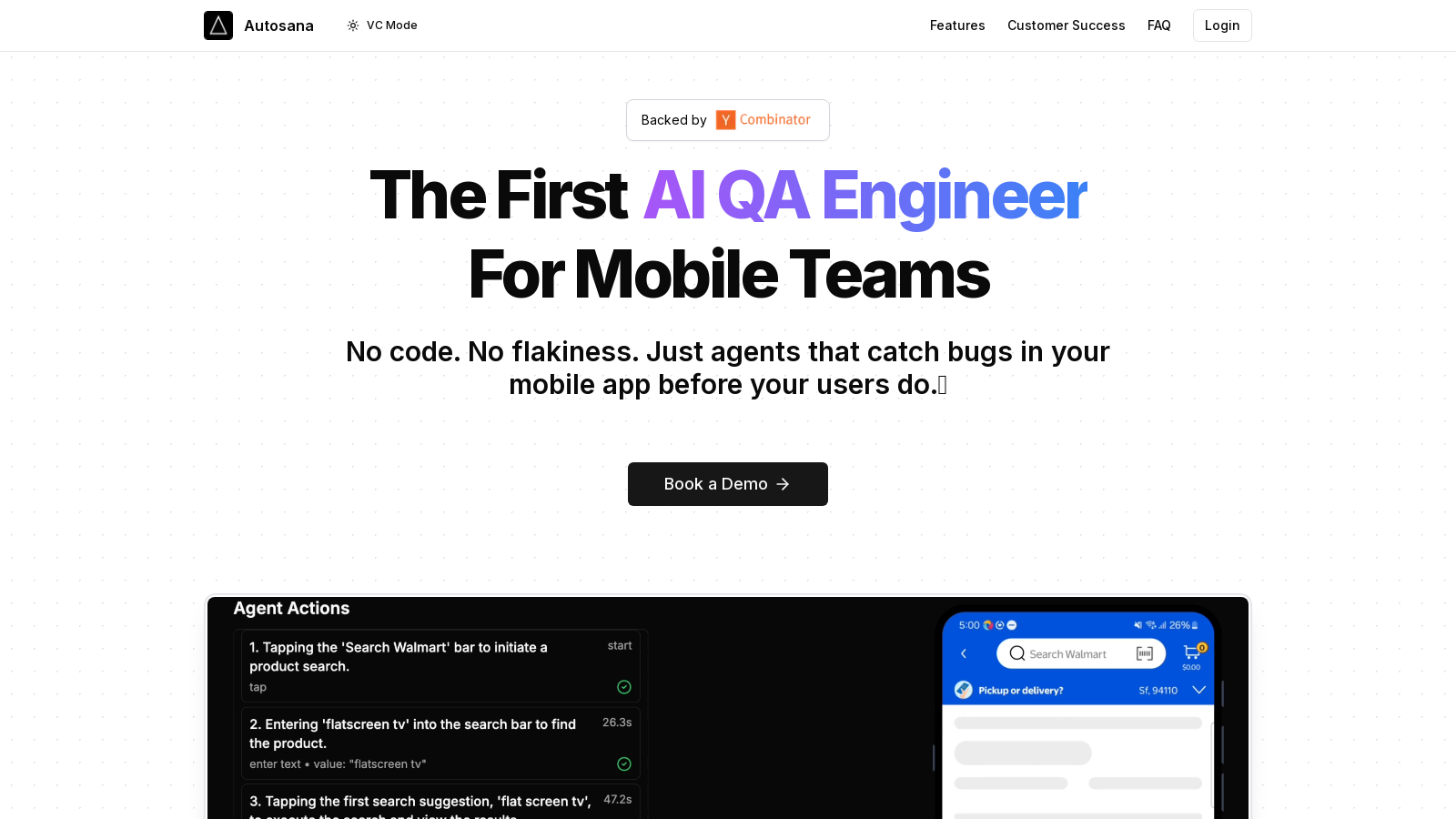
Autosana is an innovative tool designed to streamline the quality assurance (QA) process for mobile applications using artificial intelligence. It offers mobile development teams a no-code solution to automate their testing processes, ensuring high-quality releases without the common hiccups associated with manual testing.
In today's fast-paced mobile environment, frequent updates and quick releases are essential. However, they can lead to bugs and performance issues if not rigorously tested. Autosana addresses this challenge by providing a self-healing testing agent that adapts to changes in the app's user interface, significantly reducing the manual workload required from QA teams.
Key Features of Autosana
Autosana is built on several powerful features that enhance the QA process:
- Self-Healing Tests: The agents employed by Autosana evolve alongside the app. When there are UI changes, agents automatically adapt, resulting in less time spent on maintaining brittle tests.
- Session Replay: Each test run is recorded, providing a visual verification of the results. This feature enables teams to view exactly what the agent encountered during testing, providing valuable insights into potential issues.
- Universal Framework Support: The tool supports all mobile frameworks, including popular options like Flutter, React Native, Swift, and Kotlin, making it usable for virtually any mobile app development project.
- CI/CD Integration: Autosana allows for a one-click setup into the continuous integration and continuous deployment (CI/CD) pipelines, enabling automatic uploads of new builds and execution of tests.
- Automated Runs: The tool can schedule tests to run based on automated triggers to catch bugs early in the development cycle. Reports on the findings can be seen via email or Slack, keeping teams updated in real-time.
How it Works
Getting started with Autosana is straightforward. Users can upload an .app or .apk file and describe the desired test flow, allowing them to commence testing in under a minute. The system is designed for users who are not technical experts, eliminating the need for coding skills.
Autosana does not offer a free trial. Still, it provides a 30-day money-back guarantee, allowing potential users to try the service without financial risk. The pricing starts at $500 per month, scaling based on usage, with discounts available for higher volume use cases.
Benefits of Using Autosana
By utilizing Autosana, mobile teams can significantly reduce the manual workload involved in QA, allowing for more focus on development. The automation capabilities ensure that apps are thoroughly tested for performance and reliability, ultimately leading to enhanced user satisfaction and retention.
Who Can Benefit?
Any mobile development team looking to improve their QA process can benefit from Autosana. It is particularly advantageous for teams that deliver frequent updates or those who wish to automate regression testing.
Pros & Cons
Pros
- Self-healing tests automatically adapt to UI changes, reducing maintenance effort.
- Supports all major mobile frameworks, providing flexibility for development teams.
- Integrates easily with CI/CD pipelines, enhancing automation in testing processes.
Cons
- No free trial is available, but a money-back guarantee is offered.
Frequently Asked Questions
We have no pricing information available now, so please check the Autosana's website.
According to our latest information, this tool does not seem to have a lifetime deal at the moment, unfortunately.
Autosana provides several unique features that enhance mobile quality assurance, including self-healing tests that adapt to UI changes, session replay for visual verification of test results, and universal support for mobile frameworks such as Flutter, React Native, Swift, and Kotlin. Additionally, it integrates seamlessly with CI/CD pipelines for automated testing and reporting, allowing teams to catch bugs early in the development process.
Getting started with Autosana is simple! You can run your first test flow in under a minute by uploading your .app or .apk file and describing the test flow. Once set up, Autosana's agents will begin running the tests, providing reports and execution replays for your review.
Yes, Autosana is designed to automatically adapt to UI changes, leveraging what they call 'self-healing' capabilities. This means if your app undergoes visual changes, the agents can adjust accordingly without the need for extensive manual rewriting of your test flows. However, the extent of adaptability may depend on how specific your original tests are.
Autosana supports both iOS and Android platforms, including iPads. It is framework-agnostic, meaning it works with any mobile framework, such as Flutter, React Native, Swift, Kotlin, Xamarin, and more, making it versatile across different development environments.
Autosana integrates easily with your CI/CD pipeline, enabling one-click setup for automatic uploads of new builds and test execution. This can be configured to run tests based on specified triggers, such as nightly builds, so your team can ensure consistent quality throughout the development lifecycle.
Autosana provides comprehensive alerting systems that send test run reports directly via email or Slack. These reports include details on bugs found, session replays, and overall test performance, ensuring your team is well-informed about the application's status and any issues that need to be addressed.
No programming skills are required to use Autosana. The only language you need to know is English, making it accessible for users without a technical background. This allows teams to focus on quality assurance without requiring extensive coding knowledge.
Autosana supports the use of setup and teardown scripts, allowing users to make API calls before and after their test flows run. This functionality is handy for preparing your test environment or cleaning up afterwards, ensuring that your QA processes are as robust and flexible as your application.



