Browser Use

Automate web task management, including sessions and files, with user-friendly browser automation features.
Browser-use.com
Is this your tool?
Follow for updates & deals
Get alerts for Browser Use discounts, feature releases & pricing changes
Similar Tools

Kimi K2 AI
An open-source chatbot platform designed for efficient task automation and advanced AI solutions.

Cline
AI assistant for VS Code that plans and implements complex coding tasks while enhancing productivity.

LangChain
A framework for building and deploying applications powered by large language models.

Qwen3-Coder
A code model that enhances coding tasks through agentic interactions and extensive context handling.

gpt-engineer
Generate code by specifying software requirements in natural language for various projects.

Browser Use Media Gallery

Browser Use (review) video
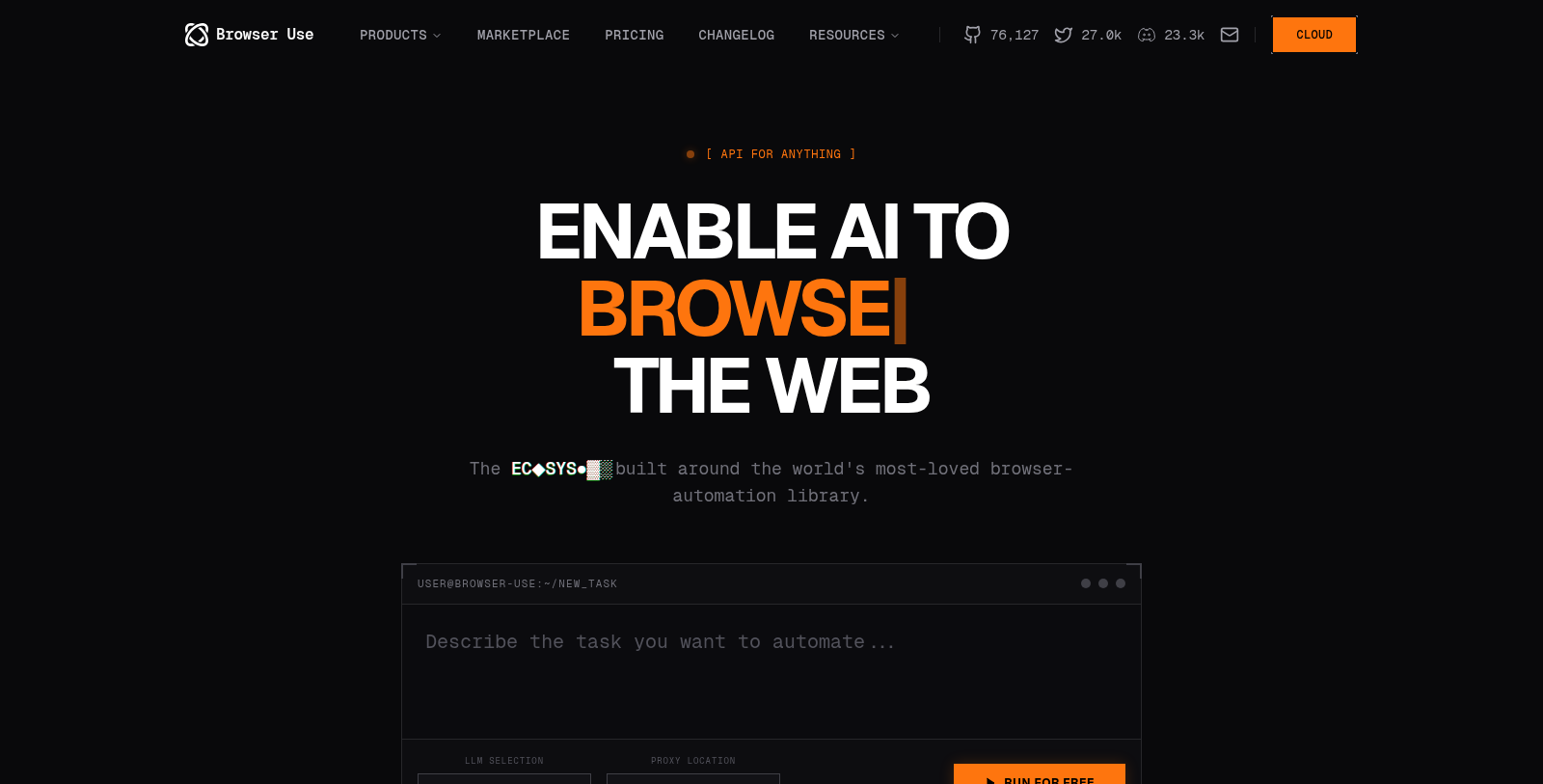
Screenshot of Browser Use
What is Browser Use?
Browser Use is a cutting-edge platform that leverages the power of AI to automate web tasks with unprecedented efficiency. Built on a robust browser-automation library, it enables users to manage web interactions seamlessly. A wide range of teams trusts this tool and has seen over 10 million downloads, establishing a strong presence in the web agent ecosystem.
The platform features a variety of LLM selection options, including a proprietary Browser Use LLM designed to optimize task execution. Users can easily integrate this tool into their projects by utilizing the SDK available in languages such as Python and TypeScript.
Auto-Management Features
One of the standout attributes of Browser Use is its full-service management capabilities. The platform automates essential tasks such as sessions, files, cookies, and downloads while employing advanced stealth modes to bypass CAPTCHA and remain authenticated during web interactions. This makes it ideal for developers looking to run multiple tasks with minimal overhead.
Scalability and Pricing
Browser Use offers pricing options to suit different user needs. The 'Pay As You Go' plan allows users to purchase credits without a long-term commitment. At the same time, the 'Business' and 'Scaleup' subscriptions offer additional benefits tailored for teams with higher volume transactions. This flexibility ensures that every level of user can find a suitable fit for their operational scale.
Community and Support
With a thriving community backing the software, users have access to resources, discussions, and shared ideas that encourage innovation and learning. The platform does not just serve individual users; it creates an environment where ideas can develop into significant implementations. Active support, including priority channels for business users, further enhances the experience.
Threat Intelligence
Browser Use also includes features tailored for security, such as persistent profiles that allow users to maintain logged-in sessions across various websites. This capability, combined with a global proxy network, ensures that users can bypass strict geographical restrictions and operate smoothly across the web.
In conclusion, Browser Use is not just a tool; it is an ecosystem that empowers developers to automate their workflows efficiently while taking advantage of advanced AI functionalities. Its robust infrastructure, comprehensive support, and innovative features make it a prominent choice for anyone looking to streamline their browser-based tasks in a rapidly evolving technological landscape.
Pros & Cons
Pros
- Features a robust API for seamless automation across various web tasks.
- Offers fast execution and optimized models, boosting performance up to 6x.
- Provides persistent profiles and automated captcha bypass for smoother browsing.
Cons
- Requires users to manage complex sessions and browser setups if not using the managed service.
Frequently Asked Questions
We have no pricing information available now, so please check the Browser Use's website.
According to our latest information, this tool does not seem to have a lifetime deal at the moment, unfortunately.
Browser Use features a Stealth Mode that automatically bypasses CAPTCHA and anti-bot systems. This means that when you automate tasks that involve logging into or interacting with websites known for their stringent security measures, Browser Use manages the complexities, allowing you to focus on the task at hand without manual intervention.
Browser Use supports multiple programming languages, including Python and TypeScript. The SDK for both languages provides a type-safe experience with full autocompletion, making it easier for developers to integrate Browser Use into their projects. This versatility accommodates a wide range of developer preferences and use cases.
Yes, Browser Use allows you to run multiple tasks concurrently based on your subscription plan. For example, the Pay As You Go plan supports up to 3 concurrent sessions, while the Business plan supports up to 250 concurrent sessions. This scalability enables teams to manage high workloads efficiently.
To get started with Browser Use, follow these steps: First, install the SDK via pip by running `$ pip install browser-use-sdk`. Next, obtain your API key from the Browser Use cloud platform. Finally, you can begin building your automation scripts using the SDK, starting with creating tasks and managing sessions effortlessly.
Browser Use offers flexible pricing plans tailored to different needs. The Pay As You Go model charges? per GB of proxy data and ?.06 per hour for browser sessions. Business and Scaleup plans offer reduced rates for proxy data and session costs, helping teams optimize costs as they scale their automation workflows.
Yes, Browser Use is fully compatible with the open-source library, making it easier for developers to integrate their existing solutions with Browser Use's automation features. This compatibility helps users leverage the strengths of both the open-source ecosystem and Browser Use's advanced capabilities.
Browser Use guarantees performance through its cloud-managed infrastructure, which includes features like automatic updates, persistent profiles, and scalable resources. The platform is designed to handle a wide range of tasks efficiently, scaling to millions of requests without requiring users to manage individual servers or browser instances.
Absolutely! Browser Use has an active community across various platforms such as Discord and GitHub, where users can ask questions, share use cases, and find inspiration. Additionally, the documentation provides comprehensive guides and support to help users maximize their experience with the tool.