













Celly

Automates microscopy workflows using an iPhone-based digital slide scanning solution
Celly.ai
Is this your tool?
Follow for updates & deals
Get alerts for Celly discounts, feature releases & pricing changes
Similar Tools

Clarify
An AI-native CRM that automates sales tasks and provides data-driven insights for effective relationship management.

Search Atlas
Automates SEO tasks for agencies and brands, enhancing organic traffic and sales with advanced tools.

Plotch.ai
Create and oversee AI agents for workflow automation in enterprise settings.

Gretel
Generate synthetic datasets for AI applications while ensuring data privacy and compliance.

Moonshot AI
Automatic conversion rate optimization for e-commerce

Celly Media Gallery

Celly (review) video
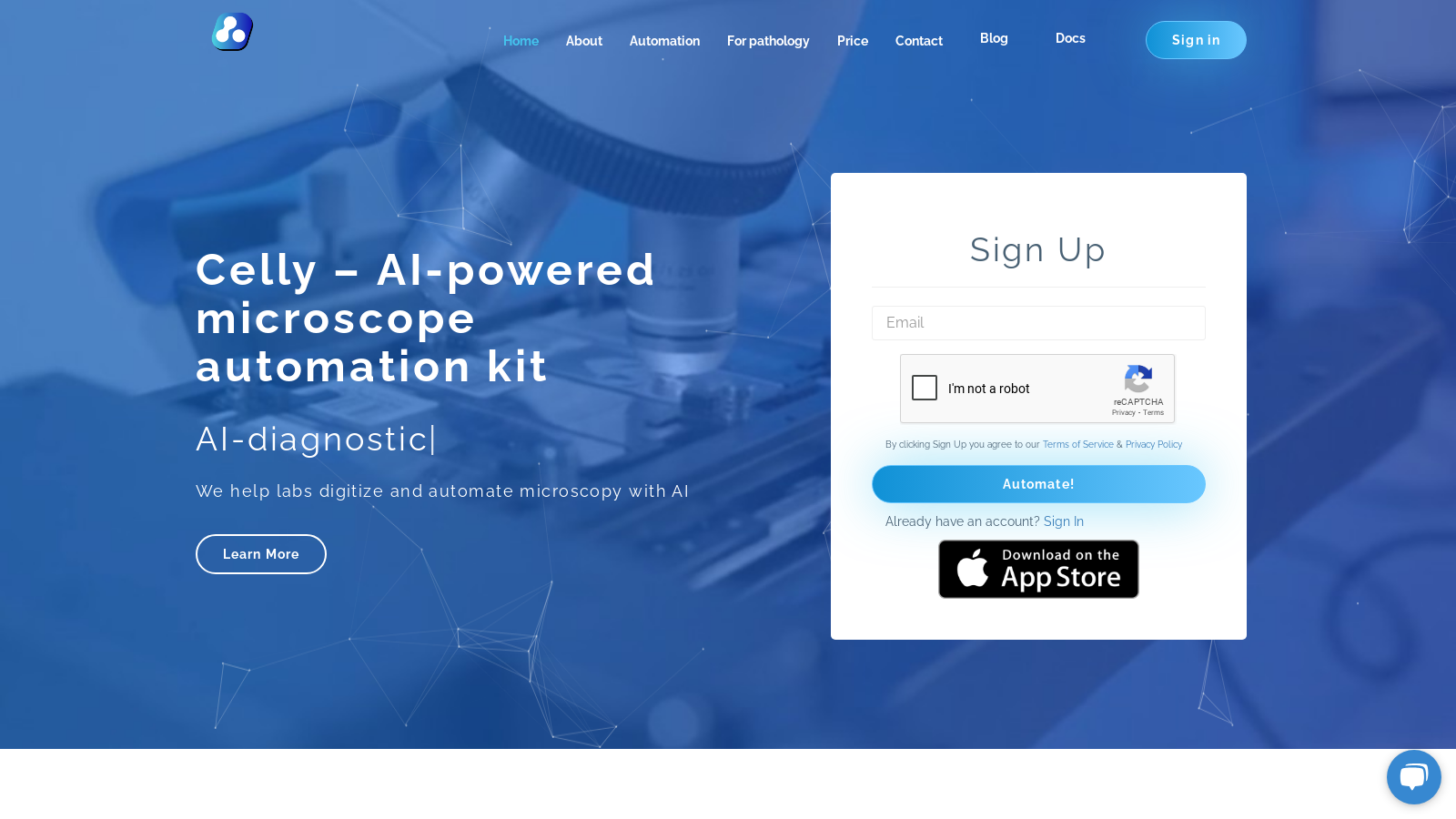
Screenshot of Celly
What is Celly?
Celly is an innovative AI-powered microscope automation kit designed to transform traditional microscopy into a seamless digital slide scanning experience. This state-of-the-art solution converts your microscope into a powerful diagnostic platform using just an iPhone. By leveraging advanced AI capabilities, labs can not only digitize but also automate their microscopic workflows, improving both accuracy and efficiency.
Automation and Digitization
The primary goal of Celly is to offload routine pathology tasks from highly skilled pathologists to the AI system, allowing these professionals to focus on interpreting results rather than conducting manual counts. The system supports a diverse range of tests, including automated white blood cell (WBC) differential counts, malaria parasite identification, and cervical cancer screenings. By automating these tasks, Celly enhances the workflow within laboratories, significantly increasing throughput while reducing errors and fatigue caused by repetitive tasks.
How It Works
Using the Celly app, users can perform comprehensive whole slide scans by simply attaching their iPhone to the eyepiece of a microscope. The app utilizes AI technology to analyze the slides instantly, providing pathologists with real-time results for validation. All analytical results can be accessed online, ensuring pathologists remain integral to the diagnostic process while benefiting from the swift capabilities of AI.
Supported Tests and Features
Celly supports various tests, including hematology where it performs automated WBC differential counts, malaria testing with rapid parasite detection and quantification, and pap smear analysis with integrated Bethesda classification (currently in beta). The tool also extends its capabilities to veterinary applications, allowing for the analysis of canine and feline blood smears. One standout feature of Celly is its ability to store digitized slides in the cloud, making them readily accessible for education, telemedicine, and collaboration with colleagues globally.
Installation and Configuration
Installing Celly is a straightforward process. The primary components include the Celly app, a compatible optical adapter for microscope attachment, and optional motorized stages for enhanced automation. The app is available for free download on the App Store, allowing users to start utilizing it for non-commercial applications without upfront costs. This ease of setup ensures that labs can quickly adapt this technology into their existing workflows with minimal disruption.
Pricing Plans
Celly operates on a freemium model. The basic app is available free of charge, offering limited usage that includes 10GB of cloud storage and the ability to perform 15 tests per day. For users seeking more comprehensive features, multiple subscription plans are available. The Standard plan provides enhanced functionalities such as 1TB of storage and the capacity to conduct 80 tests per day for approximately NULL per month. Additionally, larger institutions can opt for an Enterprise package, which allows for customizable options, unlimited tests, and dedicated support.
Quality and Support
Celly emphasizes quality control within its system. The AI algorithms are developed and validated using data from professional pathologists, ensuring high diagnostic precision. All users have access to dedicated support channels, further enhancing the reliability and user experience of the platform. With Celly, laboratories can maintain the highest diagnostic standards while embracing the future of AI-assisted pathology.
In conclusion, Celly emerges as a transformative solution for laboratories looking to modernize their microscopy processes with AI automation. Its commitment to facilitating telepathology, enhancing education, and providing a user-friendly interface positions it at the forefront of medical diagnostics.
Pros & Cons
Pros
- Transforms traditional microscopes into digital slide scanners using an iPhone.
- AI provides real-time analysis, allowing pathologists to focus on validation.
- Supports multiple pathology tests and facilitates remote consultations and education.
Cons
- Compatibility is limited to iPhone models and specific optical adapters.
Frequently Asked Questions
Celly is free to start, with paid plans from 0 to 199 USD per month.
According to our latest information, this tool does not seem to have a lifetime deal at the moment, unfortunately.
Celly supports several automated microscopy tests, including WBC differential counts for blood and bone marrow smears, malaria detection and counting in both thick and thin films, and automated cervical cancer screenings via Pap Smear. Additionally, it is designed for veterinary applications, analyzing canine and feline smears. There are also plans to expand into trials for urine, semen, stool, microbiology, and histopathology; please get in touch with them for participation details.
To connect Celly to your microscope, start by downloading the Celly app from the App Store. You'll need an optical adapter, which is compatible with approximately 99% of lab microscopes. Once you have the adapter, attach your iPhone to the microscope's eyepiece. The app will guide you through the setup, including turning on the light and focusing the lens, before you start your analysis. Ensure you select the appropriate configuration for the tests you intend to run.
Celly requires an iPhone model with iOS version 13 or higher, specifically iPhone 8 or newer. You will also need an adapter to connect the phone to your microscope, which is not provided with the kit. Ensure that your microscope is compatible with the adapter you choose, as compatibility is essential for optimal usage.
Absolutely! Celly allows you to share your slide scans and results with colleagues in real-time. This feature is particularly beneficial for telepathology consultations and educational purposes, enabling remote team members to collaborate and review data effectively. Invite your colleagues to access shared slides and results through the platform.
Once a test is completed, results can be reviewed on the Celly website. Users need to log in, navigate to the Tests page, and click the View button to access the report. The Celly app automatically captures multiple snapshots during the test, and you can review these images, correct any cell classifications, and approve the results before downloading the final report in PDF format.
To ensure high-quality image capture, the adapter must fit snugly with the microscope eyepiece to prevent shadows at the image borders. The app also offers manual white balance adjustments via app settings. It's recommended to perform this function using a gray card to achieve optimal lighting and clarity in your scans.
Yes, Celly supports integration with laboratory information systems (LIS). This functionality allows you to manage your data, streamline testing processes, and collaborate more efficiently with your team. For specific instructions on setting up LIS integration, please refer to the documentation provided in the Celly app or on their website.
Celly offers support through email and its website. Users can contact support at hello@celly.ai with any questions or troubleshooting needs. Additionally, the Celly documentation provides comprehensive guides and FAQs to help users get started, troubleshoot common issues, and effectively utilize the app's features.



