ChatPRD

AI tool for product managers to create, refine, and share product documents efficiently.
Chatprd.ai
Is this your tool?
Follow for updates & deals
Get alerts for ChatPRD discounts, feature releases & pricing changes
Similar Tools
Context Link
Share personal links with AI for contextual understanding of your existing content
Emissary
Automates SMS communications for recruiters, enhancing candidate engagement and streamlining recruitment workflows.

Sana
Create AI agents that automate tasks and integrate with your company’s knowledge base.
Tasklet
Automate routine business tasks with AI agents that integrate with various applications.
Craft
Create, organize, and share documents with a flexible block-based system across all devices.

ChatPRD Media Gallery

ChatPRD (review) video
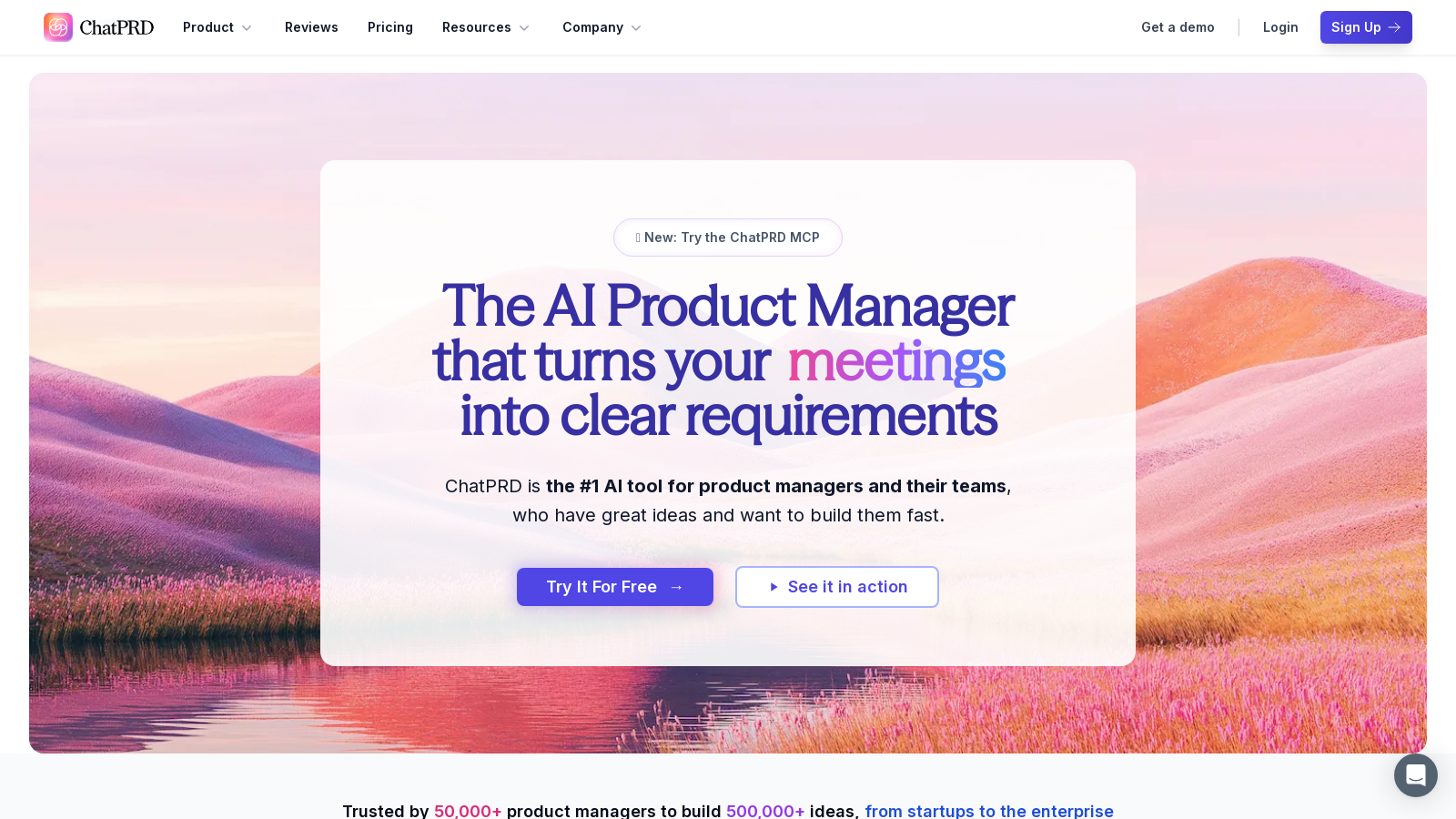
Screenshot of ChatPRD
What is ChatPRD?
ChatPRD is the leading AI platform designed specifically for product managers and their teams, allowing users to create, refine, and share exceptional product documents quickly. With over 50,000 product managers using ChatPRD to build more than 500,000 ideas, the platform has become a trusted tool in both startups and enterprise environments.
One of the key features of ChatPRD is its advanced AI documentation capabilities. Users can transform their rough ideas into comprehensive PRDs (Product Requirement Documents), user stories, and technical specifications in just a few minutes. This is facilitated by AI that possesses a deep understanding of the nuances of product management. This capability significantly reduces document creation time, allowing product managers to focus on strategic tasks rather than getting bogged down in the writing process.
Workflow Integrations
ChatPRD easily integrates with popular tools that teams already use, such as Slack, Notion, Linear, and Google Drive. This flexibility ensures that product managers can incorporate ChatPRD into their existing workflows without disruption. The platform also allows users to connect directly to their Integrated Development Environment (IDE) or AI desktop applications, offering enhanced utility and versatility.
Team Collaboration
Collaboration is a cornerstone of product development, and ChatPRD excels in this area. It offers real-time collaboration features, allowing team members to share documents, gather feedback, and work together seamlessly to iterate on their projects. This ensures that all stakeholders are aligned and can contribute meaningfully to the product development process.
Instant Product Coaching
Beyond mere documentation, ChatPRD acts as an intelligent coach, reviewing user documents like a Chief Product Officer (CPO). It identifies gaps, suggests improvements, and aids users in crafting high-quality product narratives. This AI capability empowers junior product managers, designers, and engineers to make informed product decisions autonomously.
Security and Privacy
ChatPRD places a strong emphasis on data security and user privacy. The platform complies with SOC 2 Type II standards, ensuring that all data is securely encrypted and private. Users can trust that their ideas are not only protected but also kept confidential, as ChatPRD does not share or utilize their data for any external purposes.
Affordable Pricing
For just NULL per month, ChatPRD offers an accessible pricing model that benefits everyone from engineers to Chief Product Officers. With a freemium model that enables users to begin for free, teams can then opt for more advanced features as needed. This affordability makes it easy for teams to leverage the power of advanced AI tools to enhance their productivity and product management skills.
Conclusion
In summary, ChatPRD is not just an AI tool; it is a comprehensive platform that empowers product teams to create better documents faster, collaborate efficiently, and innovate effectively. With its rich feature set, deep integrations, and a strong focus on user security and privacy, ChatPRD is the go-to choice for product managers looking to elevate their game.
Pros & Cons
Pros
- Transforms ideas into comprehensive PRDs and user stories quickly with AI.
- Integrates seamlessly with popular tools like Notion, Slack, and Google Drive.
- Offers real-time collaboration features, ensuring team alignment on product decisions.
Cons
- Limited mention of customization options beyond existing templates.
Frequently Asked Questions
ChatPRD is free to start, with paid plans from 5 to 5 USD per month.
According to our latest information, this tool does not seem to have a lifetime deal at the moment, unfortunately.
ChatPRD seamlessly integrates with popular workflow tools like Slack, Notion, Google Drive, and Linear, allowing you to push PRDs, sync documents, and communicate with your team without switching platforms. Furthermore, with the Model Context Protocol (MCP), you can connect ChatPRD directly to your development environment, such as VS Code, Cursor, and Claude Desktop, for a streamlined workflow.
To maximize your productivity with ChatPRD, utilize templates tailored to specific needs such as PRDs, design specs, and release plans. Set up your profile to reflect your role and preferences, ensuring that ChatPRD provides personalized recommendations. Moreover, leverage the integration capabilities with tools you already use to access and collaborate on documents in real-time.
ChatPRD enables you to create a variety of documents essential for product management, including Product Requirement Documents (PRDs), user stories, technical specifications, design documents, and release plans. With its AI capabilities, you can also enhance and refine existing documents by receiving feedback and suggestions tailored to your specific needs.
Yes, ChatPRD includes robust team collaboration features. Users can share documents, gather feedback, and iterate on content in real-time. Teams using a Pro, Team, or Enterprise plan can access centralized billing, shared templates, and collaborative chat functionalities, ensuring that everyone remains aligned on product developments.
ChatPRD prioritizes user data privacy and complies with SOC 2 Type II standards. Your information is never used to train AI models and is kept private, with enterprise encryption and strict access controls. ChatPRD's systems are designed to secure your data during storage and transmission, ensuring compliance with global privacy regulations, including the GDPR and CCPA.
The Model Context Protocol (MCP) enables users to integrate ChatPRD directly into their development environments, such as VS Code and Cursor. This integration streamlines access to ChatPRD's functionalities, allowing users to create, manage, and reference PRDs and other documents without leaving their IDE, thus eliminating context switching and improving workflow efficiency.
If you experience issues while using ChatPRD, you can reach out to customer support through the chat feature on the website or by emailing support at hello@chatprd.ai. Additionally, you can access resources and documentation available on the ChatPRD site to troubleshoot common problems and learn more about the tool's features.
Yes, users on Pro, Team, or Enterprise plans are allowed to create custom templates in ChatPRD. You can modify existing templates to fit your workflow and even share them organization-wide. This flexibility enables you to standardize documentation processes across your team, ensuring consistency and clarity in your product documentation.