Clarify

An AI-native CRM that automates sales tasks and provides data-driven insights for effective relationship management.
Clarify.ai
Category
Type
Tags
Pricing Model
Is this your tool?
Follow for updates & deals
Get alerts for Clarify discounts, feature releases & pricing changes
Similar Tools

Respona
Streamline your outreach efforts and manage link building campaigns effectively.

Promptfoo
Evaluate and secure large language model applications with an open-source command-line interface.

Smartlead
Efficiently automate cold email outreach with features like unlimited mailboxes and AI-driven warmups.

BrowserAct
Extract and organize web data effortlessly with no coding required from any site.

Firecrawl
An API for efficiently scraping and structuring web data tailored for AI applications.

Clarify Media Gallery

Clarify (review) video
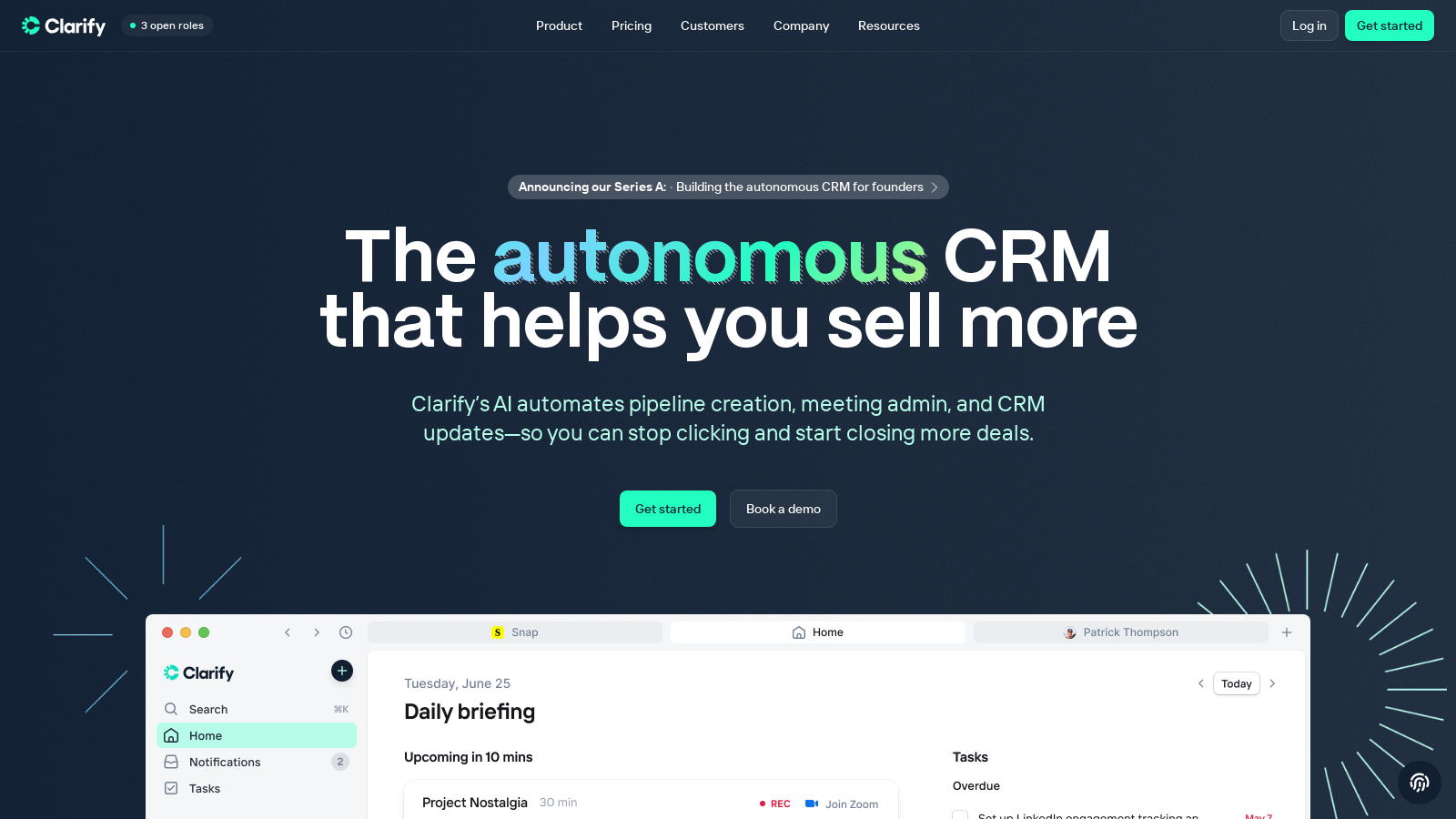
Screenshot of Clarify
What is Clarify?
Clarify is an innovative AI-native Customer Relationship Management (CRM) platform designed to help modern businesses sell more efficiently by unifying customer data, automating tedious tasks, and delivering actionable insights. With a strong focus on enhancing the sales process, the platform allows users to concentrate on building relationships and strategizing for growth while streamlining administrative burdens traditionally associated with CRM systems.
The mission of Clarify is to revolutionize customer relationship management by providing an autonomous experience that minimizes the busywork that often traps sales teams in administrative tasks. This optimizes the sales workflow by automating functions like data entry, meeting administration, and CRM updates, thereby allowing salespeople to focus on what really matters: closing deals.
Key Features of Clarify
At the heart of Clarify is a robust suite of features tailored to support various aspects of the sales process:
- Automated Pipeline Management: Clarify streamlines pipeline management by automatically tracking emails, meetings, and interactions, equipping users with a comprehensive view of their sales pipeline without the need for manual inputs.
- AI-Driven Insights: Utilizing advanced machine learning algorithms, Clarify generates predictive insights that help sales teams prioritize leads effectively and manage follow-ups seamlessly, enhancing engagement with potential clients.
- Flexible Workflows: Users can create customizable workflows to suit the unique needs of their teams. This flexibility supports efficient management of tasks, alerts, and reporting, facilitating better collaboration and faster decision-making.
- Email and Calendar Integration: Users can effortlessly synchronize emails and calendars with Clarify, ensuring streamlined communication and enabling direct follow-ups from within the CRM.
- Custom Fields: The platform's capability for creating custom fields empowers businesses to tailor the CRM experience to meet their specific data management requirements.
- Meeting & Deal Intelligence: Clarify captures every signal across the customer journey by auto-generating summaries and insights from calls and meetings, thereby providing context that drives meaningful actions.
Pricing Structure
Clarify's pricing model is designed to cater to a diverse range of users, from startups to scaling businesses. The platform offers a Free plan for small teams that allows unlimited seats with a cap of 2,500 credits per month. This plan resets each month, ensuring that users only pay for the actual work done rather than user seats. The Starter plan, priced at NULL per month, increases the available credits to 5,000 monthly, suitable for growing businesses. For those needing more flexibility, custom plans are available, offering tailored credit packages and additional support features.
A Unified CRM Experience
Clarify emphasizes the importance of consolidating customer data to eliminate common challenges faced by sales teams, such as disjointed tools and fragmented information. By harnessing AI to unify data sources and enhance workflows, the platform fosters a more intuitive and efficient sales environment. Users have commended Clarify for its clean design and user-friendly interface, which promote higher productivity levels while reducing the burden of administrative tasks.
Integration Capabilities
Seamless integration with commonly used tools—such as Google and Microsoft calendars, and Zapier—ensures that Clarify fits effortlessly into users' existing workflows. This capability allows for a cohesive ecosystem of applications designed to support enhanced collaboration and data management.
Future Developments
Recent updates, including features like email sending directly from Clarify and improved task management, highlight the platform's commitment to continuous improvement. Future developments are focused on additional innovative capabilities such as automated follow-up sequences and enhanced LinkedIn integration, paving the way for a more comprehensive revenue operations tool.
In conclusion, Clarify is not just another CRM; it signifies a transformation in how modern companies should manage their customer relationships. By leveraging the power of AI and automation, it provides a powerful solution for organizations eager to optimize their sales strategies and enhance performance.
Pros & Cons
Pros
- AI automates pipeline creation, meeting management, and CRM updates for increased efficiency.
- Integrates various tools into a unified system, reducing the need to switch platforms.
- Provides actionable insights with auto-tracking of conversations and lead enrichment.
Frequently Asked Questions
Clarify is available at no cost.
According to our latest information, this tool does not seem to have a lifetime deal at the moment, unfortunately.
Clarify provides a comprehensive suite of CRM features designed to streamline sales processes. Key features include automatic pipeline creation, auto-tracking of emails and meetings, contact enrichment, and the ability to generate follow-up emails and meeting summaries automatically. Additionally, it offers reporting tools and customizable fields to fit your team's needs, ensuring you maintain a clear and organized pipeline while saving time on manual tasks.
Clarify supports integration with several popular tools through its API and other methods. Current integrations include Google and Microsoft for email and calendar syncing, as well as platforms like Zapier and Hubspot, allowing you to connect with over 7,000 other applications. This can help you automate workflows and maintain a unified customer data system, enhancing your productivity without needing to switch between multiple tools.
Getting started with Clarify is straightforward. You can sign up for free and begin using the platform immediately, requiring no prior sales call. Once you're in, you'll need to sync your email and calendar accounts to allow for automatic data population. The platform also provides an introductory guide to help you navigate its features, ensuring you're set up to start maximizing your sales efforts quickly.
The free plan of Clarify does come with certain limitations. It allows unlimited seats but restricts users to a maximum of 2,500 credits per month. These credits are consumed by the AI's activities on your behalf, such as creating and updating records. If your usage exceeds this limit, you may need to consider upgrading to one of the paid plans, which offer expanded credits and additional features.
To get the most out of Clarify, start by fully integrating your existing tools for streamlined data management. Utilize the automatic meeting summaries and task generation features to minimize manual work. Make sure to regularly review the performance dashboards to identify growth opportunities and risks. Also, take advantage of the flexible workflows that can be customized according to your team's specific needs – this personalization will help enhance your efficiency.
Clarify prioritizes security by implementing multiple layers of protection for customer data. All information is stored on AWS infrastructure, encrypted both in transit and at rest. Access controls include multi-factor authentication and a strict role-based access policy to ensure that only essential personnel can access sensitive data. Clarify is also SOC 2 Type I compliant, reflecting their commitment to maintaining high security standards.
Clarify offers robust support options for its users. Existing customers can reach out via their shared Slack channel or email at support@clarify.ai. The support team aims for prompt responses, typically within 24 hours during US business hours. Users also have access to detailed documentation that can help troubleshoot issues and optimize their experience with the platform.
Yes, Clarify is designed to enhance outbound sales efforts. It provides features like lead enrichment, automated follow-up sequences, and insights based on past interactions. These tools can help sales teams operate more efficiently by ensuring that they have the proper context and information at their fingertips, ultimately increasing the chances of closing more deals.