Claude Chrome Extension

Automates tasks and manages workflows directly within your browser for enhanced productivity.
Google.com
Is this your tool?
Follow for updates & deals
Get alerts for Claude Chrome Extension discounts, feature releases & pricing changes
Similar Tools

Roo Code
AI assistant for Visual Studio Code that enhances coding, refactoring, and debugging with project-wide context.

Warp
AI-powered development environment that integrates agents for efficient coding, debugging, and deployment.

Zencoder
Automates coding tasks and enhances collaboration for developers with customizable AI agents.

Zenflow
Automates software development workflows with AI-driven orchestration and built-in code verification.

Blink
Research code and collaborate within Slack for seamless team interactions and efficient project management.

Claude Chrome Extension Media Gallery

Claude Chrome Extension (review) video
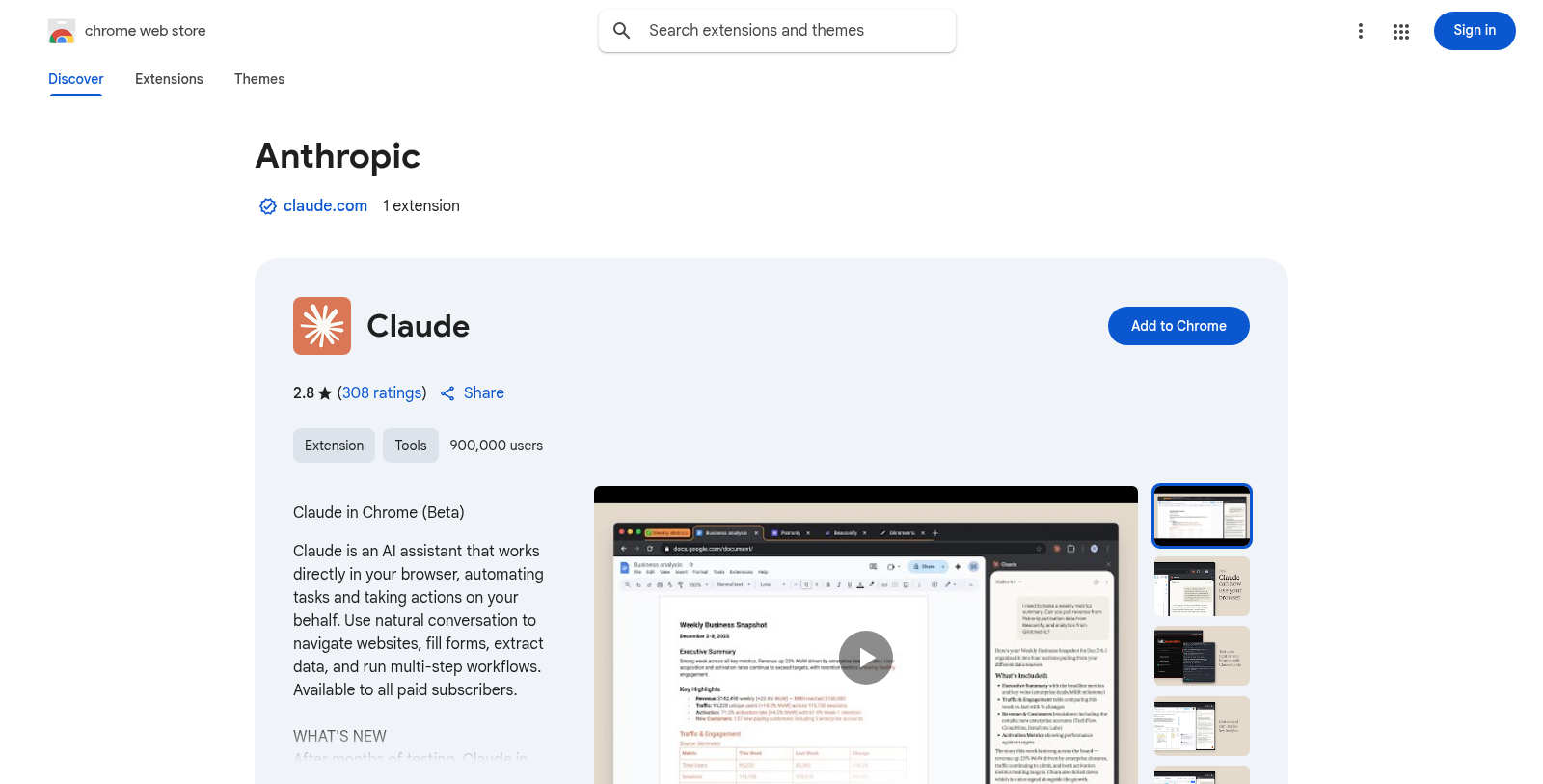
Screenshot of Claude Chrome Extension
What is Claude Chrome Extension?
Claude is an AI assistant developed by Anthropic that facilitates a diverse range of tasks within your browser. Initially launched in beta, Claude has quickly made a mark among its users by offering powerful features aimed at enhancing productivity and automating routine functions.
Introduction to Claude
With Claude, users can interact in natural language directly in their browser, making it intuitive and user-friendly. Claude can assist with navigating websites, completing forms, extracting valuable data, and managing workflows that require multiple steps. By seamlessly integrating into your browsing experience, Claude transforms how you approach online tasks, simplifies your workload, and improves efficiency.
Notable Features
Automation Capabilities
One of the standout features of Claude is its ability to automate repetitive tasks. Users can teach Claude workflows through simple interactions. For instance, once a workflow is recorded, Claude can automatically manage it going forward, saving valuable time.
Multi-Tab Management
Claude extends its capabilities beyond single tabs; it can handle tasks spread across multiple tabs simultaneously. This feature is handy for users who engage in complex browsing sessions that require managing multiple information sources simultaneously.
Development Integration
For developers, Claude offers features such as the integration of Claude Code, enabling a build-test-fix loop within the browser. Developers can design and verify their work using Claude, ensuring efficiency and accuracy. Moreover, the live debugging capability allows developers to fix console errors in real-time, streamlining the development process.
Safe and Controlled Use
With the involvement of AI in browser tasks, it's essential to maintain a level of control and safety. Claude ensures that users can pre-approve actions it can take on websites. This proactive approach means that while Claude can perform tasks independently, it will always ask for permission before undertaking significant actions that could affect a user's finances or privacy.
Collaborative Features for Teams
For team and enterprise plans, Claude allows administrators extensive control over the usage of the extension within their organization. With a focus on secure collaboration, teams can use Claude effectively for projects while maintaining security protocols.
Pricing Structure
Claude features a five-tier pricing structure to cater to different user needs, starting from a free plan that provides basic functionalities to premium plans aimed at professional users and enterprise solutions. The Pro plan is designed for everyday productivity at a competitive monthly price, while the Max plan significantly enhances usage capacities and provides early access to advanced features.
Getting Started with Claude
Getting started with Claude is simple:
- Subscribe to any paid plan or opt for the free version.
- Install the extension on your Chrome browser.
- Sign in using your Claude credentials.
- Utilize Claude directly in the sidebar to manage tasks more efficiently.
While using Claude, it is important to follow safety protocols, such as reviewing permissions carefully and starting with trusted sites to avoid potential risks associated with artificial intelligence.
In summary, Claude stands out as an innovative AI assistant that enhances online productivity through automation and capabilities for both individual users and development teams. Its commitment to safety and user control makes it a valuable tool in the digital workspace.
Pros & Cons
Pros
- Seamlessly integrates with Claude Code for enhanced browser automation and debugging.
- Allows users to automate multi-step workflows across multiple tabs effortlessly.
- Provides a sidebar chat feature for real-time assistance while browsing.
Cons
- Currently only available to paid subscribers, limiting accessibility.
Frequently Asked Questions
Claude Chrome Extension is free to start, with paid plans from 0 to 100 USD per month.
According to our latest information, this tool does not seem to have a lifetime deal at the moment, unfortunately.
The Claude Chrome Extension can automate a variety of tasks to improve productivity. Users can navigate and organize their inbox and calendar, complete forms, manage repetitive data entry, extract information from web content, and run multi-step processes across multiple tabs. The ability to record common workflows allows Claude to handle these tasks automatically, saving time and reducing manual effort.
The scheduling feature in the Claude Chrome Extension allows users to set recurring browser workflows that run automatically on a specified schedule. Users can easily plan their tasks by recording their workflows once, approving Claude's plan, and letting it execute independently. This feature is handy for routine tasks that need to be performed consistently, such as checking email or updating documents.
To get started with the Claude Chrome Extension, you'll need to follow a few simple steps: First, subscribe to any of the paid plans offered by Claude. Next, install the extension from the Chrome Web Store, then sign in with your Claude credentials. Once that's done, open the Chrome sidebar and describe your task to Claude, or record a workflow to teach it how to assist you. Remember to grant the necessary permissions when prompted.
One major limitation of the Claude Chrome Extension is that it is not supported on other Chromium-based browsers or mobile devices. Additionally, although Claude is designed to handle various tasks, users may encounter
The Claude Chrome Extension integrates seamlessly with Claude Code, allowing users to create, test, and debug their work within the browser. This integration is particularly beneficial for developers, enabling them to automate testing and perform live debugging. Moreover, the extension can connect to Google Workspace, allowing direct access to email, calendar, and document management in the browser, making workflow management easier and more efficient.
When using the Claude Chrome Extension, it's essential to follow safety measures to prevent unintended consequences. Start by granting permissions only to trusted sites, and review any sensitive actions before Claude executes them. Always confirm before Claude handles financial, personal, or critical work-related tasks. Additionally, if you encounter unexpected behavior, please report it via the available feedback option to help improve the tool's reliability.
Yes, users have significant control over what actions Claude can take while using the Chrome Extension. You can pre-approve actions that Claude can execute across various websites, enabling a more tailored experience. Although Claude will still ask for permission before performing irreversible or potentially harmful actions—such as making purchases—this level of control ensures users feel secure as they automate their workflows.
If Claude encounters an error while executing tasks, it logs console messages, network requests, and the Document Object Model (DOM) state for debugging. Users should review these logs to understand what went wrong and may need to adjust their workflows accordingly. Additionally, reporting unexpected behavior through the feedback options can help the developers improve Claude's performance.