Cline

AI assistant for VS Code that plans and implements complex coding tasks while enhancing productivity.
Cline.bot
Category
Type
Tags
Pricing Model
Is this your tool?
Follow for updates & deals
Get alerts for Cline discounts, feature releases & pricing changes
Similar Tools

gpt-engineer
Generate code by specifying software requirements in natural language for various projects.

LangChain
A framework for building and deploying applications powered by large language models.

Browser Use
Automate web task management, including sessions and files, with user-friendly browser automation features.

Forefront
Fine-tune and deploy open-source language models with customizable options for various AI applications.

Kimi K2 AI
An open-source chatbot platform designed for efficient task automation and advanced AI solutions.

Cline Media Gallery

Cline (review) video
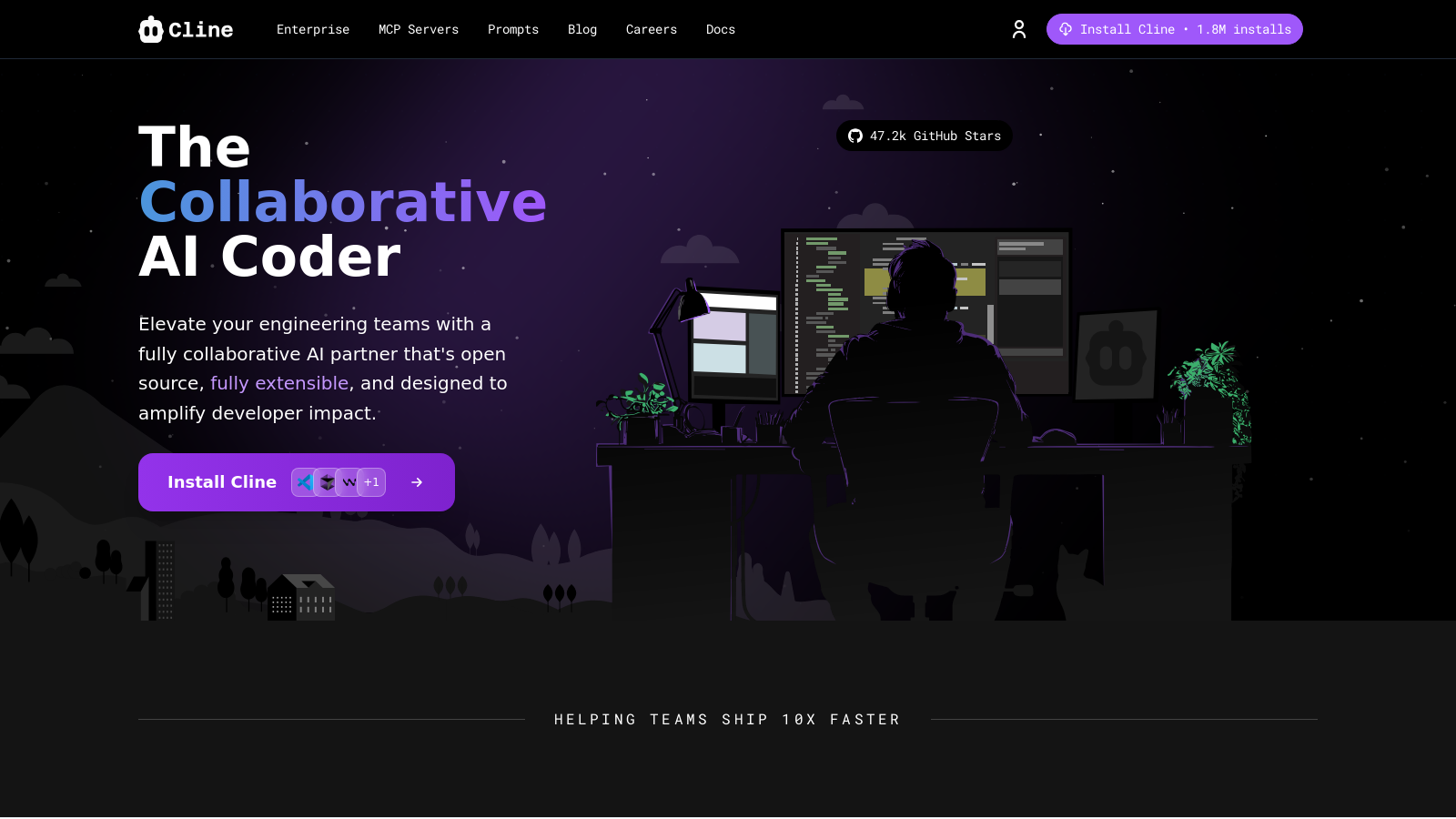
Screenshot of Cline
What is Cline?
Cline is an open-source AI coding assistant specifically designed for Visual Studio Code, evolving into a powerful partner for developers amid the rising complexity of modern software projects. Not only does it enhance productivity and the quality of code, but it also features duel Plan/Act modes, terminal execution, and the innovative Model Context Protocol (MCP), which extends the functionality of Cline significantly. This advanced tool not only aids developers with a variety of programming tasks but presents itself as a robust alternative to other popular tools like GitHub Copilot.
One of the defining advantages of Cline is its dual Plan/Act modes. This unique feature enables users to construct comprehensive plans for coding tasks before executing them. By providing an opportunity to strategize, developers can gain better control over their coding process, ensuring that each decision aligns thoughtfully with their objectives. Whether it's executing a terminal command, refactoring code, or debugging, Cline offers a more structured approach to coding.
The initial setup process for Cline is user-friendly. Developers wishing to benefit from Cline's capabilities can download the Cline VS Code extension from the marketplace, seamlessly integrating it into their development environment. After installation, users can simply add their preferred API keys to access powerful AI models tailored for diverse coding tasks. Notable model integrations include Anthropic Claude, Google Gemini, and others, thereby allowing developers to choose an AI model that best suits their specific needs. For example, Cline users can opt for Claude's advanced coding capabilities, which adaptively leverage a significant amount of contextual information for more insightful coding assistance.
Another key enhancement in Cline is its robust capability for contextual understanding throughout a codebase. Traditional coding tools often limit their operations to a file-by-file basis, however, Cline breaks this mold by reading and writing across multiple files simultaneously. This multi-file edit capability enables developers to undertake complex refactoring tasks while maintaining a holistic perspective of their projects. Such flexibility promotes a streamlined workflow, which is especially beneficial in larger projects or collaborative environments.
Key Features
Cline stands apart from typical coding assistants through several key features:
- Dual Plan/Act Modes: Developers can map out an execution plan before carrying it out, giving them more control and the ability to adjust tasks as necessary.
- Model Context Protocol (MCP): Extending the core functionalities, MCP connects to different servers and real-time operations allowing users to search, access documentation, and manage browsers all within Cline, contributing to an efficient workflow.
- AI Model Integration: Instant access to top-tier AI models enhances Cline's adaptability. Users can select from various models based on their specific coding tasks to maximize effectiveness.
- Privacy and Control: With a strong emphasis on user privacy, Cline conducts the majority of data processes locally, allowing users to control what information is shared with external services when they connect to different API providers.
Benefits of Using Cline
Integrating Cline into your coding practice offers numerous advantages. The tool significantly reduces the time expended on repetitive coding tasks through intelligent automation, allowing developers to focus on complex problem-solving rather than mundane details.
For coding novices, Cline acts as a supportive learning tool. With the ability to explain coding concepts, generate example code, and guide users through intricate programming frameworks, it is invaluable for anyone looking to enhance their programming skills. In addition, Cline facilitates thorough code reviews and audits existing scripts which contributes greatly to the learner's journey.
For enterprise environments, Cline offers robust features that cater to large-scale projects. The platform's comprehensive permission systems and customizable rules help ensure compliance with set coding standards and security measures essential for large teams. Users retain oversight of code changes, safeguarding quality and adherence to organizational protocols.
Getting Started with Cline
Beginning with Cline is uncomplicated. After successfully installing the extension and configuring your project environment in VS Code, simply input your API key to experience coding assistance that merges intelligence with practical application. Cline empowers developers to heighten productivity while reinventing their approach to coding through its state-of-the-art AI support.
This innovative platform is not just a productivity enhancer but is designed to transform coding practices through forward-thinking AI integration. Cline's open-source nature further invites community collaboration, fostering a wealth of shared inputs and enhancements that continuously improve the tool.
Overall, Cline symbolizes a new age of responsible AI in coding, where developers can utilize innovative technology to streamline their workflows and bring about enriching coding experiences.
Pros & Cons
Pros
- Cline offers advanced features like dual Plan/Act modes for better coding control.
- Real-time debugging and multi-file edits provide comprehensive code management.
- Integration with specialized MCP servers enhances capabilities beyond standard AI tools.
Frequently Asked Questions
Cline is open source and free to use.
According to our latest information, this tool does not seem to have a lifetime deal at the moment, unfortunately.
Cline operates with a dual Plan/Act mode, enabling it to plan complex solutions before implementation. This is complemented by its deep understanding of context, allowing it to read and manipulate entire codebases for multi-file edits. It also supports running terminal commands and has agent-like capabilities, allowing it to execute external tasks such as running tests or controlling browsers, which extend beyond typical coding assistants like GitHub Copilot.
To install Cline, open Visual Studio Code and click on the Extensions icon. Search for 'Cline' and click Install. Once installed, you can open it by clicking the Cline icon or using the command palette with CMD/CTRL + Shift + P and typing 'Cline: Open In New Tab.' Don't forget to set up your API key as indicated in the documentation to start using Cline.
Absolutely! Cline serves as an interactive learning companion. You can ask it to explain concepts, generate example code, or help you understand existing codebases. For instance, you might prompt Cline with requests like 'Explain how React hooks work' or 'Show me a simple example using async/await in JavaScript.' This makes it a valuable tool for both new and experienced developers.
MCP servers are specialized tools that enhance Cline's functionality by allowing it to access up-to-date information, perform web interactions, or execute complex tasks. For example, integrating an MCP server like Perplexity provides real-time data from the web, ensuring that Cline's outputs are relevant and accurate according to the latest standards and practices.
Cline is designed with privacy as a core principle. Your code remains on your machine unless you specifically connect it to an external AI API. Cline's architecture enables you to control the information sent to AI models, allowing you to define project-specific guidelines through tools like .clinerules to enforce privacy and standard practices.
Yes! Cline allows users to set up custom instructions that influence its interactions. You can configure rules regarding coding standards, quality requirements, or error handling. Additionally, the .clinerules file can define project-specific guidelines, ensuring that Cline's output is tailored to fit your team's unique workflows and standards.
Cline incorporates several security features suitable for enterprise environments, such as permission gating on file writes and command execution, ensuring that all changes undergo user approval. Additionally, Cline supports various AI providers aligning with enterprise security requirements, making it a secure option for managing sensitive projects.
If you encounter technical issues while using Cline, first consult the official documentation on their support page for troubleshooting tips. You can also contribute feedback or report bugs directly via their GitHub repository. For personalized assistance, please reach out to the Cline support team through the contact options provided on their website.