Clipyard

Generate high-quality AI videos with custom avatars and batch processing features.
Clipyard.ai
Category
Type
Tags
Pricing Model
Is this your tool?
Follow for updates & deals
Get alerts for Clipyard discounts, feature releases & pricing changes
Similar Tools

KreadoAI
Generate professional videos from text, images, and presentations using AI avatars and voices.

2short.ai
AI YouTube Shorts generator

Luma AI
Generate high-quality videos from text and images with an intuitive AI platform.

Arcads
Generate personalized video ads with AI using customizable user-generated content.

Vmake AI
Create and edit talking head videos with AI-driven features for improved quality and engagement.

Clipyard Media Gallery
What is Clipyard?
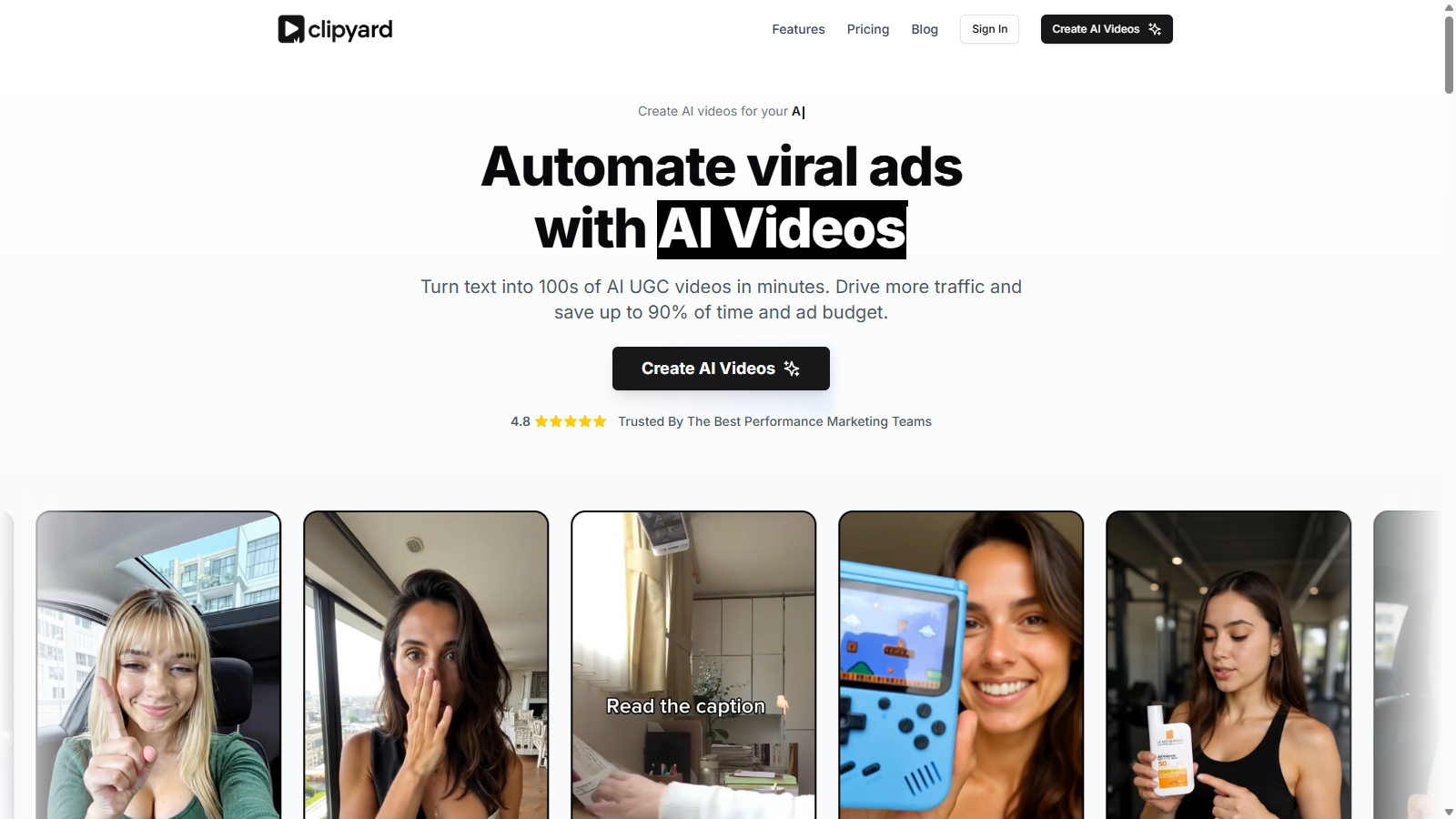
Clipyard is an innovative platform designed for businesses seeking to create high-quality AI-generated videos in minutes. With its comprehensive set of features, Clipyard is not just another video creation tool; it revolutionizes how brands approach video content. From performance marketers to e-commerce owners, Clipyard allows users to streamline their video production process, reduce costs, and significantly enhance their promotional efforts.
Features That Stand Out
Clipyard facilitates an array of functionalities that cater directly to user needs, including the creation of AI avatars, batch video generation, and an easy-to-use canvas editor for static and dynamic video content. Users can create consistent character avatars or choose from over 100 premium avatars, ensuring representation that beautifully aligns with their brand identity.
AI Avatar Creation
With Clipyard, users can create custom AI avatars that hold products, showcase them in action, or even consume them. This feature enhances audience engagement by putting products directly into the context of the viewer's experience. Users can prompt these avatars using scripts, allowing for dynamic video content that is tailored to their marketing needs.
Batch Generation and Variations
The ability to batch generate gestures and talking avatars allows teams to produce videos rapidly and efficiently. Clipyard's unique system enables users to tweak scripts, change avatars, and switch languages seamlessly while generating multiple variations of their ads, making it an invaluable tool for testing and optimizing return on advertising spend (ROAS).
Built for Speed and Efficiency
One of the standout aspects of Clipyard is its focus on rapid video production. In a fast-paced marketing environment, users can create up to 30 videos a day and test various creatives without the need to employ additional staff. This is particularly beneficial for app developers, SaaS founders, and creative teams looking to scale their marketing efforts without the burden of high operational costs.
Publish and Manage Content
Clipyard isn't just about creation; it also empowers users to manage and publish their Content effectively. With robust tools to localize video content for different markets, the platform supports multilingual scripting with over 32 commonly spoken languages, making it a versatile choice for globally reaching campaigns.
Accessibility and Pricing
Clipyard offers various pricing tiers starting from £67 per month for individuals and small teams to more comprehensive plans for larger organizations. The pricing model is structured to fit diverse business requirements, making top-tier video production accessible. Significantly, users can upgrade plans anytime without losing their credits and can even rollover unused credits for future needs.
Conclusion: Transforming Video Marketing
In essence, Clipyard is a game-changer for anyone needing to harness the power of video marketing. With AI at its core, it reduces the typical barriers associated with video production while delivering immaculate results. Whether you are launching a new product, running a campaign, or seeking to engage audiences more effectively, Clipyard provides the necessary tools to turn attention into action successfully.
Pros & Cons
Pros
- Batch generate multiple AI videos quickly with customizable avatars and scripts.
- Supports over 100 premium avatars and 32+ languages for diverse content creation.
- Significantly reduces production costs and time compared to traditional video methods.
Cons
- No free trial is offered, which may deter potential users from testing the tool.
Frequently Asked Questions
Clipyard is free to start, with paid plans from 0 to 147 GBP per month.
According to our latest information, this tool does not seem to have a lifetime deal at the moment, unfortunately.
With Clipyard, you can create a variety of AI-generated videos including talking head videos, gesture avatars, and product showcase videos. The platform allows you to turn text into engaging content quickly, making it ideal for performance marketing, e-commerce ads, and social media campaigns. You can also batch generate numerous variations, ensuring you can experiment and find the most effective ads.
The Canvas Editor in Clipyard provides an intuitive platform to batch create videos, static carousel slides, and hook videos using your brand's products. You can customize scripts and layouts to match your brand guidelines, eliminating the need for additional tools like Canva or Capcut. This feature accelerates content creation, allowing teams to publish content faster and experiment with different styles.
Yes, Clipyard supports video creation in over 32 languages, which allows you to reach a wider audience. This multilingual scripting capability ensures that you can create videos tailored to different markets and audiences, thus enhancing your marketing efforts across various regions.
Video generation time in Clipyard varies based on the type of video being created. Talking head videos typically take between 2 and 10 minutes to generate, depending on the script length. In contrast, videos using image avatars can be processed in about 5-10 seconds. Additionally, users on enterprise plans can access faster rendering speeds with no queue.
No, Clipyard does not impose any restrictions on the use of ads made with their platform. Users own all the creatives generated, and they can utilize them across any channel even after their subscription ends. This lifetime ownership includes royalty-free stock footage, giving you complete freedom in your marketing strategies.
Clipyard allows you to customize avatars in several ways. You can choose from over 100 premium avatars and modify their appearance, location, gestures, and even the scripts they use. The AI prompting system enables you to be creative, ensuring that the avatars can represent your brand consistently while engaging your audience effectively.
Managing your subscription with Clipyard is straightforward. You can upgrade, change, or cancel your plan at any time via your account settings. When you upgrade, your existing credits will roll over to your new plan, ensuring that you maximize your usage. You can also reach out to their support for assistance with any changes.
To create effective videos with Clipyard, focus on crafting engaging scripts that resonate with your target audience. Utilize the batch generation feature to experiment with multiple variations of your videos, allowing you to test and optimize for better results. Additionally, make use of the multilingual capabilities to broaden your reach, and take advantage of the Canvas Editor to maintain brand consistency across all your video content.