













CodeWiki
Automatically updates code documentation and provides AI-driven Q&A support for developers.
Codewiki.wiki
Is this your tool?
Follow for updates & deals
Get alerts for CodeWiki discounts, feature releases & pricing changes
Similar Tools

Zhipu
Develops AI models that replicate human cognitive processes for improved machine interaction.
Reliable AI
Facilitating practical AI solutions bridging research in legal and academic fields.

Galileo
Platform that provides proactive monitoring and evaluation for generative AI applications

Vibecode
Streamline mobile app development by turning your ideas into native apps in seconds with AI.

ChatGPT
Engage in human-like conversations to brainstorm ideas, answer questions, and assist with writing tasks.

CodeWiki Media Gallery
What is CodeWiki?
CodeWiki is a cutting-edge, AI-native documentation fabric developed by Google, aimed at transforming how teams document and understand code. Officially unveiled in public preview in November 2025, CodeWiki employs the power of Google's Gemini to automatically scan code repositories following each commit, ensuring documentation remains current and easily accessible.
One of the key advantages of CodeWiki is its automated approach to documentation. As code is committed, CodeWiki regenerates structured documentation, enhancing clarity and reducing the risk of outdated information. Each documentation page includes a Gemini chat agent that responds to natural-language questions, providing context-aware answers based on the latest documentation, making it an invaluable tool for developers.
Core Features
CodeWiki encompasses an array of powerful features designed to elevate code documentation and understanding:
- Automated Documentation: The platform meticulously scans repositories after every commit, regenerating structured documentation to ensure content is perpetually up to date.
- Gemini AI Chat: A dedicated Gemini assistant facilitates the resolution of code-related inquiries, allowing users to engage with the content in natural language formats.
- Interactive Navigation: Each CodeWiki panel links directly to associated files, functions, and diagrams, effectively merging documentation with the exploration of code.
- Live Visual Diagrams: CodeWiki generates and continuously updates architecture, class, and sequence diagrams to accurately reflect the current state of the codebase.
Operational Model
CodeWiki operates seamlessly within Google Cloud, continuously mapping every monitored repository. Its automation capabilities extend to private repositories via a Gemini CLI, which teams can request access to through a waitlist.
CodeWiki is not merely an informational repository; it embodies a dynamic tool that enhances productivity and efficiency in coding practices through its automated and contextual documentation solutions.
Key Benefits
- Accelerated Onboarding: New contributors can easily make their first committed code on their first day, as CodeWiki clearly outlines repository intent and dependencies.
- Rapid Library Reviews: Experienced developers can quickly familiarize themselves with new libraries using the diagrams and hyperlinked documentation provided by CodeWiki.
- Continuous Diagram Sync: Diagrams generated by CodeWiki remain in sync with the current code, minimizing dependency on outdated visuals.
- Unified Q&A: Users benefit from a singular chat agent that provides answers while referencing the most recent documentation, greatly enhancing the learning curve.
CodeWiki is a notable leap forward in the realm of developer tools, marrying the sophistication of AI with essential documentation practices. By streamlining the maintenance of accurate records, CodeWiki significantly enriches the overall productivity of development teams.
Pros & Cons
Pros
- Automatically generates up-to-date documentation after each commit.
- Includes a Gemini AI chat agent for natural language Q&A about code.
- Offers live visual diagrams that reflect the current state of repositories.
Frequently Asked Questions
CodeWiki is available at no cost.
According to our latest information, this tool does not seem to have a lifetime deal at the moment, unfortunately.
CodeWiki automatically generates live visual diagrams, including architecture, class, and sequence diagrams. These diagrams reflect the current state of the code, ensuring they remain up to date with any changes made in the repository. This feature helps developers quickly understand the structure and flow of the codebase.
CodeWiki accelerates onboarding for new developers by automatically scanning the repository after each commit and generating updated documentation. New contributors can make their first commit on their first day, as CodeWiki distills repo intent and dependencies, allowing them to comprehend and navigate the codebase quickly. Additionally, the integrated Gemini chat agent provides support by answering questions in natural language, referencing the most current documentation.
Yes, teams can utilize CodeWiki for private repositories through the Gemini CLI extension, which is currently in a waitlist phase. This allows organizations to run CodeWiki's automated documentation and chat capabilities behind their corporate firewall, ensuring compliance and security while benefiting from the tools available for public repositories.
CodeWiki provides several powerful features, including automated, always-current documentation that updates after every commit, a built-in Gemini AI chat for natural-language questions, interactive navigation that links directly to relevant code, and continuous diagram synchronization to maintain accurate visual representations of the code structure. These features enhance code understanding and streamline the documentation process.
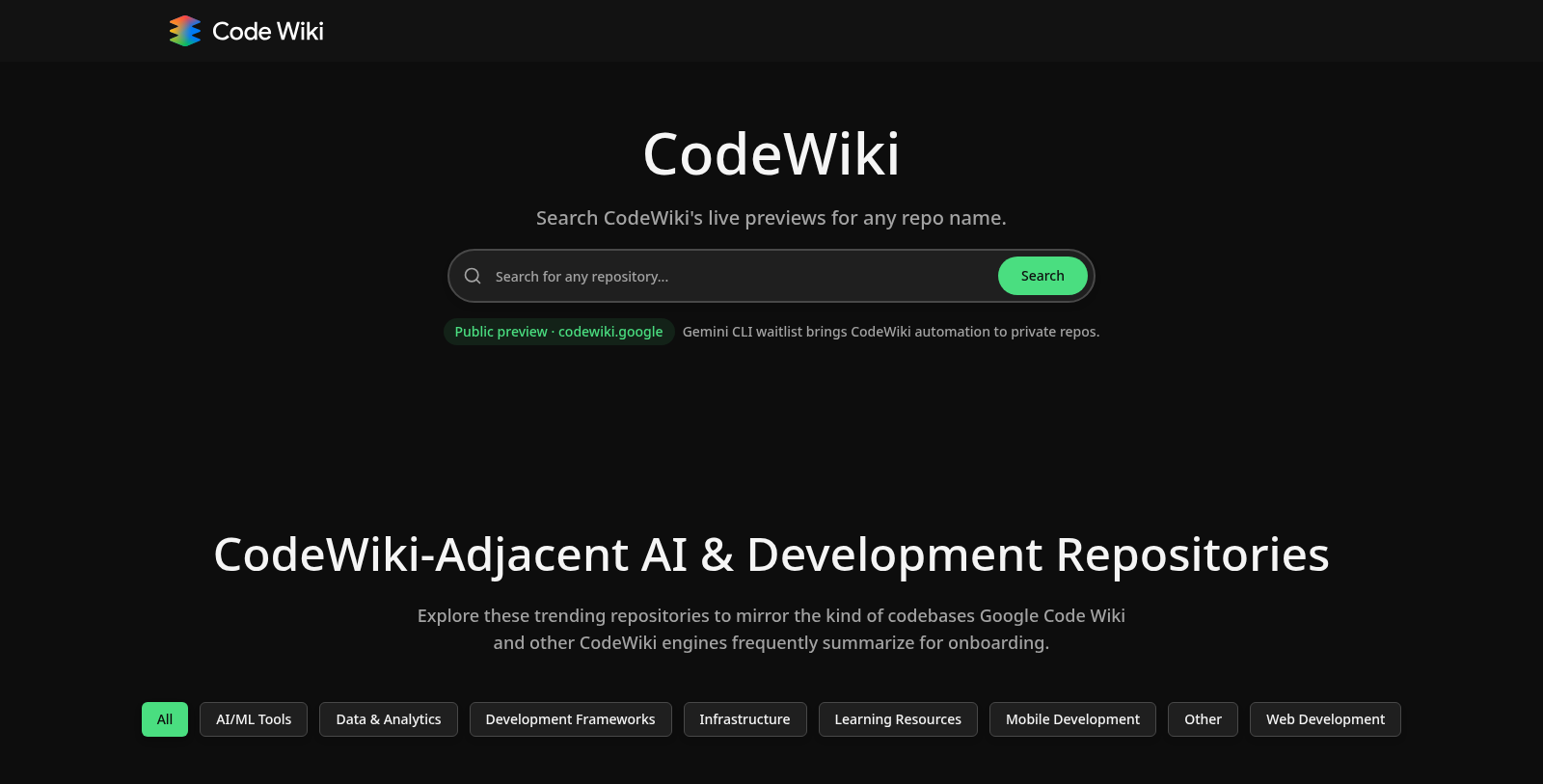
To get started with CodeWiki, first sign up for access through the GitHub public repositories. You can use the live previews available on codewiki. Google for documentation of public repos. For private repositories, you will need to join the waitlist for the Gemini CLI extension. Once set up, CodeWiki will automatically scan your repository after each commit to provide you with updated documentation and diagrams.
While CodeWiki primarily serves as a documentation solution for Google Cloud customers, it is adaptable to various programming languages, focusing on generating structured documentation and diagrams for codebases. However, the specifics of language support may depend on the implementation and could benefit from checking the official documentation for any limitations.
The Gemini chat agent in CodeWiki provides immediate responses to coding inquiries by referencing the up-to-date documentation generated by CodeWiki. This feature enhances developer productivity by enabling users to ask questions in natural language and receive detailed, context-aware answers. As a result, teams can troubleshoot problems faster and gain insights into the codebase without manually searching through documentation.
Yes, there are several alternatives to CodeWiki for code documentation, including Read the Docs, Doxygen, and Javadoc. These tools have their unique features and can be effective for various coding environments. However, CodeWiki distinguishes itself with real-time updates and the integration of AI capabilities via the Gemini chat, offering a different experience from traditional documentation tools.



