Continue

Open-source AI code assistant for customizable autocomplete and dynamic coding interactions.
Continue.dev
Is this your tool?
Follow for updates & deals
Get alerts for Continue discounts, feature releases & pricing changes
Similar Tools

Roo Code
AI assistant for Visual Studio Code that enhances coding, refactoring, and debugging with project-wide context.

Tabnine
AI tool that provides contextual code suggestions to enhance software development workflows.

Factory
AI platform that automates software development tasks, speeding up coding, documentation, and incident response.

Claude Code
AI tool that enhances coding efficiency by searching codebases and streamlining debugging within IDEs.

Zencoder
Automates coding tasks and enhances collaboration for developers with customizable AI agents.

Continue Media Gallery

Continue (review) video
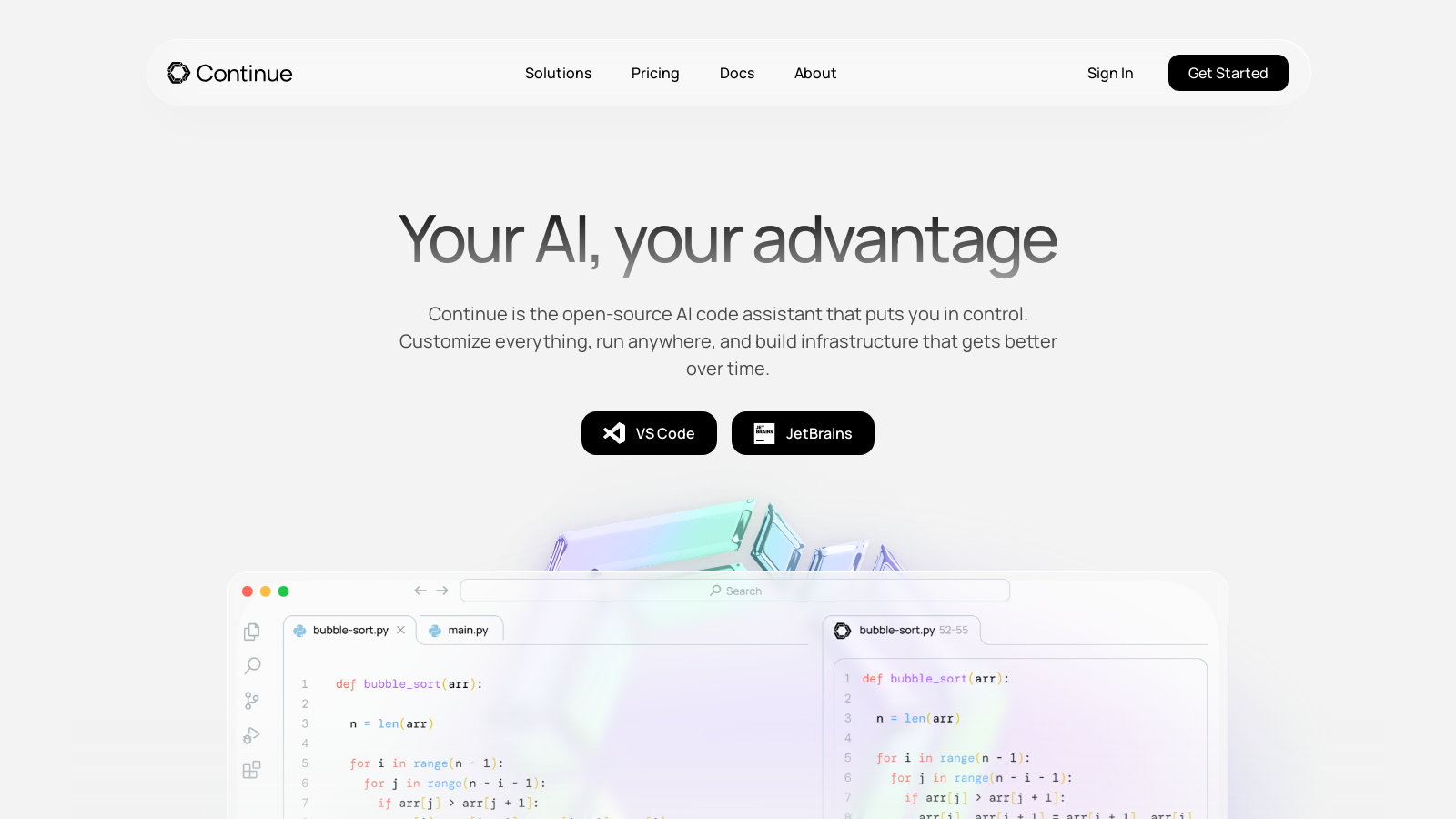
Screenshot of Continue
What is Continue?
Continue is an innovative open-source AI code assistant that allows developers to take control of their coding environment by building custom autocomplete and chat experiences within their Integrated Development Environment (IDE). It's designed to enhance the coding experience by enabling users to connect any models and any context to streamline their development processes. This tool is more than just smart autocomplete; it's an ecosystem of customizable AI code assistants that adapt to the developers' unique workflows.
What Makes Continue Stand OutNULL
One of Continue’s standout features is its adaptability. The platform supports a wide array of programming languages and features integrations with popular IDEs, including VS Code and JetBrains. Developers can tailor their coding assistants to create meaningful productivity enhancements without needing to abandon their preferred tools.
Enhancing Code Quality with Continue
Continue has taken a significant step forward in automating workflows around code, rather than just automating code generation itself. With the latest features, when a pull request (PR) opens, Continue utilizes AI agents to suggest improvements in real-time, enabling developers to either accept or reject these suggestions swiftly. This dramatically increases the quality of the code delivered by enhancing the review process.
Accelerating Pull Request Velocity
The platform emphasizes trust in the work produced. By defining coding standards at a centralized level, Continue ensures these standards are applied consistently across every PR automatically. This allows teams to focus more on reviewing the architectural aspects of their projects, rather than nitpicking at smaller issues.
Key Features of Continue
- Custom Autocomplete: As you begin to write code in any programming language, Continue provides inline suggestions by autocompleting single lines or entire sections based on your coding context.
- Dynamic Reference and Chat: Users can attach snippets of code or context to pose inquiries regarding functions, files, or entire codebases. This feature enables an interactive coding experience, providing developers with immediate feedback.
- Intelligent Editing: Continue allows developers to highlight sections of their code and issue commands to rewrite that code based on natural language inputs, effectively bridging the gap between coding and conceptual thinking.
- Agents for Quality Assurance: With Continue's agents, developers can automate their workflows to ensure that every pull request meets the established standards, thereby significantly increasing overall productivity and confidence in the code being shipped.
How to Integrate Continue into Your Workflow
Continue is designed to fit seamlessly into existing development environments. The tool is compatible with a variety of AI models, including Ollama and OpenAI's offerings, ensuring that developers have flexibility in selecting their underlying technology. Additionally, the platform supports integration with GitLab Issues and Confluence pages, among other contexts, which enhances its utility.
Pricing Model
Continue adopts a freemium pricing model. The introductory Solo plan is available for NULL per developer per month, allowing individual users to create and utilize custom AI code assistants. For teams, a plan is now available for NULL per developer per month, encompassing additional features that facilitate the management of AI assistants tailored to the team's stack, along with ? monthly credits per seat to optimize their usage. Furthermore, there is an enterprise option with custom pricing designed to accommodate organizations with extensive governance and compliance needs, ensuring that security and flexibility are prioritized.
Overall, Continue emerges as a strong contender in the realm of AI-assisted programming tools, with its open-source nature, customizable features, and robust pricing model appealing to a wide array of developers. Its ability to trust and enhance developer workflows rather than automate them reinforces its mission to empower rather than replace human developers.
Pros & Cons
Pros
- Offers customizable AI code assistants tailored to specific development environments.
- Supports multiple programming languages with robust autocomplete and editing features.
- Facilitates seamless integration with various models and code context for enhanced productivity.
Cons
- May require technical expertise to fully utilize custom features and models.
Frequently Asked Questions
Continue is free to start, with paid plans from 0 to 20 USD per month.
According to our latest information, this tool does not seem to have a lifetime deal at the moment, unfortunately.
Continue to support integrations with popular Integrated Development Environments (IDEs) such as Visual Studio Code and JetBrains. This enables developers to utilize AI-assisted features directly within their preferred coding environment, thereby enhancing productivity without the need to switch applications.
Yes, one of Continue's core features is its ability to create and customize your AI code assistants. You can build assistants tailored to your specific development environment, tools, and practices by using various models, rules, prompts, and other components provided in Continue's ecosystem.
Continue offers several powerful functionalities, including Autocomplete for inline code suggestions, Chat for asking questions and seeking help from AI within the IDE, Edit for modifying code seamlessly, and an Agent that can handle complex tasks involving multiple steps. These features aim to enhance developer efficiency and support AI-native development practices.
The Models Add-on available for Continue allows users to access a variety of advanced AI models for a flat monthly fee. This enables developers to utilize frontier models that enhance the capabilities of their custom AI code assistants, supporting more complex and context-aware code suggestions and interactions.
For organizations, Continue offers an enterprise-grade Single Sign-On option and allows the use of an on-premise proxy to ensure that sensitive data remains secure within the organization's environment. This level of governance allows organizations to maintain control over their data and protect it from unauthorized access.
Yes, Continue provides setup guidance for running your development environment offline. Instructions on configuring local models and integrating Continue without an internet connection are available in the documentation, allowing developers to work seamlessly even without continuous internet access.
To get support or engage with the Continue community, you can join their Discord channel or access the community resources on their website. You can also contribute to their projects via GitHub by submitting ideas or reporting issues, encouraging a collaborative environment for users.
While Continue focuses on providing customizable AI code assistants, alternatives such as GitHub Copilot, Kite, and TabNine offer varying degrees of AI code assistance. Each option has unique features and integrations, so developers should evaluate based on their specific needs and development workflows.