DeepTagger

Extract structured data from complex documents without coding using a no-code interface.
Deeptagger.com
Is this your tool?
Follow for updates & deals
Get alerts for DeepTagger discounts, feature releases & pricing changes
Similar Tools
Softr
Create tailored business applications using AI with a simple no-code interface.

Retool
Create customized internal applications quickly using various data sources and AI integrations.

Anakin
An AI platform that simplifies content creation and automates workflows without coding skills.

Assembly
Customizable client portal for managing projects, invoicing, and secure communication in service industries.

HumanLayer
Human-in-the-loop for AI Agents

DeepTagger Media Gallery

DeepTagger (review) video
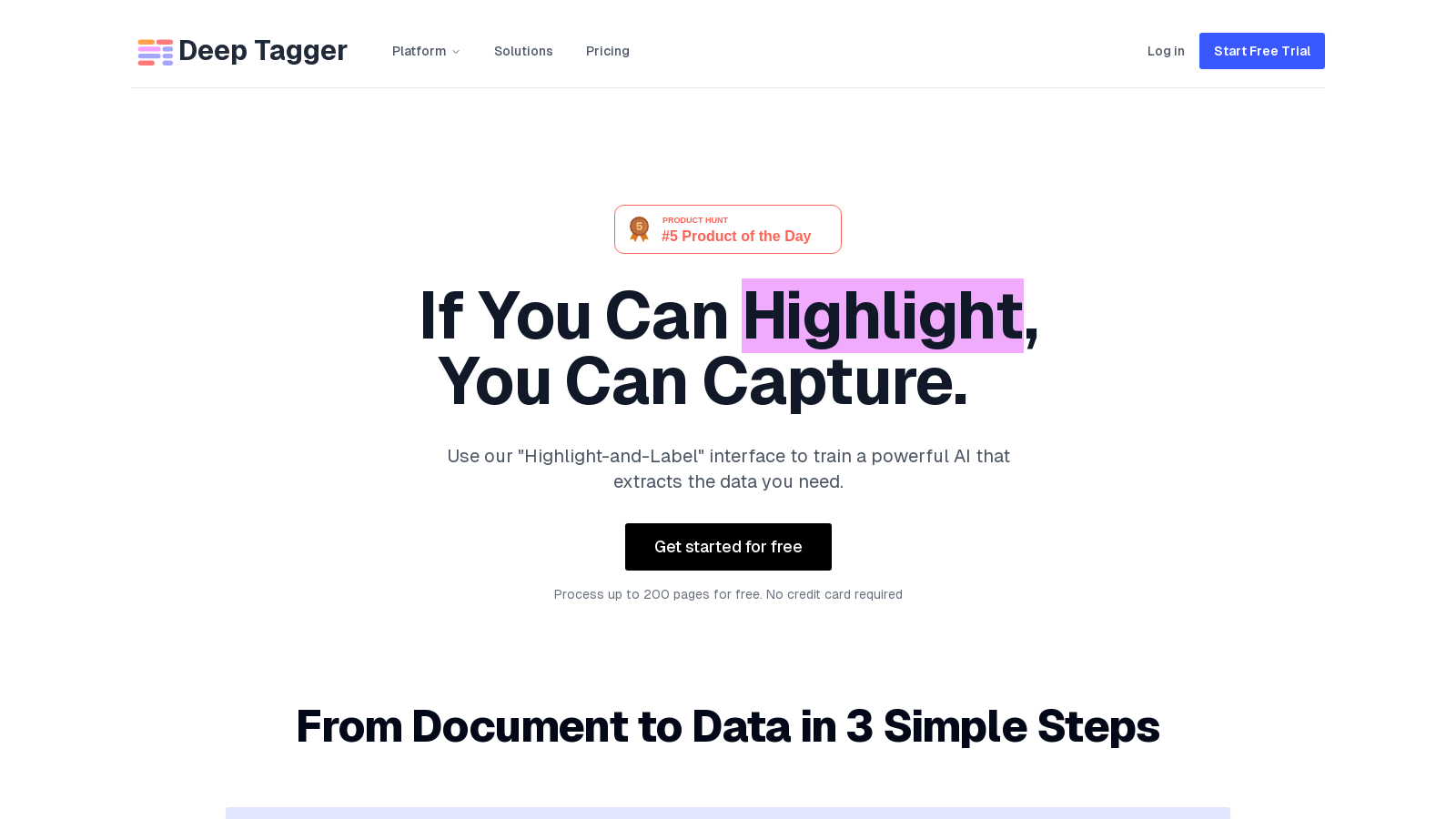
Screenshot of DeepTagger
What is DeepTagger?
DeepTagger is a state-of-the-art platform that transforms complex documents into structured, usable data using advanced AI technology. With its innovative 'Highlight-and-Label' interface, users can easily upload any file type and intuitively train their AI model to extract necessary information without the need for coding or complex templates. Testing it out is free; you can process up to 200 pages without requiring a credit card, making it an ideal starting point for businesses looking to innovate in their document management.
Automated Document Processing Made Simple
Whether you're working with PDFs, images, or text files, DeepTagger enables efficient document processing, perfect for small businesses and freelancers aiming to streamline their workflows. The setup is straightforward: upload documents, highlight and label data points of interest, and let the AI handle the rest. Users can refine their extractions quickly and export data in seconds, significantly enhancing productivity.
Key Features of DeepTagger
This AI-powered platform supports complex nested structures, which is especially useful for processing intricate documents like invoices with multiple line items. This flexibility allows users to effectively manage highly detailed and multi-page contracts, ensuring that critical data points are never overlooked.
No-Code Training Experience
DeepTagger democratizes access to AI technology with its no-code annotation experience. Teams without technical staff can easily engage in AI training. Users can build custom AI models tailored to their specific document types, eliminating reliance on external vendor templates. The intuitive 'Highlight-and-Label' interface simplifies AI training into an effortless task.
Industry Applications
DeepTagger's versatility shines across various industries. The financial services sector can leverage it for invoice processing and compliance document reviews, while healthcare organizations can automate the extraction of critical patient records. Legal and compliance teams can efficiently navigate complex contracts, and manufacturing companies can streamline their supply chain documentation. Additionally, it excels in extracting data from resumes and logistics documents, making it suitable for diverse business needs.
Advanced AI Capabilities
The core Large Language Model (LLM) powering DeepTagger enhances its functionality well beyond simple text recognition. It comprehends context and intent within documents, resulting in more profound insights and accurate data extraction. Users can benefit from the K-Score analytics feature, measuring confidence levels in data extraction, while the Subjective Reasoning Engine provides advanced features such as intent analysis and context-aware extraction, unlocking deeper insights from various documents.
Flexible Deployment Options
DeepTagger can be deployed in multiple ways to match organizational requirements. Teams can choose between cloud or on-premises solutions, ensuring maximum security and compliance, particularly in data-sensitive industries like healthcare and finance. The cloud option facilitates quick setups and auto-scaling, whereas on-premises deployment provides unparalleled control over data and custom security protocols.
Improved User Experience
Recent updates to the platform emphasize a streamlined user experience, allowing for effortless annotation and quick adjustments throughout the extraction process. Users can now process a wider range of document types, including not only common formats like PDFs and images but also custom schemas for less typical documents. Additionally, the intuitive interface continues to minimize the learning curve, making DeepTagger accessible to all users.
Conclusion
If you're looking to automate your document processing workflows without compromising control or data integrity, DeepTagger offers a comprehensive solution. With complete transparency in pricing and a commitment to no hidden costs, users can start transforming their data processes today, experiencing reduced manual data entry and enhanced processing speed. Given its ability to scale and adapt to various business requirements, DeepTagger is poised to be an invaluable tool in the modern digital landscape.
Pros & Cons
Pros
- The platform uses a no-code interface for intuitive AI training without technical expertise.
- Exceptional accuracy is achieved through context-aware extraction and nested data structure support.
- Flexible integration options allow deployment in cloud or on-premises environments based on user needs.
Cons
- Complex document types may require more tokens for processing, affecting efficiency.
Frequently Asked Questions
DeepTagger is available at no cost.
According to our latest information, this tool does not seem to have a lifetime deal at the moment, unfortunately.
DeepTagger supports a wide range of document types, including financial reports, legal contracts, insurance claims, logistics documents, resumes, and more. You can upload various formats, including PDFs, Word documents, JPGs, PNGs, and plain text files. This versatility ensures that you can automate the extraction of data from virtually any document format you encounter.
The 'Highlight-and-Label' interface enables users to intuitively train the AI, eliminating the need for coding or complex templates. You upload your documents and highlight the data you want the AI to recognize. By labeling this data, the AI learns to understand your specific extraction needs, which makes it easy and efficient to build a custom AI model tailored to your documents.
Yes, DeepTagger is particularly adept at handling complex document structures. It supports nested data extraction, enabling accurate processing of multi-page documents and intricate layouts, such as invoices with numerous line items. This capability ensures that you can extract detailed information even from the most complex documents.
DeepTagger serves various industries by automating document processes. In financial services, it can handle invoice processing and compliance document review. Healthcare applications include extracting patient data and processing insurance claims. Legal firms can benefit from contract analysis and regulatory filing processing, while manufacturing can streamline supply chain and quality control documentation. Each sector can leverage DeepTagger's capabilities to enhance efficiency and accuracy in document handling.
Getting started with DeepTagger is straightforward and can be completed in just a few steps. First, sign up for a free trial, which allows you to process up to 200 documents without any credit card requirement. After signing up, you can upload your documents, use the 'Highlight-and-Label' interface to train the AI, and start extracting data. The platform is designed for easy and quick onboarding, allowing you to see results almost immediately.
DeepTagger offers various support options to ensure users have the help they need. For general queries, you can submit a form on their website. Additionally, they provide a 30-minute demo call, allowing you to discuss your specific use case and receive tailored guidance. For users on the Production Scale or Enterprise plans, priority support and a dedicated success manager are also available.
Yes, while the free tier allows you to process up to 200 documents, the actual count may vary based on document complexity and extraction requirements. The free plan includes features like the visual annotation interface and advanced schema design. Still, users may need to switch to a paid plan for additional features like batch processing or priority support as their demands grow.
DeepTagger supports flexible integrations to fit various infrastructure and security needs. You can deploy the solution in the cloud for quick setup or opt for an on-premises deployment for maximum control. Additionally, a comprehensive REST API and webhooks are available for seamless integration into existing workflows. This means you can automate and streamline your document processing tasks easily within your current systems.