Excelmatic

Simplifies Excel data analysis and visualization using natural language queries for actionable insights.
Excelmatic.ai
Is this your tool?
Follow for updates & deals
Get alerts for Excelmatic discounts, feature releases & pricing changes
Similar Tools

Trickle
Create and manage websites, AI applications, and forms without coding or technical expertise.

Livedocs
Automates data analysis, providing insights through user-friendly machine learning tools and visualizations.

Peakforms
Utilizes AI-driven conversational forms to analyze employee and customer feedback for deeper insights.

Watermelon
Create custom AI agents for automated customer support across multiple channels.

Jungle
Generate flashcards and quiz questions in seconds.

Excelmatic Media Gallery

Excelmatic (review) video
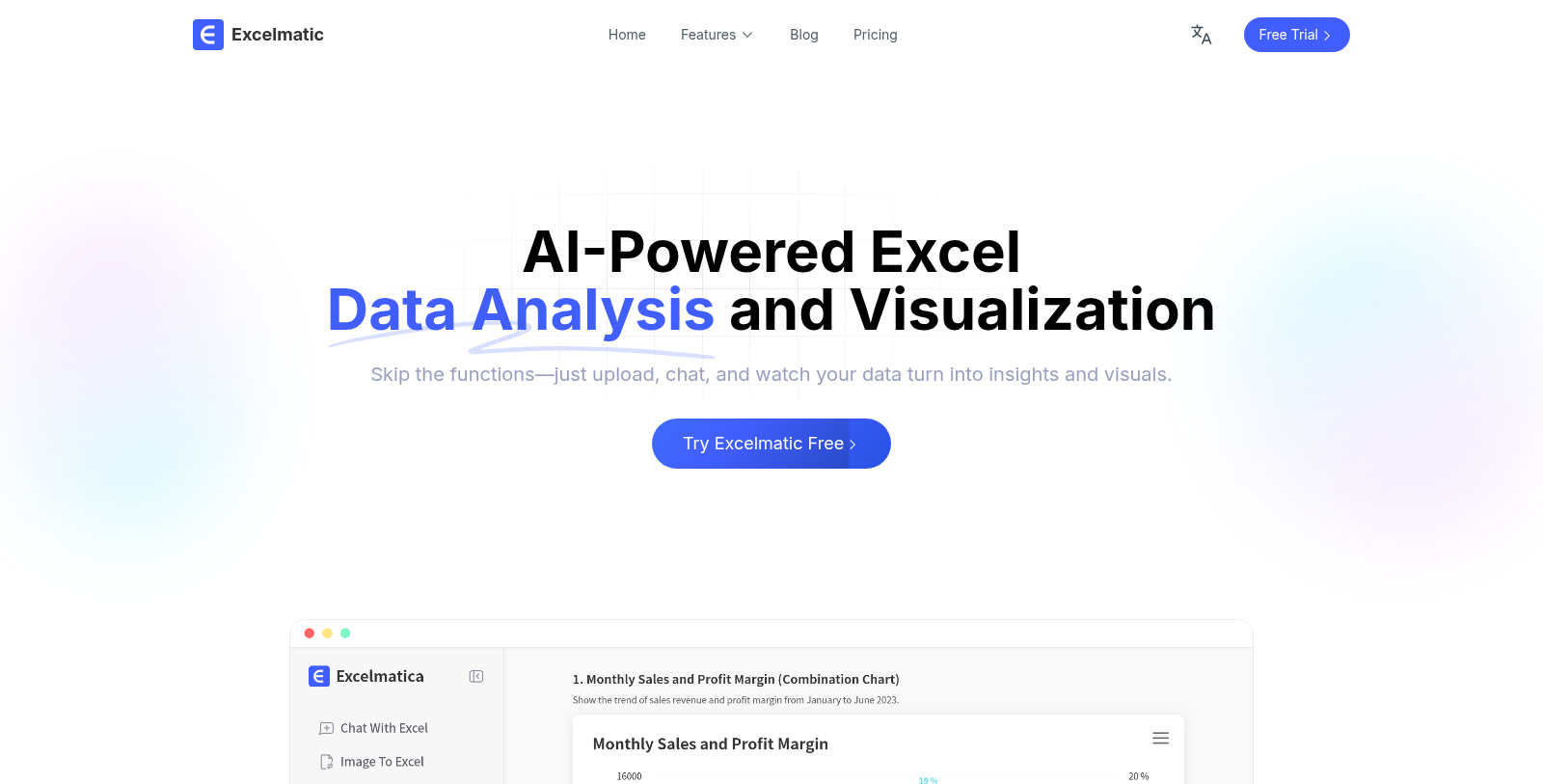
Screenshot of Excelmatic
What is Excelmatic?
Excelmatic is a powerful AI-driven tool designed to simplify Excel data analysis and visualization. Unlike traditional methods that require complex formulas and extensive Excel knowledge, Excelmatic allows users to interact with their data using natural language queries. This revolutionary approach enables anyone to turn raw data into actionable insights quickly and effortlessly.
One of the most significant advantages of using Excelmatic is its ability to automate tedious and repetitive tasks. Users can upload their Excel files and immediately ask questions or request specific analyses without needing technical expertise. Excelmatic intelligently understands the queries and processes the data to generate insights and visualizations in real time. This not only saves time but also enhances productivity, allowing users to focus on more critical business activities.
Core Features of Excelmatic
- Natural Language Processing: Users can ask questions in plain English, such as "What were last month's sales?" or "Create a chart for this data." The AI interprets these requests and produces relevant answers or charts instantly.
- Data Cleaning: With just one click, users can clean complex data, automatically identifying data types and ensuring that formatting errors are eliminated.
- Chart Generation: Excelmatic simplifies the chart creation process. Users can generate various chart types—including bar, pie, and line charts—through conversational interactions.
- Smart Insights: The tool provides insightful analytics, including trend analysis and anomaly detection, enabling users to uncover critical business dynamics and make informed decisions quickly.
- Multi-Dimensional Analysis: Excelmatic supports analyzing data from different perspectives, helping users gain a deeper understanding of their datasets.
- Intelligent Formula Assistant: For those who may not be familiar with Excel formulas, Excelmatic can generate formulas automatically based on user inquiries, making it accessible for beginners and professionals alike.
This assistant is handy for professionals in various fields, from data analysts who need quick insights to business managers looking for real-time data visualizations. Its integration ensures that teams can collaborate efficiently, sharing insights and making decisions based on accurate data presented through user-friendly charts and reports.
Why Choose Excelmatic?
Excelmatic not only speeds up the data analysis process but also democratizes access to complex analytics. With its intuitive, no-code solution, anyone can leverage the power of AI to enhance their Excel usage. Whether you're preparing financial reports, analyzing customer behavior, or conducting academic research, Excelmatic is designed to help you work smarter and accomplish more. Experience the future of data analysis today by starting with a free trial!
Pros & Cons
Pros
- Generates insights and visuals from Excel data using natural language queries.
- Automates complex tasks, reducing manual effort and improving efficiency.
- Offers real-time analytics, ensuring up-to-date reporting and trend analysis.
Cons
- Requires Excel files in specific formats for optimal use.
Frequently Asked Questions
Excelmatic is free to start, with paid plans from 0 to 29.9 USD per month.
According to our latest information, this tool does not seem to have a lifetime deal at the moment, unfortunately.
Excelmatic supports various file formats, including .xlsx and .csv. When you upload your Excel file, the tool automatically processes the data, allowing you to ask questions and generate insights without needing to know specific formulas or functions.
With Excelmatic, users can generate professional charts such as bar graphs, pie charts, and line charts simply by asking in plain English. The tool intelligently recommends appropriate chart types based on your data and allows customization of chart styles, making chart creation quick and effortless.
Yes, Excelmatic features an Intelligent Error Correction tool that automatically detects formula errors and offers suggestions for correction. This feature is designed to help users eliminate basic mistakes and improve their overall data accuracy.
Excelmatic enables users to process multiple tables simultaneously, significantly improving efficiency. By uploading multiple files simultaneously, users can streamline data analysis and visualize insights across multiple datasets without tedious manual work.
Absolutely! Excelmatic dynamically updates charts and insights whenever your underlying data is refreshed. This ensures you have access to the latest information for timely, accurate business decision-making.
Excelmatic is designed to be user-friendly for all levels of users. It features an Intelligent Formula Assistant that automatically generates formulas from natural language input, making it accessible to beginners who may not be familiar with Excel's complex functions.
Yes, Excelmatic includes a feature for converting PDF tables to Excel. It recognizes headers, merged cells, and multi-page tables, exporting clean and structured data in seconds while significantly reducing manual copying and formatting.
Excelmatic prioritizes data security by employing bank-level encryption for data transmission and storage. All user files remain private and are accessible only to the owner, in accordance with international data protection standards.