Flixier

Cloud-based video editor with AI tools for automatic subtitling and noise removal.
Flixier.com
Is this your tool?
Follow for updates & deals
Get alerts for Flixier discounts, feature releases & pricing changes
Similar Tools

Revid
Automatically generate professional-quality videos tailored for social media platforms.

FakeYou
Generate lifelike audio and video using celebrity voices with user-contributed voice models.

AI Studios
Generate high-quality videos from text with customizable avatars and multilingual support.

Clipfly
Easily create and enhance videos and images with AI-driven editing tools.

Fliki
Easily convert text and presentations into engaging videos using AI-generated voices and avatars.

Flixier Media Gallery
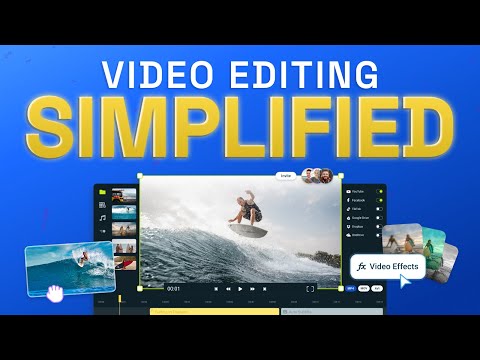
Flixier (review) video
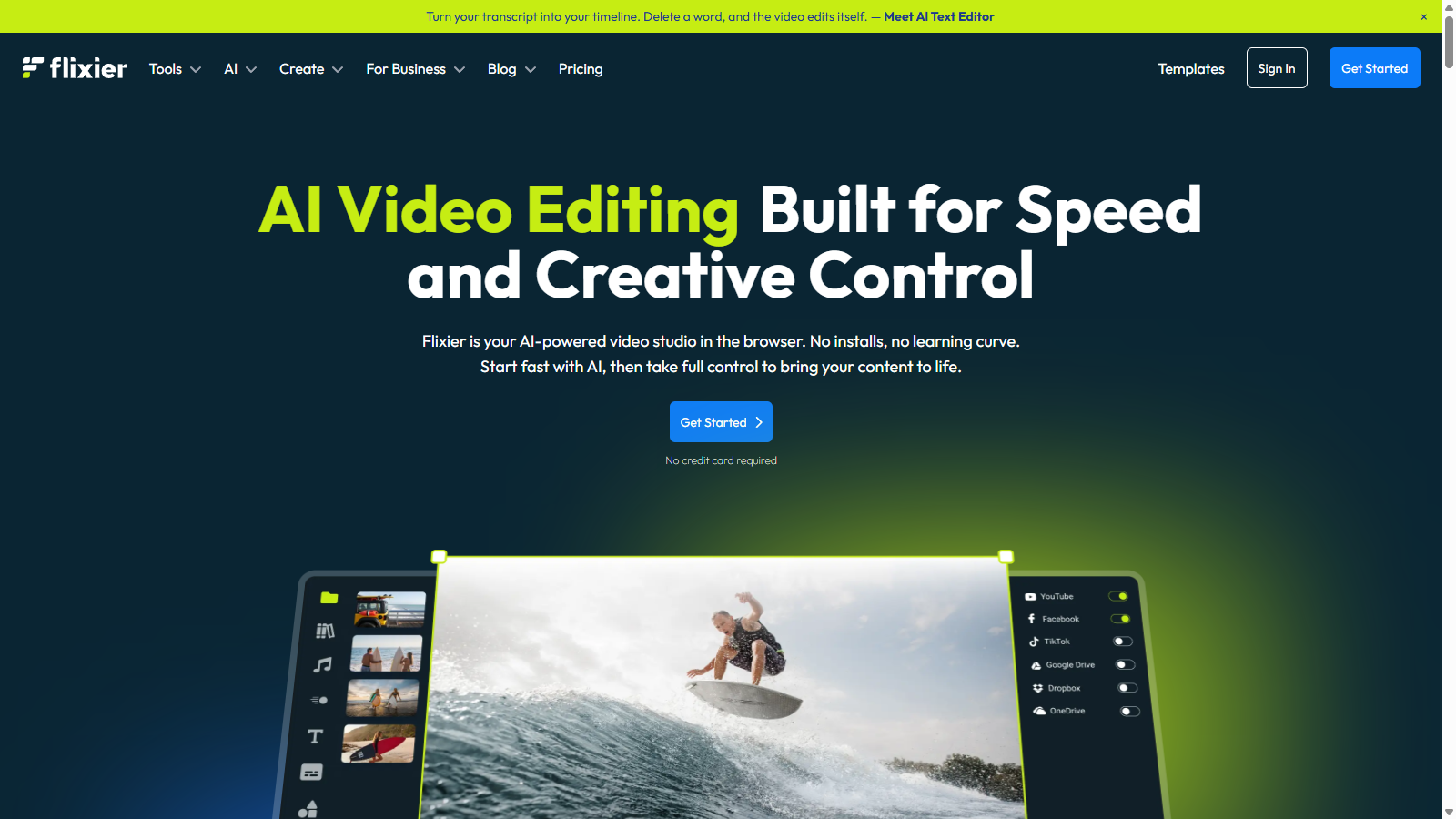
Screenshot of Flixier
What is Flixier?
Flixier is an innovative cloud-based video editing tool that combines advanced technology with ease of use, making video editing accessible for everyone from beginners to professionals. With Flixier, you can unleash your creativity without installing any heavy software; everything operates through your web browser. This means you can create and edit videos from any device, including Chromebooks, laptops, and desktops.
AI Integration for Enhanced Editing
Flixier stands out by offering AI-powered tools that streamline the video editing process. Features such as automatic subtitle generation, background noise removal, and text-to-speech capabilities are seamlessly integrated, allowing users to quickly enhance their videos. New to Flixier is the AI Text Editor, which allows you to turn your script into a video timeline; by deleting a word in the transcript, your video adjusts itself automatically. Whether you're generating voiceovers or adding subtitles in over 130 languages, Flixier's AI tools enable you to produce high-quality video content faster than ever.
Cloud-Powered Performance
One of the key advantages of Flixier lies in its cloud-based architecture, which provides speedy rendering times. Users report that exports are done in minutes rather than hours, even for lengthy videos. This allows you to work on your project without worrying about the limitations of your computer's specs; the cloud handles the heavy lifting. By utilizing Flixier, you can edit videos on lower-end devices effortlessly. Its cloud-powered tech delivers blazing-fast exports—whether you're rendering a short clip or a full-length video, it's done in minutes while your laptop stays cool and quiet.
User-Friendly Interface
The interface is designed with the user in mind, making it perfect for beginners who may feel overwhelmed with traditional video editing software. You can easily drag and drop clips onto a timeline, add text, transitions, and effects, and create a polished video that looks professionally produced. Flixier also includes a vast library of professionally designed templates, catering to various styles and occasions. This extensive library helps users get started on projects without needing to begin from scratch.
Flexible Pricing Plans
Flixier offers a freemium model, allowing users to edit videos without any subscription. The free version includes essential features, while paid plans add functionalities like increased export limits, enhanced storage, and access to premium templates and stock footage. The plans range from a no-cost option to monthly subscriptions for advanced features, catering to both individual creators and businesses. The most popular plan is the Pro plan, which includes the capability to export 300 minutes of videos per month and offers additional features tailored for growing individuals. For businesses, Flixier provides an array of advanced production workflows, enterprise-level security, and dedicated support teams to handle all your organization's video needs.
This versatile tool is ideal for content creators, marketers, educators, and anyone looking to produce engaging visual content. Flixier empowers users to turn ideas into reality effectively, offering a comprehensive set of features that cover all aspects of video editing. With a strong community built around creativity and collaboration, Flixier is the go-to platform for modern video creators.
Pros & Cons
Pros
- Cloud-based platform allows editing from any device without installations.
- AI features streamline video creation, including voiceovers and subtitles.
- Fast rendering times keep projects moving without long waits.
Frequently Asked Questions
Flixier is free to start, with paid plans from 0 to 55 USD per month.
According to our latest information, this tool does not seem to have a lifetime deal at the moment, unfortunately.
Flixier is versatile enough to handle a wide range of video projects, including YouTube videos, webinars, marketing campaigns, and educational content. Its built-in AI tools allow you to generate voiceovers, subtitles, and video drafts from scripts or images, making it suitable for both individual creators and business teams looking to enhance their video production capabilities.
Flixier features real-time collaboration tools that let multiple users work on a project simultaneously. You can invite team members to collaborate on brainstorming, editing, and refining videos together, ensuring effective communication and faster project completion. This is particularly valuable for businesses and creative teams that require input from various stakeholders.
Flixier is entirely cloud-based and runs in your web browser, meaning you can use it on any device with an internet connection. This includes Chromebooks, MacBooks, and even tablets. There are no heavy installations or software requirements, making it accessible for users with lower-spec devices or older computers.
Yes! Flixier enables you to export your completed videos directly to various social media platforms, including YouTube, TikTok, and Facebook, with just one click. This streamlined export feature simplifies the publishing process, making it easy to share your content across multiple channels immediately after editing.
Flixier supports multiple integrations, enabling you to import media from services such as Google Drive, Dropbox, and Zoom. You can also use direct links from platforms like YouTube and SoundCloud, making it easy to gather all your media assets in one place for editing. This enhances your workflow by centralizing media access and collaboration.
Absolutely! Flixier is designed to be intuitive and user-friendly, making it accessible for beginners. The editing interface is straightforward, featuring drag-and-drop functionality along with pre-made templates, transitions, and effects that help new users create professional-looking videos without prior experience.
Flixier includes several AI-driven tools, such as automatic subtitle generation, voiceovers in 130+ languages, and video creation from text prompts or images. These features help speed up the editing process, allowing users to focus more on storytelling rather than technical details, while still maintaining complete creative control.
Flixier offers a comprehensive Help Center with guides, tutorials, and video tutorials to help users get started and maximize their editing skills. Additionally, the Flixier blog features tips, tricks, and updates about using the platform effectively, ensuring you stay informed about new features and best practices in video editing.