Fusion

AI-driven tool that integrates design and development workflows for streamlined web application creation.
Builder.io
Is this your tool?
Follow for updates & deals
Get alerts for Fusion discounts, feature releases & pricing changes
Similar Tools

Paraflow
Streamlines the product design process with an AI assistant for drafting specifications and creating UI designs.

Gambo
Create playable games effortlessly by describing your ideas in natural language.

Anyscale
A platform for developers to build and scale AI applications using Ray and optimized runtime services.

Tabnine
AI tool that provides contextual code suggestions to enhance software development workflows.

Tavily
Search engine APIs that improve AI models by providing real-time, relevant web data integration.

Fusion Media Gallery

Fusion (review) video
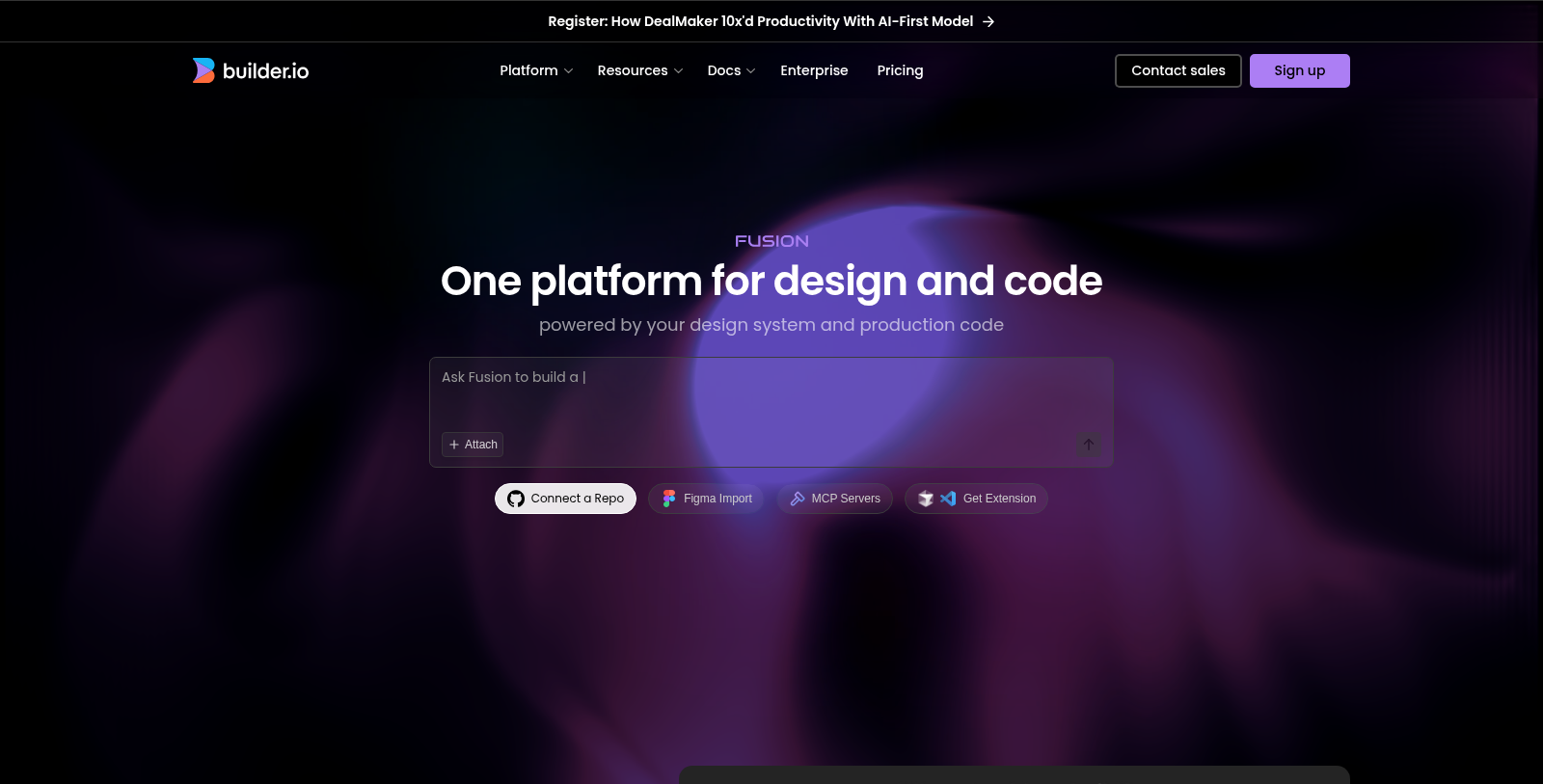
Screenshot of Fusion
What is Fusion?
Fusion is not just another development tool; it is an innovative platform developed to transform and streamline the software development process by seamlessly integrating AI into product design and coding workflows. With the release of Fusion 1.0, teams can dramatically enhance their productivity by visually building and iterating on web applications, thereby fostering better collaboration among developers, designers, and product managers.
Getting Started with Fusion
Starting your journey with Fusion is straightforward. The first step is to connect your repository. Fusion offers seamless integration with several popular Git providers, including GitHub, GitLab, Azure DevOps, and Bitbucket. By correlating your repository with Fusion, you can edit your code directly while ensuring the integrity and continuity of your existing workflows.
Connecting Your Design System
To maximize the potential of Fusion, it's essential to connect your design system. This integration provides Fusion with valuable contextual information, enabling it to adhere to your brand identity and coding standards. By linking your design system, you facilitate a smoother coding process, ensuring that any code generated aligns with your branding and component conventions.
Iterating with AI
Once your projects and design systems are established, the real magic of Fusion begins. By tapping into Fusion's AI capabilities, users can rapidly develop applications by issuing simple prompts that the AI interprets. This powerful feature allows for the generation of responsive, production-ready user interfaces in real-time, complete with instant updates while giving teams full authority over the final output.
Collaboration and Scalability
One of Fusion's standout capabilities is its focus on collaboration. Different roles within an organization, from product managers to designers, can propose changes and directly contribute to development without advanced coding knowledge. This unique aspect significantly narrows the gap often seen between design and development, resulting in accelerated project timelines.
Enterprise Features
For large organizations, Fusion is equipped with enterprise-grade security features and compliance standards, ensuring all code generated meets a high quality and consistency standard. Fusion's architecture is engineered to support extensive scaling, ensuring that teams can operate efficiently even within complex project frameworks. Dedicated support and clearer management of code ownership and roles ensure that organizations can maintain their operational integrity.
Conclusion
As the landscape of technology continues to advance, Fusion stands out as an essential tool for organizations striving for an efficient and dynamically improving software development process. Its integration capabilities allow for cohesive incorporation into existing frameworks and provide AI support for more intricate projects. In an age marked by digital transformation, Fusion leads the charge towards a smarter, automated future in software development, making it an invaluable resource for teams aiming to enhance both efficiency and output quality.
Pros & Cons
Pros
- Integrates directly with existing codebases and design systems for seamless collaboration.
- Allows real-time visual editing and AI-assisted code generation for rapid prototyping.
- Enables cross-functional team contributions with integrated Git workflows and pull requests.
Cons
- May require initial setup to connect repositories and design systems for optimal use.
Frequently Asked Questions
Fusion is free to start, with paid plans from 0 to 50 USD per month.
According to our latest information, this tool does not seem to have a lifetime deal at the moment, unfortunately.
Fusion offers several key features designed to enhance the software development lifecycle. It allows users to connect to their existing codebase and Figma designs, enabling the AI to generate production-ready code that reflects the design intent. With real-time visual editing, users can fine-tune their UI as they iterate through prompts. Additionally, Fusion integrates with various Git platforms, allowing for pull request submissions and team collaboration within existing workflows. It also emphasizes enterprise security and granularity in access control.
Integrating your design system with Fusion is straightforward. You can connect additional repositories containing your design components through the Project Settings. For manual connection, add your design system's Git URL and specify a name. Alternatively, if you have an Enterprise plan, you can automate the process using the component-indexing command in your design repo. This will help Fusion understand your component patterns and ensure code consistency during development.
To get started with Fusion, first connect your Git repository to Builder to enable visual updates to your codebase. The second step is to link your design system repository to provide a clearer context for your project structure. Next, use the Visual Editor to iterate on AI prompts by specifying the changes you want to make. Finally, adjust Builder's rules to guide the AI on how to work with your codebase, like adhering to your coding standards and practices.
Yes, Fusion is designed to integrate with your existing Git workflows seamlessly. It generates changes as pull requests, allowing your team to maintain the same review and approval processes. This integration ensures that developers retain complete control over code quality while leveraging Fusion for routine coding tasks, thereby accelerating development without disruption.
Fusion is well-suited for projects requiring rapid development cycles, such as creating high-quality prototypes or MVPs. It is particularly beneficial for teams that aim to build interactive web applications quickly while leveraging existing design systems. Fusion also excels in environments where designers and product managers need to contribute production-ready code without bottlenecks caused by traditional handoffs between teams.
While Fusion is a powerful tool, there are limitations to consider. For instance, it primarily operates within the frameworks of React, Next.js, Vue, Svelte, and Angular. Additionally, users on the Free plan have limits on monthly Agent Credits and the number of users, whereas higher tiers offer more features and tailored support. Lastly, ongoing internet connectivity is crucial for real-time functionalities provided by Fusion.
Fusion seamlessly integrates with Figma to convert designs into production-ready code. You can import your Figma files directly, and Fusion will automatically map Figma components to your existing code patterns. This process significantly reduces the time and effort required to translate design mockups into actual code, allowing for a smoother transition from design to development.
Fusion provides various support options depending on your subscription tier. For all users, documentation and a community forum are accessible for troubleshooting and best practices. Enterprise users receive dedicated support, including a named technical contact for setup and optimization, as well as premium support SLAs to guarantee uptime and response times, ensuring operational continuity.