Gemini

Edit images precisely while maintaining the subject's likeness across multiple photos.
Google.com
Is this your tool?
Follow for updates & deals
Get alerts for Gemini discounts, feature releases & pricing changes
Similar Tools

PromeAI
AI assistant for generating graphics, videos, and animations using customizable templates and models.

Decohere
Generates photorealistic images and videos in real-time with AI-driven character creation tools.

Dzine
An AI design tool for creating and editing images and videos with intuitive controls.

Leonardo.Ai
Create high-quality images, art, and videos using a versatile generative AI platform.

Image Prompt
Generate detailed visual art from written prompts quickly and efficiently.

Gemini Media Gallery

Gemini (review) video
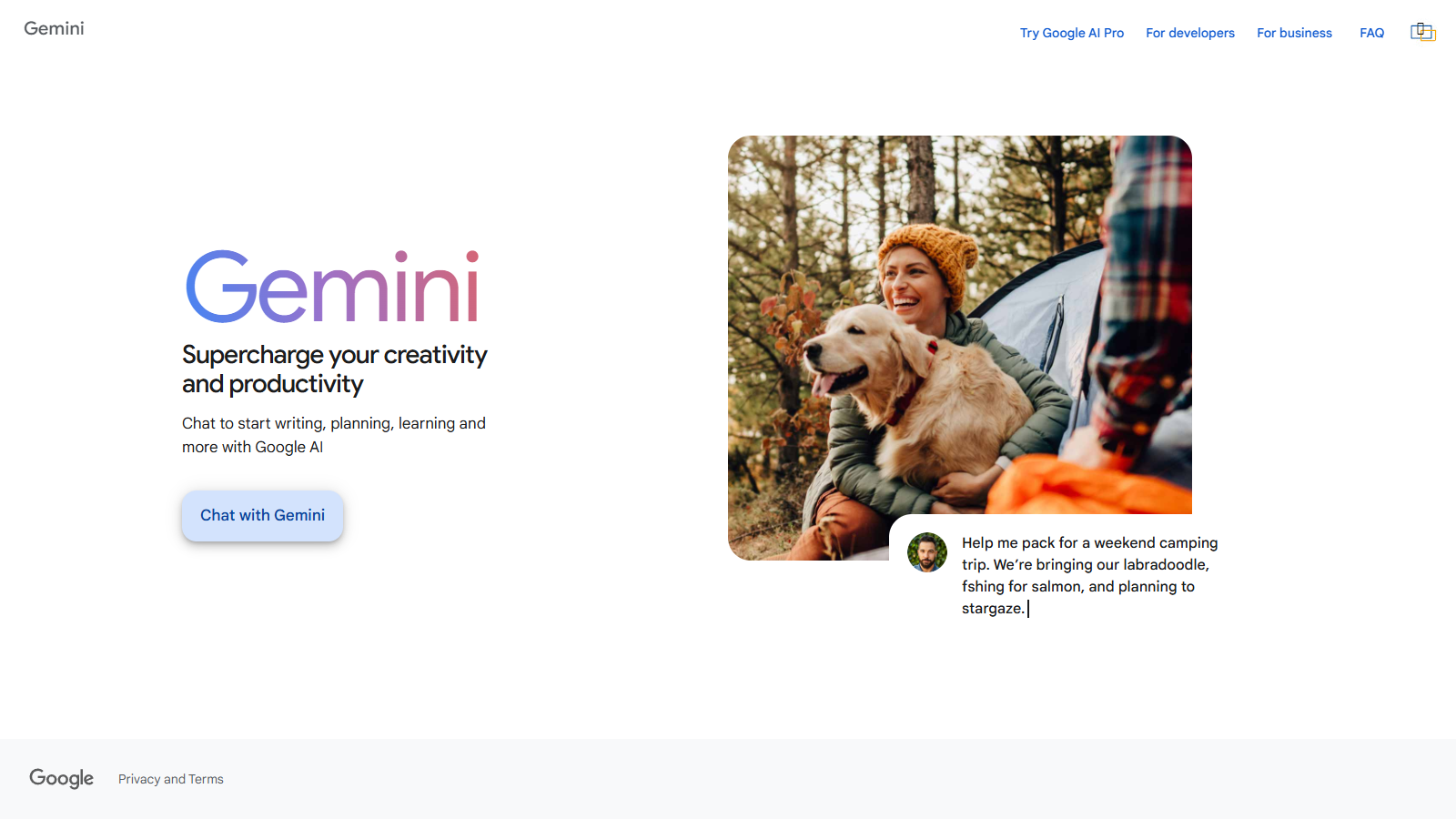
Screenshot of Gemini
What is Gemini?
The Gemini app, developed by Google, continues to revolutionize image editing with its latest enhancements. Powered by a new image editing model from Google DeepMind, Gemini delivers exceptional capabilities, allowing users unparalleled control to create the perfect image. With this top-rated image editing model integrated into the Gemini app, maintaining the likeness of subjects, whether friends, family, or pets, has never been easier.
Launched earlier this year, the native image editing functionality has undergone significant upgrades that focus on precision and user satisfaction. Users no longer have to worry about subtle flaws that can detract from the authenticity of an image. The innovative model is designed to ensure that photos of loved ones maintain their recognizable features, whether trying out a retro hairstyle or putting a tutu on a pet, consistently delivering results that feel right.
Gemini allows users to upload any image and specify desired modifications, effectively bringing your creative ideas to life. The editing features available provide a plethora of possibilities, including combining multiple images, changing backgrounds, and applying design elements. Imagine placing yourself in a picture with your pet or previewing how your room might look with new wallpaper. After editing, you can easily upload your image back into Gemini to transform it into a fun video.
Advanced Editing Features
With Gemini, you can experience advanced editing capabilities that let your creativity thrive:
- Costume and Location Changes: Upload photos of people or pets for Gemini to maintain their likenesses across varied scenarios. Experiment with different outfits or see how you’d look in a past era, all while keeping the essence of the subject intact.
- Multi-Photo Blending: Upload and blend multiple images to create entirely new scenes. For example, incorporate a photo of your dog alongside yours to craft a delightful montage.
- Multi-Turn Editing: Explore the nuance of editing specific parts of an image without affecting the entire composition. Paint walls, add furniture, or make minute adjustments to backgrounds, working in harmony with the rest of your image.
- Design Mixing: Apply the look and style of one object to another. Turn the vibrant colors of flower petals into unique fashion accessories or design patterns using the incredible textures found in nature.
Fun Storytelling Feature
For storytelling enthusiasts, Gemini features a fantastic storytelling tool called Storybook. Users can generate elaborate stories based on simple prompts, creating a ten-page narrative that includes delightful illustrations. This innovative tool aims to simplify complex ideas with engaging visuals, making storytelling accessible and fun for children and educators alike.
Both paid and unpaid users globally can try this updated image editing capability in the Gemini app starting today. All images produced or modified within Gemini come equipped with both visible and invisible watermarks, adhering to emerging standards of transparency for AI-generated content. This ensures viewers can easily identify and attribute images generated via AI technology.
Along with its various features, Gemini emphasizes inclusivity, now available in multiple languages, appealing to a diverse, global audience. The combined free and paid tiers open new doors for users interested in photography and digital artistry to explore advanced capabilities and creative possibilities.
Overall, Gemini stands as more than just an editing app; it is a platform that encourages creativity, storytelling, and personalized expressions in every edit made. Dive into Gemini's various features today and elevate your editing skills to unleash new creative potentials.
Pros & Cons
Pros
- Feature-rich image editing allows for character likeness maintenance and scenario changes.
- Innovative photo-to-video capabilities let users create dynamic videos from images.
- Storybook feature creates customized, illustrated stories from user prompts.
Cons
- Generated images and videos include visible and invisible watermarks indicating AI origin.
Frequently Asked Questions
Gemini is free to start, with paid plans from 0 to 0 Unknown per Translation not found for 'time_period_unknown'.
According to our latest information, this tool does not seem to have a lifetime deal at the moment, unfortunately.
Gemini's new image editing feature, powered by a model from Google DeepMind, allows users to maintain the likeness of individuals while editing. This means you can apply costume or location changes, blend multiple photos, and perform multi-turn editing while ensuring that the character's appearance remains consistent across images. This is ideal for creating unique portraits or altering backgrounds while retaining the original subjects' recognizable features.
To create a video from your photos in Gemini, select the 'Videos' option from the tool menu in the prompt box, upload your desired image, and describe the scene and any audio elements. Gemini will then transform your static photo into a dynamic eight-second video clip, complete with sound. This feature is accessible to Google AI Ultra and Pro subscribers.
The Storybook feature in Gemini enables users to create custom ten-page stories featuring rich illustrations. By entering a prompt like 'Create a story about...', users can generate original stories along with accompanying images. You can specify styles such as pixel art or comics, and the final product can be downloaded as a PDF, making it perfect for parents and educators to engage children in storytelling and learning.
Yes, all images created or edited using Gemini include both a visible watermark and an invisible SynthID digital watermark to indicate that they are AI-generated. This ensures transparency in content creation, allowing viewers to identify AI-generated elements. Users should be mindful of these limitations when sharing their creations.
To achieve the best results in Gemini's image editing, it's recommended to use clear and specific prompts when describing changes. Combining multiple images can yield unique and intricate results, and utilizing multi-turn editing allows for particular adjustments in a seamless manner. Also, keep the character's original features in mind to maintain consistency in likeness throughout edits.
Gemini allows users to upload multiple photos and blend them to create a new scene. This can be particularly useful for portrait creation, where you may want to combine your image with another, such as posing with a pet. The blending process ensures that characters maintain their look, making it easier to create cohesive and visually appealing compositions.
Once you have finished editing an image in Gemini, you can easily upload it to the platform to create engaging video content, transforming your static images into dynamic stories. This integration enables you to share your creations with friends and family, allowing for a broader display of your artistic capabilities through both photos and videos.
Gemini is available globally to both paid and unpaid users across various countries. The latest features, including advanced editing and photo-to-video capabilities, are rolling out to users, making them accessible in over 45 languages. Users can explore these features through the Gemini app or website; however, access may vary depending on specific subscription, such as Google AI Pro or Ultra.