Glimpse

Provides detailed search volume and trend analysis to improve keyword insights from Google Trends.
Meetglimpse.com
Is this your tool?
Follow for updates & deals
Get alerts for Glimpse discounts, feature releases & pricing changes
Similar Tools

SEO Minion
Chrome extension for on-page SEO analysis, broken link checking, and SERP previews.

Content Gap Report
Identify content gaps on your site and receive personalized recommendations to improve traffic and conversions.

Webflow
Build responsive websites visually with a drag-and-drop interface and integrated CMS.

PhotoG
Create and optimize visual marketing content, including ads and videos, using AI-driven tools.

Keyword Insights
Optimize content by researching keywords, clustering them, and generating detailed briefs for effective SEO.

Glimpse Media Gallery

Glimpse (review) video
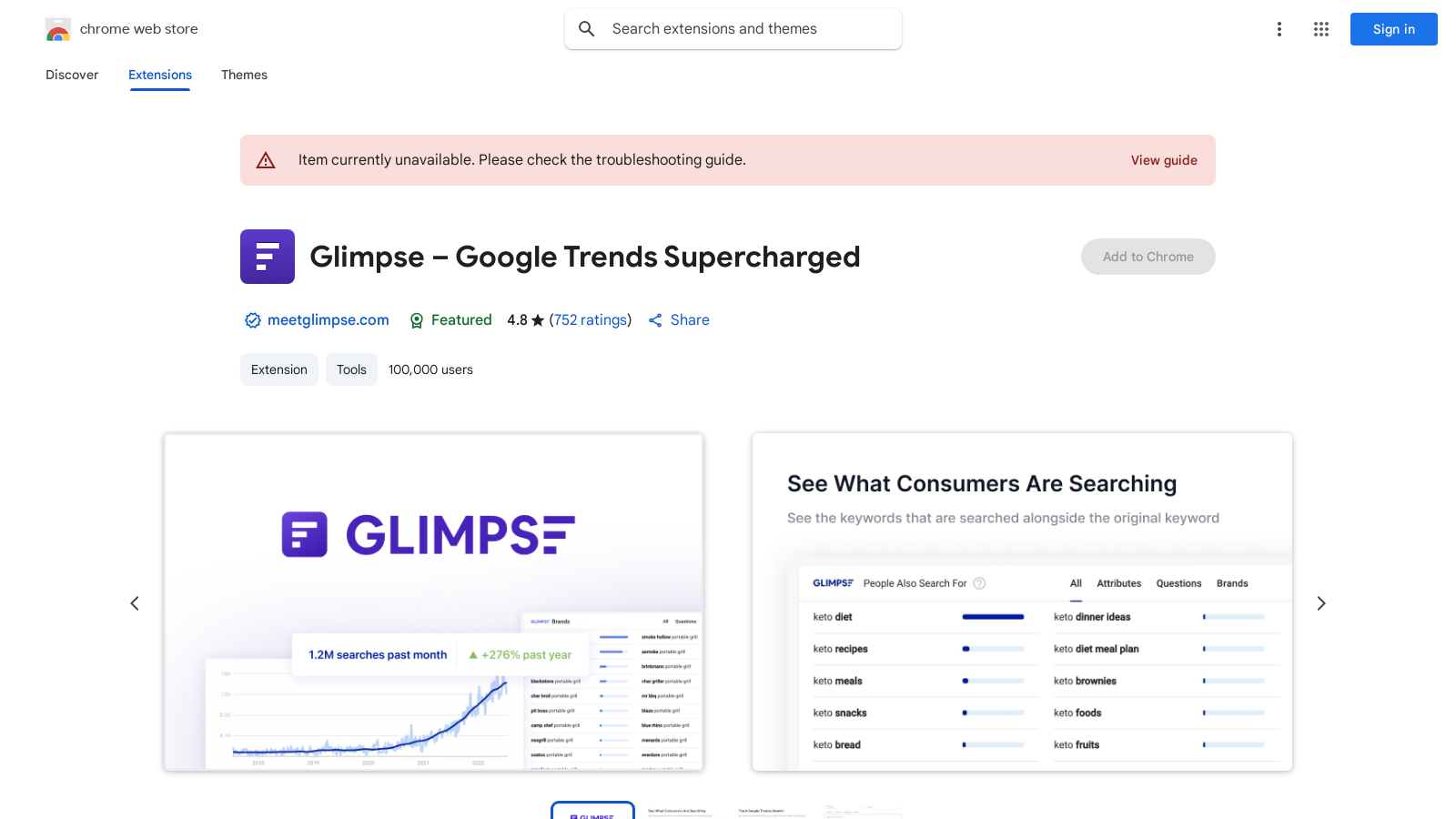
Screenshot of Glimpse
What is Glimpse?
Glimpse – Google Trends Supercharged redefines how users interact with Google Trends, allowing them to extract detailed insights into search behaviors over time. Designed as a Chrome extension, it caters primarily to marketers, SEO professionals, and content creators who rely on keyword data to make informed decisions.
Unlock Rich Insights
With Glimpse, users gain access to absolute search volume data—a feature that significantly enhances the traditional metrics provided by Google Trends. This means that rather than just relative search interest, users can see the actual number of searches conducted for a keyword, making it easier to understand the potential reach and relevance of topics. With real-time data available over a span of 20 years, marketers can accurately gauge performance trends and shifts in audience interest.
Discover Emerging Trends
Spotting trends before they go mainstream is crucial for businesses and content creators alike. Glimpse offers powerful trend discovery tools that allow users to identify high-growth keywords across various categories and niches. This feature is invaluable for staying ahead of competitors and capturing market opportunities early. With features that allow for the tracking of growth metrics, users can instantly grasp how much a trend has risen or fallen, making it easier to adjust strategies as needed.
Track Keywords with Alerts
The tracking and alert system in Glimpse enable users to monitor hundreds of keywords, receiving notifications when there are significant spikes in interest. This proactive approach allows marketers to adjust their strategies based on real-time data, ensuring they capitalize on trends as they happen. The alerts help users stay informed and take timely actions, making marketing efforts more agile and responsive.
Understand Seasonality and Forecasting
Glimpse doesn't just stop at historical data; it also aids in understanding seasonal trends and offering forecasts for the coming year. This capability helps users to plan marketing campaigns and content strategies that align with consumer interest. The ability to predict search patterns for the next year empowers marketers to strategize effectively, placing them steps ahead in audience engagement.
Leverage Long-tail and Comparative Data
Working with long-tail keywords has never been easier. Glimpse provides extensive data on what users are searching for in relation to any primary keyword. This aids in crafting content that is not only relevant but also optimized for search engines to attract organic traffic. The comparative data allows users to assess competition and fine-tune their SEO strategies, thereby enhancing their chances of ranking well.
Visualize and Export Data
Data visualization and export functionalities are another highlight of Glimpse. Users can easily export Google Trends data to Google Sheets with one click, making it easier to manipulate, analyze, and share insights with teams or stakeholders. This capability streamlines the reporting process and fosters collaboration within teams, allowing for data-driven decisions to guide marketing efforts.
Adapt to Industry Trends
In today's fast-paced digital landscape, being adaptable is key to success. Glimpse empowers users to stay informed about industry shifts and consumer patterns, allowing them to pivot their strategies and maintain relevance in their respective fields. Trusted by thousands of companies in over 132 countries, including top brands like Amazon, Coca-Cola, IKEA, Chanel, and The New York Times, it stands as a testament to the tool’s effectiveness and reliability.
Overall, Glimpse positions itself as an essential tool for anyone looking to deepen their understanding of keyword trends and enhance their search strategy. With an impressive rating of 4.8 out of 5 from over 750 users, Glimpse delivers robust insights that are invaluable for any digital marketer aiming to thrive in a competitive landscape.
Pros & Cons
Pros
- Provides absolute search volume data for keywords over 20 years.
- Allows advanced tracking and alerts for keyword performance spikes.
- Facilitates forecasting of search patterns for better strategic planning.
Cons
- User feedback suggests limited differentiation from Google Trends.
Frequently Asked Questions
Glimpse is free to start, with paid plans from 0 to 0 USD per Translation not found for 'time_period_unknown'.
According to our latest information, this tool does not seem to have a lifetime deal at the moment, unfortunately.
Glimpse enhances Google Trends by providing absolute search volume numbers for any keyword, offering rich insights over more than 20 years of data. Users can discover high-growth keywords, track hundreds of terms with alerts for spikes, and analyze seasonal trends and patterns to gain insights. Additionally, Glimpse offers forecasting capabilities for predicting search patterns over the upcoming year, enabling businesses and marketers to make informed, data-driven decisions.
Glimpse is a powerful tool for SEO and content marketing by allowing users to pull detailed trend insights. You can use it to conduct keyword research, identify in-demand topics, and create content that aligns with emerging trends before they go mainstream. It also enables you to stay updated on industry shifts, helping you adjust your strategies proactively.
Glimpse enables users to export Google Trends data directly to Google Sheets with a single click. This feature simplifies data manipulation and sharing for teams, allowing a seamless transition from insights to actionable strategies. Users can easily handle their data for further analysis or reporting without the need for manual entry.
While Glimpse offers substantial insights, users should note that usage limits are based on the selected plan, which may restrict the number of searches or data points that can be retrieved. Additionally, real-time tracking of hundreds of keywords may require careful management to avoid exceeding these limits. For full functionalities, users should refer to the official documentation or support resources.
To set up alerts in Glimpse, you will first need to create an account and specify the keywords you wish to track. The platform enables you to continuously monitor these keywords, and you will receive email notifications whenever there is a significant change in search volume or trends. Detailed instructions on setting this up can generally be found within the app or on their support site.
Yes, Glimpse is designed to work not only on Google Chrome but also on other browsers, including Microsoft Edge. This compatibility enables a wide range of users to benefit from its features, ensuring seamless functionality across various browsing environments.
Glimpse is particularly beneficial for SEO professionals, marketers, content creators, and businesses seeking to stay informed about digital trends. It offers valuable insights for various use cases, including market research, product development, and investment strategies. Additionally, companies can leverage Glimpse to stay competitive by recognizing trends early.
If you experience issues or have questions while using Glimpse, you can visit the developer’s support site for assistance. They provide troubleshooting guides and other helpful resources to resolve common problems and optimize your experience with the extension.