













Gling

Automates video editing for YouTube creators by removing bad takes and optimizing audio quality.
Gling.ai
Is this your tool?
Follow for updates & deals
Get alerts for Gling discounts, feature releases & pricing changes
Similar Tools

ByteDance Seed
Exploring and advancing research in artificial intelligence with a focus on language models and multimodal systems.

Arcads
Generate personalized video ads with AI using customizable user-generated content.

Revid
Automatically generate professional-quality videos tailored for social media platforms.

Motionik
Stunning screen recordings for Windows and macOS

Magic Light
Generate engaging videos from text, maintaining character consistency and diverse visual styles.

Gling Media Gallery

Gling (review) video
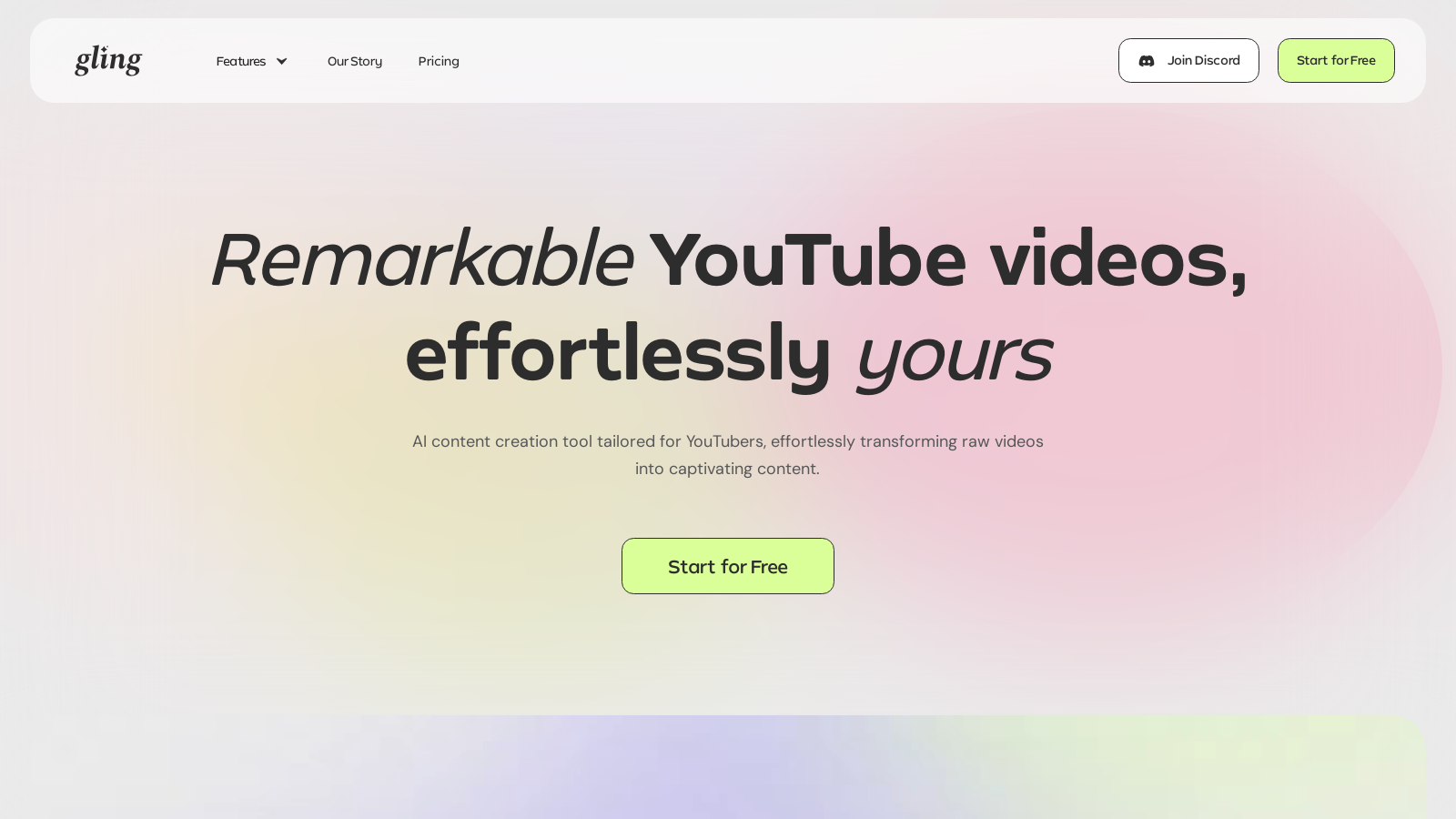
Screenshot of Gling
What is Gling?
Gling is an innovative AI video editing software tailored specifically for YouTube creators. Designed to streamline the video editing process, Gling automates mundane tasks, allowing content creators to dedicate more time to storytelling and enhancing the viewer's experience. Gling not only simplifies the editing workflow but also equips creators with features that optimize video performance on platforms like YouTube.
Key Features:
- Auto Editing: One of Gling's standout features is its capacity to automatically cut out bad takes, silences, and filler words. This intelligent feature significantly reduces editing time and guarantees that the final product is clean and polished.
- AI Text-Based Trimming: Gling offers a user-friendly text-based trimming system allowing users to edit videos directly through the transcript. By modifying the text, edits are reflected in the video in real-time, making the editing process intuitive and efficient.
- No Background Noise: With Gling's advanced noise removal technology, creators can deliver crisp and clear audio, free from distracting sounds, ensuring the audience stays focused on the content.
- AI Captions: Enhance accessibility and viewer engagement by automatically generating captions and subtitles. Gling intelligently highlights key parts of the video to ensure effective placement of captions.
- Automated Zoom In/Out: Gling incorporates an automated zoom feature that allows users to highlight crucial moments in their videos effortlessly, keeping the audience engaged.
- Smart Suggestions: The platform can also generate next video suggestions and optimize titles for SEO, increasing the chances of content being discovered on YouTube.
Workflow Optimization:
With Gling, creators effortlessly aim for polished results without excessive manual labor. Supporting various file formats, Gling allows users to upload and edit their content seamlessly. After editing, videos can be exported directly into popular editing software like Adobe Premiere, Final Cut Pro, or DaVinci Resolve, or saved as MP4 or MP3 files, providing flexibility in post-production workflows.
Flexibility and Accessibility:
Gling operates on both desktop and online platforms, ensuring accessibility for users irrespective of their editing environment. Creators can start for free, with the option to upgrade for more advanced capabilities, making it suitable for both beginners and seasoned professionals alike.
Engaging Community:
Gling also nurtures a vibrant community of creators who share their experiences and feedback. The focus remains on empowering users to streamline their content creation processes and realize their creative visions. Gling has transformed the way creators approach video editing, making it more accessible and enjoyable.
In summary, Gling stands as a transformative tool for YouTube creators who aspire to enhance video quality while minimizing editing time and effort. Its state-of-the-art AI capabilities make it a revolutionary addition to the content creation landscape, ensuring users can produce remarkable video content effortlessly.
Pros & Cons
Pros
- AI automates the removal of bad takes, silences, and filler words for faster editing.
- Generates optimized YouTube titles and auto-chapters to enhance video discoverability.
- Intuitive text-based video trimming allows easy manual refinements alongside AI edits.
Cons
- Free version exports videos with a watermark, limiting initial usability.
Frequently Asked Questions
Gling is free to start, with paid plans from 0 to 20 USD per month.
According to our latest information, this tool does not seem to have a lifetime deal at the moment, unfortunately.
Gling supports a wide range of video and audio files, including standard formats such as MP4, MOV, AVI, MKV, and various audio formats like MP3, WAV, and AAC. This allows for flexibility in uploading your raw recordings for editing.
Gling utilizes AI technology to automatically remove bad takes, silences, and filler words from your videos. This helps optimize your workflow by reducing the amount of manual editing required, allowing you to focus more on the creative aspects of your content.
Yes! Gling can generate optimized titles and automatic chapter markers, which are crucial for improving your video's discoverability on YouTube. By using these features, you can enhance viewer engagement and boost your videos' SEO performance.
Editing a video with Gling involves three simple steps: First, upload your raw video recording. Gling's AI will transcribe the content and automatically remove unwanted takes. Next, review and refine the AI-edited video. Finally, download or export your polished video, choosing from various formats such as MP4 or MP3.
Absolutely! Gling features an AI-powered caption generator that automatically creates subtitles for your videos. You can also export these captions in SRT format for accessibility and improved viewer engagement.
Gling offers support through its official website, where users can find documentation and FAQs. Additionally, users can reach out for help via email or through community channels like Discord, ensuring that assistance is available when needed.
Yes, Gling is designed to be user-friendly and accessible for creators of all skill levels. Its AI-driven tools minimize the learning curve associated with traditional video editing, allowing beginners to create professional-quality content effortlessly.
After editing, Gling allows users to export their videos in various formats, including MP4 and MP3. You can also choose to export subtitles in SRT format. This ensures that you can share your content across different platforms and keep it accessible for various audiences.



