iipmaps

Easily create custom data maps with a user-friendly drag-and-drop interface.
Iipmaps.com
Is this your tool?
Follow for updates & deals
Get alerts for iipmaps discounts, feature releases & pricing changes
Similar Tools

Modul.page
Design and customize presentations quickly with pre-defined blocks and easy style adjustments.

Visme
Create interactive presentations, infographics, and visual content with ease and collaboration.

Tome
Create and share multimedia presentations with AI-enhanced content and interactive features.

Visily
Create wireframes and prototypes with AI-assisted design tools for collaborative user interface projects.

Uizard
Simplifies UI design by generating components from text descriptions for quick prototyping.

iipmaps Media Gallery

iipmaps (review) video
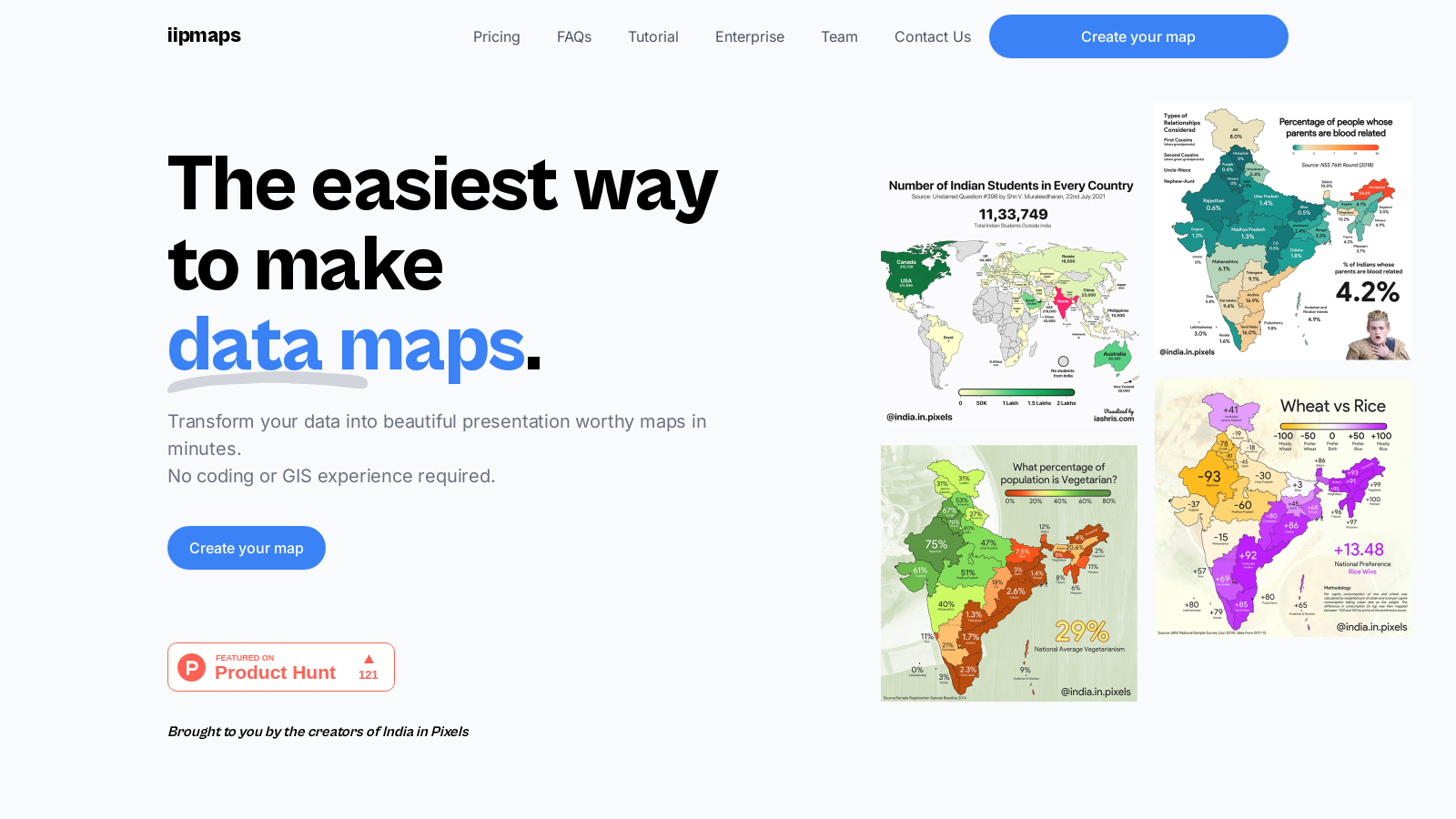
Screenshot of iipmaps
What is iipmaps?
At iipmaps, we specialize in transforming complex data into visual narratives that inform, engage, and inspire. Our tool is designed for users of all skill levels, enabling anyone—from marketers to data scientists—to craft beautiful maps without the need for coding or GIS experience. iipmaps simplifies the map-making process into just three easy steps: paste your data, style your map, and export your creation.
Creating Maps Made Simple
Creating a map with iipmaps is remarkably straightforward. First, users can paste their data directly onto the platform or connect to a spreadsheet for easy access. Our platform is designed to auto-fix common errors, ensuring that your map is not only accurate but also visually appealing. You're also given options to choose from a list of custom palettes or create your own. This flexibility allows you to personalize your maps to fit your style and branding seamlessly. Finally, exporting your map is a breeze—choose to download it in high or low resolution as a PNG or SVG file, making it ready for presentations or reports.
Features That Shine
One of the standout features of iipmaps is its user-friendly drag-and-drop interface, making it accessible for anyone regardless of their prior mapping experience. Users can fully customize their maps, from color palettes to fonts, which allows for a unique representation of the data. With seamless multi-language support, iipmaps breaks down barriers, enabling users to reach a global audience effortlessly.
Versatility and Collaboration
The tool is equipped with versatile map editing capabilities, allowing for the addition of images, the merging of regions, and various annotations. Collaboration features are built into iipmaps as well—teams can create shared workspaces, manage access, and work simultaneously on projects. This is crucial for organizations looking to harness the collective expertise of team members spread across different locations.
Free and Pro Plans
iipmaps offers a freemium model where users can start with a free version that includes standard customization options. However, these maps will carry a watermark. For those needing advanced capabilities, our Pro plan allows unlimited access, high-quality exports, and commercial use without watermarks, for $99 annually. Businesses seeking a tailored solution can opt for the Enterprise plan with custom pricing to meet specific needs.
Use Cases Across Industries
iipmaps is trusted by professionals across various fields, including FMCG, government, and retail. It empowers users to visualize data insights effectively—be it defining sales territories, optimizing resource allocation, or analyzing market trends. Whether you're plotting caffeine-consuming regions or visualizing health zones, iipmaps offers the tools necessary to bring data stories to life.
Join Our Community
With a growing community of users and tools ranging from easy templates to customizable features, we encourage data enthusiasts at all levels to join us at iipmaps. Together, we can redefine how data is visualized and understood, making every project a success.
Pros & Cons
Pros
- Create maps easily by uploading spreadsheets, with no technical skills required.
- Fully customizable palettes and styling options enhance branding and personalization.
- Integrated live data synchronization keeps maps updated dynamically.
Cons
- The free version includes watermarks, limiting its use for public storytelling.
Frequently Asked Questions
iipmaps is free to start, with paid plans from 0 to 99 USD per month.
According to our latest information, this tool does not seem to have a lifetime deal at the moment, unfortunately.
iipmaps is versatile and caters to various industries. For FMCG companies, it helps define bottler territories and optimize sales regions. Government agencies can visualize health zones and resource allocations, while retail and quick service restaurants (QSR) can identify expansion zones and track presence heatmaps. Strategy teams can quickly plot points and export branded maps for presentations, ensuring that data insights are accessible and visually compelling.
Yes! iipmaps offers fully customizable palettes, allowing you to tweak colors and styles to match your personal or brand identity. You can also adjust fonts, labels, and text annotations. This flexibility ensures that your maps not only convey data but also align with your visual branding, making them suitable for professional presentations or reports.
iipmaps is designed for team collaboration, allowing you to create shared workspaces where team members can co-edit maps or leave comments. You can manage access levels, ensuring that everyone involved can contribute effectively. This feature is handy for distributed teams, as it keeps everyone synchronized across different projects and regions.
The free version of iipmaps provides access to basic features, allowing users to create and export maps with standard customization. However, these maps will carry a watermark, which might not be ideal for professional use. The free plan also comes with usage limits, typically allowing only five projects or 7 days of access, making it suitable for learning and internal tests, but not for extensive or commercial applications.
iipmaps allows for easy integration of various data types. With the Pro plan, you can link your Google Sheets directly, making it straightforward to dynamically clean and visualize your data without the hassle of manual imports. This is particularly useful for users who want their maps to reflect real-time data updates automatically.
iipmaps takes data security seriously. The platform uses modern encryption standards and secure hosting infrastructure to ensure that your data remains private and protected. For enterprise users, there are options for custom service level agreements (SLAs) and private deployments, providing additional security tailored to organizational needs.
iipmaps offers support for custom boundary uploads, which means you can create maps for specific zones such as sales territories or other unique regions. For complex cases, such as hybrid regions or particular organization needs, iipmaps provides personalized setup support to ensure that your mapping requirements are met effectively.
Once you have created your map in iipmaps, exporting is straightforward. You can download your maps in various formats, including high-resolution PNG or SVG, making them suitable for presentations, reports, and other media. This feature allows you to integrate your visual data into your existing workflows seamlessly.