Kimi

AI tool for smarter coding, task automation, and advanced reasoning with multimodal capabilities.
Kimi.com
Is this your tool?
Follow for updates & deals
Get alerts for Kimi discounts, feature releases & pricing changes
Similar Tools

ZeroGPT
Detects AI-generated text and offers grammar checking and summarization tools for improved content authenticity.

AskYourPDF
Interact with and summarize PDF documents using an AI chat interface.

RentAHuman.ai
Connects AI agents with humans for tasks like deliveries, errands, and field research.

Paxton
AI assistant for legal professionals with drafting, analysis, and research capabilities

Dream Story
A journaling app that enhances personal growth through guided self-reflection and AI-assisted insights.

Kimi Media Gallery

Kimi (review) video
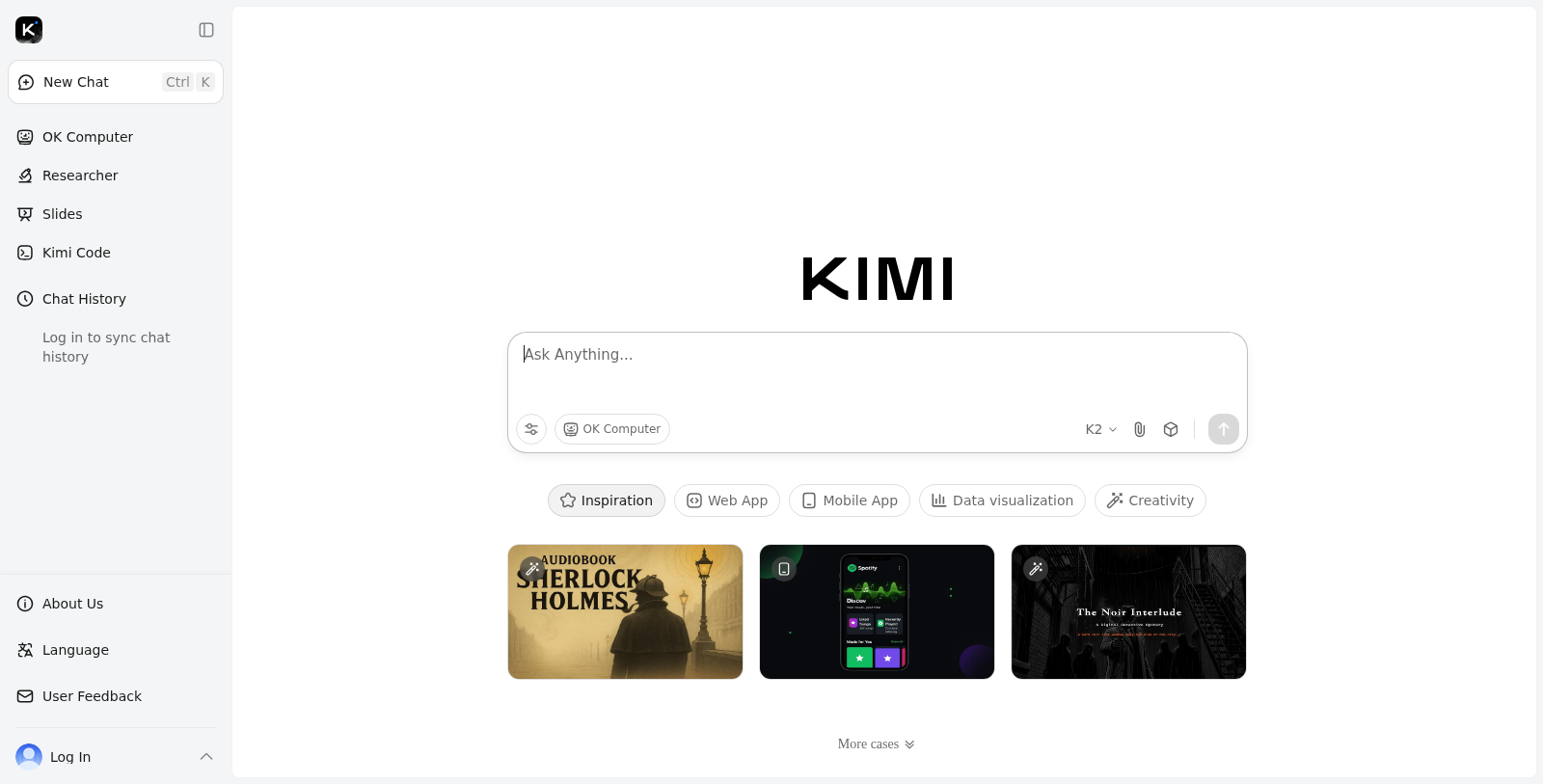
Screenshot of Kimi
What is Kimi?
Kimi is a cutting-edge artificial intelligence tool powered by Moonshot AI, designed to facilitate smarter coding, agentic task automation, and advanced reasoning capabilities. The Kimi AI platform proudly features Kimi K2, an open-source trillion-parameter MoE model that significantly enhances user interaction through multimodal reasoning and long-form conversations.
Recent updates to the Kimi platform have further elevated its performance and user experience. The Kimi K2 model is now equipped with improved coding capabilities, making it easier for developers to harness its full potential when completing complex tasks.
With Kimi, users can explore various tools and conduct tasks seamlessly, thanks to its flexible API calls. The advanced architecture of Kimi supports complex integration, enabling applications to leverage its powerful features for a competitive advantage. Its user-friendly interface encourages engagement, making research and inquiry both intuitive and effective.
Key Features:
- Supports online search and deep-thinking capabilities.
- Allows for multimodal reasoning, enhancing responses based on diverse data inputs.
- Facilitates long-form text conversations to enrich user experience.
- Open-source availability enhances accessibility and collaborative development.
- The Kimi K2 model introduces a high-speed version, the Kimi K2 Turbo, which increases output speed from 10 tokens per second to 40 tokens per second, significantly boosting productivity for users with high demands.
The Kimi Open Platform focuses not only on enhancing user interaction but also on empowering developers and businesses seeking to automate and optimize decision-making processes. Integrating Kimi into applications can greatly improve productivity and drive innovative outcomes.
Applications:
- Suitable for education, automation, and business analytics.
- Applicable in diverse sectors, ranging from finance to creative industries, where AI assistance can lead to better results.
- Encourages research by leveraging AI-driven insights for enhanced knowledge acquisition.
Furthermore, Kimi incorporates a robust set of features that support open-source code sharing, allowing developers to contribute to the growth of the platform and foster collaboration. Kimi's collaborative nature significantly enhances its educational potential, providing a rich resource for learning and development.
Engage with Kimi AI today and experience the next level of intelligent assistance, optimizing workflows, and driving innovation across various industries.
Pros & Cons
Pros
- Kimi K2 is an open-source trillion-parameter MoE model, enabling advanced AI capabilities.
- Supports multimodal reasoning and long-form text conversations for various applications.
- Flexible API allows easy integration of advanced features in user applications.
Cons
- May experience slower AI generation speed during peak usage due to high user demand.
- Accessing external resources like the internet or databases is not supported.
Frequently Asked Questions
Kimi is available at no cost.
According to our latest information, this tool does not seem to have a lifetime deal at the moment, unfortunately.
Kimi is a powerful AI assistant capable of handling a wide range of tasks, including content generation, code writing, summarization, creative writing, and in-depth conversations. You can leverage Kimi to handle coding tasks or engage in multi-turn conversations across different topics, making it suitable for education, programming, and creative endeavors.
Integrating the Kimi API is straightforward. You first need to obtain an API key from the Kimi Console. Then, you can use the Chat Completions API to send requests, specifying the model and providing the necessary messages in JSON format. For detailed configuration and examples, refer to the official API documentation on the Kimi website.
Kimi offers several models tailored for different tasks. The 'moonshot-v1' series includes models designed for varying context lengths (8k, 32k, 128k), ideal for short- to very-long text generation. The 'kimi-k2' models feature enhanced capabilities for code generation and multi-modal tasks. Additionally, the 'kimi-latest' model supports advanced features,s including live image recognition. Choosing the right model depends on your specific needs regarding context length and task type.
Yes, Kimi does have some limitations. For example, it can't execute external code or access live internet resources. Additionally, specific usage constraints apply, including rate limits on requests per minute and token usage. It's also essential to ensure that input and output lengths do not exceed the model's maximum context length. For comprehensive guidelines, users should consult the official documentation.
To achieve optimal results with Kimi, crafting clear, descriptive prompts is essential. Please specify context, provide examples where necessary, and set expectations for the type of response you are seeking. Avoid ambiguity and ensure your instructions are clear. Additionally, using the 'partial' feature in responses can help guide Kimi's outputs more precisely.
Rate limits in Kimi's API are enforced based on various metrics such as concurrency, requests per minute, and tokens per minute. For instance, if you exceed the allowed number of concurrent API calls, you may receive errors indicating that you've surpassed your rate limit. To avoid this, monitor your usage and adjust the frequency of your API calls accordingly.
Yes, Kimi supports uploading various file types for analysis. Supported formats include PDFs, text files, Word documents, images (JPEG, PNG), and more. Once you upload a file, Kimi can extract and use the content in conversations or analyses, enhancing its responses based on the data you provide.
Context Caching is a feature that allows you to store frequently used data, improving Kimi's efficiency in retrieving it. When you upload files or send information to Kimi, you can specify a cache tag. This enables Kimi to reference the cached content without resubmitting the same data repeatedly. This not only saves processing time but also reduces costs associated with multiple inquiries on the same subject.