Kome

A browser extension that summarizes content and organizes bookmarks for enhanced productivity.
Kome.ai
Is this your tool?
Follow for updates & deals
Get alerts for Kome discounts, feature releases & pricing changes
Similar Tools

ChatOn
AI chat assistant for task management, writing help, and multimedia content creation.

TheTabber
Publish to 9+ social platforms at once.

Merlin AI
Assist with research, writing, and summarizing content across various platforms.

Evernote Web Clipper
Capture and save web content directly to your Evernote account for easy organization.

SmartWriter
Create highly personalized cold emails using AI.

Kome Media Gallery

Kome (review) video
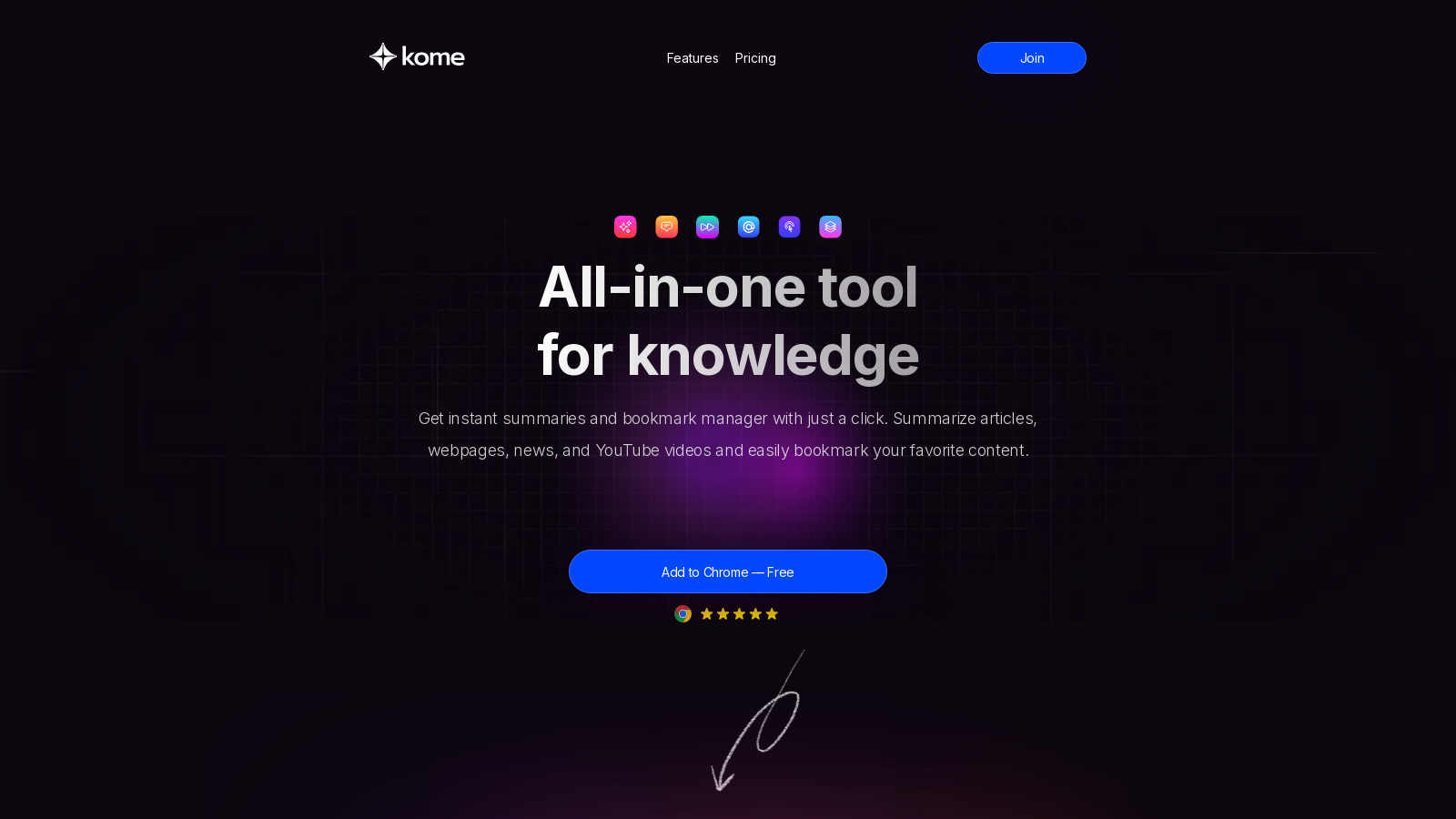
Screenshot of Kome
What is Kome?
Kome is an innovative AI-powered browser extension designed to enhance your online experience by providing functionalities that help streamline your digital tasks. With Kome, users can instantly summarize lengthy articles, YouTube videos, and various web pages, making it an indispensable tool for anyone looking to save time and boost productivity.
Key Features of Kome
Kome is more than just a summarizer; it also acts as a powerful bookmark manager. Users can easily capture and organize their digital content. The bookmark manager allows you to save any link, article, or video snippet, providing easy access whenever you need it. Another standout feature is the Smart Compose tool, which utilizes your saved bookmarks to help generate emails, tweets, and blog posts efficiently. This seamless integration of summarization and writing assistance makes Kome a comprehensive solution for digital organization.
AI-Powered Summarization
Kome's AI technology enables users to summarize text quickly and efficiently, improving your reading speed by up to 3 times with just a single click. Whether it's an article or a YouTube video, saving time on information consumption has never been easier.
Bookmark Manager
Capture and store content from any website with Kome's intuitive bookmark manager. No need to sift through piles of bookmarks; Kome's automatic organization feature ensures that your bookmarks are easy to find when you need them the most. This functionality eliminates the common frustration of losing track of valuable content, all stored securely within your browser.
Smart Compose Feature
Kome's Smart Compose feature allows users to leverage their stored bookmarks to generate coherent and relevant emails, tweets, or blog posts swiftly. This innovative tool takes the hassle out of writing by helping you synthesize information into digestible content.
Effective Use Cases
Various user groups can benefit from incorporating Kome into their daily routines. Beyond students seeking to enhance their study efficiency, professionals can leverage Kome to digest reports, articles, and industry news quickly. Content creators are especially catered to, as they can cultivate a wealth of resources and ideas while maintaining an organized workflow. With features that aid in research, quick information access, and content creation, Kome stands out in the productivity tools market.
Subscription and Pricing
Kome offers a freemium model, providing users with basic features at no cost. Users on the free plan have access to five summary credits per month, allowing them to summarize websites, articles, news, and YouTube videos. For those who desire more advanced functionalities, a premium subscription plan is available for NULL.99 per month, which includes 200 summary credits, enhanced summarization capabilities, automatic organization of bookmarks, and priority support. This flexible subscription can be cancelled at any time, ensuring that you have control over your investment in productivity.
The Future of Kome
Kome's continuous improvement and feature expansion are guided by user feedback, and the platform prides itself on staying at the forefront of technological advancements. Whether you're a frequent user of educational content, a busy professional, or a creative individual who needs reliable organization tools, Kome aims to empower its users with the efficiency and effectiveness needed for modern digital life.
Pros & Cons
Pros
- Offers AI-powered summarization for articles, videos, and websites to save time.
- Includes a smart bookmark manager that automatically organizes saved content.
- Enhances productivity by allowing users to compose emails and posts using saved bookmarks.
Frequently Asked Questions
Kome is available at no cost.
According to our latest information, this tool does not seem to have a lifetime deal at the moment, unfortunately.
Kome is versatile in summarizing various types of content, including articles, news stories, YouTube videos, and PDF documents. By leveraging AI technology, it provides concise summaries that capture essential points and key takeaways, helping you save time while staying informed on your topics of interest.
Kome's Bookmark Manager allows you to effortlessly capture and organize links, articles, and media from across the web. Unlike traditional bookmark methods, Kome automatically categorizes your bookmarks, making retrieval simple through robust search functionality. This streamlined organization enables you to access essential resources quickly, saving time and boosting productivity.
Absolutely! Kome's Smart Compose feature enables you to transform your bookmarks into emails, tweets, or blog posts with ease. By integrating your saved content into the writing process, Kome acts as a creative assistant, allowing you to generate drafts quickly and effectively, thereby improving your writing workflow.
Kome is designed to work seamlessly with popular browsers, including Chrome, Brave, Opera, and Edge, ensuring a smooth and efficient experience across various platforms. This compatibility allows you to use Kome's features regardless of your preferred browser.
The free version of Kome offers basic functionality, enabling you to use features like summarizing and bookmarking, though it comes with limited access to advanced tools. For example, free users have a maximum of 5 summary credits, compared to the generous amount available with a premium subscription. To unlock full capabilities, a subscription is necessary.
Kome provides a feature that allows users to extract color palettes directly from any website. This is particularly useful for designers or anyone who wants to create aesthetically pleasing content. Navigate to the site, activate Kome, and use the color extraction tool to save your desired palette in a preferred format.
Kome's YouTube Transcript Generator enables you to generate accurate text transcripts for any YouTube video quickly. By simply pasting the video URL into Kome's interface, you can receive a full transcript in seconds, making it easy to review and reference video content without needing to watch the entire video.
Canceling your Kome subscription is straightforward. You can do this at any time by logging into your account settings within the Kome extension. Follow the cancellation steps provided in your settings, and your subscription will be terminated without any further charges.