Lighthouse

Automates audits to enhance web app performance, accessibility, SEO, and best practices.
Developers.google.com
Is this your tool?
Follow for updates & deals
Get alerts for Lighthouse discounts, feature releases & pricing changes
Similar Tools

Respona
Streamline your outreach efforts and manage link building campaigns effectively.

Anyscale
A platform for developers to build and scale AI applications using Ray and optimized runtime services.

Weights & Biases
Manage and visualize AI model experiments with tracking and collaboration tools.

Indexly
Automates web page submission for faster indexing across major search engines like Google and Bing.

Search Atlas
Automates SEO tasks for agencies and brands, enhancing organic traffic and sales with advanced tools.

Lighthouse Media Gallery

Lighthouse (review) video
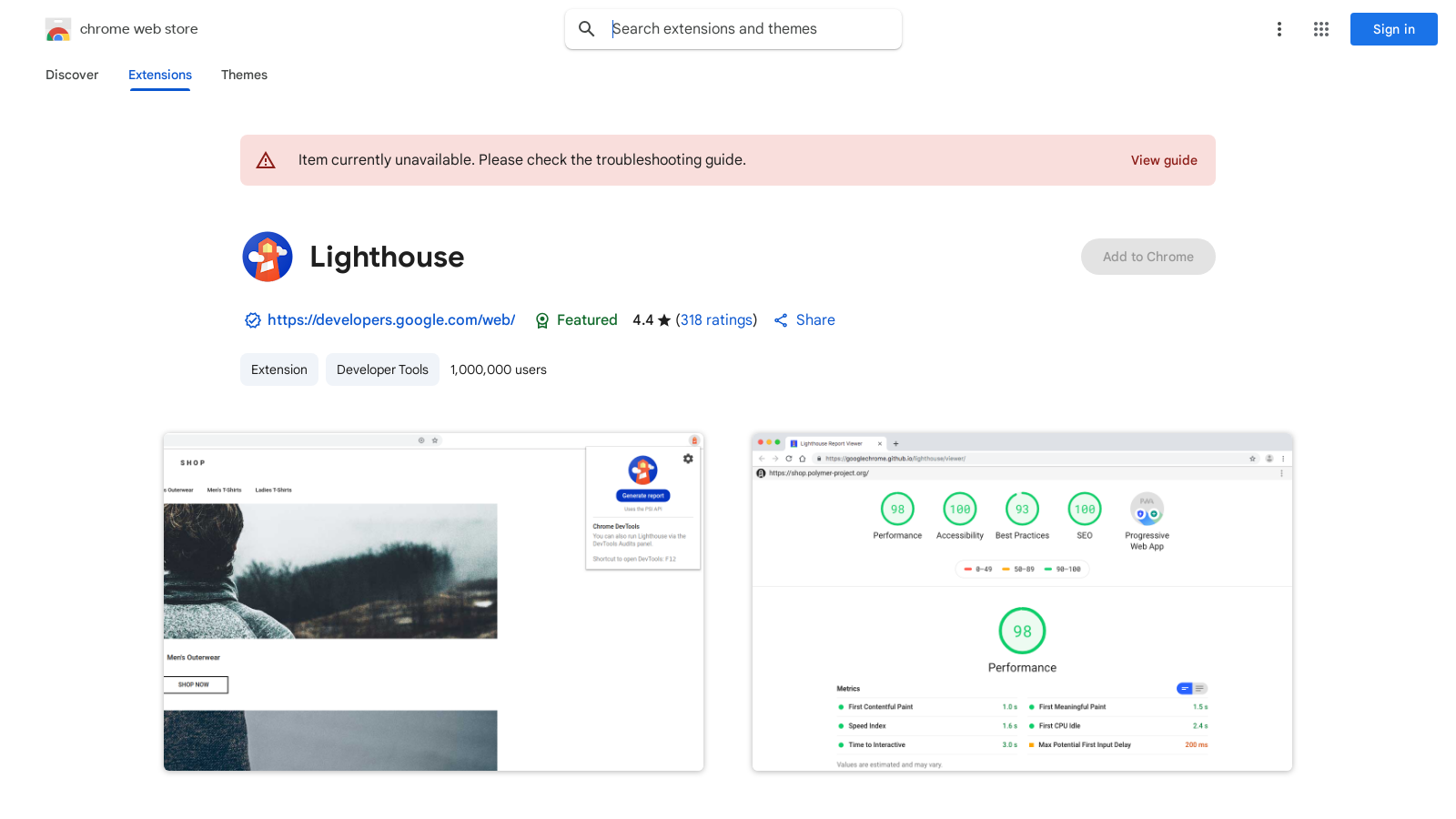
Screenshot of Lighthouse
What is Lighthouse?
Lighthouse is an open-source, automated tool for improving the performance, quality, and correctness of your web applications. Developed by Google, it facilitates a thorough assessment of web pages, helping developers identify essential areas for enhancement.
The Power of Auditing
When auditing a page, Lighthouse performs a barrage of tests, generating a comprehensive report on how well the webpage performed across various metrics. This report helps developers pinpoint failing tests that indicate areas for improvement, such as accessibility, best practices, SEO performance metrics, and more. By taking action on the insights provided, users can significantly uplift their application’s overall quality and performance.
Utilizing Lighthouse: A Quick-Start Guide
For newcomers, utilizing Lighthouse is straightforward thanks to a comprehensive quick-start guide available on the official website. This guide outlines the steps needed to effectively conduct audits, interpret results, and apply recommendations. As a result, users can quickly learn how to leverage the data provided to remediate any issues within their web applications.
Viewing and Sharing Reports
A notable feature of Lighthouse is the ability to view and share detailed reports online. This is invaluable for collaborative environments, allowing team members to gain insights and collectively address any web-related issues illustrated in the report. By making it easy to share findings, Lighthouse promotes teamwork and supports a culture of continuous improvement among developers.
Extensions and User Interface
Lighthouse isn’t limited to report generation; it can be integrated as a Chrome extension, enabling quick access and usability directly from the browser. With over 1,000,000 users, it's designed to be user-friendly while providing detailed analytical data necessary for effective performance optimization. Users can add Lighthouse to Chrome effortlessly, empowering them to execute audits with mere clicks, streamlining the development process.
Source and Community Support
Being an open-source project actively maintained on GitHub, Lighthouse benefits from a community of developers who contribute continually to its refinement. This collaborative environment ensures that the tool stays updated with the latest web standards and best practices. Moreover, the community support means that users have access to various resources and assistance, facilitating enhanced usage and understanding.
Privacy Considerations
Maintaining user privacy is paramount, and Lighthouse’s development team has committed to not collecting or using your data. This dedication extends to ensuring that user data isn’t sold to third parties, allowing developers to utilize the tool without concerns about data security.
Conclusion
In summary, Lighthouse serves as a crucial tool for web developers aiming to enhance their applications' performance and user experience. By conducting audits, utilizing comprehensive reports, and following the best practices highlighted by Lighthouse, developers can obtain actionable insights to significantly improve their web applications' effectiveness and relevance in an ever-evolving digital landscape. The integration of easy-to-use features alongside community support solidifies Lighthouse’s position as an indispensable asset for modern web development.
Pros & Cons
Pros
- Open-source architecture allows for community-driven improvements and features.
- Automated audits provide detailed performance, quality, and correctness reports for web apps.
- Failing tests identify specific areas for developers to enhance their applications.
Cons
- Some users report a lack of certain features, like the PWA test option.
Frequently Asked Questions
Lighthouse is open source and free to use.
According to our latest information, this tool does not seem to have a lifetime deal at the moment, unfortunately.
Lighthouse conducts a variety of automated tests to assess the performance, quality, and correctness of web applications. These tests cover areas such as page speed, accessibility, SEO optimization, and best practices. Upon completion, it generates a detailed report highlighting the scores for each category and identifies failing tests, allowing developers to pinpoint areas for improvement.
After running an audit with Lighthouse, you can view and share your reports online. Navigate to the Lighthouse viewer at https://googlechrome.github.io/lighthouse/viewer/. This accessible web tool allows you to upload your generated report for easy sharing and collaboration with team members or clients.
Yes, Lighthouse is designed to evaluate both desktop and mobile web applications. When initiating an audit, users can specify the type of environment they wish to test. This dual functionality ensures that developers can optimize their web applications for all devices, enhancing user experience regardless of the platform.
To use Lighthouse, you need Google Chrome installed on your computer, as it is a Chrome extension. Additionally, it is recommended to run audits on a stable Internet connection and ideally on a fresh browser profile to eliminate any caching effects. For the best results, ensure your web application is accessible and functioning correctly before running audits.
While Lighthouse is a powerful tool, it does have limitations. It primarily evaluates surface-level performance metrics and may not consider back-end performance issues. Additionally, results can vary based on external factors, such as network conditions or user environment. It’s not a comprehensive testing solution; combining it with manual testing and other tools is advisable for thorough analysis.
Lighthouse is unique in its comprehensive, automated approach to auditing web apps, combining features that assess performance, SEO, best practices, and accessibility. Unlike some other tools, it offers detailed, actionable insights in an easy-to-understand format. However, developers might find overlapping functionalities with tools like PageSpeed Insights, but Lighthouse provides a more holistic view of overall application health.
Support for Lighthouse is available through the official documentation provided by Google at https://developers.google.com/web/tools/lighthouse/. Users can access troubleshooting guides, FAQs, and additional resources. For specific issues or feedback, users can also engage with the developer community on platforms like GitHub.
Absolutely! Lighthouse is an excellent tool for auditing Progressive Web Apps (PWAs). It evaluates key PWA metrics, such as service worker configuration, offline functionality, and performance benchmarks. This functionality helps developers ensure that their PWAs meet modern standards for user experience and reliability.