LingBot-Map
Tool for real-time 3D scene reconstruction using a geometric context transformer model.
Github.com
Is this your tool?
Follow for updates & deals
Get alerts for LingBot-Map discounts, feature releases & pricing changes
Similar Tools
Reliable AI
Facilitating practical AI solutions bridging research in legal and academic fields.

Atono
A comprehensive platform for product teams to collaboratively plan, build, and manage software development.

PlayerZero
AI-driven platform for predictive monitoring and automated debugging in software development

Firebase
Development platform for mobile and web apps with real-time databases, hosting, and analytics services.

Ravelin
AI-powered fraud prevention and payment solutions tailored for online merchants

LingBot-Map Media Gallery

LingBot-Map (review) video
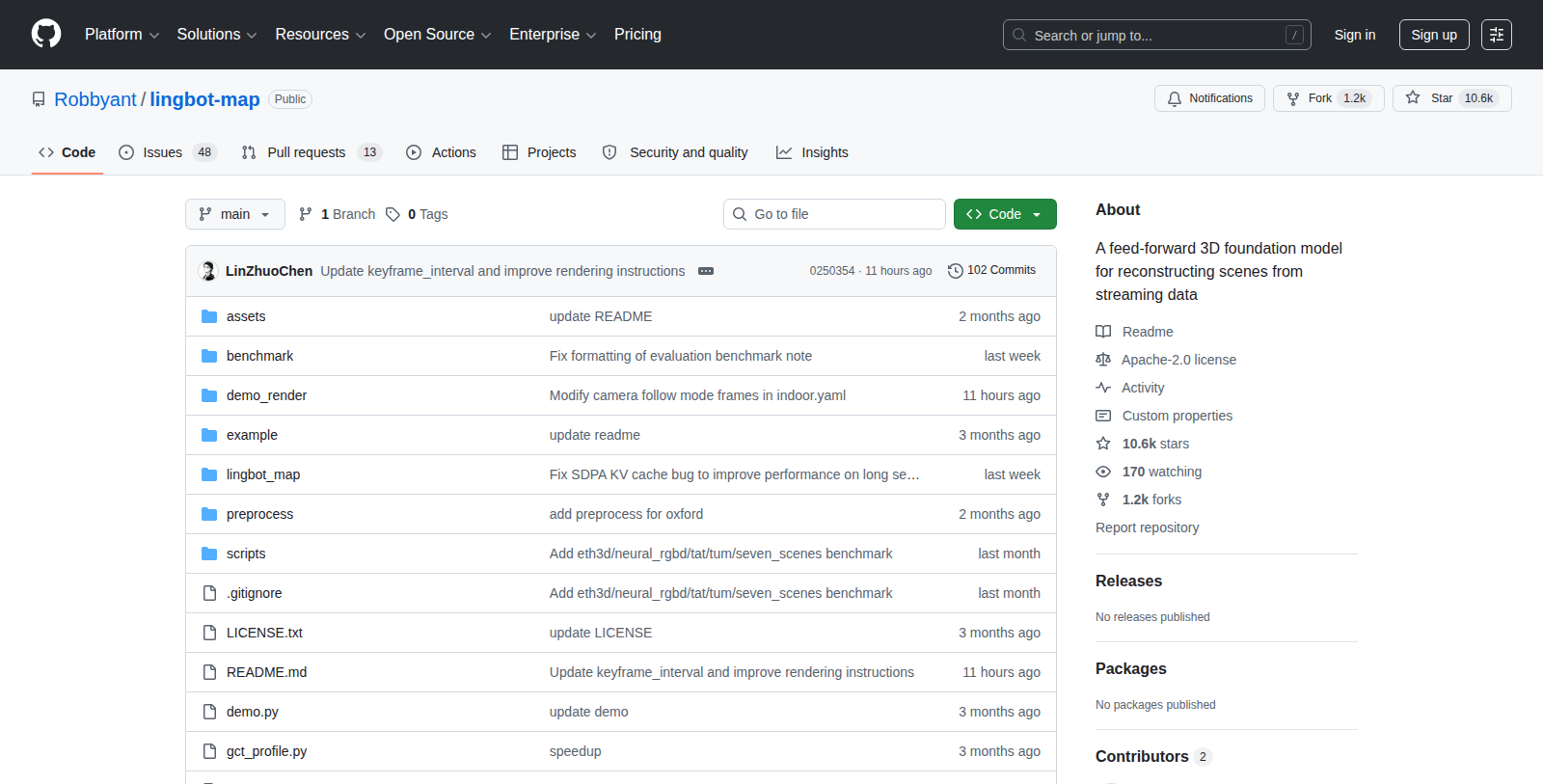
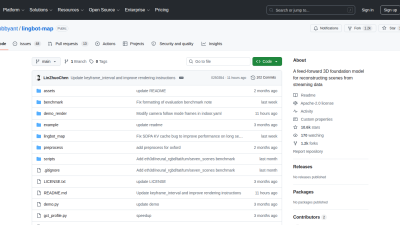
Screenshot of LingBot-Map
What is LingBot-Map?
LingBot-Map is a sophisticated tool designed for streaming 3D reconstruction. It employs a feed-forward architecture known as the Geometric Context Transformer, which integrates coordinate grounding and long-range drift correction in a seamless framework. This innovative model stands out for its effective processing of 3D scenes, leveraging a variety of geometric cues to enhance reconstruction accuracy and efficiency.
The tool enables high-efficiency streaming inference, achieving stable performance at approximately 20 frames per second (FPS) at a resolution of 518×378. This ability to maintain performance over long sequences, even exceeding 10,000 frames, sets LingBot-Map apart from traditional models that rely on iterative optimization.
Getting Started with LingBot-Map
Setting up LingBot-Map is straightforward. Users are guided through the installation process with detailed steps to create a conda environment, install the necessary packages, including PyTorch, and install LingBot-Map itself. To optimize inference, users are also encouraged to install FlashInfer, which provides enhanced memory management for streaming tasks. Furthermore, key visualization dependencies can be installed to enhance the interactive features.
Model Download Options
LingBot-Map is available through several repositories, providing different model options to cater to various usage scenarios. Each model has been meticulously trained to support either short or long sequences, ensuring that users can select the most suitable option for their specific requirements. Recommendations are provided for the best-performing checkpoints to help users achieve robust results for their 3D reconstruction tasks.
Streamlined Visualization and Interaction
A standout feature of LingBot-Map is its ability to run interactive 3D visualizations via a web browser. Users can test their models with pre-set example scenes to observe how well the system performs under different conditions. The demo runs on a local server and allows users to engage directly with the data, adjusting parameters to optimize visual output. This functionality is critical for users who want to validate results in real time, making it easier to tailor the reconstruction outputs to their needs.
Utilizing Keyframe Strategies and Memory Management
LingBot-Map also supports advanced memory management techniques, such as keyframe strategies that allow users to reduce memory usage without sacrificing the quality of predictions. By selectively storing only keyframes during long sequences, users can maintain a manageable memory footprint. This feature is particularly beneficial for extensive datasets, ensuring that the model can operate effectively even with limited resources.
Options for Performance Optimization
For users seeking even faster inference, there are configurable parameters to adjust the model's internal processes, allowing a balance between speed and accuracy. By reducing the number of iterative refinement steps during processing, users can achieve faster outputs while still leveraging the power of LingBot-Map's architecture. Such flexibility makes it an appealing choice for various commercial or research applications.
Conclusion
LingBot-Map represents a significant leap in streaming 3D reconstruction technology. With its open-source nature, users can explore, adapt, and utilize the model for diverse applications in computational vision, robotics, and beyond. Whether for academic research or practical applications, LingBot-Map is poised to set new standards in how we perform 3D scene reconstructions.
Pros & Cons
Pros
- Integrates geometric context and long-range drift correction in one framework.
- Achieves high-efficiency streaming inference at ~20 FPS over extensive sequences.
- Offers state-of-the-art reconstruction performance on diverse benchmarks.
Cons
- Installation requires multiple dependencies, which may complicate the setup process.
Frequently Asked Questions
LingBot-Map is open source and free to use.
According to our latest information, this tool does not seem to have a lifetime deal at the moment, unfortunately.
LingBot-Map offers users an interactive platform designed for language learning and enhancement. Key features include customizable maps for organizing language learning resources, integration with various language databases, and the ability to create and share learning paths with other users. The tool encourages collaborative learning, making it a fun and engaging way to improve language skills.
To get started with LingBot-Map, visit the GitHub repository and follow the installation instructions provided in the README file. Ensure you have the necessary programming environment set up, including Python and any required libraries. After installation, explore the user interface and start creating your first maps to organize your language-learning resources.
LingBot-Map supports integrations with several language-learning databases and APIs, allowing users to pull relevant vocabulary, grammar rules, and other learning materials directly into their maps. Specific integrations may vary, so users should refer to the official documentation for the most up-to-date information on compatible services and how to connect them.
One limitation of LingBot-Map is that it may require some technical knowledge to set up and fully utilize all features, particularly for users unfamiliar with coding or software development. Additionally, as an open-source tool, continuous updates and support depend on the community contributions, which may vary over time.
Yes, LingBot-Map is designed to facilitate collaboration. Users can create and share their learning maps with others, enabling shared insights and collective language-learning experiences. This feature is particularly useful for language study groups or classes, where users can benefit from diverse approaches to learning.
To maximize your use of LingBot-Map, start by exploring existing maps created by other users to get inspiration. Customize your maps to fit your learning style and goals, using tags for easy navigation. Regularly update your resources and encourage collaboration by sharing your maps with friends or study groups to further enhance your learning experience.
Yes, there is a community of LingBot-Map users that contributes to its ongoing development and support. Users can participate in discussions, report issues, or seek help through GitHub's issue tracker. Engaging with the community can provide valuable insights and tips for effectively using the tool.
While basic programming skills are beneficial, especially in Python, you do not need to be an expert to use LingBot-Map. Familiarity with command-line interfaces and basic programming concepts will help you navigate the tool more effectively. More advanced features may require deeper technical knowledge, but comprehensive documentation is available to assist users.