Livedocs

Automates data analysis, providing insights through user-friendly machine learning tools and visualizations.
Livedocs.com
Is this your tool?
Follow for updates & deals
Get alerts for Livedocs discounts, feature releases & pricing changes
Similar Tools

Watermelon
Create custom AI agents for automated customer support across multiple channels.

Jungle
Generate flashcards and quiz questions in seconds.

Trickle
Create and manage websites, AI applications, and forms without coding or technical expertise.

Peakforms
Utilizes AI-driven conversational forms to analyze employee and customer feedback for deeper insights.

Excelmatic
Simplifies Excel data analysis and visualization using natural language queries for actionable insights.

Livedocs Media Gallery

Livedocs (review) video
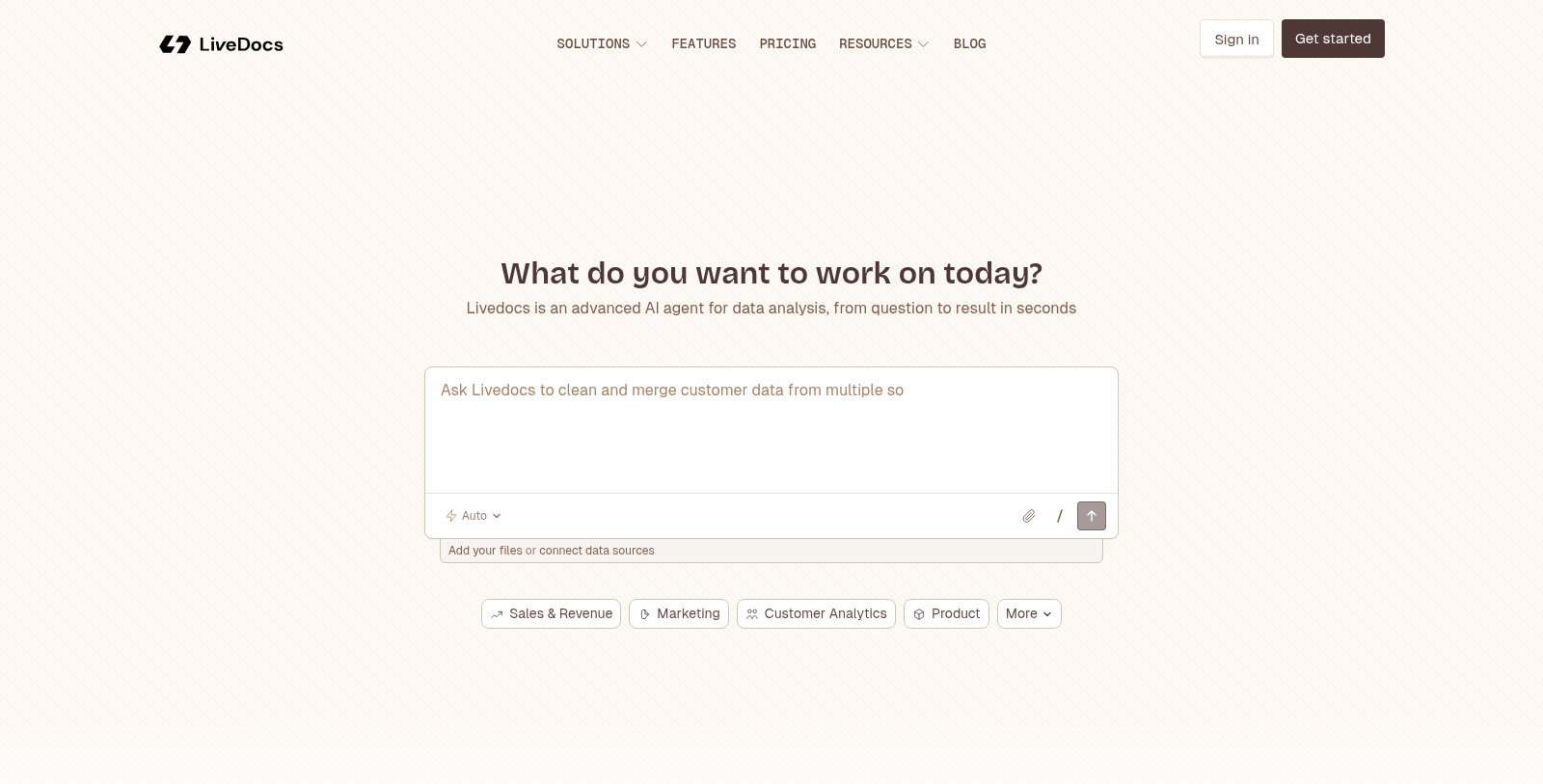
Screenshot of Livedocs
What is Livedocs?
Livedocs is an advanced AI-powered data analysis tool that transforms the way teams analyze and interpret data. It combines the power of machine learning with a user-friendly interface, allowing users to extract insights from their datasets effortlessly. Designed to support a wide range of data-related tasks, Livedocs enables users to quickly analyze sales trends, segment customers, forecast revenue, and more.
Among the standout features of Livedocs is the ability to automate the analysis process – users can siload datasets and receive instant insights without the need for extensive coding knowledge. This is especially useful for those who need rapid data interpretation without investing significant time. The tool's interactive dashboard visually represents findings with charts, graphs, and other data visualization techniques, making it easier for users to digest complex information.
Features of Livedocs
Livedocs is equipped with numerous features tailored for both individual users and teams:
- Data Analysis: Users can perform in-depth analyses, such as customer segmentation, churn prediction, and revenue forecasting through simple prompts.
- Data Integration: Integrate various data sources, whether it's CSV files, Excel spreadsheets, or direct connections to databases like PostgreSQL and MySQL.
- Real-time Collaboration: Teams can work together in real-time on shared notebooks, leaving comments and suggestions to enhance collaborative efforts.
- AI Insights: With embedded AI capabilities, users can ask Livedocs questions and receive intelligent, contextual responses that streamline their workflow.
Pricing Options
Livedocs offers transparent pricing that caters to users of all levels:
- Free Tier: Suitable for exploration, this plan allows users to utilize the software without any upfront costs, although features are limited compared to paid options.
- Builder Plan: At $15 per month, this plan is meant for individual builders requiring more resources and capabilities to create notebooks.
- Pro Plan: Targeted at teams and serious data work, this plan starts at $30 per month, providing advanced features like unlimited notebooks and team collaboration tools.
Security and Data Privacy
Understanding the importance of data security, Livedocs emphasizes safe handling of user data. All notebooks run in isolated environments, ensuring sensitive data remains protected as it is processed. Data flows through during execution but is not stored, making Livedocs a trustworthy choice for data professionals concerned about privacy.
Getting Started with Livedocs
To begin using Livedocs, potential users can sign up for free, allowing them to explore the core functionalities of the tool. Once familiar, users can easily upgrade to more advanced plans to suit their analytical needs.
In conclusion, Livedocs is positioned as a robust solution for modern data analysis, offering intuitive features that make data-driven insights accessible to everyone, from individual analysts to larger teams. The combination of AI capabilities, collaborative features, and flexible pricing makes it an essential tool for anyone serious about leveraging data.
Pros & Cons
Pros
- Offers reactive notebooks that automatically update when dependencies change.
- Integrates AI capabilities for natural language data analysis and exploration.
- Supports a wide range of data sources and file formats, enhancing flexibility.
Cons
- Limited to 3 notebooks in the free tier, which may restrict initial use.
Frequently Asked Questions
Livedocs is free to start, with paid plans from 0 to 30 USD per month.
According to our latest information, this tool does not seem to have a lifetime deal at the moment, unfortunately.
Livedocs supports a wide range of data sources, including CSV, TSV, Parquet, JSON, Excel, SQLite, and DuckDB. For databases, the Free plan allows connections to PostgreSQL, ClickHouse, and MotherDuck, while Pro members can also connect to Snowflake, Databricks, BigQuery, and MySQL, among others. This flexibility allows you to analyze your data from various origins seamlessly.
Absolutely! Livedocs is designed for collaboration. You can invite team members to collaborate in real time, so everyone can see edits and run analyses simultaneously. The platform includes roles such as Admin, Editor, and Viewer so that you can manage access based on your team's needs. This makes it easier to share insights and gather feedback directly within your workspace.
Livedocs integrates AI to streamline data analysis. You can use natural language prompts to instruct the AI on tasks like generating SQL queries, cleaning data, or producing visualizations. The AI can also help explain results in simpler terms. Depending on your plan, you receive AI credits for usage, with the option to purchase additional pay-as-you-go credits for heavier tasks.
The Free plan allows for individual use with a maximum of 3 notebooks and limited AI credits. It includes only basic data sources and no collaboration features beyond two additional team members. In contrast, the paid Builder plan offers 5 notebooks, more computational power, and basic data sources, while the Pro plan includes unlimited notebooks, real-time collaboration, and access to premium data sources, making it suitable for teams with more complex needs.
To get started with Livedocs, sign up for a free account on their website. Once registered, you can upload your data files or connect to your preferred data sources. The Livedocs dashboard lets you easily manage your data connections. Additionally, you can explore the built-in AI features by asking questions or giving prompts directly in the work environment to generate insights from your data rapidly.
Yes, Livedocs places a high emphasis on data security. Each notebook operates in its own isolated environment, ensuring that your actual data remains private and is not stored on Livedocs' servers. Data flows through the platform only during execution, and you retain full ownership without it being used to train AI models, so you can trust that your analyses are secure.
Livedocs offers an extensive range of analytical capabilities. Users can conduct sales trend analysis, revenue forecasting, customer segmentation, and even A/B testing. The platform also supports complex tasks like anomaly detection and cohort analysis. This variety makes Livedocs suitable for a range of use cases, including marketing analysis, financial assessments, and operational optimizations.
Livedocs can be compared to various data analysis tools, such as Jupyter, Colab, and Power BI, based on their features and capabilities. For instance, unlike traditional BI tools that provide only dashboards, Livedocs facilitates collaborative, actionable narratives. It improves upon Jupyter by providing a reactive notebook environment and offering integrated AI assistance for more efficient data exploration. You can find detailed comparisons on their website for specific feature advantages.