
Follow for updates & deals
Get alerts for Loom discounts, feature releases & pricing changes
Similar Tools

Beautiful.ai
Create professional presentations quickly with AI-powered templates and real-time collaboration features.

Nodejam
An integrated office suite that merges documents, spreadsheets, and presentations for enhanced collaboration.

PopAi
Generate professional presentations from text inputs or documents with AI-driven templates.

MyMap AI
Generate flowcharts, mind maps, and presentations using conversational AI for easy visual organization.

Genspark
An integrated workspace for AI tools, enhancing productivity through slides, documents, data analysis, and creative tasks.

Loom Media Gallery

Loom (review) video
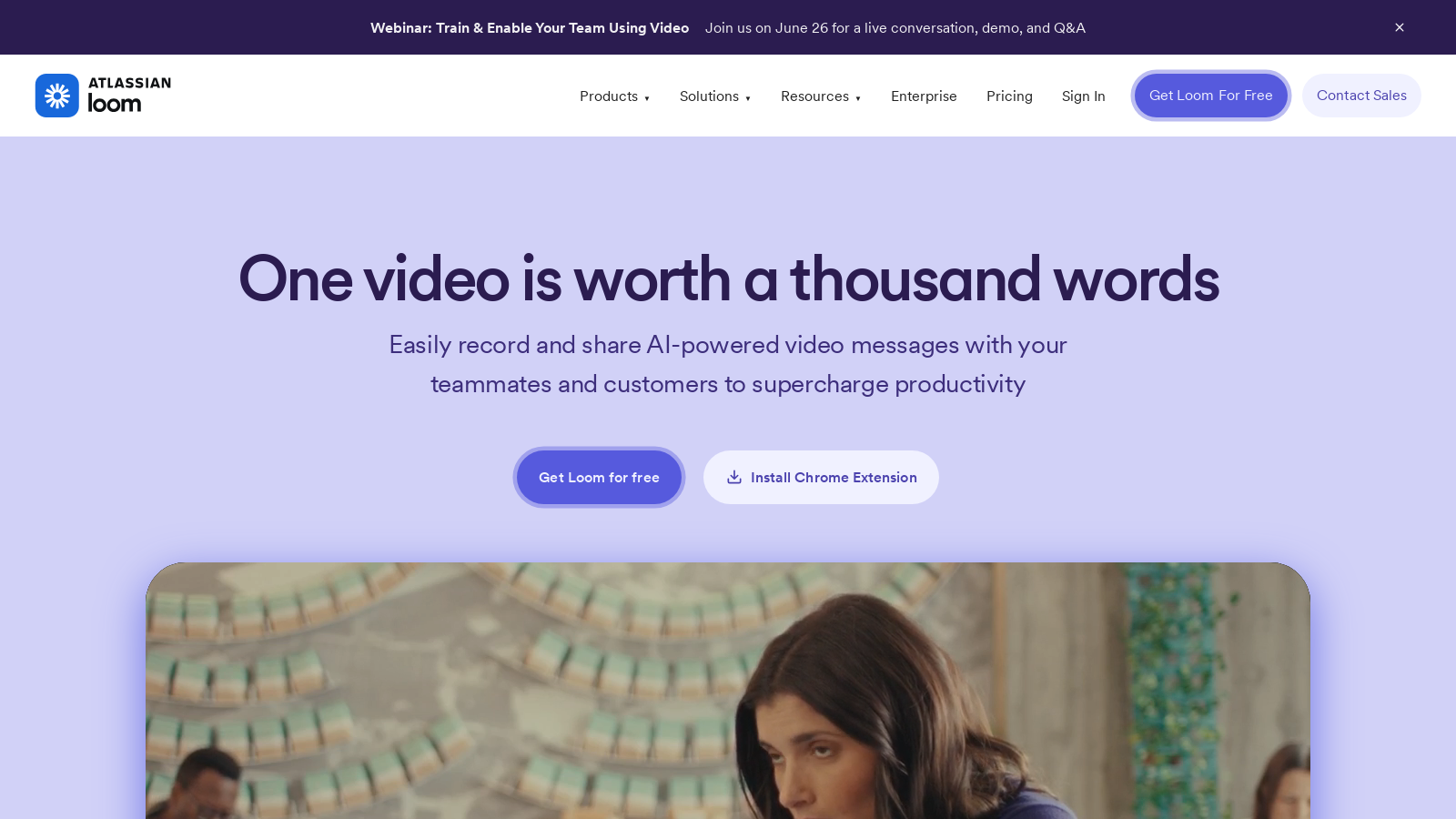
Screenshot of Loom
What is Loom?
Loom is a leading video messaging tool that has been empowering effective communication since its launch in 2015, now serving over 25 million users across 400,000 organizations. Teams utilize Loom to quickly create and share engaging video content, which allows for faster decision-making and improved collaboration, especially in remote work settings.
One of Loom's key advantages is its intuitive interface that allows users to start recording their screen and webcam with just one click. This feature is designed to eliminate the need for lengthy meetings, enabling teams to convey complex information or simple updates straightforwardly. Whether you're in sales, engineering, or education, Loom fosters an environment where productivity can flourish.
Key Features and Benefits
Loom boasts an impressive array of features tailored for seamless video communication:
- Instant Recording: With its one-click functionality, users can capture their screens or webcams within seconds.
- AI Enhancements: New features powered by Loom AI automatically improve video quality, generate titles, summaries, and even convert video content into written documents.
- Editing Tools: Post-recording editing has never been easier; users can trim clips and stitch them together as simply as editing text.
- Transcriptions: Offering transcription support in over 50 languages ensures your content is accessible to a diverse audience.
- Integrations: Loom effortlessly connects with popular tools such as Google Workspace, Slack, and many others to enhance workflow.
Use Cases
1. Sales: Users can personalize outreach efforts and enhance engagement through tailored video pitches.
2. Customer Support: By using Loom to create instructional videos or troubleshoot customer issues, teams can provide a more personalized customer experience.
3. Education: Educators can create engaging learning materials and respond to student inquiries effectively, allowing for a flexible learning environment.
4. Team Collaboration: Sharing updates and feedback via video messages helps keep teams aligned without requiring extensive meetings.
Pricing Plans
Loom adopts a freemium model, enabling users to access essential features without incurring costs. Users can upgrade to access advanced functionalities:
- Starter: Free for up to 25 videos, each with a maximum length of 5 minutes.
- Business: For NULL/user/month, users have access to unlimited videos and basic editing options.
- Business + AI: At NULL/user/month, this plan includes all Business features along with AI enhancements for video editing and management.
- Enterprise: Custom pricing options are available for larger organizations, which include advanced security and management features.
Loom stands out as an invaluable tool in today's hybrid work culture. By simplifying the video recording process, it empowers users to enhance engagement, streamline communication, and ultimately, drive better outcomes whether they are connecting with clients, collaborating with peers, or educating students.
Pros & Cons
Pros
- Loom AI enhances videos by auto-generating transcripts and summaries for faster sharing.
- The platform enables seamless integration with popular tools like Slack, Google Workspace, and Salesforce.
- Users can collaborate effectively by adding comments, emojis, and tasks directly to video messages.
Frequently Asked Questions
Loom is free to start, with paid plans from 0 to 20 USD per month.
According to our latest information, this tool does not seem to have a lifetime deal at the moment, unfortunately.
Loom offers a range of use cases tailored to various industries. For instance, in sales, teams use Loom to personalize outreach and close more deals effectively. In engineering, it aids in squashing bugs faster with rich visual context for code reviews. Designers can present their work with clarity and context, while marketers utilize Loom to create engaging content that drives user interaction. Additionally, Loom is beneficial in education, allowing teachers to create personalized content and support for students, enhancing the learning experience wherever they work.
Loom AI introduces features that transform the way users create and manage video content. It automatically generates titles, summaries, and chapters, making videos more engaging and easier to navigate. Additionally, Loom AI removes filler words and silent pauses, ensuring a polished final product. It also facilitates converting video content into documents, thereby speeding up tasks such as bug reporting and documentation preparation, and significantly improving user efficiency.
Loom integrates seamlessly with numerous tools popular among professionals. Teams can effectively connect Loom with platforms such as Slack, Google Workspace, Jira, Confluence, and Salesforce, facilitating easy sharing and embedding of videos across various applications. This integration enhances productivity by keeping workflows streamlined and ensuring that video communications are central to their operational processes.
Loom enhances team alignment by allowing individuals to record asynchronous messages that convey thoughtful feedback, updates, and key information, eliminating the need for lengthy meetings. Users can share ideas or responses quickly via video, eliminating miscommunication and allowing for flexibility in communication. Teams can also use Loom's analytics to track engagement, ensuring that everyone is on the same page.
Loom is compatible with multiple platforms, allowing users to record and share videos from their Mac, Windows, iOS, and Android devices. The Loom interface is designed to be user-friendly across different devices, ensuring that everyone can easily create and distribute video content regardless of their preferred operating system.
The free version of Loom, known as the Starter plan, enables users to create up to 25 videos with a maximum screen recording length of 5 minutes each. Although it provides a solid foundation for individual users or small teams, those requiring advanced features, such as unlimited videos, trimming, and enhanced AI functionalities, may need to explore the Business or Business + AI plans, which offer additional capabilities.
Absolutely! Loom provides enterprise-grade security features to ensure the security and safety of video content. This includes options for single sign-on (SSO), SCIM user provisioning, custom data retention policies, and comprehensive content privacy controls. Companies can effectively manage access to videos, protecting sensitive information while facilitating efficient communication.
To optimize presentations with Loom, users can record screen captures while explaining concepts, providing a visual context that text alone cannot offer. Utilizing drawing tools while recording can effectively emphasize key points. Incorporating Loom's features, such as adding emojis and comments, engages the audience more interactively. Furthermore, creating concise, informative videos helps maintain audience attention and delivers clear messages without overwhelming viewers.