
Follow for updates & deals
Get alerts for Magic Motion discounts, feature releases & pricing changes
Similar Tools

Dzine
An AI design tool for creating and editing images and videos with intuitive controls.

Tripo
Generate detailed 3D models from text or images quickly and intuitively.

Pixelcut
Streamlined AI editing for images and videos, including background removal and content generation.

PixVerse
Generate professional-quality videos from text prompts and images in seconds.

Motionik
Stunning screen recordings for Windows and macOS

Magic Motion Media Gallery

Magic Motion (review) video
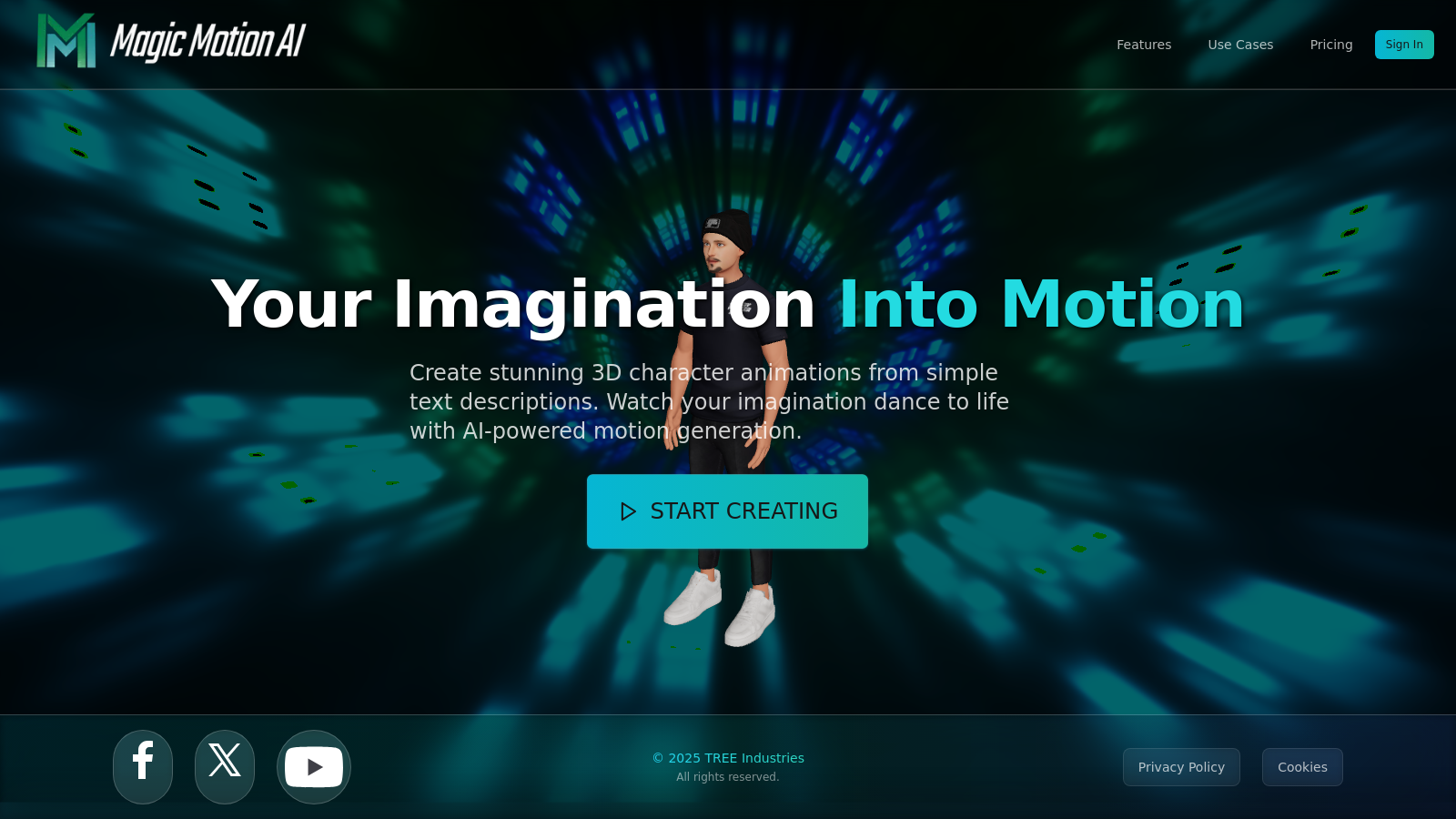
Screenshot of Magic Motion
What is Magic Motion?
Magic Motion is a groundbreaking tool that leverages advanced AI technology to transform text descriptions into breathtaking 3D animations. Whether you are a hobbyist or a professional, this platform enables you to bring your creative visions to life easily. With its intuitive interface and powerful features, users can generate realistic character animations in just a few simple steps.
How It Works
The process is straightforward and user-friendly. First, you describe your vision by typing a phrase such as 'A knight swinging a sword'. Next, Magic Motion's cutting-edge AI interprets your input and generates lifelike movements. Finally, you can export your animation in various formats and share it with the world, enabling immense creative freedom.
Powerful Features
One of the standout features of Magic Motion is its natural language control. Users can easily communicate their desired actions in plain English, making the tool accessible even for those without technical skills. This simplicity is reinforced by the lightning-fast generation capabilities, allowing for the creation of complex animations in seconds.
Customizable Animations
Infinite customization options ensure that every aspect of the animation can be tailored according to personal preference. Fine-tune details such as speed, intensity, and timing to achieve the perfect look and feel. The introduction of a timeline editor provides professional-grade editing capabilities, enabling users to edit animations with frame-level precision.
API Access
For developers, a comprehensive RESTful API is available under the Creator Magic and Pro Magic plans. This enables further integration into applications and programming tools, allowing creative professionals to automate animation generation. Moreover, the API also supports various programming languages and ensures secure and seamless operation.
Real-World Applications
Magic Motion is not just a tool for individual creators; it finds applications in various industries, including gaming, film production, and social media content creation. Hollywood studios can harness their capabilities for creating blockbuster-quality performances without the hefty expenses associated with traditional filming techniques. In gaming, dynamic animations can significantly enhance the user experience.
Flexible Pricing
The platform offers a flexible pricing model, starting with a free tier and scaling up to professional plans that cater to growing creators and studios. This ensures that users can select a plan that best meets their creative needs without compromising on the quality of the animation.
Future Innovations
Magic Motion is continuously evolving, with new features regularly introduced to enhance the user experience. These innovations promise to push the boundaries of animation technology further, and users are encouraged to stay tuned for upcoming advancements.
Pros & Cons
Pros
- Generates complex 3D animations from text in seconds using advanced AI technology.
- Offers natural language control for easy and intuitive animation creation.
- Provides an intuitive timeline editor for precise animation control and seamless composition.
Frequently Asked Questions
Magic Motion is free to start, with paid plans from 1 to 99 USD per month.
According to our latest information, this tool does not seem to have a lifetime deal at the moment, unfortunately.
With Magic Motion, you can create a wide variety of 3D character animations using simple text descriptions. Examples include scenes such as a dancer performing salsa, a knight swinging a sword, or intricate battle sequences. The platform enables both professional-quality animations and custom movements for gaming, social media content, and virtual experiences, making it versatile for different creative needs.
Magic Motion allows you to export your animations in several industry-standard formats, including GLB for web applications and BVH for motion capture data. The platform also plans to support FBX formats in the near future, which will be compatible with popular software like Unity and Unreal Engine. This flexibility ensures that you can use your creations across various platforms and workflows.
The Timeline Editor is a powerful tool in Magic Motion that allows for precise control over your animations. You can drag, drop, trim, and splice different animation clips to create seamless compositions. The multi-track composition feature lets you layer multiple animations, such as combining upper and lower body movements, enabling intricate and dynamic animations tailored to your vision.
Yes, Magic Motion provides a comprehensive RESTful Developer API that allows you to integrate its animation capabilities into your applications. This requires a subscription to either the Creator Magic or Pro Magic plan. The API enables programmatic generation of animations, offering advanced controls such as motion length, guidance scale, and various other parameters for fine-tuning your animations.
To maximize your experience with Magic Motion, start with clear, detailed text descriptions to guide the AI in generating animations. Use the Timeline Editor to refine your animations and explore customization parameters, including speed and emotional expression. Experiment with various movement styles and layers to create unique, engaging animations tailored to your project's specific needs.
Yes, Magic Motion supports multiple languages, allowing you to generate animations from text prompts in various languages, including Spanish, French, Chinese, and many others. This multi-language support broadens accessibility, enabling creators from different linguistic backgrounds to utilize the platform effectively.
While Magic Motion allows a great deal of customization, the platform predominantly focuses on character animations that can be described in text. Each character's movements can be rigged and fine-tuned; however, users should be aware that extremely complex characters or unique animations may have limitations due to the AI's current capabilities. It's best to experiment and see how the AI interprets different prompts.
If you experience any issues while using Magic Motion, you can reach out to us for support through the help section of our website. Priority support is available to users on the Creator Magic and Pro Magic plans, ensuring timely assistance for any technical difficulties or questions related to your animations.