













MailMaestro

AI-driven email assistant that streamlines communication and improves email writing efficiency.
Maestrolabs.com
Is this your tool?
Follow for updates & deals
Get alerts for MailMaestro discounts, feature releases & pricing changes
Similar Tools

Jetwriter AI
Enhance your writing with personalized AI suggestions, grammar checks, and seamless integration across platforms.

NetworkAI
Generate personalized LinkedIn outreach messages using AI to enhance your professional networking.

Remail
AI-powered email assistant that generates tailored responses to streamline your email communication.

Munger
Automates cold email campaigns for efficient lead generation and engagement with personalized outreach.

Touchpoint
Generate personalized, brand-aligned email templates quickly using AI-driven design tools.

MailMaestro Media Gallery

MailMaestro (review) video
Screenshot of MailMaestro
What is MailMaestro?
MailMaestro is an advanced AI-driven email assistant designed to help users streamline their email communication and enhance productivity. By integrating seamlessly with popular email platforms like Outlook and Gmail, MailMaestro continues to evolve as the #1 independent AI email assistant, helping professionals write better emails faster, freeing them from the repetitive grind of manual email composition.
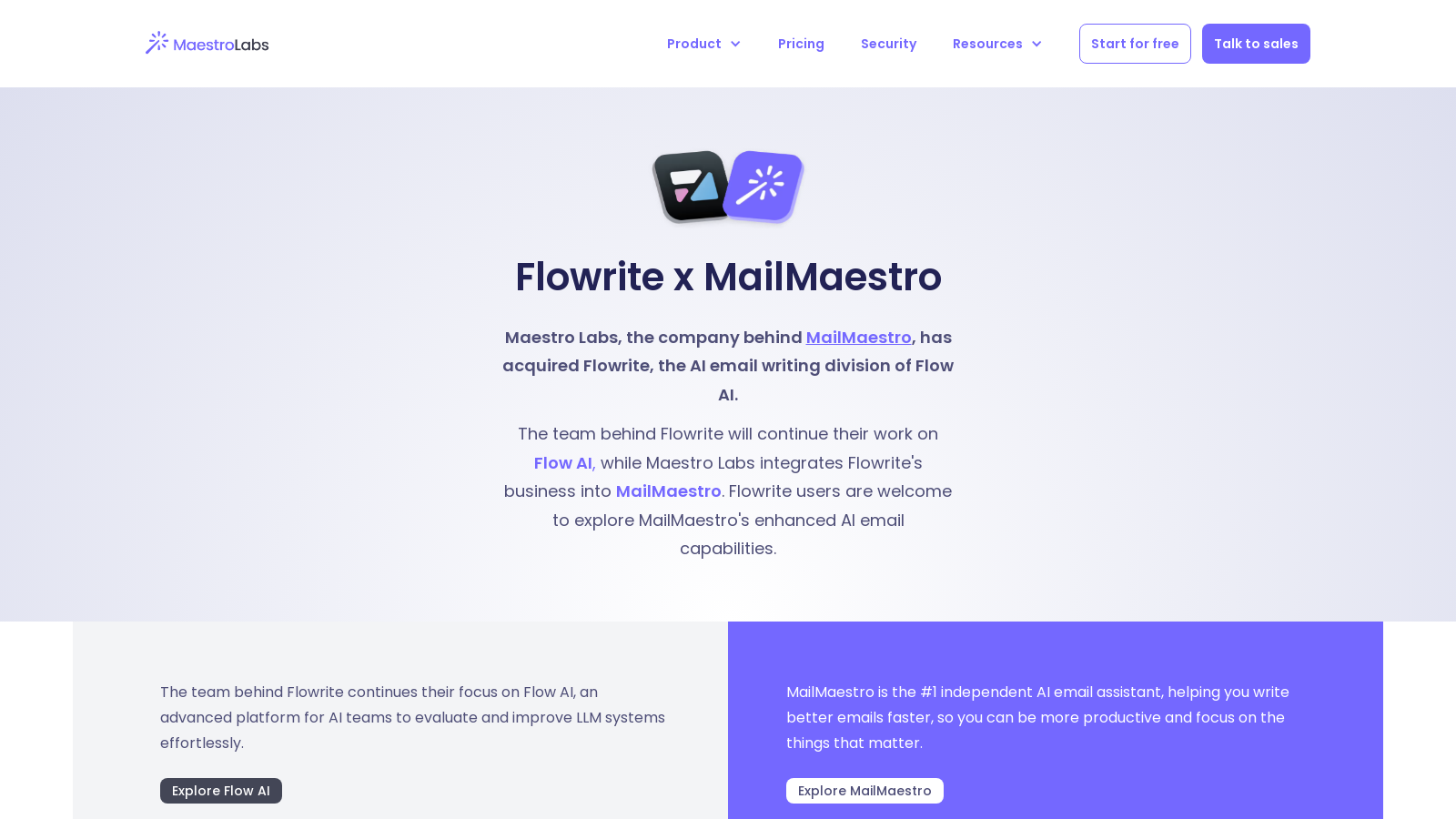
Recently, MailMaestro has integrated with Flowrite, formerly a part of Flow AI, enhancing its AI email capabilities to deliver an even more robust toolkit for email management. The collaboration ensures that MailMaestro users can now leverage Flowrite's advanced AI email writing features, allowing for the generation of high-quality emails with ease.
One of the standout features of MailMaestro is its AI email writer, utilizing state-of-the-art natural language processing (NLP) techniques and advanced language models, including GPT-4o and Claude 3.5. This technology allows users to craft emails in a variety of styles and tones, ensuring communication is not only efficient but also tailored to the desired audience. The tool excels in generating emails from scratch, rewriting existing ones, and even fixing typographical errors to meet current needs quickly and effectively.
Transformative Email Writing Features
MailMaestro simplifies email writing significantly by allowing users to generate multiple drafts with just a single prompt. When a user provides a basic instruction, the AI generates three distinct email drafts, allowing them to choose the best option that fits their needs. This functionality is particularly beneficial for professionals battling writer's block or needing assistance in maintaining a professional tone across various communications.
Multi-language Support
Additionally, MailMaestro supports writing in over 20 different languages. This makes it an ideal tool for global professionals who need to communicate across language barriers. Whether you're drafting an email in English, Spanish, or any other supported language, MailMaestro ensures that your message remains culturally relevant and linguistically accurate, further enhancing its user-friendliness.
Email Management
Beyond writing, MailMaestro also functions as a comprehensive email management tool. It can help prioritize inbox items, manage replies, and even summarize email threads, making it easier for users to stay focused on the most important communications. The AI assistant's smart filtering and tagging system efficiently reduces inbox clutter, allowing users to reclaim their time and energy.
AI Email Summary
With the AI email summarization feature, users can quickly get the highlights of lengthy threads or attachments. MailMaestro makes it possible to understand key points without needing to sift through all the emails, thus saving valuable time and effort.
Security and Compliance
Data security is another critical aspect where MailMaestro excels. The application is built with security by design, ensuring that all user data is protected through advanced encryption both at rest and in transit. Furthermore, MailMaestro adheres to strict compliance standards, including GDPR and SOC II Type II, providing users with peace of mind regarding their data privacy.
Conclusion
MailMaestro is more than just an email assistant; it is a comprehensive solution for professionals looking to optimize their communication and productivity. By using AI to analyze email contexts and provide intuitive responses, MailMaestro empowers users to communicate effectively without the stress and effort typical of conventional email operations. Moreover, new features such as Magic Templates allow users to quickly create repetitive emails by combining templates with AI capabilities, unlocking further efficiency in professional email communications.
Pros & Cons
Pros
- Offers AI-generated email drafts in multiple languages and customizable tones.
- Includes features for summarizing email threads and managing inboxes effectively.
- Integrates seamlessly with both Outlook and Gmail, enhancing workflow.
Cons
- Free tier limits users to only 3 AI requests per week, potentially restricting usage.
Frequently Asked Questions
MailMaestro is free to start, with paid plans from 0 to 0 USD per Translation not found for 'time_period_unknown'.
According to our latest information, this tool does not seem to have a lifetime deal at the moment, unfortunately.
MailMaestro provides several unique features for email management, including AI email writing, management, and summarization. Users can write emails in multiple languages, fix typos, and polish drafts. The email management feature helps prioritize inbox items and reach 'inbox zero' more efficiently. Additionally, it can summarize long email threads, extract key action items, and offer context-relevant responses, making it a robust tool for professionals.
MailMaestro is committed to protecting data and ensuring privacy. It adheres to GDPR compliance and SOC II Type II standards, ensuring that user data is encrypted both at rest and in transit. The platform utilizes role-based access control, multi-factor authentication, and conducts regular security audits and penetration testing to ensure that vulnerabilities are addressed. Users also have control over their data, with options for deletion and minimum retention policies.
Yes, MailMaestro is designed to integrate seamlessly with both Microsoft Outlook and Gmail. Users can install the MailMaestro extension from the Microsoft App Source or the Chrome Web Store, making it easy to utilize its features across different email environments without needing a separate application or extensive setup.
To get started with MailMaestro, download the extension for your email client, create an account, and begin exploring its features. You can start with a free trial that allows full access to the tool for the first 14 days. Be sure to familiarize yourself with features such as email drafting, summarization, and triage to maximize the platform's capabilities.
Magic Templates in MailMaestro allow users to create repetitive emails more efficiently. By combining predefined templates with the AI email writer, users can quickly generate personalized messages tailored to specific recipients or situations, saving time and ensuring consistency in communication.
MailMaestro's AI summarization feature analyzes email threads and condenses them into concise summaries, highlighting key points and important details. This feature helps users stay informed without needing to read through each email individually, making it easier to track conversations and respond promptly.
Yes, the free version of MailMaestro has limitations, including a weekly cap of three AI email requests for composing, replying to, or improving emails. After the initial 14-day trial period, during which users have full access, they will revert to the free plan unless they choose to upgrade to a paid subscription that offers additional features.
MailMaestro stands out due to its highly rated integration with Microsoft Outlook and Gmail, a user-friendly interface, and a wide range of features, including multilingual support, AI-driven summarization, and personalized email drafting. It offers competitive pricing, including a free plan, and robust privacy protections, making it accessible to both individuals and teams looking to enhance their email efficiency.





