Motionik

Stunning screen recordings for Windows and macOS
Motionik.com
Category
Type
Tags
Pricing Model
Is this your tool?
Follow for updates & deals
Get alerts for Motionik discounts, feature releases & pricing changes
Similar Tools
Dreamlux
Generate high-quality videos from text and images without watermarks using an easy-to-use AI platform.

SkyReels
Create and edit videos using AI by converting text scripts into engaging visual content.

Kaiber
Generate unique audio-visual content by transforming text prompts into animations and music-driven visuals.

LTX Studio
Create storyboards and manage video production with AI tools for filmmakers and content creators.

Gemini
Edit images precisely while maintaining the subject's likeness across multiple photos.

Motionik Media Gallery

Motionik (review) video
Screenshot of Motionik
What is Motionik?
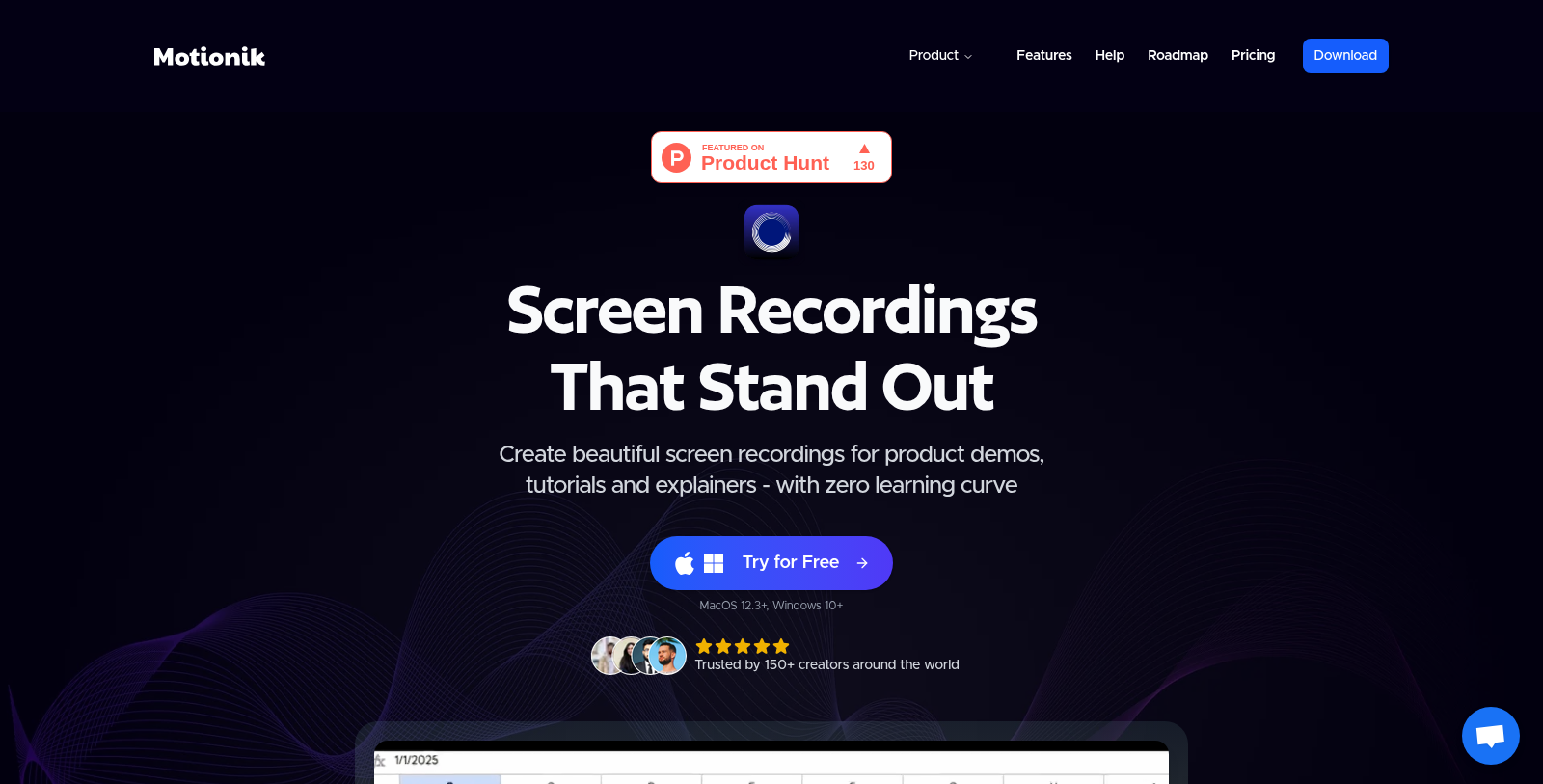
Motionik is the ultimate screen recording tool designed for creators who want to create stunning and professional-grade videos effortlessly. Compatible with both Windows and macOS, Motionik stands out as a versatile solution for recording product demos, tutorials, and explainer videos.
With its user-friendly interface, Motionik allows users to dive right in without a steep learning curve. The tool combines powerful recording capabilities with editing functions and advanced features such as auto-zoom, making it a one-stop shop for video creation.
Key Features
One of the most attractive aspects of Motionik is its seamless ability to record screen content while focusing on the most critical areas of the video. The Auto Zoom feature smoothly tracks the cursor, enhancing viewer engagement by highlighting key actions during the recording. Users can also manually adjust the zoom settings, providing complete control over their recordings.
Customization Options
Motionik excels in customization, allowing users to add overlays, including text, images, and audio tracks, to enhance their videos. This results in more engaging and informative content that can effectively communicate messages. The tool also supports hiding sensitive information with content masks while drawing attention to focal points with highlights.
Recording Made Easy
Motionik simplifies the recording process through various modalities, allowing users to record their entire screen, specific windows, or even selected areas. The built-in webcam feature lets creators insert their video feed directly into recordings, while system audio can also be captured to create a richer sound experience.
AI Enhancements
Leveraging artificial intelligence, Motionik provides features like automatic caption generation and background noise reduction, further enhancing the quality of the video. These AI-driven features enable users to produce clean, professional recordings with minimal effort.
Flexible Pricing
With a freemium model, Motionik offers users the ability to start for free, which includes unlimited recordings and exports, though with a watermark. The premium plans range from a one-time payment of $59.99 for lifetime access to an annual subscription at $29.99, providing options for individuals or teams.
Users looking for educational discounts can also benefit from a 40% savings on Motionik plans by providing proof of their educational status. This makes it accessible for students and educators alike.
Accessibility & Support
Motionik is dedicated to ensuring its users have all the help they need through a comprehensive help center, FAQs, and direct support via email. Whether you're just getting started or require advanced assistance, the resources are readily available.
In summary, Motionik is revolutionizing video creation by blending powerful features with usability and accessibility, making it the ideal tool for both new and experienced video creators.
Pros & Cons
Pros
- Combines screen recording, auto zoom, and editing in one intuitive tool.
- Offers customizable zoom and cursor animations to enhance video engagement.
- Supports recording from multiple sources, including iPhone, iPad, and webcam.
Cons
- New users may encounter a learning curve despite claims of zero learning required.
Frequently Asked Questions
Motionik is free to start, with paid plans from 0 to 59.99 USD per year.
This tool offers a lifetime deal.
Motionik provides a comprehensive set of features designed for creating engaging screen recordings. Key features include automatic and manual zoom, cursor tracking with smooth animations, support for overlays such as text, images, and audio tracks, and customizable click effects. Users can record webcam and microphone audio to enhance the recordings and utilize content masks to hide sensitive information. Additionally, it offers features such as motion blur, video trimming, and AI-generated transcripts to improve video quality.
Yes, Motionik lets users easily record iPhone and iPad screens by connecting the devices via USB. This feature is handy for creating app demos and tutorials. By integrating mobile recordings into your workflow, you can create comprehensive content that showcases both the mobile interface and any additional commentary or instructions.
To use Motionik, your Mac should be running macOS 12.3 or later, while Windows users require at least Windows 10. It's recommended that users have a modern computer to ensure smooth functionality. You can check the official Motionik website for any additional requirements or updates regarding system compatibility.
Motionik offers several editing capabilities that streamline the enhancement process. Users can add overlays, such as text captions, images, and audio tracks, to highlight key points in their videos. The software also allows precise trimming to eliminate errors and includes background control options. Furthermore, features such as motion blur and zoom animations let you create professional-looking content with minimal effort.
Currently, the website does not provide specific integration details for Motionik. However, the tool is designed to simplify recording and editing, allowing users to export videos in formats suitable for different platforms. For information on potential integrations with third-party applications or tools, consult the official documentation or contact Motionik's support team.
If you experience any technical issues with Motionik, you can visit the Help Center on their website for guidance on troubleshooting common problems. The Help Center offers articles on a range of topics, including recording and editing. If you need further assistance, contact the Motionik support team at team@motionik.com.
Motionik provides different licensing options. With the personal device plan, a single one-time payment includes access to one individual device, while the annual plan offers access to up to three personal devices. If you require Motionik for multiple users or team setups, you may need to contact their support team directly to inquire about custom plans.
Yes, Motionik offers a 40% educational discount for students and educators. To avail of the discount, eligible individuals should email education@motionik.com from their educational email accounts or provide valid proof of their academic status. Upon confirmation, you'll receive a discount code to apply at checkout.