













MyMap AI

Generate flowcharts, mind maps, and presentations using conversational AI for easy visual organization.
Mymap.ai
Is this your tool?
Follow for updates & deals
Get alerts for MyMap AI discounts, feature releases & pricing changes
Similar Tools

Ghost
Create and edit presentations effortlessly with an AI-powered slide editor designed for fast, beautiful results.

DeckSpeed
Create personalized slide presentations through an interactive conversation process.

Xpptx
Generate professional PowerPoint presentations from documents like Word, PDFs, and mind maps with AI.

Beautiful.ai
Create professional presentations quickly with AI-powered templates and real-time collaboration features.

Pylon
Streamlines B2B customer service with AI-driven omnichannel support and automated ticket management.

MyMap AI Media Gallery

MyMap AI (review) video
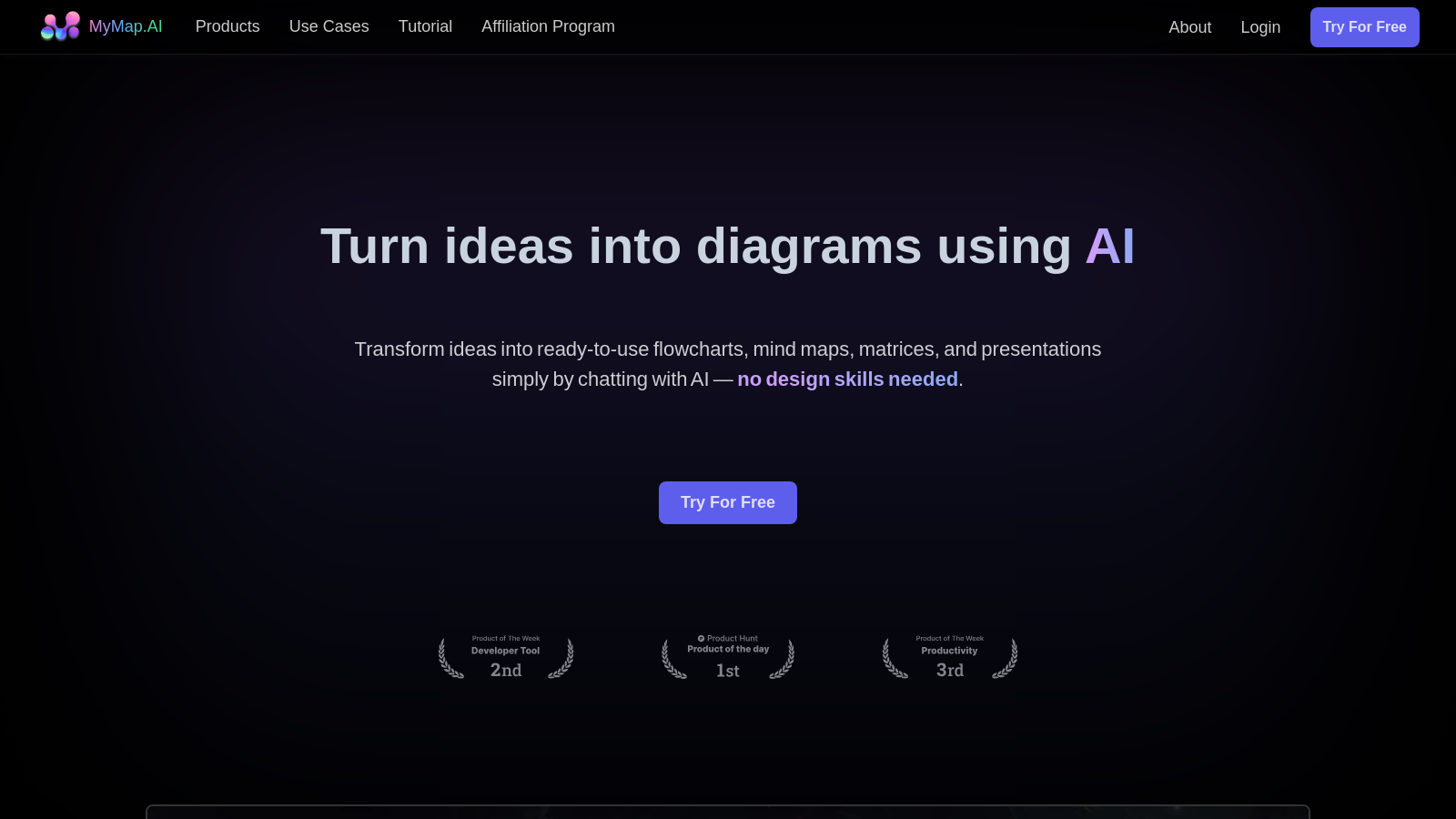
Screenshot of MyMap AI
What is MyMap AI?
MyMap AI is a transformative tool that empowers users to create diagrams effortlessly through advanced artificial intelligence technology. This innovative platform simplifies the process of converting ideas into ready-to-use flowcharts, mind maps, matrices, and presentations all through conversational input.
AI-Native Design - The standout feature of MyMap is its AI-native approach. Users can chat directly with the AI, which intelligently processes the input and generates visual aids that are both informative and visually appealing, eliminating the need for any manual adjustments or design skills.
Multiple Format Support - MyMap supports an array of input formats. Users can upload documents or enter topics, and the AI uses contextual understanding to generate diagrams that are well-structured and relevant. This allows for seamless integration of diverse data types to cater to different user needs.
Real-Time Web Searching - MyMap is equipped with integrated live search functionalities using Google and Bing. This means that diagrams created with MyMap can reflect the latest information available, ensuring that presentations and diagrams are up-to-date and competitive in any context.
Collaboration Features - This platform emphasizes teamwork by enabling real-time collaboration, allowing multiple users to work simultaneously on the same diagram. This feature is especially beneficial for teams engaged in projects that require brainstorming and collective content creation, streamlining workflows and enhancing productivity.
Export and Share Options - After crafting a diagram, users can easily export their creations to various formats, including images and PDFs. Furthermore, sharing is made simple with generated links that allow others to view the maps without the need for an account, facilitating broader communication and collaboration.
Use Cases - MyMap is versatile and caters to various user groups. From students trying to organize lecture notes to professionals mapping out intricate project plans, MyMap proves to be an invaluable resource. For content creators, it assists in developing structured outlines and timelines for content production, effectively streamlining the creative process.
Education and Research - MyMap can significantly enhance the learning experience for students and educators alike. By allowing users to input research papers or lecture notes, the AI generates visual representations of key concepts, aiding in both understanding and retention of information. This capability is instrumental in transforming dense text into engaging and digestible visual formats.
Presentations Made Easy - By incorporating a presentation mode similar to that of PowerPoint, MyMap transforms the presentation landscape. This feature allows for interactive navigation through visual content rather than a traditional linear format. Users can highlight connections and hierarchies, making presentations more dynamic and engaging.
Extensive User Base - MyMap AI is already used and loved by over 1 million users, who have reported a substantial increase in productivity—some by as much as 10 times—in their daily study, work, and personal life. This widespread acceptance speaks volumes about the tool's effectiveness and versatility.
In summary, MyMap AI stands out as a flexible, user-friendly tool that merges advanced AI capabilities with intuitive design to enhance productivity across various professional and academic fields. Whether you're looking to structure ideas, prepare for a meeting, or engage an audience with creative presentations, MyMap AI is equipped to meet your needs with simplicity and efficiency.
Pros & Cons
Pros
- Transform ideas into visual diagrams effortlessly through AI chat interactions.
- Supports real-time collaboration for teams working on shared projects.
- Integrates real-time web search to create context-rich visual content.
Cons
- Limited free daily usage with a credit system for accessing features.
Frequently Asked Questions
MyMap AI offers a free plan with limited credits, with additional credits available.
According to our latest information, this tool does not seem to have a lifetime deal at the moment, unfortunately.
MyMap AI allows you to create various types of diagrams, including flowcharts, mind maps, matrices, and presentations. Input your ideas or relevant topics, and the AI will generate these visual representations, making it easy to organize and communicate complex information.
Yes, MyMap AI supports real-time collaboration. You can collaborate with colleagues or classmates on the same map, facilitating effective brainstorming and project planning. This feature is handy for team projects or discussions that involve multiple perspectives.
MyMap AI can perform web searches to gather up-to-date information as needed. When you input a query that requires the latest content, the AI automatically conducts a Google or Bing search, retrieves relevant data, and uses it as context to generate your diagrams, ensuring they are accurate and current.
You can easily export your diagrams created in MyMap AI as images (PNG, JPEG) or PDFs. This flexibility allows you to share your visual content across various platforms or seamlessly incorporate it into other applications.
MyMap AI offers five free AI credits daily, enabling users to create multiple diagrams or mind maps each day. For those requiring more resources or premium features, paid plans are available that provide unlimited access.
Students can use MyMap AI to input their lecture notes or research papers. The AI analyzes the content and creates visual mind maps to help link key concepts. This not only aids in better understanding and retention of material but also allows for easier revision and preparation for exams.
MyMap AI is explicitly designed for creating visual content, making it a non-linear approach compared to ChatGPT's linear text outputs. While ChatGPT generates text responses, MyMap AI transforms ideas into structured diagrams and visual formats, catering to users who prefer a visual representation of information.
Yes, MyMap AI includes a presentation mode similar to traditional presentation tools. You can create slides by entering your topic or uploading content, and the AI will generate professional slides incorporating engaging visuals and structured content. You can customize these slides further and share them easily.




