Nodejam

An integrated office suite that merges documents, spreadsheets, and presentations for enhanced collaboration.
Nodejam.com
Is this your tool?
Follow for updates & deals
Get alerts for Nodejam discounts, feature releases & pricing changes
Similar Tools

Superhuman
An email app designed to enhance productivity with AI tools for efficient inbox management.

Granola
AI-powered notepad that transcribes meetings into actionable notes and insights.

Monica
Multifunctional AI assistant for chat, writing, searching, and programming across various platforms.

2-b.ai
AI-powered To-Do list that creates tasks directly from web content in your browser.

Komo
Streamlines research by providing instant, reliable answers and organizing data from extensive documents.

Nodejam Media Gallery
What is Nodejam?
Nodejam is not just an office suite; it represents a revolutionary shift in workplace productivity designed for the AI era. By integrating text documents, spreadsheets, and presentation slides into a cohesive workflow, Nodejam empowers teams to channel their efforts into creativity and collaboration rather than getting bogged down by formatting and file management.
Unified Office Experience
Gone are the days of dispersing efforts across multiple applications like Word, Excel, and PowerPoint. With Nodejam, all your essential office functionalities are consolidated into a singular, streamlined experience. The innovative .ndjm file format allows users to combine diverse document types into one cohesive file, effectively enabling the seamless execution of business plans, spreadsheets, and presentations within a cohesive framework. This remarkable integration enhances visual project management, making it easier than ever to keep track of multiple elements across your projects.
AI-Powered Workflow
Nodejam takes advantage of artificial intelligence to optimize productivity. Through natural language processing, users can direct the application to create documents, analyze data, and derive insights without the normally tedious and extensive manual input. The AI functionality possesses a comprehensive understanding of your project context, which ensures intelligent suggestions while maintaining consistency across all documents. This encourages collaborative efforts among teams, allowing everyone to stay aligned and informed.
Visual Workflow Organization
One of Nodejam's standout features is its visual workflow organization. Users can create structured visual maps that clearly outline document connections and dependencies, ensuring that the navigation of important project components is transparent and straightforward. This is particularly beneficial for comprehensive projects that necessitate an overarching view, such as business strategies or intricate research documentation. Featuring a Classic Mode with a VSCode-style file tree interface, Nodejam delivers a structured organization that professionals, especially developers, find familiar while enhancing it with workflow awareness. In addition to this, users can utilize multiple interfaces catering to both visual flows and traditional editing, amplifying flexibility and user preference.
Real-World Applications
The versatile nature of Nodejam caters to a wide array of applications. From drafting strategic business proposals and conducting detailed research to developing creative content, Nodejam adapts to your unique requirements. Users can develop extensive business plans where associated spreadsheets directly influence presentations or assemble research documents that compile findings for easy referencing and updates. The AI assistants within Nodejam enrich brainstorming sessions, enhancing your output quality by suggesting relevant data from interlinked documents.
Getting Started with Nodejam
Embarking on your journey with Nodejam is a simple process. The free plan offers an excellent way for individuals and small teams to explore the platform without an initial commitment. Users can initiate quick-start projects and access fundamental AI functionalities, promoting immediate productivity. For those in need of more advanced features, including multiple AI models and team collaboration tools, a Team plan is on the horizon — designed for unlimited project capabilities. The platform is set to foster collaboration among teams of up to 20 individuals, ensuring everyone can leverage its full potential.
Future of Office Productivity
Nodejam is driven to reshape how individuals interact with their digital tools. The team behind Nodejam passionately champions the removal of barriers between different document types, striving to create a future where multifaceted software works in unison to elevate human creativity. With this novel approach, Nodejam is positioned as a trailblazer among productivity tools, inspiring users to re-envision their methods of document creation and management.
Why Nodejam?
In a landscape dominated by traditional document editing, Nodejam redefines the experience by embedding intelligent workflows into the document creation process. Unlike typical office suites, which treat documents as isolated entities, Nodejam ensures that all elements contribute to a coherent narrative. This allows users to see the relationships between their project components clearly. The AI's context-aware capabilities also mean it can suggest content based on correlations across various documents, preserving consistency and enhancing the overall quality of work.
Future Innovations
As Nodejam continues to evolve, the introduction of new features such as Chat Mode promises to revolutionize document interaction even further. This feature will allow users to engage with the application through natural conversation, simplifying tasks like content creation and editing. By building upon the foundation of interconnected workflows and intelligent AI assistance, Nodejam prepares users for the future of office productivity with innovative tools that meet the needs of a rapidly changing work environment.
Join the Movement
Embrace the evolution of office productivity by stepping into the Nodejam universe—where workflow stagnation is replaced with dynamic collaboration and creativity is unlocked. It’s not merely about adapting to the future; it’s about actively shaping it, and Nodejam invites you to be part of this transformative journey.
Pros & Cons
Pros
- Integrates text, spreadsheets, and slides into a single cohesive workflow.
- AI-powered tools understand project context, enhancing productivity and collaboration.
- Universal file compatibility allows seamless import/export across common document formats.
Cons
- Some features are labeled as coming soon, which may hinder immediate usability.
Frequently Asked Questions
Nodejam is available at no cost.
According to our latest information, this tool does not seem to have a lifetime deal at the moment, unfortunately.
Nodejam revolutionizes office productivity with features like visual workflow organization, connected document creation, and AI-powered assistance. Unlike traditional suites that treat documents as isolated files, Nodejam enables users to create interconnected workflows that illustrate how texts, spreadsheets, and presentations relate. The AI assists by understanding the whole project context, suggesting content, and maintaining consistency, making it easier to manage complex projects.
To create a new document in Nodejam's Classic Mode, click the folder icon with a plus sign in the Files panel. From there, you can select the type of document you want to create: a Text Document for reports, a Spreadsheet for data analysis, or Slides for presentations. Each new document will appear in your file list, allowing you to organize and edit it seamlessly within your project.
Nodejam offers a variety of resources for users, including comprehensive documentation available on their website. The docs cover topics such as getting started guides, feature explanations, and workflow tips. Moreover, users can contact team members directly via the provided contact information for assistance or questions about the platform.
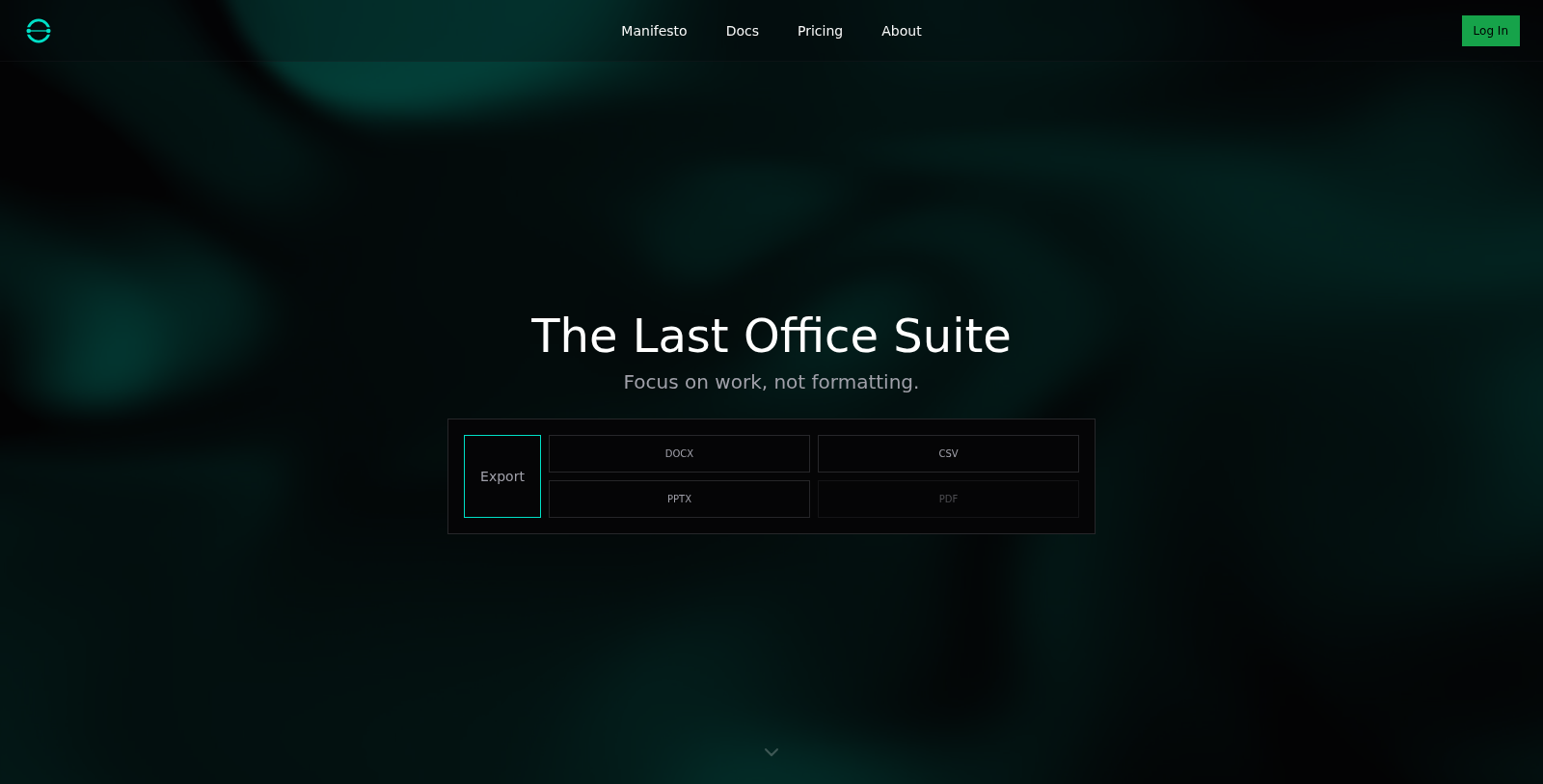
Nodejam supports universal compatibility, allowing users to import and export documents in various standard formats such as DOCX, PDF, PPTX, and CSV. While bespoke integrations specifically with other tools are not highlighted, Nodejam's versatile file format support enables seamless transitions between Nodejam and your existing workflows in other applications.
Nodejam's free plan is designed primarily for individuals or students exploring the platform. It includes one Quick Start project, one chat session per project, and access to a basic AI model. However, users will encounter limitations, such as the inability to create unlimited projects or access advanced features, which are available only in paid plans.
Nodejam is highly versatile and can support a range of use cases. It is ideal for business strategy projects where different document types interlink, like market analysis feeding into business plans. Research workflows where literature reviews connect to data analysis and final reports also thrive in Nodejam. Furthermore, creative projects benefit from seamless transitions between scripts and presentations, all enhanced with AI support to maintain content coherence.
Yes, Nodejam provides a range of keyboard shortcuts to enhance your workflow efficiency when using Classic Mode. For example, you can use ⌘P (Ctrl+P) to open the Quick File Picker, ⌘N (Ctrl+N) to create a new text document, and ⌘W (Ctrl+W) to close the current tab. Familiarizing yourself with these shortcuts can significantly speed up your document management and editing processes.
Nodejam's AI enhances productivity by providing context-aware assistance that understands your entire project ecosystem. It makes intelligent suggestions based on interconnected documents, automates formatting tasks, and improves overall workflow coherence. Whether you're asking the AI to create a new document or update all relevant files, it streamlines your document management by actively engaging with your papers.