Notion
A collaborative workspace that integrates AI for project management, notes, and task automation.
Notion.com
Is this your tool?
Follow for updates & deals
Get alerts for Notion discounts, feature releases & pricing changes
Similar Tools

remio
Automates data capture and knowledge management for personalized productivity support.

Everyday
Automates tasks like email drafting and meeting scheduling to enhance your workflow efficiency.

Extra Thursday
AI assistant that uses voice commands to manage email and plan daily tasks seamlessly.

Comet
An AI-integrated browser that assists with tasks and enhances productivity while you browse.

Blockit
AI-driven scheduling tool that instantly manages your appointments and optimizes your calendar.

Notion Media Gallery

Notion (review) video
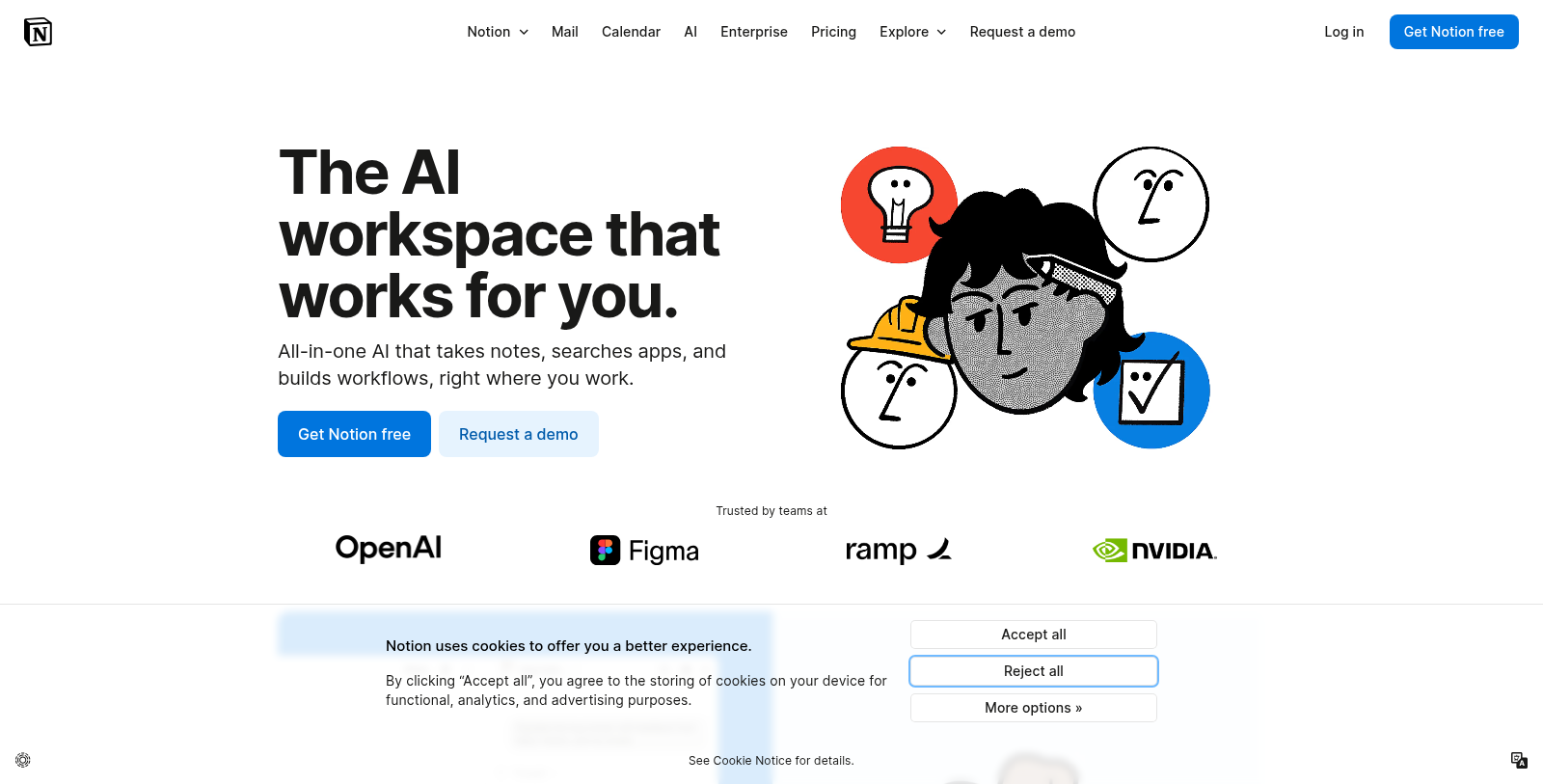
Screenshot of Notion
What is Notion?
Notion is an all-in-one workspace designed to seamlessly integrate a variety of tools for creating, collaborating, and managing projects within a singular, organized system. The updated version, Notion 3.0, introduces advanced AI capabilities that automate numerous tasks, making it even more efficient for individuals and teams alike.
AI Integration: With the launch of Notion AI, users can expect a more intuitive and powerful workspace. The AI functions as a personal assistant, helping to automate note-taking, drafting documents, generating meeting notes, and even scheduling. Users can directly interact with their Notion AI to ask questions, search through the project data, and generate content tailored to their needs. This translates to significant productivity gains, allowing teams to focus on more critical tasks instead of tedious administrative work.
Expanded Functionality: The platform now supports new features like AI meeting notes which create detailed and organized notes during conversations, and an AI writing assistant to enhance document creation. Coupled with specialized functions such as AI Chatbot and AI Email App, Notion effectively eliminates the hassle of shifting between multiple applications by centralizing tasks within one environment.
Customization and Flexibility: Notion allows a high degree of customization to meet the specific needs of users. You can create templates, databases, and integrated workflows that reflect your unique processes. The drag-and-drop interface simplifies the customization experience, ensuring that users can organize content intuitively without needing extensive training.
Collaboration: Collaboration remains central to Notion's ethos. Enhanced features facilitate real-time sharing of documents and workspaces, enabling users to comment, assign tasks, and track changes collaboratively. This keeps all team members aligned and informed, especially across large projects where effective communication is crucial.
Templates and Resource Marketplace: Notion's template gallery has significantly expanded, offering everything from personal management templates to comprehensive project tracking systems. Users can leverage these templates to quickly set up their workflows without starting from scratch, significantly cutting down on preparation time and enhancing productivity from the get-go.
Security and Compliance: As an enterprise-ready tool, Notion takes data privacy and security seriously, adhering to industry standards such as GDPR and SOC 2 compliance. With advanced permissions, teams can easily manage access to sensitive information, ensuring that every team member has the right level of access to necessary documents and resources. Notion’s security framework is built on strong encryption practices designed to protect user data against external threats.
Future of Work with Notion: As the digital work landscape continues to evolve, Notion remains at the forefront of innovation, integrating AI and machine learning to enhance user experience. The ongoing commitment to improving team collaboration and productivity showcases Notion’s position as a leading workspace solution. The platform empowers users not just to manage their tasks effectively but to innovate how they work.
In conclusion, Notion represents a powerful all-in-one solution that adapitates to various workflows, whether you are an individual, a startup, or a large organization. By merging the capabilities of multiple productivity tools into one cohesive experience, Notion transforms the chaos of juggling different apps into a streamlined, enjoyable process of managing work efficiently.
Pros & Cons
Pros
- Integrates multiple functions like note-taking, project management, and team wikis in one platform.
- Notion AI automates tasks like meeting notes and project updates, enhancing productivity.
- Robust security features, including ISO certifications and zero data retention with LLM providers.
Cons
- Some features are in beta, potentially limiting availability for all users.
Frequently Asked Questions
Notion is free to start, with paid plans from 0 to 24 USD per month.
According to our latest information, this tool does not seem to have a lifetime deal at the moment, unfortunately.
Notion AI can help with various tasks, such as creating onboarding guides for new employees, drafting client proposals by analyzing meeting transcripts, and generating competitor analysis reports. Additionally, it can transform meeting notes into social media posts that align with your brand voice, making it ideal for marketers and teams looking to streamline their workflow.
Notion prioritizes user security by implementing a comprehensive privacy program that aligns with GDPR and CCPA regulations. Data remains encrypted in transit, and Notion does not use customer data to train AI models. The company also has detailed service agreements with its AI subprocessors to uphold these practices, ensuring a high level of data confidentiality.
Yes, Notion AI can integrate with various applications via its Notion API and MCP (Multi-Cloud Platform). This allows users to build powerful workflows by syncing data across tools, enhancing team productivity, and enabling seamless collaboration within the workspace.
Notion AI functions as an all-in-one workspace, consolidating multiple tools such as email, project management systems, and note-taking apps into a single platform. This reduces reliance on disparate applications and improves workflow efficiency by managing everything from notes to tasks and project tracking within Notion.
While Notion AI is powerful, certain features may be limited by your chosen pricing plan. For example, advanced functionalities such as AI Meeting Notes and extensive collaborative capabilities are available in the Business and Enterprise plans. Users should review their selected plan to ensure it includes the tools they need.
Notion AI enhances collaboration by automating repetitive tasks and allowing team members to work within a shared workspace. Its features enable real-time commenting, task assignment, and project tracking. This fosters transparency and keeps everyone aligned on objectives and deadlines, ultimately leading to more effective teamwork.
Notion Academy offers a range of learning paths designed for users at different skill levels. You can access lessons on using Notion AI, creating workflows, and other features. Additionally, live webinars and community resources are available to help users maximize their proficiency in Notion and its AI capabilities.
Notion AI allows users to create custom agents tailored to specific workflows or projects. These agents learn from your work habits and can adapt to your preferences, making your workspace more personalized and efficient. Coming soon, features will further enhance automation capabilities, providing users with advanced customization options.