Notta
Automate transcription of meetings and interviews into searchable notes for quick reference and collaboration.
Notta.ai
Is this your tool?
Follow for updates & deals
Get alerts for Notta discounts, feature releases & pricing changes
Similar Tools
MyAudioJournal
Capture your thoughts through voice with an audio journaling app that aids personal growth.

LazyTyper
Voice typing app with multiple AI models for accurate transcription in various languages.

Wispr Flow
Transcribes speech into text for seamless communication across various applications

Notta Showcase
Create multi-language manuals and guides with AI-generated content and automatic subtitles
Videotowords
Transcribe audio and video files into text quickly and accurately, supporting over 98 languages.

Notta Media Gallery

Notta (review) video
Screenshot of Notta
What is Notta?
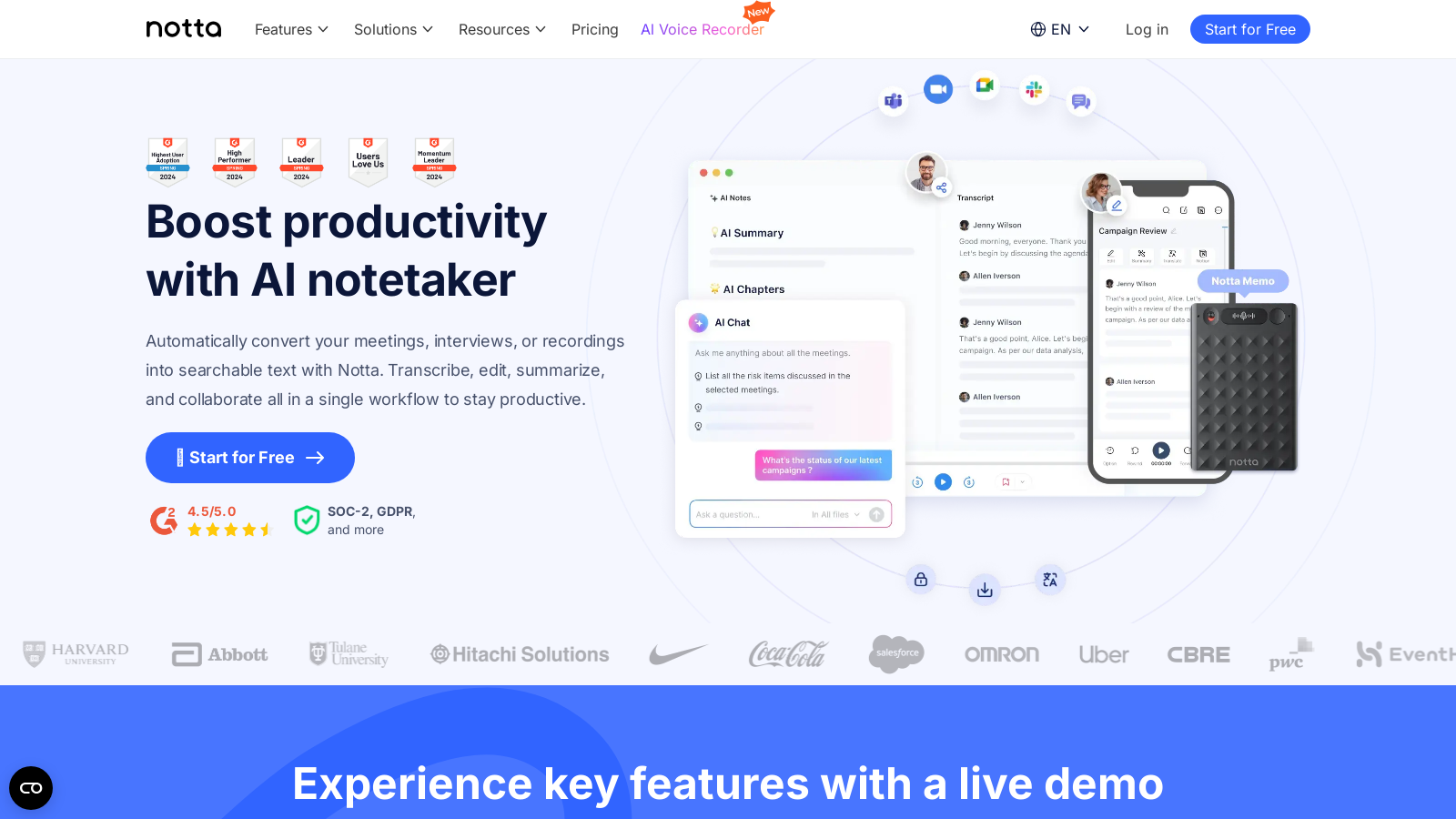
Welcome to Notta, your AI-powered note-taking assistant designed to revolutionize the way you manage meetings, interviews, and recordings. Notta automatically converts spoken content into searchable text, making it simpler than ever to track important details and decisions made during discussions. With a focus on enhancing productivity, Notta fuses transcription, editing, summarization, and collaboration into a single, seamless workflow.
How Notta Works
Notta generates real-time transcriptions of your meetings. Leveraging advanced AI, it captures essential insights and highlights, enabling immediate analysis. Users often report saving up to 50% of their time when creating meeting minutes with Notta. Impressively, it supports a variety of 58 languages, granting accessibility to diverse teams around the globe.
Key Features
1. Swift Transcription: Notta handles the tedious task of transcribing recordings efficiently—on average, it can turn an hour-long audio segment into text in just about 5 minutes.
2. AI-Powered Insights: One of Notta's standout features is the ability to generate concise meeting summaries that capture vital information, including decisions made and action items. You can easily share these summaries via platforms like email or Slack to facilitate swift follow-up among team members.
3. Collaborative Sharing: Enhance teamwork with Notta's easy sharing options for meeting notes and insights. This feature guarantees that all stakeholders are aligned, fostering better collaboration and communication.
4. Content Exporting: Users can export their notes into various formats such as TXT, Word, PDF, and SRT. This flexibility allows you to utilize your notes and transcriptions according to your preferred environment.
5. Third-party Integrations: Notta seamlessly connects with prominent tools like Slack, Salesforce, and hundreds of other apps via Zapier, keeping your communication in perfect sync.
New Enhanced Features
1. Clip Feature: An exciting addition to Notta's functionality allows users to turn meeting highlights into shareable clips, boosting efficiency in communication by enabling colleagues to focus only on the essential parts of the meetings.
2. Actionable Insights: Generate accurate meeting summaries with a single click, easily sharing critical insights such as decisions and action items via Slack or email.
Use Cases
Notta caters to a variety of sectors and teams. It supports Sales teams by summarizing calls effectively to improve follow-ups, assists Consultants by providing tailored insights through captured client sessions, and enriches Education sectors by transcribing lectures to aid academic needs. Other use cases include media and podcasting, where accurate transcripts help in delivering content efficiently.
Security Measures
Your trust is paramount at Notta; hence, we employ enterprise-grade security measures to safeguard your data. Notta adheres to strict security regulations like CCPA, GDPR, SSL, and APPI to ensure that user data remains safe and confidential. Our commitment to security is evident as we host customer data on Amazon Web Services (AWS) and possess various certifications like SOC-2, ensuring the safety and integrity of your information. This dedication means users can focus on their discussions without worrying about data breaches.
Pricing Plans
Notta offers a freemium model, beginning with a free tier perfect for individuals just getting started, which includes limited features and transcription minutes. For those seeking more robust functionality, the subscription plans start at approximately NULL.17 per month when billed annually, providing enhanced features like unlimited transcription minutes, custom vocabulary, and extended collaborations. Customers can choose from Pro and Business plans to fit their team's needs, ensuring a suitable option for everyone.
Get Started for Free
Join millions of satisfied users who have elevated their productivity with Notta. Signing up is straightforward—start experiencing the power of automated note-taking at no cost. With over 90,000 users reportedly reducing their work time by about 40% this past week, there’s never been a better time to give Notta a shot.
Pros & Cons
Pros
- Transcripts take an average of 5 minutes to generate for an hour of audio.
- Supports transcription in 58 languages, catering to a diverse user base.
- Integrates seamlessly with popular tools like Slack and Salesforce via Zapier.
Frequently Asked Questions
Notta is free to start, with paid plans from 0 to 8.17 USD per month.
According to our latest information, this tool does not seem to have a lifetime deal at the moment, unfortunately.
Notta is designed to transcribe various types of meetings and recordings, including business meetings, interviews, lectures, and podcast episodes. It can handle live audio and video recordings as well as uploaded audio files. The tool makes it easy to convert speech to text in real-time, allowing you to focus on the conversation without worrying about note-taking.
Notta integrates seamlessly with popular applications through platforms like Zapier, allowing for automatic syncing of transcriptions and meeting summaries across various tools such as Slack, Salesforce, and others. This integration eliminates manual tasks, ensuring that your meeting notes are readily available where you need them, thus streamlining your workflow and improving efficiency.
Yes, Notta allows you to export your transcriptions in various formats, including TXT, Word, PDF, and SRT files. This flexibility enables you to utilize the transcribed content in the manner that best suits your needs, whether for documentation, sharing, or further editing.
Notta significantly speeds up the transcription process, typically converting an hour-long recording into text in about 5 minutes. This quick turnaround allows users to obtain actionable insights and summaries almost immediately after the meeting or recording.
Absolutely! Notta supports transcription in an impressive 58 languages, making it suitable for multicultural environments and diverse language needs. This feature ensures that both native and non-native speakers can benefit from accurate transcriptions and gain better access to meeting content.
Notta facilitates team collaboration by allowing users to share meeting notes and summaries instantly with stakeholders. The platform's conversation intelligence software ensures that all team members are informed and can add insights or action items directly, enhancing collective productivity.
To use Notta on mobile devices, users should download the Notta app, which is available for both iOS and Android. The app enables users to record meetings or access transcriptions on the go, ensuring that you can manage your notes anywhere, anytime. A stable internet connection is recommended for optimal performance.
To maximize the effectiveness of Notta, consider recording in quiet environments to enhance transcription accuracy, use speaker identification for organized notes, and utilize the summarization feature to capture key action items and insights efficiently. Regularly review and adjust your custom vocabulary settings to improve recognition of specific terms relevant to your industry.