Picbolt

Easily create mockups, edit screenshots, and design visuals with a user-friendly online tool.
Picbolt.co
Is this your tool?
Follow for updates & deals
Get alerts for Picbolt discounts, feature releases & pricing changes
Similar Tools

Stability AI
Create and manipulate high-quality images, audio, video, and 3D content with advanced generative models.
Leonardo.Ai
Create high-quality images, art, and videos using a versatile generative AI platform.

OpenArt
Enhance and transform images with an array of AI tools for quality and creativity.

Graphis
Collaborate on an infinite canvas to create and enhance images, videos, and text seamlessly.
Imagen 3
Transforms text prompts into high-resolution images, making digital content creation accessible for all.

Picbolt Media Gallery
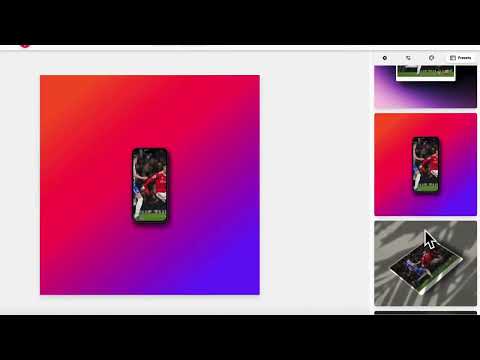
Picbolt (review) video
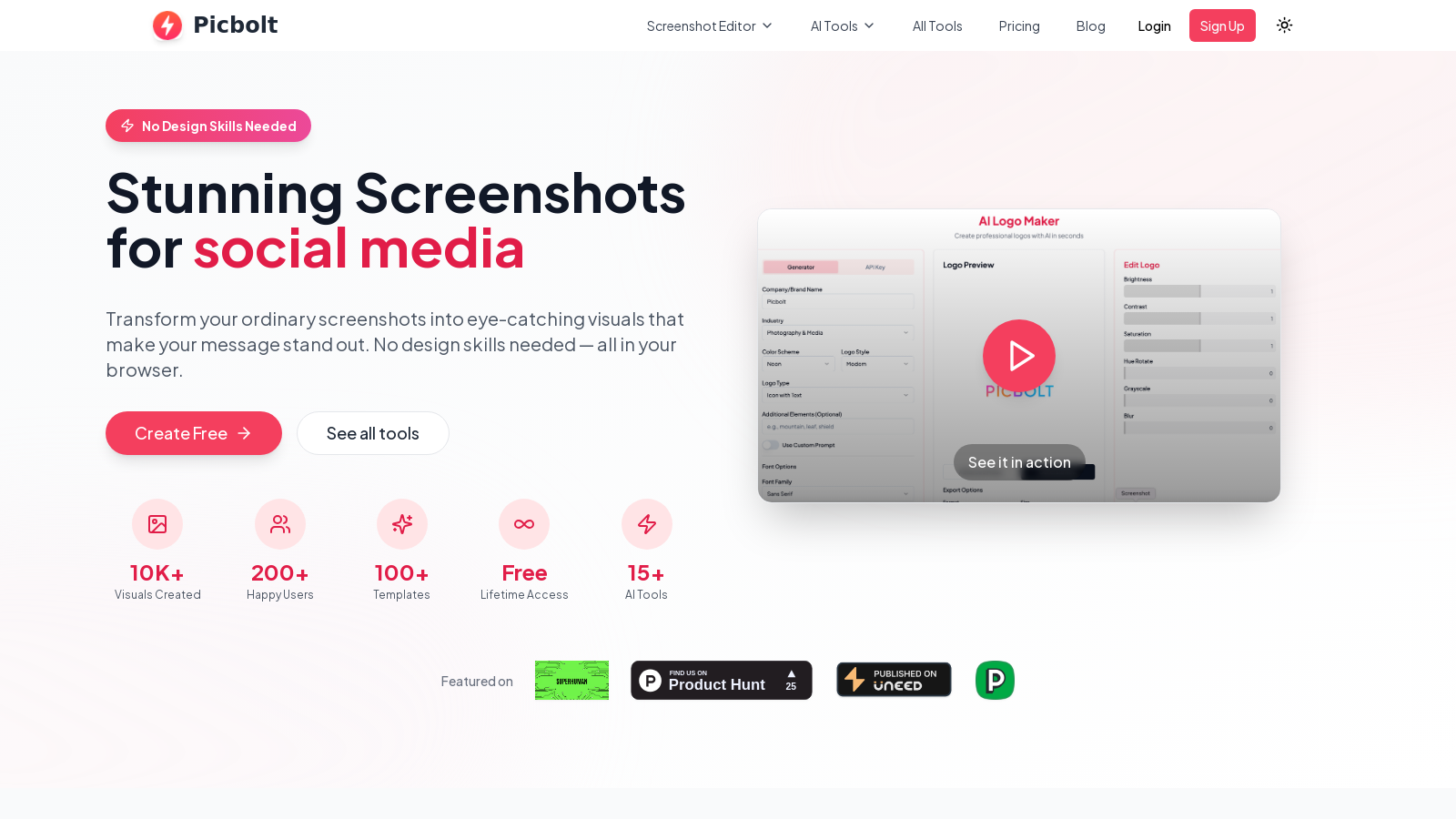
Screenshot of Picbolt
What is Picbolt?
Welcome to Picbolt, your ultimate screenshot editor and design tool, designed to make visual content creation accessible and enjoyable for everyone. Picbolt combines powerful features with a user-friendly interface, perfect for both amateurs and professionals.
Whether you want to create stunning mockups, edit screenshots, or design engaging visuals, Picbolt has you covered. With no design skills required, you can transform your images effortlessly in your web browser.
Key Features of Picbolt
With over 41 powerful tools at your fingertips, Picbolt helps you create professional-grade visuals quickly and easily. Let's explore some of the standout features:
- Screenshot Enhancement: Transform your ordinary screenshots into eye-catching visuals with beautiful backgrounds, device frames, and professional effects in just a click.
- Mockup Generation: Create realistic mockups for applications, websites, and social media with customizable templates for various devices.
- Code Snippet Styling: Present your code snippets elegantly with options for syntax highlighting and various styles.
- Testimonial Sharing: Design visually appealing testimonial graphics that are perfect for marketing materials.
- AI-Powered Tools: Leverage advanced capabilities to generate logos, infographics, and more with just a few clicks.
Plan Options
Picbolt offers a freemium model, allowing users to explore basic features at no cost. For more advanced functionality, you can choose from the lifetime subscription plans:
- Free Plan: Access basic tools and templates, with limited mockup downloads (3 per day) and standard support.
- Lifetime Plan: For a one-time fee of NULL.10 (discounted from NULL for a limited time), you get complete access to all tools, unlimited downloads, priority support, and lifetime updates. This offer also includes a share of NULL,000 worth of premium AI credits for the first 200 users.
All-in-One Design Platform
Picbolt serves multiple audiences — from educators looking to create engaging tutorial materials to content creators wanting to elevate their social media visuals. Professionals and students alike find value in the platform's versatility:
- Educators: Annotate lesson materials and create visually rich tutorials with ease.
- Small Business Owners: Produce professional visuals for product showcases and marketing without needing expensive software.
- Students: Make project presentations stand out with visually appealing enhancements.
- Researchers: Enhance presentations and papers with annotated screenshots and visual aids that simplify complex concepts.
Community and Support
Picbolt is committed to fostering a community of creators. Your feedback is invaluable, helping us improve and expand our toolset. We are dedicated to listening to our users and continuously enhancing our offerings. Join our community on social media and share your creations!
Getting Started with Picbolt
Creating stunning visuals is simple with Picbolt. Start with our free plan to try out the tools and see how easily you can produce professional-grade content. No credit card is required to sign up. Once you're ready, upgrade to the lifetime plan for complete access and benefits. The ease of use combined with powerful capabilities ensures that regardless of your level of design experience, you can achieve impressive results in no time.
Pros & Cons
Pros
- Offers a wide variety of customizable templates for different design needs.
- Enables quick transformation of screenshots into professional mockups and visuals.
- Includes multiple AI-powered tools for enhanced design capabilities.
Cons
- Basic features have limited access without a paid upgrade.
Frequently Asked Questions
Picbolt is free to start, with a paid plan for 71.1 USD as a one-time purchase.
This tool offers a lifetime deal.
Picbolt enables you to create a diverse range of visual content, including stunning screenshots, app and website mockups, and social media post designs. The tool also offers unique features such as code snippet styling, testimonial generation, and image enhancement options. You can capture screenshots from any URL or upload an existing image, and apply professional effects, such as backgrounds, shadows, and shadow styles.
Currently, Picbolt does not explicitly mention team collaboration features in its offerings. However, you can share your designs with team members by downloading or exporting your creations. For real-time collaboration, check for updates, as the tool may integrate collaborative features in future updates.
Picbolt caters to a diverse range of users, including educators, content creators, small business owners, researchers, community managers, and creative professionals. Each of these roles can leverage Picbolt's capabilities to enhance presentations, create marketing materials, and generate engaging visual content that boosts engagement and understanding.
Picbolt includes several AI-powered tools designed to enhance your design experience. These include an AI Logo Maker, an AI Illustration Generator, an AI Infographics Creator, and an AI Presentation Maker. To utilize AI features like image generation, users need to provide their OpenAI API key, which allows access to advanced capabilities without complex setup.
Picbolt supports multiple file formats for exporting creations, including popular web formats like PNG, JPG, and SVG. This flexibility enables users to select the format that best suits their needs for online use, printing, or sharing with clients or colleagues.
Picbolt prioritizes user privacy and data security, utilizing industry-standard encryption to protect your payment information and project data. However, users should ensure that they follow best practices for account security, such as using strong passwords and being cautious with shared links.
Yes, the free plan of Picbolt comes with limitations, such as restricted access to specific tools, basic templates, and a limit of three mockup downloads per day, with standard export quality. To unlock full access to premium features and unlimited downloads, users must upgrade to one of the paid plans.
Picbolt continuously evolves and has an active roadmap outlining future features. Upcoming updates include advanced design canvases, enhanced SVG export options, new AI tools for design generation, and expanded icon libraries. Users are encouraged to visit the website regularly for updates on new tools and features as they become available.