Picture-in-Picture Extension (by Google)

Enable videos to play in a floating window while you browse or work in other applications.
Google.com
Is this your tool?
Follow for updates & deals
Get alerts for Picture-in-Picture Extension (by Google) discounts, feature releases & pricing changes
Similar Tools

OneTab
Save memory and reduce tab clutter in browsers.

Blockit
AI-driven scheduling tool that instantly manages your appointments and optimizes your calendar.

Commitify
AI-driven tool for motivational phone calls that help you stay accountable to your personal goals.

TheTabber
Publish to 9+ social platforms at once.

WAVE Evaluation Tool
Assess web content accessibility directly in your browser with visual feedback and human evaluation.

Picture-in-Picture Extension (by Google) Media Gallery

Picture-in-Picture Extension (by Google) (review) video
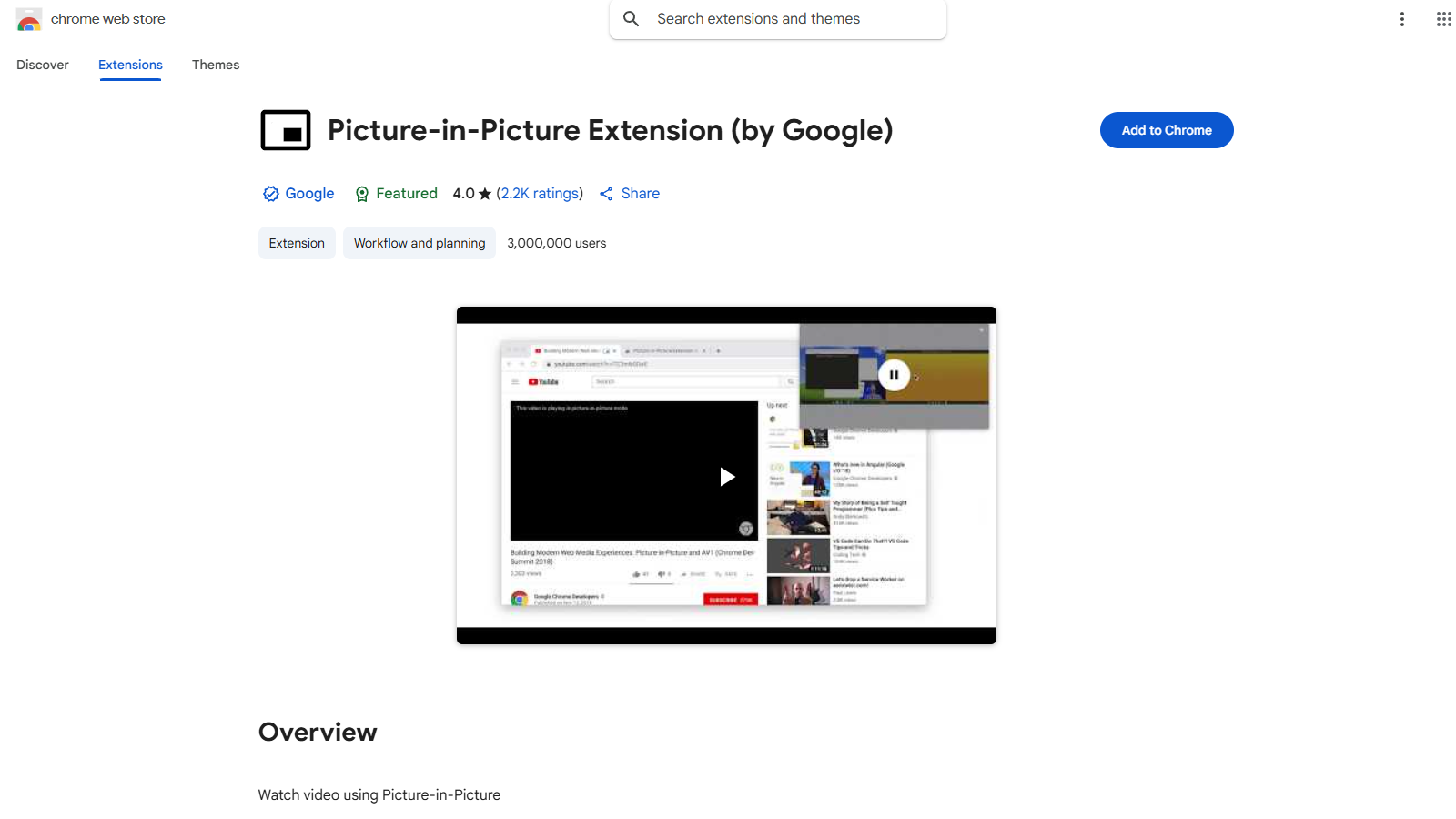
Screenshot of Picture-in-Picture Extension (by Google)
What is Picture-in-Picture Extension (by Google)?
The Picture-in-Picture Extension (by Google) allows users to watch videos in a floating window that sits on top of other windows. It's perfect for multitasking or enjoying videos while working on other tasks online. By utilizing this extension, users can keep videos in view while navigating on different tabs or applications.
When you install the extension, a small icon appears in your browser. During video playback, clicking this icon activates Picture-in-Picture mode, which pulls the video into a standalone, floating window. This not only enhances the user experience but also enables a seamless multi-window setup for users who juggle multiple tasks simultaneously.
Features
- Multitasking Capabilities: The extension enables videos to play in an always-on-top window while you continue browsing the web.
- Wide Compatibility: Works seamlessly across popular streaming platforms like YouTube, allowing users to watch content from various services without being tethered to a single tab.
- Floating Window Customization: Users can resize and reposition the floating video window according to their needs, ensuring an adaptable viewing experience.
How to Use the Extension
Using the Picture-in-Picture Extension is straightforward. Once installed, navigate to a video. When the video is playing, click the extension icon located in your Chrome toolbar. The video will pop out into the floating window, and you can continue your work while watching.
Hotkeys are also available for added convenience. On most systems, you can quickly enter Picture-in-Picture mode using Alt + P (⌘ + P on macOS). This shortcut allows for efficient transitions without disrupting your workflow.
Privacy Considerations
The extension prioritizes user privacy and does not share user data with third parties without consent. Users can expect a secure browsing experience while using this tool. Users must understand that while the extension enhances video viewing, the underlying videos and streaming services still abide by their respective privacy policies.
Conclusion
The Picture-in-Picture Extension (by Google) is a powerful tool designed for modern internet usage. It provides a simple yet effective way to maintain productivity while enjoying videos. With its free usage model, it offers an accessible solution for many users seeking to enhance their digital experience.
Pros & Cons
Pros
- Enables multitasking by allowing videos to play in a floating window.
- Supports various video formats and platforms like YouTube and Netflix.
- Features a keyboard shortcut for quick access to Picture-in-Picture mode.
Cons
- May struggle to select the correct video for Picture-in-Picture when multiple videos are present.
- Users report issues with functionality on certain sites and apps, like DRM content.
Frequently Asked Questions
Picture-in-Picture Extension (by Google) is available at no cost.
According to our latest information, this tool does not seem to have a lifetime deal at the moment, unfortunately.
The Picture-in-Picture Extension allows users to watch videos in a floating window that stays on top of other windows. This feature enables users to multitask effectively by keeping an eye on their video content while engaging with other websites or applications. Ideal for streaming platforms like YouTube, it enhances the viewing experience without needing to switch between tabs.
To enable Picture-in-Picture mode, install the Picture-in-Picture Extension from the Chrome Web Store. While watching a video, click the extension icon in the Chrome toolbar, or use the keyboard shortcut Alt + P (⌥ + P on macOS) to activate the floating video window. You can then drag and resize the window according to your preference.
The Picture-in-Picture Extension may not work with all video content, especially that which is DRM-protected, such as videos from Netflix or Prime Video. Users have reported mixed results with such platforms. Additionally, some users have experienced issues in selecting the correct video when multiple videos are present on a page.
You can use the keyboard shortcuts to make your experience smoother. The primary shortcut for activating Picture-in-Picture mode is Alt + P (⌥ + P on macOS). Users often request further controls, such as rewind and fast-forward options, but these features may not be available in the current version.
If you encounter issues, such as the extension not activating or video quality problems, refer to the troubleshooting guide linked on the extension's Chrome Web Store page. Standard solutions include refreshing the browser, ensuring that the extension is enabled, and checking for any updates to both the extension and your Chrome browser.
While the Picture-in-Picture Extension is designed to work with many streaming sites, its effectiveness varies. It works well with platforms like YouTube and allows for basic functionalities. However, it may face compatibility issues with services like Netflix and Prime Video due to their content protection measures.
The Picture-in-Picture Extension has received a mixed reception, with an overall rating of 4.0 out of 5 based on 2,200 ratings. While many users appreciate its functionality for multitasking, some have reported issues such as incorrect video selection on pages with multiple videos and its limited features compared to similar extensions. User feedback suggests there is room for improvement.
Yes, users can share feedback directly through the Chrome Web Store by leaving a review on the extension's page. Additionally, for specific support issues, users should visit the developer's support site, which is accessible through the extension's listing. This allows you to report bugs or request features.