Pixelcut

Streamlined AI editing for images and videos, including background removal and content generation.
Pixelcut.ai
Is this your tool?
Follow for updates & deals
Get alerts for Pixelcut discounts, feature releases & pricing changes
Similar Tools

Deep Art Effects
Convert photos into artwork using AI-based artistic style transfer and a variety of filters.

Scribble Diffusion
Turn your sketch into a refined image using AI.

Stability AI
Create and manipulate high-quality images, audio, video, and 3D content with advanced generative models.

Claid
Streamline product photography with AI tools for image generation, editing, and background removal.
N8ked
Transform images by undressing them with advanced AI technology.

Pixelcut Media Gallery

Pixelcut (review) video
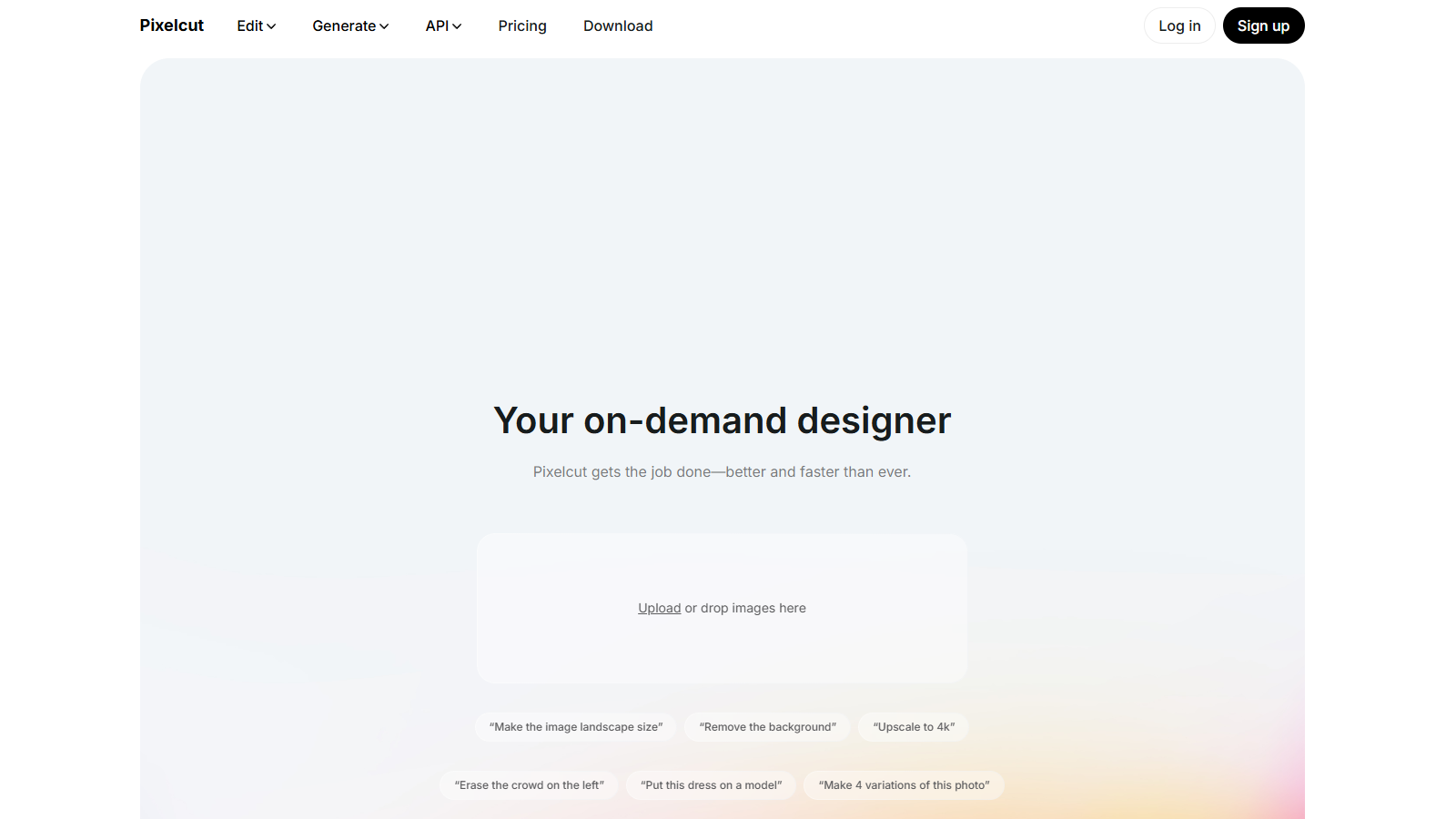
Screenshot of Pixelcut
What is Pixelcut?
Pixelcut is the ultimate workspace for your image and video creation needs. With an array of powerful AI-driven tools, Pixelcut empowers users to edit photos, generate images, create professional mockups, and effortlessly upscale images with high quality.
AI-Powered Editing
Editing images has never been easier with Pixelcut. This tool streamlines common tasks such as background removal, retouching, and upscaling. Users enjoy a fast and intuitive editing experience while achieving professional-quality results. Upload your images, and watch as Pixelcut transforms them with just a few clicks or text prompts, delivering pixel-perfect edits swiftly.
Transformative Video Creation
Create Stunning Videos
Pixelcut also expands your capabilities into video creation. You can make high-quality videos from single images or prompts, using advanced AI models from industry leaders. This feature is ideal for creating visually appealing content for social media or marketing campaigns in just a fraction of the time it would take with traditional methods. Describe your scene or upload an image as a starting frame, and our AI will generate a captivating video in minutes.
AI Image Generation
Express Your Creativity
Pixelcut isn't just for editing; it excels at generating images from text prompts as well. Turn your ideas into visual masterpieces within seconds. Whether it’s marketing material or personal projects, Pixelcut generates stunningly realistic imagery swiftly and easily. It even allows users to reference other images, encouraging creativity like never before. This functionality caters perfectly to artists, marketers, and creatives looking to visualize their ideas.
Collaboration Made Easy
Teamwork is Key
Collaboration is at the heart of the Pixelcut experience. Create shared folders to collaborate on projects, riff off each other's creative ideas, and tidy up your collections of work. The platform is designed with teamwork in mind, allowing teams to generate, edit, and organize their creative assets together. Whether you’re working with colleagues or clients, Pixelcut fosters a seamless collaborative environment.
Join a Vast Community
Be Part of Millions
Join over 70 million satisfied users, including renowned brands like Adidas, Apple, and Google. Pixelcut has become a vital part of creative workflows worldwide, saving time and enhancing the quality of both personal and professional projects. It’s trusted by creatives across various industries for delivering consistent results.
Pricing Plans
Flexible Options Available
Pixelcut offers a freemium model where users can access basic functionalities for free. As needs grow, users can upgrade to one of the paid plans. The Pro plan offers unlimited AI edits and efficient daily generations tailored to your usage. Users can select between various pricing tiers, allowing them to engage deeply with the platform according to their needs and budgets.
Conclusion
In conclusion, Pixelcut is not just a tool; it's a comprehensive platform that revolutionizes how creators approach image and video editing. For those looking to elevate their visual content with ease, Pixelcut is the answer.
Pros & Cons
Pros
- AI tools allow for instant image editing, including background removal and enhancement.
- Supports collaborative features for teams to generate and edit visuals together.
- Wide range of functionalities, from mockup generation to AI art creation and more.
Cons
- Limited advanced editing features compared to professional design software.
Frequently Asked Questions
Pixelcut is free to start, with paid plans from 0 to 48 USD per month.
According to our latest information, this tool does not seem to have a lifetime deal at the moment, unfortunately.
With Pixelcut, you can create and edit a wide variety of images, including background removals, product mockups, AI-generated artwork, profile pictures, and more. You can enhance images, upscale them to 4K, or use special features like virtual try-on for fashion items or character generation based on text prompts.
Pixelcut's AI image upscaler automatically enhances the resolution of your images. You upload a low-resolution image, select your desired upscale factor (up to four times the original size), and the AI generates a sharper, high-quality image in seconds. This is ideal for enhancing images for both print and digital use without compromising detail.
Yes! Pixelcut enables collaboration by allowing users to create shared folders. This means teams can generate, edit, and organize images together, making it an excellent tool for creative projects that require input or feedback from multiple team members.
Yes, while the free plan provides access to many tools, it comes with limitations such as restricted daily generations and fewer credits for advanced features. Users have a cap on the number of AI image generations and might encounter watermarks on their exports. Upgrading to a paid plan unlocks more features and higher usage limits.
You can upload various image formats for editing in Pixelcut, including JPG, PNG, and HEIC files. This flexibility enables you to work efficiently with the most common image types. Ensure that the image has precise edges, especially when using features like the background remover for optimal results.
Yes, Pixelcut offers an API that allows developers to integrate its image editing capabilities into their applications. This is ideal for businesses seeking to incorporate powerful image processing features seamlessly into their platforms, thereby enhancing user experience and functionality.
If the output from any AI tool in Pixelcut does not meet your expectations, you can refine your prompts and iterate on your descriptions to achieve the desired results. Providing more detailed prompts or adjusting parameters can significantly affect the results. Don't hesitate to experiment with different styles or settings to achieve the desired output.
Yes, Pixelcut offers mobile applications for both iOS and Android devices. This allows users to create and edit images on the go, making it convenient for users who need to work from anywhere, whether they're capturing new photos or enhancing existing ones.