Pixlio AI
Create and edit professional images using advanced AI models and intuitive editing tools.
Pixlio.net
Is this your tool?
Follow for updates & deals
Get alerts for Pixlio AI discounts, feature releases & pricing changes
Similar Tools

Fotor
Edit photos and create images easily with intuitive tools and AI features for beginners and professionals.

OpenArt
Enhance and transform images with an array of AI tools for quality and creativity.
Hocha
Generate high-quality images with AI using preset prompts and advanced editing tools, no login required.

PixNova AI
Generate and edit images with AI, including headshots, face swaps, and baby predictions.

Pica AI
Revive low-quality images and create professional headshots with AI-powered enhancements.

Pixlio AI Media Gallery
What is Pixlio AI?
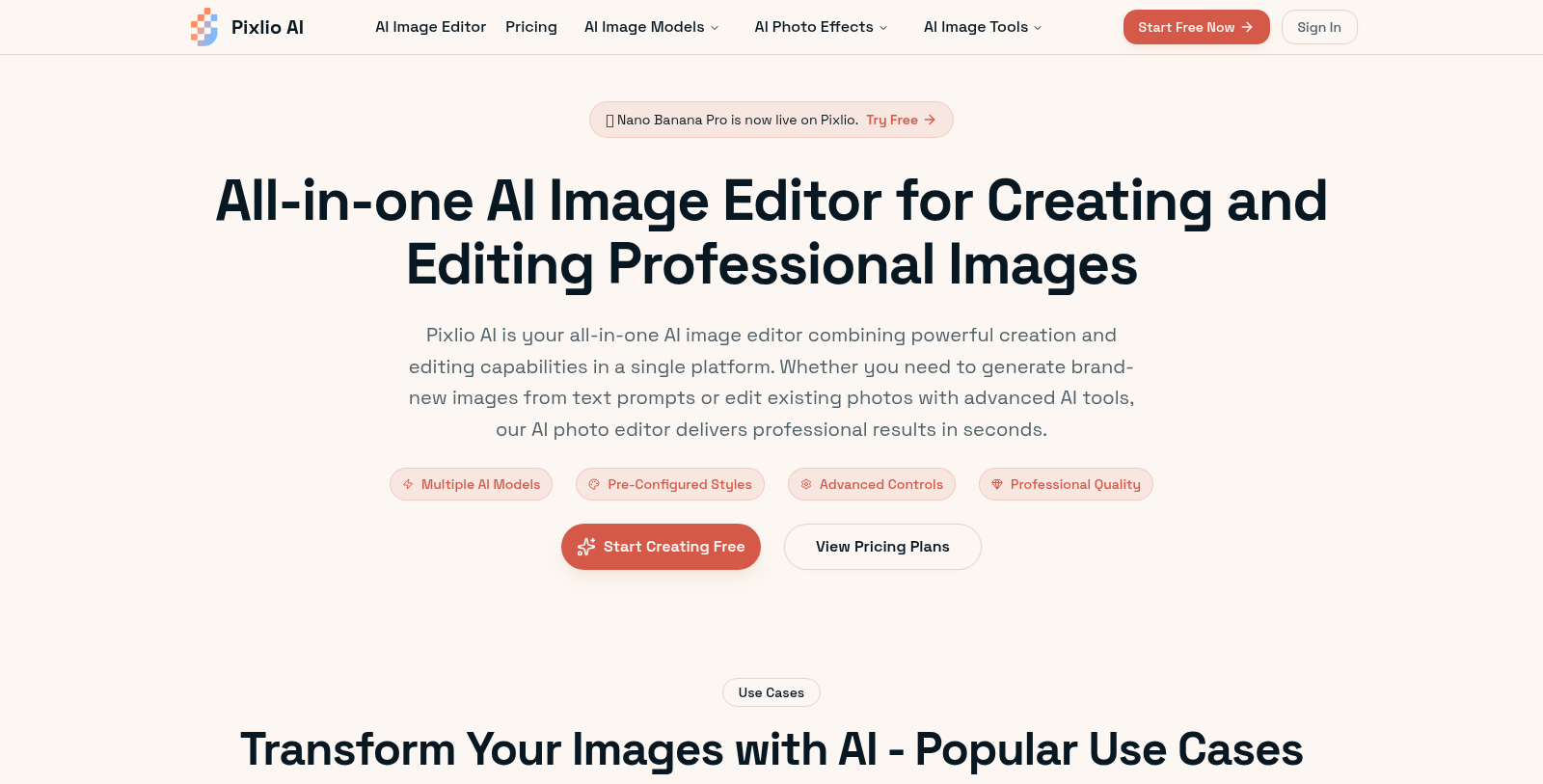
Pixlio AI is your comprehensive solution for image editing and generation, harnessing the power of advanced AI models like Nano Banana Pro and Seedream 4.5. With this tool, you can seamlessly create professional-quality images from text prompts or edit existing photos in mere seconds.
The platform stands out with its array of features that cater to diverse user needs. Whether you're looking to manipulate text on images, change backgrounds with pixel-perfect precision, or enhance product photography for e-commerce, Pixlio AI has you covered. For individuals managing social media, marketing teams running campaigns, or designers seeking high-quality graphics, Pixlio is designed to streamline the creative workflow.
Key Features
Pixlio AI provides access to multiple AI models, allowing you to generate images in pre-configured styles. Users can expect professional-quality outputs across a variety of settings—ranging from photorealistic renders to artistic interpretations. The AI intelligently enhances images, maintaining natural-looking edits while offering granular controls over every detail.
Image Generation
With the AI image generation feature, create original visuals in response to sophisticated text prompts. The quick processing time, often under 20 seconds, is optimized for a smooth, hassle-free experience. Whether it's for personal use or high-stakes product listings, your visual content will stand out.
Editing Capabilities
Editing becomes intuitive with Pixlio’s tools. Easily remove backgrounds, adjust lighting, and apply advanced filters without requiring deep technical know-how. Your edited images can be saved in high resolutions, perfect for both print and digital formats.
Target Users
From professional marketers to casual creators, Pixlio AI's flexibility is boundless. Businesses can use this tool to create stunning advertising visuals, while content creators can design eye-catching posts for various platforms. Additionally, e-commerce sellers will find these functionalities vital for enhancing product images and ensuring they meet customer expectations.
For those with little experience in graphic design, Pixlio's user-friendly interface removes barriers, providing an easy entry point into image editing and generation.
Flexible Pricing
Pixlio operates on a flexible pricing model, offering a Freemium approach that allows users to start free, with options for paid upgrades. This ensures that users can choose the package that best fits their needs, whether it's a pay-per-use model based on credits or a monthly subscription for more extensive use. Pricing tiers are designed to accommodate both casual users and heavy performers, including offering substantial credits for regular plans.
Experience Pixlio AI today and explore how easy it is to create and edit images that resonate with your audience.
Pros & Cons
Pros
- Combines AI image generation and editing capabilities in a single platform.
- Offers high-resolution outputs suitable for commercial use, ensuring professional quality.
- Utilizes advanced models like Nano Banana Pro and Seedream 4.5 for diverse creative options.
Cons
- Some features require credits, limiting usage for free tier users.
Frequently Asked Questions
Pixlio AI is free to start, with paid plans from 0 to 41.9 USD per month.
According to our latest information, this tool does not seem to have a lifetime deal at the moment, unfortunately.
Pixlio AI allows users to create images in a variety of styles, including photorealistic, fine art, Studio Ghibli anime, Pixar 3D animation, and pixel art. Users can select from these pre-configured styles during image generation or apply them while editing existing photos, providing a high degree of creative flexibility.
E-commerce businesses can use Pixlio AI to create stunning product images without the need for costly photo shoots. The platform offers tools for generating lifestyle images, enhancing product photos with optimal lighting, and making multiple-angle variations. This allows sellers to create professional product listings that attract buyers and build trust.
Editing an image in Pixlio AI is straightforward: First, sign up and get free credits. Next, upload the image you want to edit. Utilize the platform's AI-powered tools to remove or change backgrounds, add or remove objects and text, enhance quality, or apply filters. Lastly, download your edited image in your desired format, ready for commercial use.
Yes, images created or edited with Pixlio AI using paid credits are licensed for full commercial use. This allows users to utilize these images in marketing, products, or client work without worrying about copyright restrictions, making it a practical choice for businesses and creative projects.
Pixlio AI supports uploading images in JPG, PNG, and WebP formats, making it versatile for different use cases. Users can download their creations in formats such as PNG, JPG, and WebP. This range of support ensures compatibility with various platforms and projects, whether for web or print use.
Pixlio AI excels at rendering clear, legible text in generated images. Its advanced AI models, such as Seedream 4.5 and Nano Banana Pro, specifically address typography, ensuring text is correctly placed and legible. This makes Pixlio ideal for creating promotional materials, such as posters and product labels, where text clarity is crucial.
While Pixlio AI offers powerful image-generation capabilities, users should keep in mind that output quality depends on the input prompts and images. For best results, use clear, detailed prompts and high-quality photos for editing. Additionally, the AI may not fully recover details from severely blurred or low-resolution images.
Pixlio AI stays at the forefront of technology by continuously integrating the latest AI models and editing algorithms. This commitment to advancements ensures high-resolution outputs, fast processing times (often under 20 seconds), and professional-quality image results. Users benefit from intuitive controls that yield optimal results without extensive training.