PopAi

Generate professional presentations from text inputs or documents with AI-driven templates.
Popai.pro
Is this your tool?
Follow for updates & deals
Get alerts for PopAi discounts, feature releases & pricing changes
Similar Tools

Nodejam
An integrated office suite that merges documents, spreadsheets, and presentations for enhanced collaboration.

Tenorshare AI
Convert AI-generated text into engaging, human-like content for diverse writing needs.

Genspark
An integrated workspace for AI tools, enhancing productivity through slides, documents, data analysis, and creative tasks.

URL to Any
Convert any webpage into formats like PDF, Markdown, and HTML for easy saving and sharing.

HumanPal
Generate customizable AI avatar videos for marketing, training, and content creation.

PopAi Media Gallery

PopAi (review) video
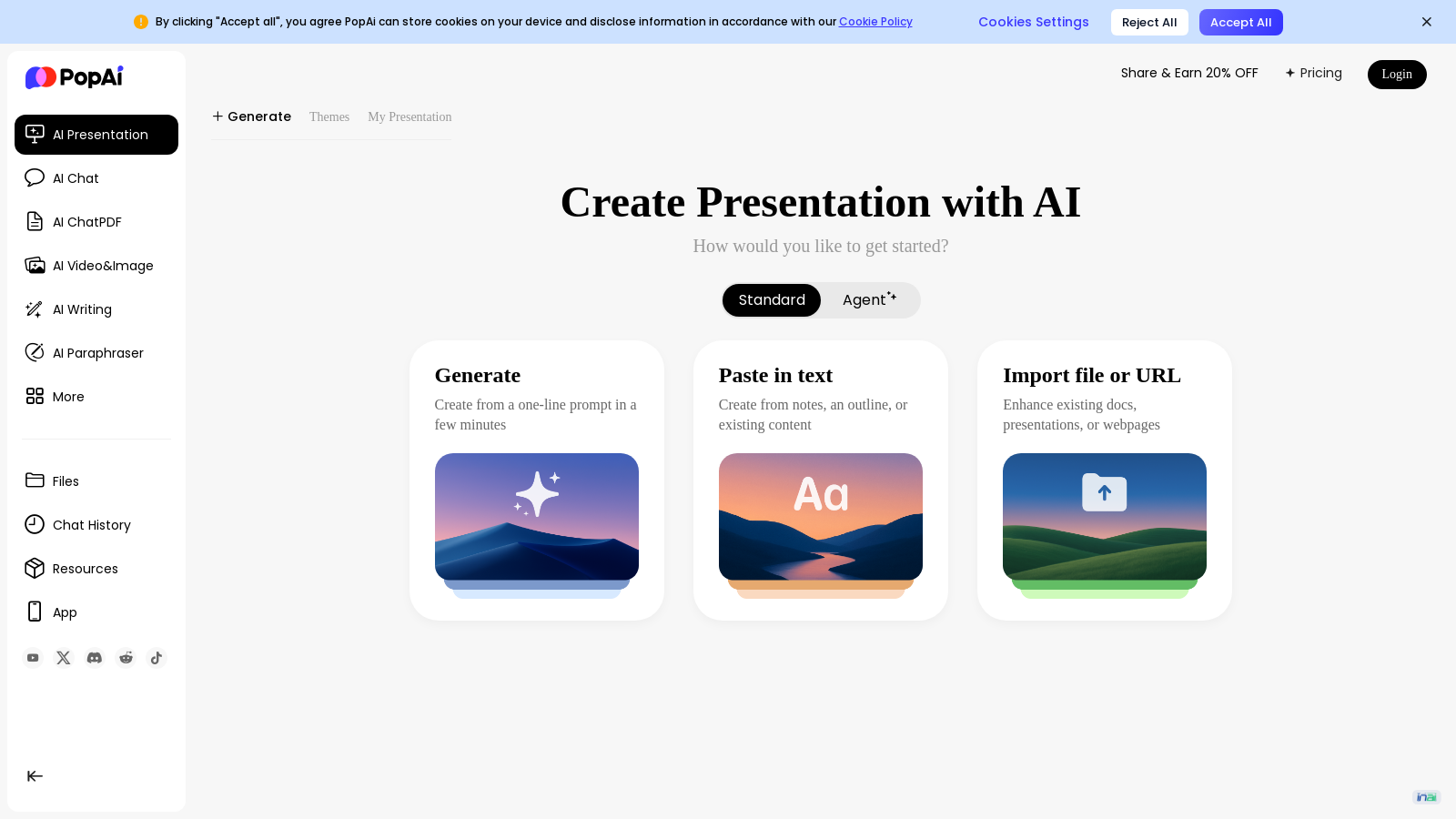
Screenshot of PopAi
What is PopAi?
PopAi is a revolutionary AI tool designed to simplify the process of creating high-quality presentations. Whether you're generating slides from scratch or enhancing existing documents, PopAi brings speed and efficiency to your workflow.
Key Features of PopAi
The platform is powered by advanced AI technology, allowing users to create professional AI presentations effortlessly. You can either start with a clean prompt or upload documents directly into the system. The AI will intelligently analyze your input and generate a structured presentation that can be customized to fit any style or audience.
Starting Your Presentation
1. Sign In or Get Started: Access your PopAi account quickly and easily. New users can create an account in moments.
2. Choose Your Creation Method: You can create presentations by inputting a one-line prompt, pasting text, or even importing files or URLs.
3. Add Your Content: The tool enables you to select the desired length or slide number for your presentation, allowing you to tailor the output to your specific needs.
AI-Generated Outlines and Content
4. AI Generates Your Outline: Once you input your content, PopAi crafts a logical outline for your presentation. You can review and request revisions if needed.
5. Select a Professional Template: The platform offers a library of professionally designed templates, allowing you to choose one that matches your topic and style.
6. Finalizing Your Presentation: After the AI generates content for your slides, you can edit and refine the details, adjusting layouts, swapping images, and customizing text until satisfied.
7. Download Your Presentation: When the presentation meets your expectations, you can easily download it in standard formats like PPTX.
Supported File Types
PopAi supports various file formats such as DOCX, PDF, and PPTX, making it easier to transform previous work into engaging presentations. You can also turn web page content into slides by simply inputting a URL, maximizing the utility of online resources.
In addition to being an excellent tool for presentations in business contexts, PopAi finds a place in education and creative industries. It empowers professionals and students alike to produce well-structured presentations in less time, enhancing efficiency and effectiveness in communication.
Why Choose PopAi?
PopAi stands out in the crowded field of presentation software due to its intuitive design and seamless integration of AI. Its capacity to handle multi-format inputs is unmatched, allowing users to generate polished slides effortlessly. With its array of templates, robust AI features, and simple user interface, PopAi is set to redefine how presentations are created, making them quicker and more impactful than ever.
Pros & Cons
Pros
- Instantly create AI-driven presentations from various input formats, including text and PDFs.
- Offers a wide range of professional templates to enhance visual appeal and coherence.
- AI generates speaker notes and outlines, streamlining the presentation preparation process.
Frequently Asked Questions
PopAi is free to start, with paid plans from 0 to 0 USD per month.
According to our latest information, this tool does not seem to have a lifetime deal at the moment, unfortunately.
PopAi allows you to create presentations from a variety of document types, including DOCX, PDF, and PPTX files. You can also directly paste in text or provide a URL to a webpage. This flexibility enables users to easily turn existing content or web articles into professional, engaging presentations, ensuring efficient workflow and enhanced productivity.
Yes, PopAi provides access to a diverse library of professionally designed templates that you can customize based on your presentation's topic, target audience, and personal style. After generating your presentation, you have complete control to edit text, swap out images, adjust layouts, and fine-tune every detail to ensure it meets your specific requirements.
Creating a presentation with PopAi is straightforward. First, sign in or create an account. Then, choose how to start: you can generate from a prompt, paste in text, or upload a document or webpage URL. Provide your content and the desired length for the presentation, and PopAi will generate an outline for your review and revision. Finally, select a template, refine the generated slides, and download your presentation in a standard format.
Yes, when importing content from a webpage URL, the page must be publicly accessible; it cannot be behind a login or paywall. This ensures that PopAi can successfully extract the main content for the presentation. It's an excellent feature for quickly transforming articles and online reports into engaging slides.
With PopAi, you can upload existing PPTX presentations and use the tool's AI features to enhance their design and content. The AI can suggest improvements, update the layout, and refine the messaging to make your slides more visually appealing and engaging, allowing you to refresh and repurpose old presentations with minimal effort.
Absolutely! PopAi is designed to be beneficial in various contexts, including education. Teachers can transform lesson plans and dense curriculum documents into engaging, student-friendly presentations. By using PopAi, educators can save significant preparation time while improving student engagement and comprehension in the classroom.
PopAi is particularly useful in business settings for creating pitch decks, sales presentations, and reports. For example, sales teams can quickly generate customized pitch decks tailored to different clients, enhancing message consistency and reducing turnaround time. Startups can prepare compelling investor presentations in a minimal amount of time, thereby boosting productivity and effectiveness in delivering key information.
Yes, PopAi offers customer support to assist users with any issues they may encounter while using the tool. Users can typically find help through the official website or community resources. For specific inquiries, it is advisable to contact support via the provided contact options on the website to receive timely assistance.