remio

Automates data capture and knowledge management for personalized productivity support.
Remio.ai
Is this your tool?
Follow for updates & deals
Get alerts for remio discounts, feature releases & pricing changes
Similar Tools

Superhuman
An email app designed to enhance productivity with AI tools for efficient inbox management.

Extra Thursday
AI assistant that uses voice commands to manage email and plan daily tasks seamlessly.

Notion
A collaborative workspace that integrates AI for project management, notes, and task automation.

Everyday
Automates tasks like email drafting and meeting scheduling to enhance your workflow efficiency.

Blockit
AI-driven scheduling tool that instantly manages your appointments and optimizes your calendar.

remio Media Gallery

remio (review) video
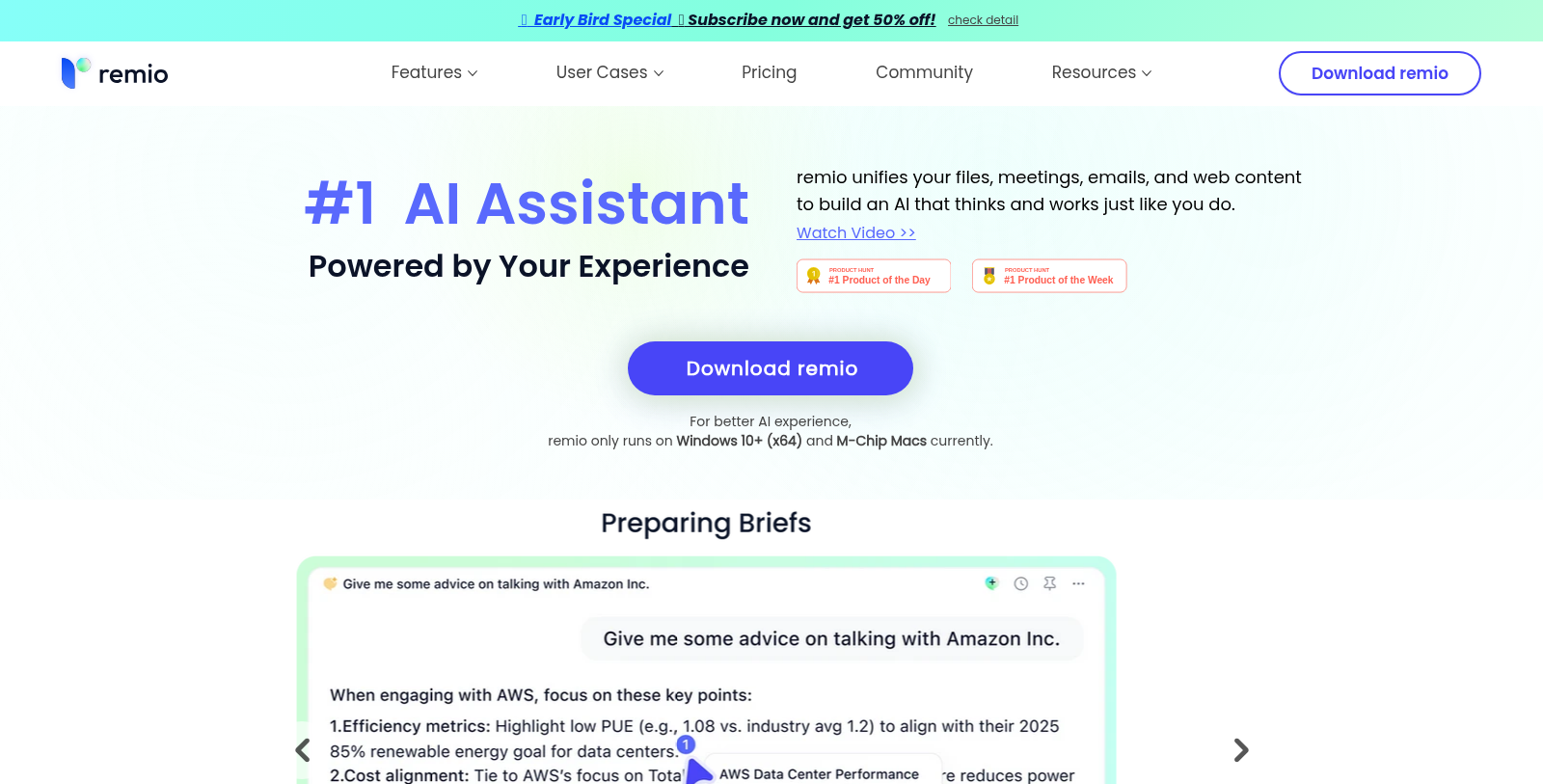
Screenshot of remio
What is remio?
Remio is a next-generation AI productivity assistant designed to transform the way you capture, organize, and leverage information seamlessly. With its cutting-edge technology, Remio acts as your personal knowledge management system, unifying files, meetings, emails, and web content to build an AI that thinks and operates just as you do.
Your Knowledge Base Built Automatically
Remio works quietly in the background, automatically capturing data from webpages, recordings, emails, messages, files, images, and notes without requiring any manual input on your end. This creates a single, cohesive knowledge base that harnesses all your previous interactions and data, allowing it to provide insightful and relevant answers precisely when you need them. It turns messy information into clear insights, offering unparalleled productivity enhancements.
An AI That Learns From You
Remio is not merely reactive; it learns from you. By analyzing how you've approached tasks previously, it adapts to your unique style and logic. This ensures that when you seek answers from Remio, you receive tailored responses, rather than generic ones, enriching your workflow and enhancing your productivity significantly.
Your AI Partner, Everywhere
Integration is key with Remio; it seamlessly integrates with existing tools, offering contextual assistance to simplify your workload. A single click summons Remio across any application, ensuring that your work becomes more efficient and manageable, regardless of the platform you are using.
Your Data, Your Control
In an age where data privacy is paramount, Remio stands out for its commitment to keeping your information safe. It stores all your data locally on your device; only essential information is sent to Large Language Models (LLMs) for specific features like 'Ask' or 'Summarizer'. Your data is never utilized for unsanctioned AI training, and you also have the option to connect your own LLM API key for complete data security and privacy within Remio.
How Remio Works
Step 1: Connect Your Sources
Stop the endless cycle of copy-pasting. Setting up Remio is straightforward; just connect your data sources, and let it handle the rest, automatically organizing everything for you.
Step 2: Let it Capture Automatically
As you focus on your tasks, Remio continually captures relevant information in the background, ensuring you don't miss vital data.
Step 3: Engage with Your AI
Getting answers is intuitive. Just ask Remio your question and receive distilled responses that save you time and enhance your understanding.
Testimonials on Remio
Users from diverse fields, ranging from educators to industry consultants, have shared their transformative experiences with Remio. For instance, Dr. Lee, an educator, notes that it saves him at least six hours of preparation time for every class by synthesizing diverse materials effortlessly. Meanwhile, David, a senior manager in the fintech sector, highlights that Remio has fundamentally altered his sprint planning, reducing his planning time by 75% by automatically organizing competitive analyses. This shift allows him more time to focus on strategic execution rather than tedious manual data collection.
Overall, Remio is redefining the personal knowledge management landscape. With its local-first approach and sophisticated AI capabilities, it stands out as an invaluable partner for enhancing productivity through intelligent data management, whether you are a student, consultant, developer, or any knowledge worker striving to manage information effectively.
Pros & Cons
Pros
- Automatically captures and organizes diverse information sources for easy access.
- Integrates seamlessly into various workflows, enhancing productivity without interruption.
- Prioritizes data privacy by storing all information locally on users' devices.
Cons
- Currently limited to Windows 10+ (x64) and M-Chip Macs, restricting platform access.
- Lacks collaboration features, making it unsuitable for team-based projects.
Frequently Asked Questions
remio is free to start, with paid plans from 0 to 199 USD per year.
According to our latest information, this tool does not seem to have a lifetime deal at the moment, unfortunately.
Remio can automatically capture a variety of content, including webpages, emails, messages, files, images, and recordings. This allows users to consolidate their knowledge base effortlessly, without manual copying or management, saving significant time on information organization.
Remio prioritizes user privacy by storing all captured data locally on your device, rather than in the cloud. Only relevant information is sent to the AI for tasks such as summarization, ensuring your data is not used for training. Users can also connect their LLM API key for additional privacy control.
Yes, Remio integrates seamlessly with several other tools and platforms, including web browsers, email clients, and messaging applications like Slack. This integration enables a more cohesive workflow by allowing users to access Remio's features directly within the applications they already use.
For sales, Remio automatically builds comprehensive customer profiles and provides instant access to relevant data, helping draft personalized communications. In marketing, it acts as an expert by recalling key details, analyzing market shifts, and drafting on-brand content, all while maintaining data privacy.
Currently, Remio is designed to run on Windows 10+ (x64) and M1 Macs. While there are plans for future mobile app development, users cannot access Remio on mobile devices at this time. However, users can capture information from their mobile device's browser using available web integration features.
To get started with Remio, visit the official website to download the application for your operating system (Windows or Mac). After installation, configure your data sources to enable Remio to start capturing data in the background. You can then begin interacting with it by posing questions to receive tailored answers based on your captured data.
One of the main limitations of Remio is its current compatibility, as it only runs on Windows 10+ (x64) and M-Chip Macs. Additionally, while it focuses extensively on personal knowledge management, it lacks some collaborative features, making it less suitable for team environments.
Remio enhances productivity by learning from user behavior and preferences, enabling context-aware assistance. Features such as auto-capture and the ability to ask specific questions would allow users to access synthesized information and insights quickly, significantly reducing time spent on research and manual organization.