
Follow for updates & deals
Get alerts for Remotion discounts, feature releases & pricing changes
Similar Tools

Argil
Generate professional-quality videos using customizable AI avatars and prompts.

Tripo
Generate detailed 3D models from text or images quickly and intuitively.

PixVerse
Generate professional-quality videos from text prompts and images in seconds.

Magic Motion
Create stunning 3D character animations from text.

MiniMax
Provides AI solutions for search and chat across various media formats.

Remotion Media Gallery

Remotion (review) video
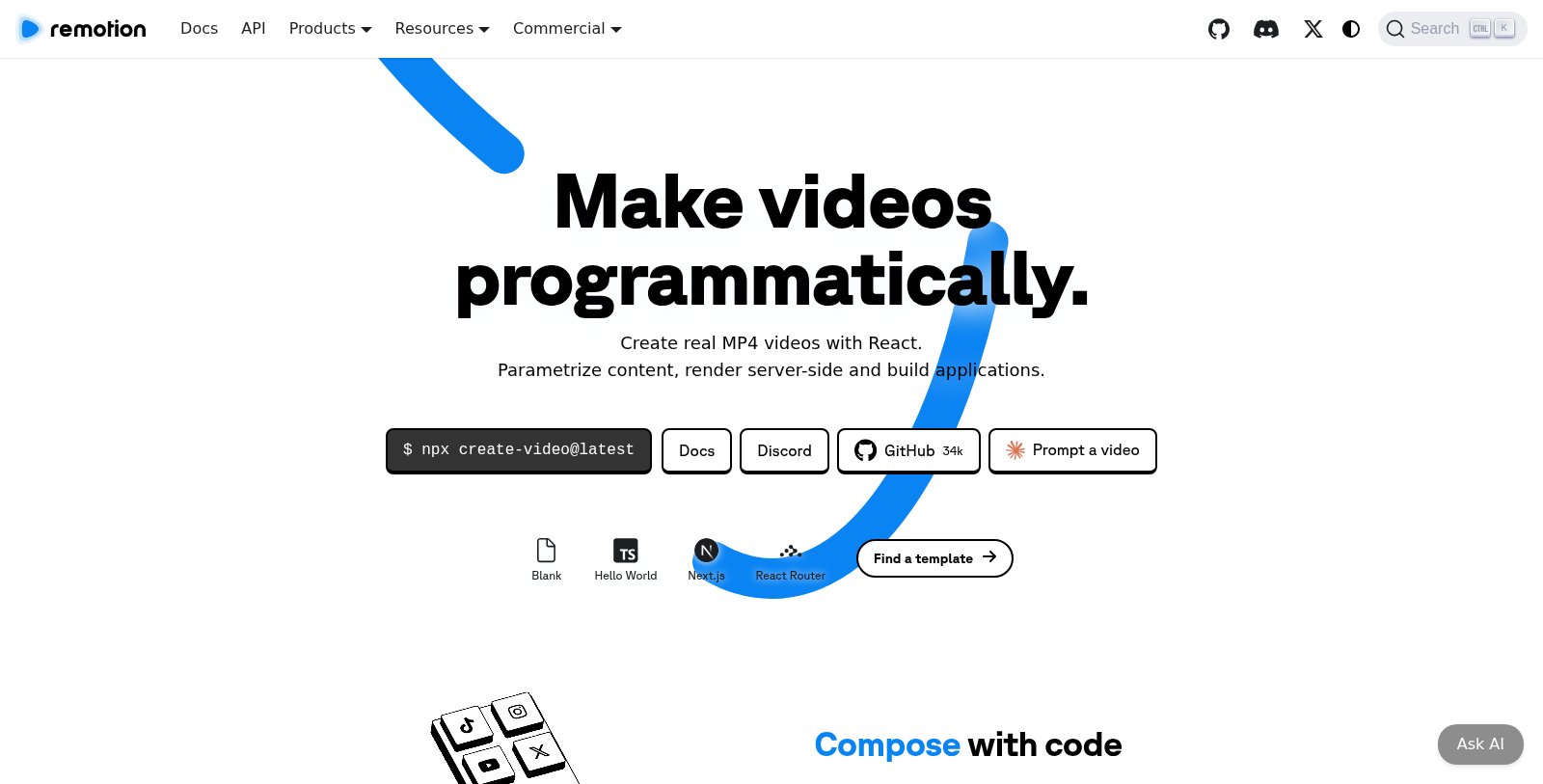
Screenshot of Remotion
What is Remotion?
Remotion is a powerful tool that allows you to create real MP4 videos programmatically using React. With the innovative capabilities offered by Remotion, developers can parametrize content and render videos server-side or in a self-hosted environment with ease.
One of the standout features of Remotion is its ability to involve React in the video creation process. You can build applications around video content using React as a powerful front-end framework. This allows developers to edit videos dynamically and create complex video projects without extensive video-editing experience.
Key Features
Remotion enables users to create sophisticated videos with several tools:
- Scalable Rendering: Videos can be rendered locally, on a server, or in a serverless environment, which provides immense flexibility.
- Rendering Options: Choose from a variety of rendering options, including Remotion Lambda, which facilitates easy exports.
- Editing Capabilities: Edit videos dynamically and parameterize content, enabling a robust video building experience.
Whether you're building a music visualization or an end-of-year recap video, Remotion provides tailored use cases that allow creators to utilize its features fully.
Licensing Structure
Remotion provides a tiered licensing system:
- Free License: For individuals and small teams (up to 3 people) that allows unlimited videos for commercial use.
- Company License: Designed for collaborations and teams of 4 or more. This license provides priority support and includes additional features for larger operations.
- Enterprise License: Tailored for businesses with advanced needs, offering customized terms and prioritized feature requests.
For users looking to maximize their video creation capabilities, Remotion's Editor Starter template includes everything necessary to create custom video editing applications using React and TypeScript. This comprehensive template makes it easy to start building. It enables extensive customization.
Community and Support
Remotion hosts a vibrant community where developers can gather to share insights, ask questions, and get support. With ongoing updates, a range of templates, and regular communication via platforms like Discord, users can stay engaged and informed. The tool boasts a significant user base, with over 31,000 stars on GitHub and an ever-growing community of developers utilizing the platform.
Conclusion
In summary, Remotion stands out in the digital tool space for its unique integration of React into the video creation process. With a diverse feature set, flexible licensing, and a thriving community, it's poised to redefine how developers approach video production.
Pros & Cons
Pros
- Utilizes React for programmatically creating fully-featured videos.
- Offers server-side rendering options for scalable video production.
- Includes templates and extensive documentation to streamline getting started.
Cons
- Complexity may deter beginners unfamiliar with React or programming.
Frequently Asked Questions
Remotion is free to start, with paid plans from 0 to 500 USD per month.
According to our latest information, this tool does not seem to have a lifetime deal at the moment, unfortunately.
With Remotion, you can create various types of videos, including music visualizations, informative screencasts, year-in-review videos, and more. The platform allows for dynamic editing and parameterization of videos using React, making it suitable for creative projects that require custom video content.
To begin using Remotion, ensure you have at least Node.js version 16 or Bun 1.0.3 installed. You can scaffold a new project by running `npx create-video@latest` and selecting a template that suits your needs. For beginners, the Hello World template is recommended. Once your project is set up, you can start rendering videos and use Remotion Studio for visual editing.
Yes, Remotion supports server-side rendering of videos, allowing you to generate videos in various formats, including MP4, either locally or on serverless platforms like AWS Lambda. This capability is ideal for integrations into larger applications or for rendering high-quality videos without requiring extensive client-side resources.
The Remotion Editor Starter is a comprehensive template for building custom video-editing applications with React and TypeScript. It includes essential features such as state management, tracks, items, and assets management, as well as undo/redo functionality. This starter template can significantly reduce development time and streamline the process of building sophisticated video editing workflows.
Yes, Remotion is designed to integrate seamlessly with existing React applications. You can import Remotion components and render videos directly within your React components. Additionally, tools like the Remotion Player let you easily embed your videos in your app's interface, enabling interactive video experiences.
While Remotion is powerful, users should note limitations, including the need for specific dependencies such as Node.js or Bun, and that performance may vary with video complexity and hardware. Additionally, some Linux distributions may require additional packages; Alpine Linux is not supported. Always refer to the official documentation for the latest details on requirements and limitations.
There are several ways to get support for Remotion. You can join the Remotion Discord community for real-time assistance and discussions. For licensing inquiries or project-specific questions, please reach out via email or schedule a video call with Remotion experts. However, technical support is primarily provided via Discord.
While Remotion is a standout tool for programmatic video creation with React, alternatives include Mediabunny for multimedia workflows, FFmpeg for command-line video editing, and frameworks such as Video.js for simpler video manipulation. These alternatives may not offer the same level of integration, but they can still meet various needs depending on the project's requirements.