Rewind

Records and transcribes meetings and interactions for easy recall and productivity.
Rewind.ai
Is this your tool?
Follow for updates & deals
Get alerts for Rewind discounts, feature releases & pricing changes
Similar Tools

Heynds
Transcribes voice to text in real time for faster writing and editing.

LazyTyper
Voice typing app with multiple AI models for accurate transcription in various languages.

Notta Showcase
Create multi-language manuals and guides with AI-generated content and automatic subtitles

Notta
Automate transcription of meetings and interviews into searchable notes for quick reference and collaboration.

BlabbyAI
Convert spoken words into text for efficient voice typing across apps and platforms.

Rewind Media Gallery

Rewind (review) video
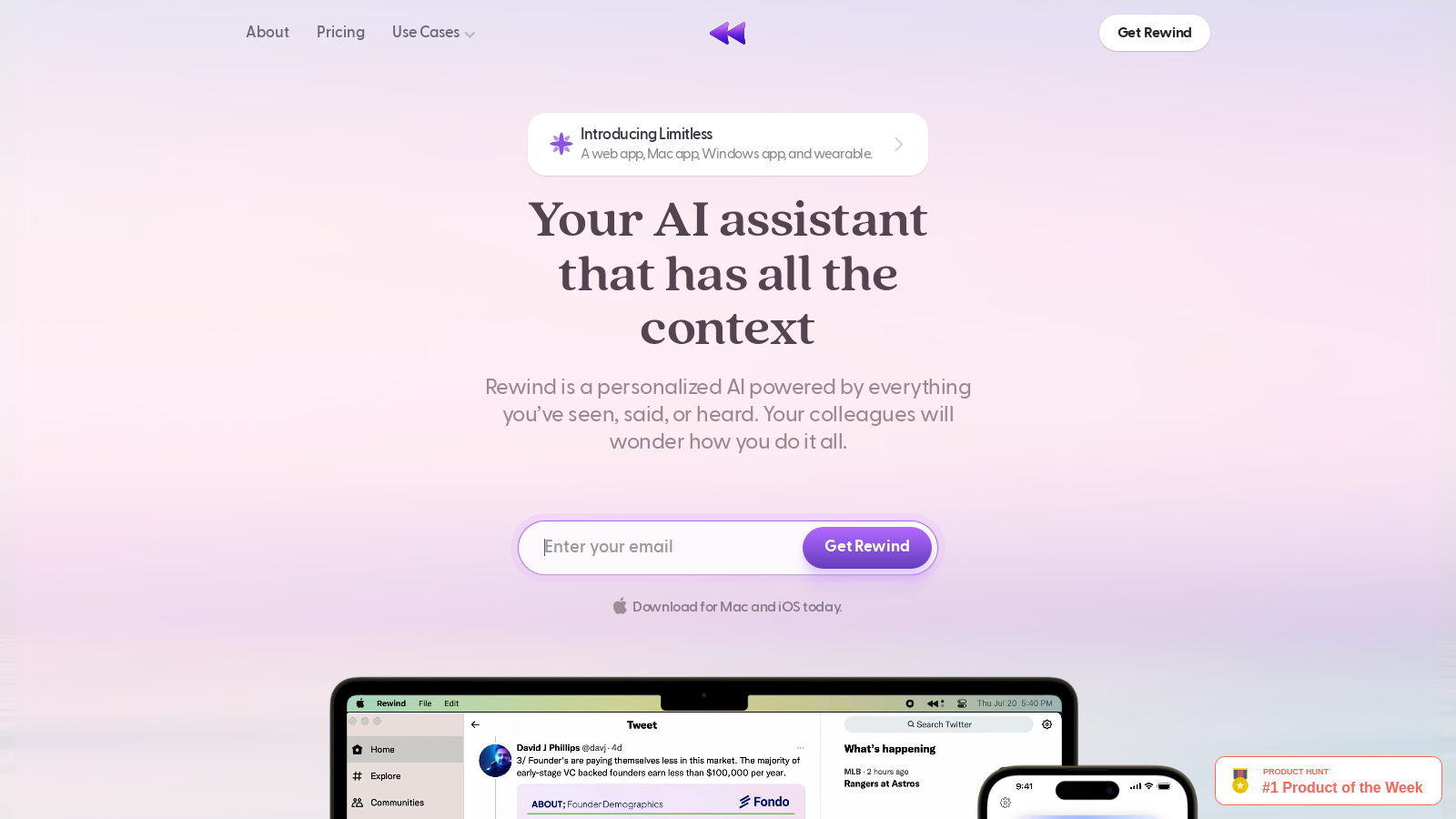
Screenshot of Rewind
What is Rewind?
Rewind is a groundbreaking AI tool designed to elevate your productivity and improve your memory by capturing every detail of your daily activities, including meetings, conversations, and digital interactions. In today's fast-paced world where distractions abound, Rewind acts as your personal assistant that never forgets, allowing you to focus on what truly matters.
Introducing Limitless
Rewind has now unveiled the Limitless Pendant, an elegant and lightweight wearable that empowers your personalized AI by remembering what you say throughout the day. This innovative pendant is yet another advancement in enhancing your ability to document and recall information seamlessly. This new feature aligns with Rewind's vision of providing users with a reliable memory aid, significantly expanding the capabilities of its already impressive services.
How It Works
Rewind operates quietly in the background on your Mac and iPhone, tirelessly capturing your screen, audio, and video as you work. Thanks to advanced compression algorithms, Rewind achieves an impressive compression rate of up to 3,750x, ensuring that even devices with minimal storage can accommodate years of recordings. The functionality of Rewind includes invaluable capabilities for recording and transcribing meetings seamlessly, granting users a sophisticated search mechanism to effortlessly locate and retrieve vital information. This comprehensive functionality transforms Rewind into a critical resource for both professional and personal settings.
Enhanced Meeting Features
The streamlined meeting tools integrated into Rewind are a highlight feature. Users can automate note-taking and receive detailed, human-level summaries of meetings, regardless of whether they are the host. This efficiency not only saves users numerous hours weekly but also provides easily shareable summaries that can be quickly distributed to colleagues.
Personalized AI Assistant
Rewind serves as your personalized AI assistant. Drawing from the wealth of information it records, Rewind allows you to ask questions about anything you've seen, said, or heard, greatly enhancing your work efficiency. Whether summarizing meetings, identifying key details, or drafting emails, Rewind helps users work smarter and faster. Recently integrated ChatGPT functionality enhances this experience, enabling users to combine generic knowledge with personalized inquiries, further streamlining the information access process.
Mastering Privacy and Security
Rewind places a paramount emphasis on privacy. All recordings are stored locally on your device, ensuring that your data remains exclusively yours. Without reliance on cloud services, users can maintain complete confidence that their information stays confidential. Rewind also offers the ability to pause recordings or delete specific moments, allowing users to exercise full control over their captured data.
Use Cases
The versatility of Rewind makes it beneficial for a variety of professionals, including executives, engineers, sales personnel, and individuals managing ADHD. Executives can leverage Rewind to quickly reference past interactions, fostering better decision-making and increased productivity. Engineers utilize Rewind to recover lost code, identify bugs, and preserve a clear record of their work. Sales professionals can manage prospect information seamlessly, leading to expedited deal closures. Additionally, individuals with ADHD find Rewind to be an excellent tool for structuring their thoughts and reminders, enabling greater focus and productivity.
Frequently Asked Questions
Many potential users inquire about the hardware requirements for Rewind's functionality. It is optimized for Apple Silicon chips (M1 and M2) while also running efficiently on Intel-based Macs. Recently, Rewind announced it will be available on Windows soon, expanding accessibility for a wider user base. The tool is designed to utilize minimal resources, generally consuming only 20 - 40% of a single CPU core during recording, thereby maintaining overall system performance. Rewind also supports transcription in over 57 languages, significantly enhancing its usability for a global audience.
Conclusion
As human memory may falter, Rewind is here to bolster your capabilities. By harnessing the power of AI and machine learning, this tool enables users to concentrate on their work without the anxiety of missing essential details. With Rewind at your fingertips, you can boost productivity, enhance workplace interactions, and gain greater control over your professional life. Experience the transformative ability of perfect memory with Rewind.
Pros & Cons
Pros
- Records, transcribes, and summarizes meetings automatically without requiring host permissions.
- All data is stored locally on your device, ensuring privacy and security.
- Offers a personalized AI assistant that provides searchable information from past interactions.
Cons
- Currently optimized only for Mac and iPhone, with Windows support in development.
Frequently Asked Questions
Rewind is free to start, with paid plans from 0 to 19 USD per month.
According to our latest information, this tool does not seem to have a lifetime deal at the moment, unfortunately.
Rewind prioritizes user privacy by storing all screen and audio recordings locally on your Mac, ensuring that no one, not even Rewind, has access to your data. If you opt for features like meeting summarization or Ask Rewind, only relevant text-based data is sent to their language model partners. Additionally, you can easily manage which apps are recorded and even pause or delete recordings at any time.
Rewind is designed for Mac and iPhone users, explicitly optimized for Apple Silicon M1 and M2 chips. It also runs on Intel-based Macs. While a Windows version is in development, users are encouraged to complete a survey to help prioritize other platforms. To use Rewind successfully, ensure your hardware meets the following requirements, particularly for effective compression and processing of recordings.
Rewind automatically records and transcribes meetings across various video conferencing tools, including Zoom, Google Meet, and Microsoft Teams, without requiring special permissions or bot invitations. It provides human-level summaries that can be shared with participants, streamlining the note-taking process and allowing users to focus on the discussion without interruptions.
Yes, Rewind can significantly benefit users with ADHD by providing a 'second brain' to help them organize and recall information effortlessly. It captures everything you see, say, and hear, making it easy to retrieve important details, remember action items from meetings, and summarize past activities or conversations, allowing users to focus more on the present.
Rewind utilizes advanced compression technology, achieving a compression rate of up to 3,750 times its original size. This means that even users with limited storage can keep years of recordings without consuming excessive disk space. On average, users typically consume approximately 14 GB of storage per month, but this can vary depending on their recording habits and the amount of visual content being captured.
To get the most out of Rewind, it's advisable to review and categorize your recordings using the search functionality regularly. Utilize the summary drafts generated after meetings to keep your colleagues informed. Additionally, leverage the 'Ask Rewind' feature for quick access to details about your day or specific meetings, and try experimenting with different audio capture settings based on your recording environment.
Rewind offers a comprehensive help center with over 100 articles covering various topics, including getting started, meetings, transcription, and troubleshooting. Users can also access a community platform on Slack to connect with others, share experiences, and gain insights. If further assistance is needed, users can contact support for personalized help.
If you encounter performance issues with Rewind, first check if your device meets the hardware requirements for optimal performance, especially if you're on an Apple Silicon Mac. Ensure the app is up to date, as updates often address known issues. You can also navigate to the settings to adjust audio capture settings and monitor CPU usage through your Mac's Activity Monitor for insights. For persistent problems, contact Rewind support through their help center.