Saga

An AI workspace that combines notes, documents, and task management into a single streamlined interface.
Saga.so
Is this your tool?
Follow for updates & deals
Get alerts for Saga discounts, feature releases & pricing changes
Similar Tools

Dia
An AI browser that acts as your writing partner and learning assistant while ensuring user privacy.

Monica
Multifunctional AI assistant for chat, writing, searching, and programming across various platforms.

Flot
AI writing and memory tool that integrates with apps to enhance writing and recall information.

ChatOn
AI chat assistant for task management, writing help, and multimedia content creation.

Evernote Web Clipper
Capture and save web content directly to your Evernote account for easy organization.

Saga Media Gallery

Saga (review) video
Screenshot of Saga
What is Saga?
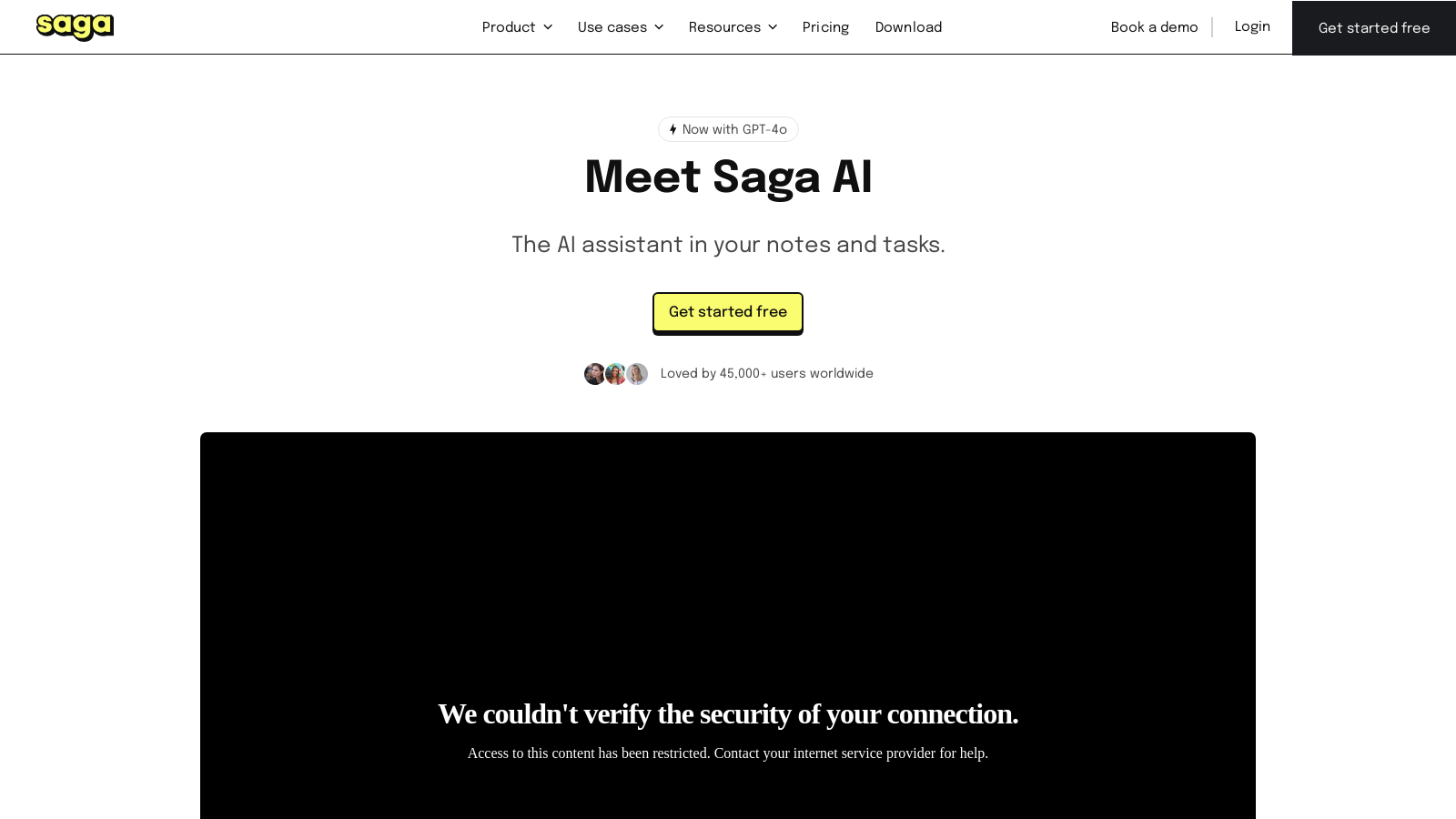
Meet Saga, an innovative AI workspace designed to enhance note-taking, document management, and task organization, now powered by the advanced GPT-4o model. With powerful AI integration, Saga streamlines your workflow, allowing you to draft content, generate creative ideas, translate text in over 20 languages, and improve your writing—all within a single interface.
Overview of Features:
- Content Generation: Use Saga to create drafts quickly. The AI can assist in outlining blog posts, project briefs, or shooting new ideas your way, helping you iterate efficiently on your work.
- Grammar and Spelling Check: Ensure your documents are clear and free of errors with a simple click, saving time during the editing process.
- Translation: Effortlessly translate your text into over 20 languages with one click, making it easier to collaborate with teams across the globe.
- Rewrite and Adjust Tone: With features allowing you to ask AI to rewrite content in different tones or simplify complex wording, Saga adapts to all your writing needs.
- Task Management: Efficiently organize and track your tasks directly within your notes, connecting your projects without needing to toggle between apps.
- AI-Powered Insights: Use AI to ask questions or request summaries directly in your notes, seamlessly gathering insights and relevant context.
- Seamless Integration: Saga integrates with various tools like Google Drive and Linear, operating as a central hub for all your knowledge and tasks.
With over 60,000 users worldwide, Saga is trusted by individuals and teams alike. Designed to liberate your creativity, the workspace helps you manage knowledge effortlessly. Whether drafting a business proposal, managing project notes, or collaborating with others, Saga ensures that your information is connected and easily accessible.
Pricing Structure:
Saga operates on a freemium model, allowing users access to many features free of charge—with limitations. The free plan is perfect for personal use and small teams of up to three members, granting unlimited pages and tasks along with 5,000 words per month for AI capabilities. For larger teams, the Standard plan is available for NULL per member per month, which includes the power of unlimited AI, unlimited workspace members, and enhanced features. The Business plan caters to larger organizations at NULL per member per month, empowering teams with an expansive suite of collaboration tools and integrations while allowing up to 250 guests per workspace.
How to Get Started:
Getting started with Saga is simple. Users can sign up for free and immediately explore the platform's capabilities. This no-commitment approach lets teams trial Saga and discover how it can enhance their workflow before committing to a paid plan.
Future Developments:
Saga is constantly evolving, with plans to enhance its AI's context awareness further and introduce innovative features like image and video generation in the near future. The team is dedicated to refining the user experience based on ongoing community feedback, ensuring that Saga adapts to meet the changing needs of its users.
Overall, Saga positions itself as a versatile, user-friendly workspace that harnesses cutting-edge AI technology to make knowledge management and collaboration more efficient and enjoyable.
Pros & Cons
Pros
- Offers integrated AI assistance for drafting, summarizing, and translating content.
- Seamlessly links tasks, notes, and documents for improved project management.
- Supports real-time collaboration, enhancing teamwork and productivity.
Cons
- May generate inaccurate or biased content, requiring human review.
Frequently Asked Questions
Saga is free to start, with paid plans from 0 to 12 USD per month.
According to our latest information, this tool does not seem to have a lifetime deal at the moment, unfortunately.
Saga allows you to create and manage tasks seamlessly within your workspace. You can assign tasks, set priorities, and deadlines, and track progress all from one place. The integrated task management feature helps keep your notes, tasks, and context linked together, eliminating the need to switch between different tools for task management.
Saga AI can significantly streamline your content creation process. You can generate drafts for various types of content, such as blog posts, emails, and social media updates, instantly. The AI can also help brainstorm ideas, rewrite content in different tones, and ensure clarity by correcting grammar and spelling—all directly within your documents.
Yes, Saga features a translation tool that allows you to translate text into over 20 languages with just one click. This is incredibly useful for collaborative projects that involve diverse teams or clients from different linguistic backgrounds, enabling smoother communication and documentation.
Absolutely! Saga allows you to share your workspace with external guests. In the Free plan, you can invite up to 10 guests, while the Standard plan allows up to 100. You can customize the permissions for each guest, allowing them to either view or edit shared content as needed.
Saga stands out due to its integration of AI directly within your workspace. This unique feature allows for real-time collaboration with AI content assistance, automatic linking of notes and tasks, and the ability to manage documents and tasks without switching apps. Additionally, Saga is more affordable than many competitors that offer similar AI capabilities.
Your data in Saga is treated with high security standards. All user data and requests are private and encrypted. The platform does not use your data to train AI models, ensuring that your information remains confidential. You can also export your data in various formats for additional safety.
Saga supports integrations with popular tools such as Google Drive and Linear. These integrations allow you to search and mention files within your Saga workspace, helping maintain a seamless workflow without needing to switch between applications. This connectivity significantly enhances productivity.
Yes, Saga has dedicated use cases for HR and recruiting. It helps centralize hiring processes, onboarding documents, and training materials in one accessible place. Features include automatic linking of candidate information, creating job posts, and maintaining an up-to-date team directory, all of which streamline HR tasks.