Scraib

AI tool for rewriting text quickly across various applications on your Mac.
Scraib.app
Is this your tool?
Follow for updates & deals
Get alerts for Scraib discounts, feature releases & pricing changes
Similar Tools

Saga
An AI workspace that combines notes, documents, and task management into a single streamlined interface.

Wispr Flow
Transcribes speech into text for seamless communication across various applications

Dia
An AI browser that acts as your writing partner and learning assistant while ensuring user privacy.

Monica
Multifunctional AI assistant for chat, writing, searching, and programming across various platforms.

LazyTyper
Voice typing app with multiple AI models for accurate transcription in various languages.

Scraib Media Gallery
What is Scraib?
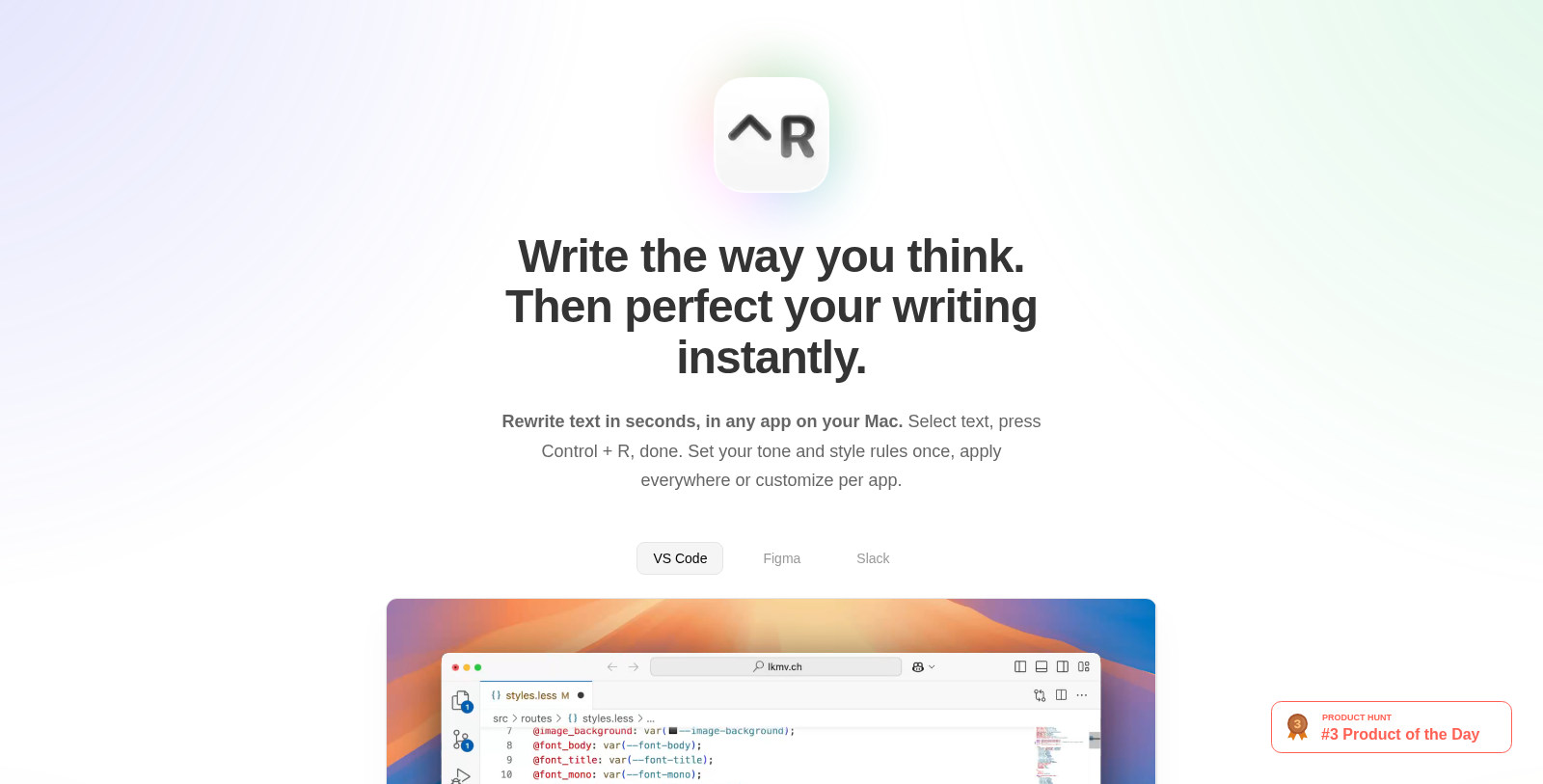
Scraib is a revolutionary AI writing assistant designed to enhance your productivity by seamlessly integrating into the applications you already use on your Mac. With Scraib, you can rewrite any selected text in a matter of seconds without interrupting your workflow. Simply select the text you want to rewrite, press Control + R, and let Scraib handle the rest.
Made for Your Workflow
Scraib is crafted with the user's workflow in mind. Whether you're composing an email in Gmail, drafting a document in Word, or messaging colleagues on Slack, this tool works across every app on your Mac. The seamless integration allows you to improve text on platforms such as Outlook, Google Docs, Figma, and more without ever needing to pause your work.
Your Style, Your Rules
One of the standout features of Scraib is customization. You can set custom rules that align with your writing style and tone, applying those preferences across all applications or customizing them per app. This ensures that the AI's output matches your voice, whether you're writing in a formal tone or a more casual style.
Complete Privacy
Concerned about privacyNULL Scraib respects your data. Users can opt to run the AI locally with Ollama or utilize their own API keys to connect with various AI providers such as ChatGPT, Claude, Gemini, Grok, and others. This feature ensures that your writing data remains private—never shared or sold—even when using powerful AI services. It's particularly appealing for users who prioritize data security and want to maintain control over their content.
Flexible Payment Options
Scraib offers various pricing options to suit different users' needs. You can start with a 7-day free trial to explore its capabilities. After the trial, the subscription costs NULL.99 per month, which unlocks all features while supporting continuous text improvements powered by AI. For those who prefer a one-time purchase, you can unlock the ability to use your own API keys for just ?, meaning you can choose your preferred AI provider and pay them directly based on your usage. Prices may vary by country due to App Store pricing tiers.
A Personal Note from the Founder
The creation of Scraib stems from personal experience. The founder, Andrei Alikimovich, is a non-native English speaker who faced challenges with clarity and efficiency in writing. Scraib was born out of a desire to simplify the writing process and make it accessible to everyone, regardless of language proficiency. With the goal to provide a tool that addresses common issues faced by writers, Scraib has grown into an essential aid for enhancing communication effortlessly.
With Scraib, writing becomes an easier, faster, and more enjoyable task—making it an essential tool for anyone looking to enhance their written communication.
Pros & Cons
Pros
- Allows rewriting text instantly in any Mac app using a simple keyboard shortcut.
- Offers complete privacy by enabling use of local AI models or personal API keys.
- Customizable tone and style rules let users tailor writing to their personal voice.
Frequently Asked Questions
Scraib is free to start, with paid plans from 0 to 10 USD per month.
According to our latest information, this tool does not seem to have a lifetime deal at the moment, unfortunately.
Scraib seamlessly integrates with a wide range of applications on your Mac, including Slack, Outlook, Google Chrome, Word, Gmail, Teams, Safari, Notes, LinkedIn, and many others, such as Docs, Sheets, Keynote, Pages, PowerPoint, Figma, and Canva. This flexibility ensures you can instantly rewrite text in virtually any app you use without interrupting your workflow.
With Scraib, rewriting text is incredibly simple. Just select the text you want to modify and press Control + R. The app will instantly rewrite the text chosen according to the tone and style rules you have customized, enabling rapid improvements in your writing across any app on your Mac.
Yes! Scraib allows you to use your own AI provider. You can input your own API keys for various AI services like ChatGPT, Claude, Gemini, Ollama, LiteLLM, and OpenRouter. This feature enhances your writing experience by letting you choose the AI that works best for you.
Scraib lets you set custom rules that tailor the rewriting process to your preferred writing style and tone. You can define how formal or casual your output should be, enabling a more personalized, practical writing experience that suits your unique voice.
Yes, privacy is a key priority for Scraib. You can choose to run the app locally using Ollama or select your own AI provider, ensuring your data stays private and is never shared. This commitment allows users to feel secure in the knowledge that their personal writing is protected.
To start your free trial of Scraib, visit the website and sign up for the subscription plan. You will receive 7 days of free access to the full features of the app, allowing you to test its capabilities and see how it enhances your writing efficiency before committing to a paid subscription.
If you prefer not to commit to a subscription, Scraib offers a one-time purchase option. For you, you can unlock the ability to use your own API keys with your preferred AI provider. You will then pay your AI provider directly, allowing for greater flexibility in managing your costs.
During the 7-day free trial of Scraib, users can access all app features without any restrictions. However, once the trial period ends, you'll need to choose between continuing with a subscription for $ 9.99 per month or opting for a one-time purchase to maintain access to the app's features.