













Scribble Diffusion
Turn your sketch into a refined image using AI.
Scribblediffusion.com
Is this your tool?
Follow for updates & deals
Get alerts for Scribble Diffusion discounts, feature releases & pricing changes
Similar Tools

Claid
Streamline product photography with AI tools for image generation, editing, and background removal.
N8ked
Transform images by undressing them with advanced AI technology.
Deep Art Effects
Convert photos into artwork using AI-based artistic style transfer and a variety of filters.
Pixelcut
Streamlined AI editing for images and videos, including background removal and content generation.
Stability AI
Create and manipulate high-quality images, audio, video, and 3D content with advanced generative models.

Scribble Diffusion Media Gallery

Scribble Diffusion (review) video
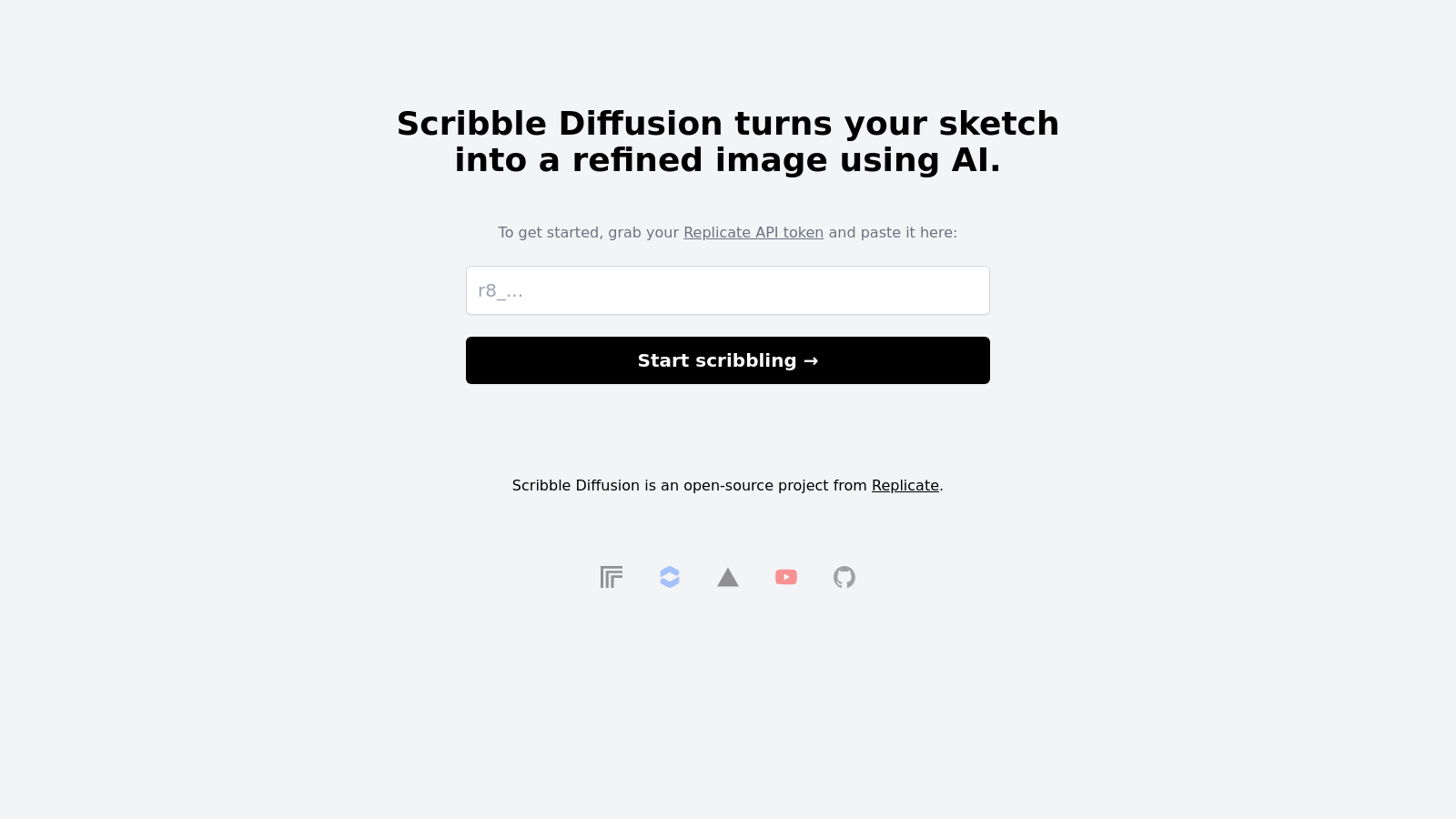
Screenshot of Scribble Diffusion
What is Scribble Diffusion?
Scribble Diffusion is an innovative open-source project that transforms your rough sketches into detailed and polished images with the power of artificial intelligence. This user-friendly web application enables you to generate art through a straightforward process, where you can draw a simple outline, add a text prompt, and then let the AI create a realistic image based on your input.
To begin, all you need is your API token from Replicate, a platform that enables the deployment of machine learning models in the cloud. After setting up your API token, scribbling becomes as simple as clicking a button. This seamless process allows both hobbyists and professionals to explore their creativity without the steep learning curve often associated with advanced image generation tools.
The application features an array of functionalities that cater to users of all skill levels. For beginners, the intuitive interface allows for easy navigation and quick results. More advanced users can delve deeper, utilizing detailed parameters to fine-tune their outputs. All you need to do is input your Replicate API token and start generating images by following a few guided steps.
How Does Scribble Diffusion Work?
Powered by sophisticated AI models, Scribble Diffusion offers various features that enhance the user experience. With the integration of ControlNet, an open-source machine-learning model, the application can produce images that perfectly match text prompts or rough edits made by the user. This means that whether you’re aiming for a polished illustration or an abstract interpretation, Scribble Diffusion can accommodate your artistic vision.
Features of Scribble Diffusion
- Free and Open Source: The tool is entirely free to use, allowing anyone to harness its potential without the barriers of cost.
- Real-Time Predictions: The web app generates images in real time, making it an efficient option for users looking to visualize their creations quickly.
- Custom Integrations: Developers can easily integrate their projects with Scribble Diffusion through the API, enhancing the tool’s functionality.
- Webhooks: These provide users with real-time updates for their predictions, ensuring that they stay informed about the status of their image generation.
- Simplicity: By requiring only a sketch and a text prompt, Scribble Diffusion simplifies the image creation process, encouraging creativity without technical hindrances.
While set up might require basic technical knowledge, the detailed documentation available guides how to install and run the application locally for those interested. With simple commands and an approachable structure, you can have Scribble Diffusion operating on your machine in no time.
Target Audience
Scribble Diffusion is perfect for artists, designers, and innovators who want to explore new ways to create art. It serves as an excellent tool for professionals looking to refine concepts quickly, as well as for amateurs wishing to experiment with AI-generated art.
This blend of technology and creativity represents a significant step in making advanced artistic tools accessible to everyone—from seasoned digital artists to curious beginners. Through its easy-to-use interface and robust features, Scribble Diffusion opens up a world of possibilities for artistic expression.
Pros & Cons
Pros
- Transforms sketches into refined images using AI for easy artwork creation.
- Open-source platform allows for community collaboration and custom developments.
- Utilizes advanced ControlNet technology for guided image generation based on input conditions.
Cons
- Requires a Replicate API token for initial setup, which may be confusing for new users.
Frequently Asked Questions
Scribble Diffusion is open source and free to use.
According to our latest information, this tool does not seem to have a lifetime deal at the moment, unfortunately.
To integrate Scribble Diffusion into your projects, you first need to set up a Replicate API account and obtain your API token. Once you have your token, you can use it to communicate with the Scribble Diffusion API. If you're deploying on Vercel, the Replicate API token can be automatically maintained within your deployed project. Ensure you review the documentation for specific API endpoints and integration guidelines.
Scribble Diffusion allows you to input rough sketches and text prompts to generate refined images. You can draw a simple sketch and describe it with a text prompt to guide the AI in creating the desired image. Furthermore, it supports various conditioning inputs, such as edge maps and depth maps, through its integration with ControlNet, which enhances the capability of image generation.
While Scribble Diffusion is a powerful tool, it does have some limitations. For instance, the generated images may not always match the user's expectations due to the complexities of interpreting prompts and sketch inputs. Additionally, predictions created through the API are automatically deleted after one hour unless webhooks are used to persist results. Users should also be aware of potential resource limits based on their API usage and billing.
. . .env.local. Next, install the required dependencies with 'npm install' and then run the server using 'npm run dev.' Once that's done, you can access Scribble Diffusion by opening 'localhost:3000' in your web browser.
Inpainting is the process of modifying existing parts of an image, such as removing unwanted objects or fixing damaged areas, using a mask to define which areas to alter. Outpainting, on the other hand, involves extending the canvas of an image to generate new content beyond the original dimensions. Both techniques utilize similar underlying algorithms but aim for different outcomes in image generation.
Webhooks in Scribble Diffusion allow you to receive real-time updates about your predictions. When creating a prediction, you can specify an endpoint where HTTP POST requests will be sent upon various events, such as creation or completion of the prediction. This is particularly useful for persisting prediction data and automating workflows by sending notifications when long-running predictions are completed.
Effective prompting in Scribble Diffusion entails being clear and concise with your descriptions. Use comma-separated terms, prioritize key concepts, and keep prompts within 75 tokens for the best results. If your output doesn't meet expectations, consider using negative prompts to specify what you don't want. Additionally, experimenting with various prompt strengths and adjusting settings, such as width, height, and guidance scale, can lead to improved image fidelity.
If you're exploring alternatives to Scribble Diffusion, consider tools like DALL-E, Midjourney, or the various implementations of Stable Diffusion offered by other platforms. Each tool provides unique features and capabilities, so your choice may depend on specific requirements, such as ease of use, integration options, or the types of images you want to generate. Check out user communities and reviews to find the best fit for your needs.



