Scribe

Automate workflow documentation and create clear, shareable guides without manual effort.
Scribe.com
Is this your tool?
Follow for updates & deals
Get alerts for Scribe discounts, feature releases & pricing changes
Similar Tools

CarbonRunner
Optimizes AI and CI/CD workloads by minimizing carbon emissions through real-time energy sourcing.

People.ai
Automates data capture and optimizes sales operations for better revenue management

Craft
Create, organize, and share documents with a flexible block-based system across all devices.

Komo
Streamlines research by providing instant, reliable answers and organizing data from extensive documents.

SaveIt.now
Organize and retrieve online resources with AI summaries and advanced search features.

Scribe Media Gallery

Scribe (review) video
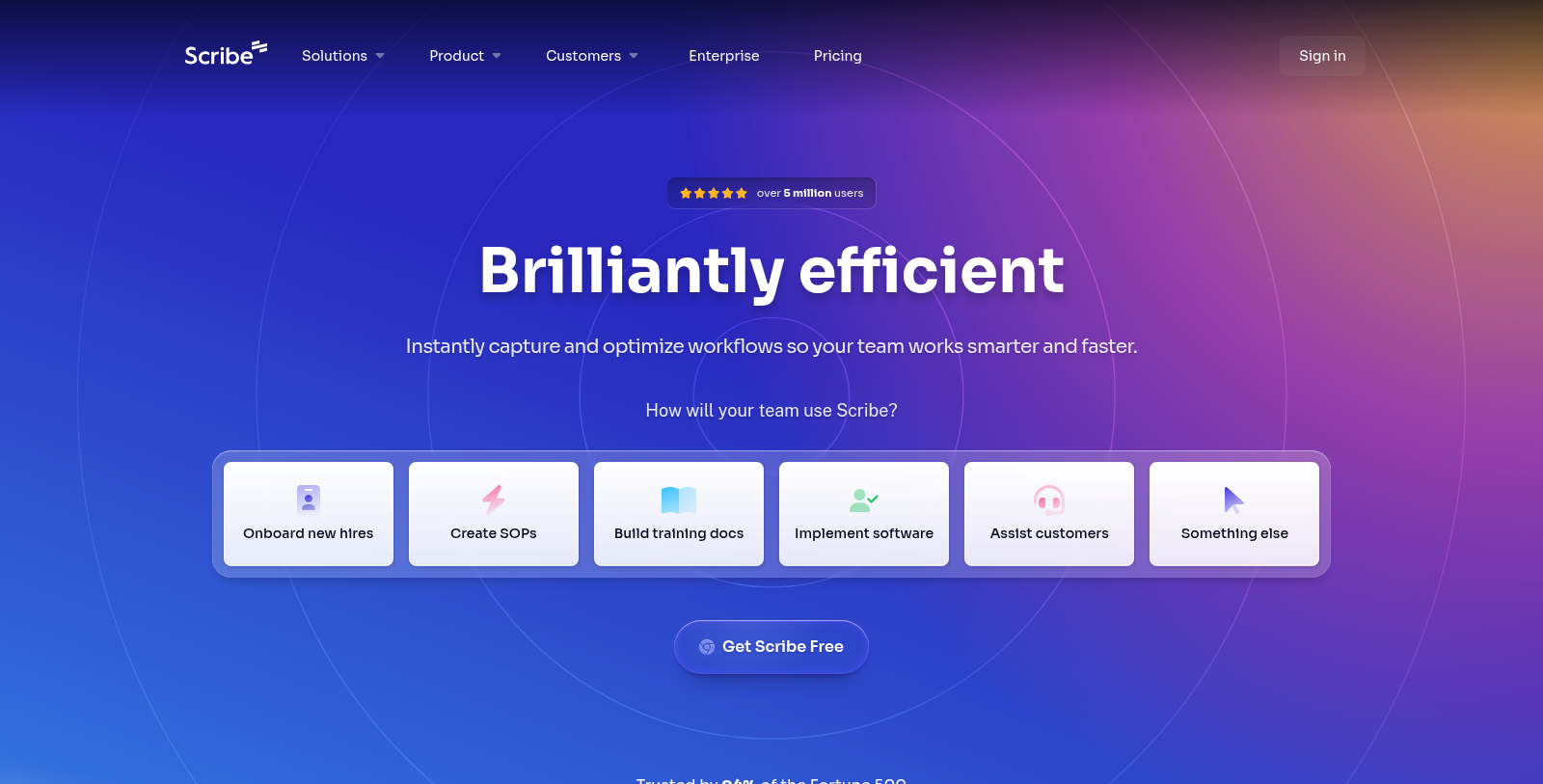
Screenshot of Scribe
What is Scribe?
Scribe is an innovative documentation platform designed to help teams create, share, and manage step-by-step guides. With its powerful AI-driven capabilities, Scribe enables users to intuitively capture workflows in real time, eliminating the traditional hassles of manual Documentation. Documentation no longer needs to take hours to capture screenshots or write detailed instructions. Scribe automates tedious documentation tasks, allowing users to focus on what truly matters: maximizing productivity and efficiency. Trusted by over 5 million users worldwide, Scribe is the go-to tool for teams across various industries, including IT, HR, and customer service.
Key Features of Scribe
Scribe includes a suite of features optimized for different functions within an organization. From basic documentation to analytics, here's what you can expect:
- AI-Powered Documentation: Capture processes into easily shareable guides with minimal effort.
- Interactive Walkthroughs: Provide users with on-screen guidance to ensure correct task execution every time.
- Redaction Capabilities: Automatically blur sensitive information before sharing guides.
- Multi-Team Governance: Centralize and manage documentation in departments while ensuring compliance standards are met.
Usage Scenarios
Whether onboarding new employees, creating SOPs, or assisting customers with software implementation, Scribe adapts to meet the specific needs of your team. Its flexibility serves not only large organizations but also small businesses seeking to improve operational efficiency.
Onboarding Made Easy
Scribe simplifies training by allowing new hires to learn their roles through clear, detailed guides. Managers can create guides that capture essential workflows and share them seamlessly across their preferred platforms, ensuring smooth, comprehensive knowledge transfer.
Optimizing Workflows
With Scribe, teams can track how work actually gets done in their organization. The platform's analytics capabilities help identify inefficiencies and bottlenecks, ultimately enabling teams to streamline processes for enhanced performance.
Given its ability to integrate with various other tools, Scribe enables users to unite their software ecosystems. This makes it a powerful ally in improving efficiency and handling complex tasks.< p>
Customer Success Stories
Scribe is used by over 94% of Fortune 500 companies, demonstrating its proven effectiveness in enhancing team productivity. Companies report reducing training times by up to 50% and saving an astonishing average of 35 hours per user each month by utilizing Scribe's comprehensive documentation capabilities.
Join the ranks of successful teams and redefine your documentation process with Scribe. Harness the power of AI-driven efficiency and transform everyday tasks into streamlined workflows.
Pros & Cons
Pros
- Automatically generates step-by-step guides, saving significant time in documentation.
- Trusted by 94% of the Fortune 500, indicating high reliability and efficacy in enterprise environments.
- Offers advanced features like automatic redaction for sensitive data and AI-powered workflow optimization.
Frequently Asked Questions
Scribe is free to start, with paid plans from 0 to 23 USD per month.
According to our latest information, this tool does not seem to have a lifetime deal at the moment, unfortunately.
Scribe is designed to support a range of teams and workflows, including onboarding new hires, creating standard operating procedures (SOPs), developing training documentation, implementing software, and assisting customers. It is built to be versatile, serving IT, HR, operations, finance, and customer-facing teams by streamlining their documentation processes.
Scribe simplifies the training process for new employees by allowing you to create intuitive, step-by-step guides that document workflows and key processes. These guides can be easily shared within your team or embedded on various platforms. By providing clear instructions and visual aids, Scribe minimizes confusion and accelerates onboarding, ensuring new hires know exactly how to perform their tasks.
Scribe offers integrations with a wide range of tools and platforms, including AI chatbots, custom assistants, knowledge bases, and learning management systems (LMS). This flexibility enables users to share guides and process documentation seamlessly within their existing workflows, ensuring that critical know-how is accessible wherever teams work.
Scribe incorporates multiple security measures to protect sensitive data, including automatic redaction of personally identifiable information (PII) and personal health information (PHI) in screenshots. Scribe complies with rigorous industry standards, including SOC 2 Type II and HIPAA, ensuring users can document processes without exposing sensitive information.
Key features of Scribe include AI-powered automatic documentation, interactive on-screen guides, easy sharing capabilities, and comprehensive organizational insights. These tools help teams discover efficiencies, reduce errors, and streamline processes by making documentation quick, accurate, and effortless.
Yes, Scribe is designed to help organizations maintain compliance with industry regulations by providing tools that ensure accurate, up-to-date documentation. Its redaction features and adherence to standards such as HIPAA and SOC 2 Type II make it a suitable choice for compliance-related documentation across sectors, including healthcare and finance.
The Basic plan of Scribe primarily supports web applications and does not support capturing processes in desktop applications. Users on the Basic plan may miss features such as company branding customization, screenshot editing, and team collaboration tools, which are available in the Pro and Enterprise plans.
To maximize the benefits of Scribe, regularly update your guides whenever processes change to keep information current. Utilize the AI features for automatic documentation to save time, and leverage Scribe's sharing options to embed guides in communication and collaboration tools your team already uses. Engaging your team in providing feedback on guides can also enhance documentation quality and usability.