SEO Minion

Chrome extension for on-page SEO analysis, broken link checking, and SERP previews.
Seominion.com
Is this your tool?
Follow for updates & deals
Get alerts for SEO Minion discounts, feature releases & pricing changes
Similar Tools

Glimpse
Provides detailed search volume and trend analysis to improve keyword insights from Google Trends.

Search Console Audit
Analyzes Google Search Console data to improve website SEO performance and traffic insights.

Ahrefs SEO Toolbar
Provides on-page SEO analysis, structured data checks, and SERP insights directly from your browser.

Keyword Surfer by SurferSEO
Keyword Research in Google Results

Keywords Everywhere – Keyword Tool
Chrome extension for keyword research showing search volume, CPC, and competition across multiple sites.

SEO Minion Media Gallery

SEO Minion (review) video
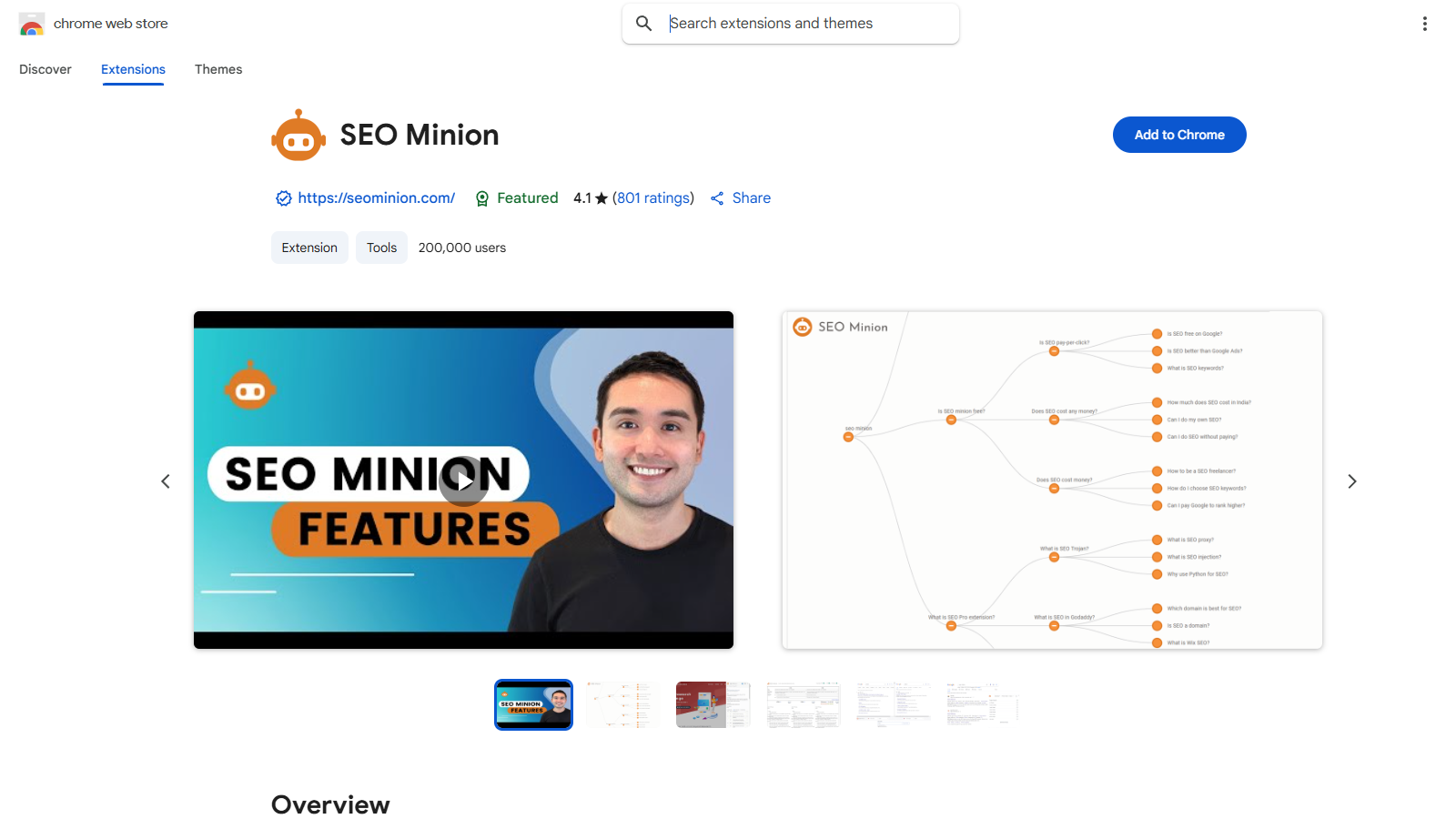
Screenshot of SEO Minion
What is SEO Minion?
SEO Minion is a powerful Chrome extension designed specifically for users who want to streamline their SEO tasks efficiently. With over 200,000 users and an impressive 4.1 rating, it offers a suite of tools for webmasters and digital marketers looking to enhance their online presence. This tool encompasses various functionalities such as On-Page SEO analysis, Broken Link Checking, and SERP Preview, making it an essential asset for anyone serious about search engine optimization.
Key Features:
On-Page SEO Analysis
SEO Minion allows users to analyze the HTML of any webpage, presenting crucial data that aids in optimizing various On-Page elements. It provides insights into meta tags, headings, and alerts users about potential issues that could hinder a site's SEO health.
Highlight All Links
Users can quickly view both internal and external links for any webpage, enabling better navigation and usability analysis.
Check Broken Links
This feature scans every link on a webpage and generates a report highlighting any issues found, ensuring that users can maintain a seamless user experience.
Hreflang Checker
SEO Minion checks the validity of hreflang tags and ensures that the necessary return tags are present. This feature is crucial for implementing effective international SEO strategies.
SERP Preview
The SERP Preview tool provides a real-time look at how a website may appear in Google search results, allowing users to tweak their listings for better click-through rates.
Google Search Location Simulator
This tool displays non-personalized Google search results from different locations and in various languages, making it invaluable for local SEO analysis.
SERP Utilities
SEO Minion offers capabilities for copying or downloading various types of data from Google SERP, including organic, advert, local, product, video, image, fresh, news, FAQ listings, and People Also Ask (PAA) data, facilitating extensive data analysis.
HTML vs. DOM Comparison
This feature allows users to analyze differences between the HTML source code and the rendered DOM. Such analysis is invaluable for diagnosing issues related to JavaScript libraries that might affect SEO.
Analyze Structured Data
Users can leverage this feature to analyze the structured data presented on a webpage, ensuring that it conforms to the best practices and enhances SEO performance.
SEO Minion is tightly integrated with the Keywords Everywhere service, providing expanded functionality specifically for users on the Silver, Gold, or Platinum plans. This integration not only enriches the tool's capabilities but also enhances the overall data provided to users serious about improving their SEO strategies.
One of the standout features of SEO Minion is its responsiveness to user feedback. The developers continually enhance the tool by adding new features based on user suggestions, showcasing their commitment to evolving with the dynamic landscape of SEO.
Recent updates have included capabilities to analyze structured data and improve comparisons between HTML and the rendered DOM, reflecting the team's dedication to maintaining relevancy and utility in their offerings.
In conclusion, SEO Minion stands out as an effective solution for anyone wishing to sharpen their SEO skills. It not only saves valuable time through automated checks and insights but also empowers users with the information required to drive traffic and boost visibility in an increasingly competitive online environment.
Pros & Cons
Pros
- Offers comprehensive SEO analysis tools like On-Page SEO and Hreflang Checker.
- Provides a unique SERP Preview and Google search location simulator features.
- Regularly updates with new features based on user feedback to enhance functionality.
Cons
- Requires a paid subscription to Keywords Everywhere for full functionality.
- Limited to customers with specific plan tiers, restricting access to free users.
- Some features may not work correctly if multiple SEO extensions are enabled simultaneously.
Frequently Asked Questions
SEO Minion costs 0 to 0 USD per Translation not found for 'time_period_unknown'.
According to our latest information, this tool does not seem to have a lifetime deal at the moment, unfortunately.
SEO Minion is designed to streamline several SEO-related tasks. You can analyze On-Page SEO, check for broken links, preview Google SERPs, simulate search results from different locations, and analyze structured data. Additionally, it offers an Hreflang checker, link highlighting, and a comparison tool for HTML versus DOM, making it a comprehensive tool for daily SEO tasks.
To use SEO Minion, you must be a customer of Keywords Everywhere with a Silver, Gold, or Platinum subscription. First, install the SEO Minion Chrome extension or Firefox add-on, followed by the Keywords Everywhere extension. You will also need to obtain a Keywords Everywhere API key and enter it into the SEO Minion settings to unlock its functionalities.
SEO Minion is not available for free. It requires a Keywords Everywhere subscription at the Silver level or higher. Users who do not have an active subscription will find that the functionalities of SEO Minion are locked behind a paywall, similar to many premium SEO tools.
The Hreflang Checker feature in SEO Minion allows you to validate Hreflang tags on a webpage. It checks whether the Hreflang tags are correctly implemented, including the presence of return tags. This is essential for websites targeting multiple languages or regions, ensuring that search engines serve the correct language or regional URL to users.
If you're having trouble adding your API key, ensure that you have a valid subscription with Keywords Everywhere. If the key is still showing as invalid, you may need to wait up to 30 minutes after your purchase for the payment to process. If the issue persists, try standard troubleshooting methods or contact SEO Minion's support through their website for further assistance.
Yes, SEO Minion can analyze the HTML content of any webpage. Users can utilize the On-Page SEO analysis tool on any site they wish to optimize. However, permission is required for the extension to read and analyze the data on those pages, which is standard practice for extensions that need access to webpage content.
SEO Minion regularly updates its features based on user feedback and performance improvements. You can find details about updates, including new features and bug fixes, in the change log available on the SEO Minion website at www.seominion.com/news.
Yes, several alternatives to SEO Minion also offer a range of SEO tools. Some popular options include MozBar, Ahrefs SEO Toolbar, and SEOquake. Each of these tools comes with unique features, and the choice depends on your specific SEO needs and budget.