Stitch
Generate customized user interfaces for mobile and web applications using AI-driven design tools.
Withgoogle.com
Is this your tool?
Follow for updates & deals
Get alerts for Stitch discounts, feature releases & pricing changes
Similar Tools

DesignLumo
Generate editable social media posts, banners, and ads quickly with AI-powered design tools.
Drag Your GAN
Interactively reshape images by dragging points to adjust pose, expression, and layout with high precision.
Pixlio AI
Create and edit professional images using advanced AI models and intuitive editing tools.

Midjourney
Generate unique images from text prompts using AI technology.

Picbolt
Easily create mockups, edit screenshots, and design visuals with a user-friendly online tool.

Stitch Media Gallery

Stitch (review) video
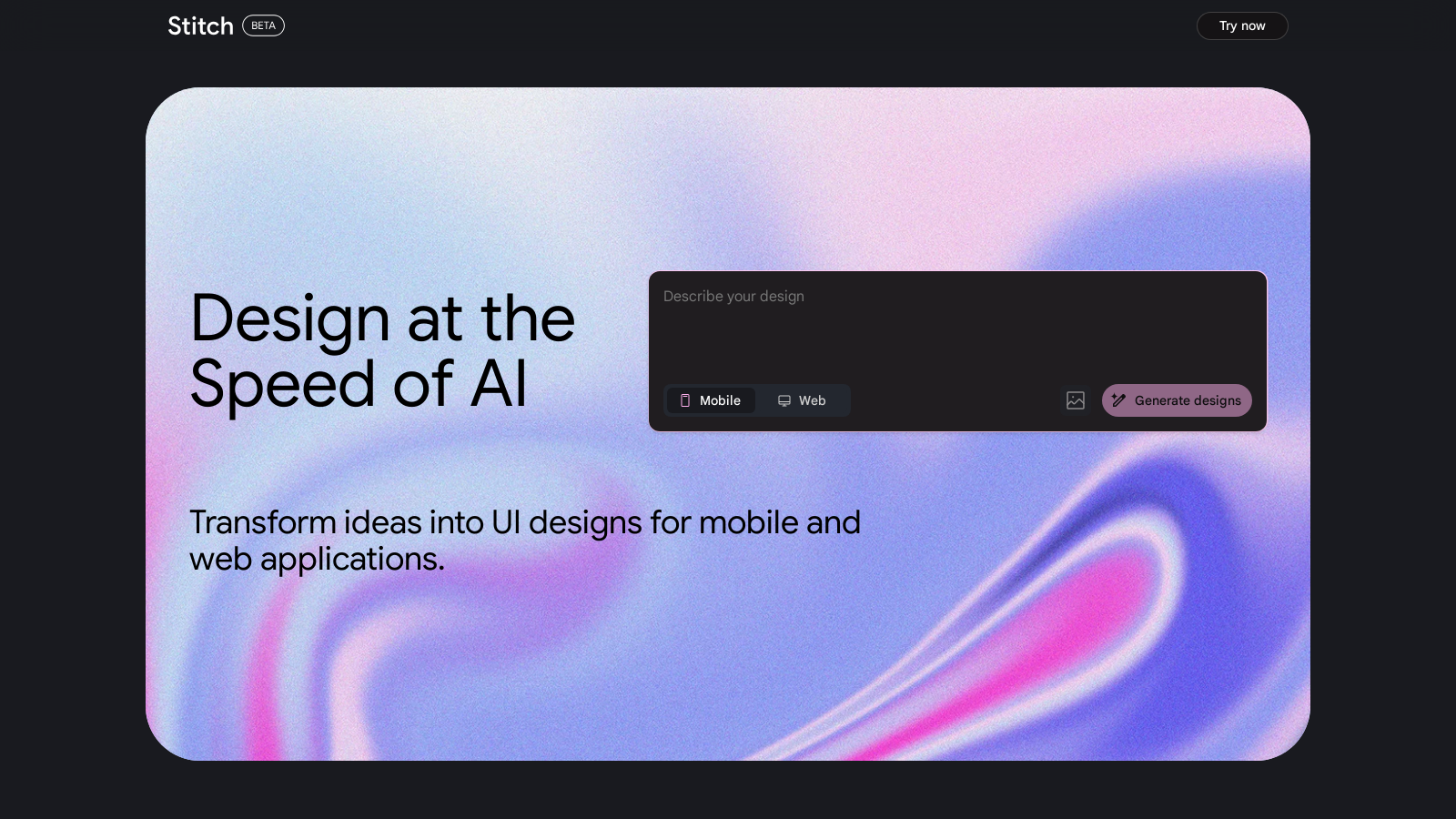
Screenshot of Stitch
What is Stitch?
Stitch is an innovative tool developed by Google that empowers designers with the ability to generate user interfaces (UIs) for both mobile and web applications quickly and efficiently. Its design ideation process is streamlined, making the challenge of creating appealing and functional designs a breeze for both professionals and enthusiasts.
What is Stitch?
At its core, Stitch utilizes artificial intelligence to assist users in designing interfaces that meet their specific needs. By analyzing various design elements and understanding user preferences, Stitch is capable of delivering bespoke layouts and components that are tailored to the user's vision. This capability not only saves time but also enhances overall creativity as users can experiment with different styles and formats effortlessly.
Key Features of Stitch
Stitch stands out for several reasons:
- AI-Driven Design: The power of AI in Stitch helps automate many repetitive tasks associated with UI design. Designers can focus on higher-level creative decisions while Stitch handles the details.
- User-Friendly Interface: The tool is designed to be accessible even for those who may not have extensive design backgrounds. Its intuitive interface ensures that users can navigate its features with minimal learning curve.
- Rapid Prototyping: With Stitch, creating prototypes is not just faster but also more fun. Users can quickly iterate on their designs based on immediate feedback received from the AI-generated suggestions.
- Customization Options: Users have the flexibility to customize their designs, affirming that while Stitch offers AI suggestions, personal flair and individual creativity remain at the forefront of the design process.
The Importance of UI Design in Applications
User interface design is crucial for both web and mobile applications as it directly influences user experience. A well-designed UI can lead to higher user satisfaction, increased engagement, and, ultimately, greater success for the application. Stitch recognizes this and aims to simplify UI design, making it accessible to a broader audience.
Who Can Benefit from Stitch?
Stitch is ideal for a variety of users:
- Graphic Designers: Professionals looking for an efficient way to create UIs will find Stitch to be a valuable ally, simplifying their workflow and enhancing productivity.
- Developers: Developers can quickly generate UI prototypes, allowing them to focus on coding and functionality rather than design intricacies.
- Startups: For new businesses that need a solid digital presence, Stitch offers a fast and effective way to design user interfaces that can help them launch faster.
- Hobbyists: Individuals interested in design can explore their creativity using Stitch without needing to be professionals in the field.
Final Thoughts
Stitch demonstrates the potential of combining artificial intelligence with design processes, paving the way for exciting developments in how we create user interfaces. As technology continues to evolve, tools like Stitch will likely redefine the norms of digital design, making creativity more accessible to everyone.
Pros & Cons
Pros
- Generates UIs quickly for both mobile and web applications.
- Streamlines design ideation to enhance workflow efficiency.
- Utilizes AI to simplify the design process.
Frequently Asked Questions
Stitch is free to start, with paid plans from 0 to 0 USD per Translation not found for 'time_period_unknown'.
According to our latest information, this tool does not seem to have a lifetime deal at the moment, unfortunately.
Stitch is designed for generating user interfaces for both mobile and web applications. This makes it an ideal tool for developers and designers seeking to quickly prototype and create UI designs tailored to their specific project needs.
Stitch utilizes AI technology to streamline the design ideation phase. Automating the generation of user interfaces significantly reduces the time and effort required to create mockups and design prototypes, allowing teams to focus more on user experience and functionality.
Yes, Stitch allows for customization of the generated UIs. This flexibility will enable you to adjust elements such as layout, colors, and components to better align with your brand's identity and the specific requirements of your project.
While specific technical requirements are not detailed in the provided content, users should typically ensure they have a compatible web browser and an internet connection to access Stitch functionalities. For specifics, it's advisable to check the official website or documentation.
The website does not specify direct integration options with other design tools; however, many platforms typically allow for the export of designs in standard formats, such as PNG or SVG, which can be easily imported into other design software. Refer to the Stitch documentation for additional information on integration and export options.
Stitch primarily focuses on UI generation, so while it's excellent for creating layouts and design elements, it may not support advanced functionalities that come from full-fledged design platforms. Users should explore its capabilities to ensure it meets their needs.
For support, users are encouraged to refer to the official Stitch website, where documentation, FAQs, and potentially a contact form or support chat may be available. Engaging with community forums related to Stitch or AI design tools can also be helpful.
Yes, there are several alternatives to Stitch for generating UI designs, such as Figma, Adobe XD, and Sketch. Each tool has its strengths, so evaluating the specific features and functionalities that fit your project needs will help determine the best option.
In 2025 Galileo AI joined Google so we could pair our interface‑generation know‑how with the latest Gemini models. The result is Stitch—the next generation of our product—delivering the same “describe‑it‑in‑a‑prompt” magic you loved in Galileo, now super‑charged with even more creative output and available to everyone for free.