Superhuman

An email app designed to enhance productivity with AI tools for efficient inbox management.
Superhuman.com
Is this your tool?
Follow for updates & deals
Get alerts for Superhuman discounts, feature releases & pricing changes
Similar Tools

Everyday
Automates tasks like email drafting and meeting scheduling to enhance your workflow efficiency.

Notion
A collaborative workspace that integrates AI for project management, notes, and task automation.

remio
Automates data capture and knowledge management for personalized productivity support.

Comet
An AI-integrated browser that assists with tasks and enhances productivity while you browse.

Extra Thursday
AI assistant that uses voice commands to manage email and plan daily tasks seamlessly.

Superhuman Media Gallery

Superhuman (review) video
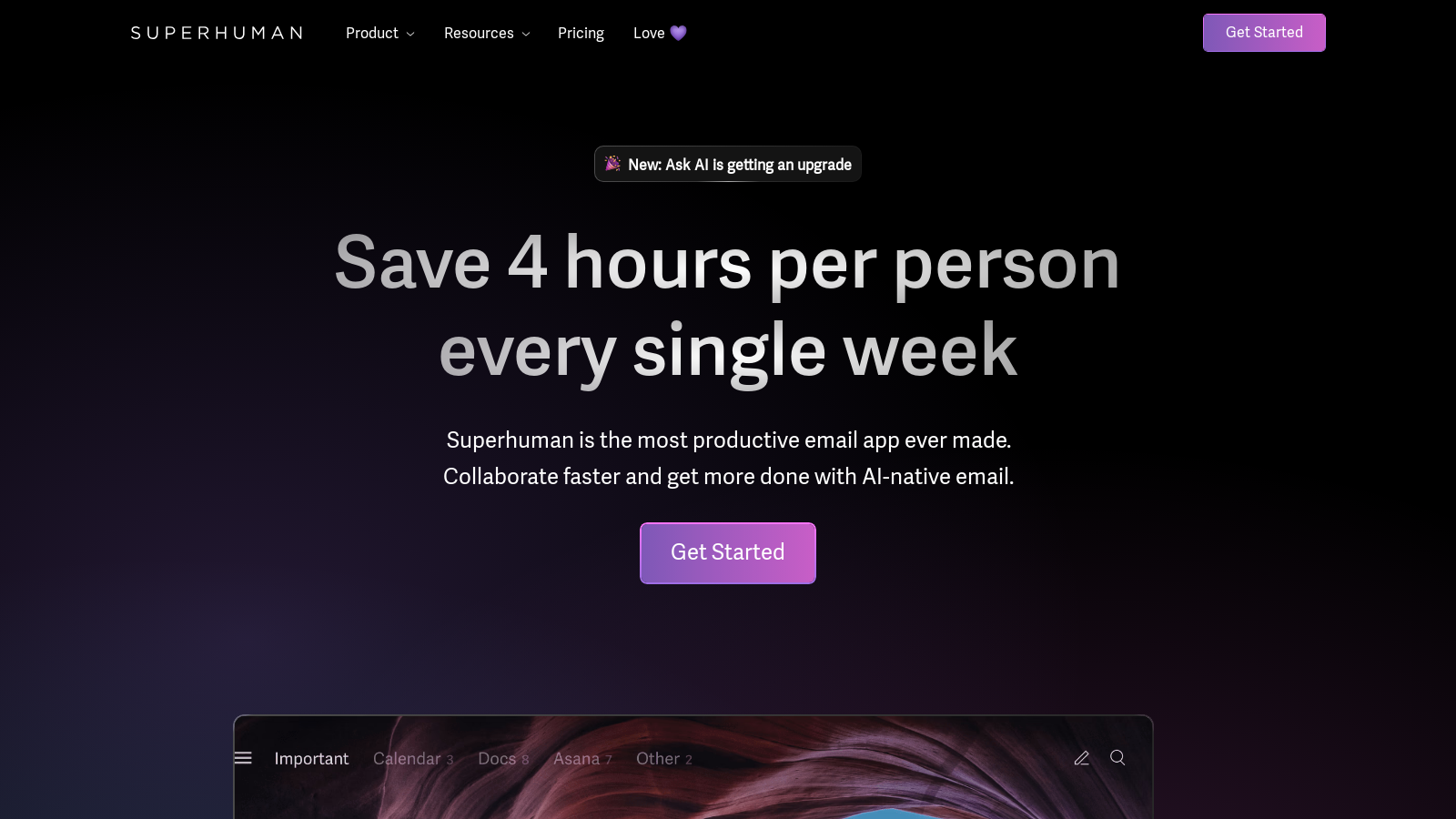
Screenshot of Superhuman
What is Superhuman?
Superhuman is revolutionizing the way we manage email—specifically designed for high-performing teams eager to enhance productivity and collaboration. Leveraging AI-native technology, this powerful application saves users a significant four hours every week. Teams engaged in frequent email communication particularly benefit from this productivity gain, as Superhuman streamlines the entire email experience.
Transform Your Email Experience
In an era where email often feels like a major time sink, Superhuman reframes the narrative. The app is engineered to help users navigate their inboxes with unprecedented speed while focusing on what truly matters. With features like Instant Reply and Send Later, users can ensure that their responses are timely and relevant. Superhuman also utilizes intuitive keyboard shortcuts to enhance email efficiency, drastically reducing the time spent on reading and composing messages.
AI Features That Make a Difference
A standout feature of Superhuman is its advanced AI capabilities. The upgraded Ask AI functionality allows users to interact directly with their emails, calendars, and web information to draft responses or schedule meetings seamlessly. Instead of sifting through countless messages to find important information, you can simply inquire within Superhuman, receiving quick and accurate results. This AI-driven tool can even draft emails in the user’s unique voice, ensuring authenticity and engagement in all communications.
Notably, Ask AI has received a powerful upgrade that enables it to search through up to five years of emails, making it faster and more capable of providing comprehensive answers to inquiries. Whether you're looking to draft an email, schedule a meeting, or find a specific past communication, Ask AI is now your go-to resource.
Specialized Tools for Teams
Superhuman is more than an email client; it's a collaborative platform tailored for teamwork. Integrating effortlessly with popular services like Gmail and Outlook, it streamlines workflows for entire teams. Features such as Auto Labels automatically organize emails, ensuring users can focus on priority messages while eliminating distractions. Additionally, reminder functions help users keep track of follow-ups, ensuring that crucial tasks remain front and center in their inbox management.
Built for High-Performing Teams
This application is especially beneficial for sales and marketing teams, uniquely equipped to handle high volumes of email interactions with remarkable efficiency. Superhuman grants quick access to previous email threads and essential customer contexts, maximizing individual productivity and boosting team performance overall. Statistics show that users have reported twice as fast email responses and a twelve-hour improvement in response times.
User Testimonials
Superhuman has garnered rave reviews from its users, with testimonials highlighting its effectiveness in managing emails swiftly and efficiently. Many users report significant improvements in their response times, allowing them to elevate their communication quality and streamline workflows effectively. One user noted that spending less time on emails has enabled them to devote more energy to meaningful work that drives their business forward.
Conclusion
In conclusion, Superhuman positions itself as not just an email tool, but an essential ally in email management, dedicated to transforming how professionals interact with their inboxes. The application allows users to invest less time managing emails and more time engaging with high-value tasks. As email continues to plays a critical role in professional communication, tools like Superhuman become indispensable for achieving exceptional productivity, collectively saving teams over 15 million hours every year.
Pros & Cons
Pros
- AI-native features streamline email management and response times significantly.
- Automatic organization and summarization help maintain focus on important messages.
- Integrates seamlessly with Gmail and Outlook, enhancing existing workflows.
Frequently Asked Questions
Superhuman is free to start, with paid plans from 0 to 0 USD per Translation not found for 'time_period_unknown'.
According to our latest information, this tool does not seem to have a lifetime deal at the moment, unfortunately.
Superhuman offers several key features designed to optimize email productivity. These include Instant Reply for quick responses, Auto Summarize, which provides a one-line summary of emails, and the ability to snooze emails for late review. Users can also utilize custom Auto Labels to filter their inbox, while Send Later enables scheduled message deliveries. With Ask AI, users can interact with their inbox, drafting emails and scheduling events seamlessly. These tools collectively would allow users to save time and manage their emails more efficiently.
Superhuman's Ask AI feature enables users to retrieve information quickly and complete tasks related to their inbox. By simply asking questions like, 'schedule a meeting with Sarah' or 'find my last email to client X', Ask AI accesses data from your inbox, calendar, and the web to provide immediate assistance. This feature has been upgraded to search five years of email data, allowing users to draft emails in their own voice and tone, enhancing both efficiency and personalization in communication.
Yes, Superhuman integrates seamlessly with several major CRM systems, including Salesforce, HubSpot, and Pipedrive. This integration enables users to access the full customer context without leaving the Superhuman interface, thereby eliminating unnecessary context switching. Users can automatically log emails to their CRM, manage contact details, and utilize customer data directly from their inbox, greatly enhancing productivity in sales and marketing efforts.
Superhuman is particularly beneficial for high-performing teams that require fast and effective email communication, such as sales, marketing, and customer service teams. These users often manage high volumes of email and need tools that help them prioritize critical communications, follow up on leads, and collaborate with team members. Additionally, agencies and enterprises can leverage Superhuman's advanced features and integrations to streamline their workflow and improve response times, enhancing overall operational efficiency.
To begin using Superhuman, download the app from the website and sign in with your email address. After setting up, explore the various features through the Help Center, which offers helpful guides on basic operations, advanced skills, and team collaboration. Familiarizing yourself with keyboard shortcuts, as well as tailoring Auto Labels for specific projects or clients, will also enhance your efficiency. Regularly checking in with support resources can help you maximize the potential of Superhuman.
Superhuman maintains robust security and privacy protocols to protect user data. The platform implements a Zero-Day Data Retention policy, ensuring that no email data is stored or shared with third parties, such as OpenAI. Moreover, it adheres to industry standards, including SOC2 Type 2 compliance and GDPR, providing a secure infrastructure and robust controls for user accounts. Features such as access management and centralized oversight further enhance the security framework, making Superhuman a trustworthy choice for sensitive communications.
While Superhuman provides powerful features to enhance email productivity, it is currently designed to work primarily with Gmail and Outlook. Users may find that certain features, like Ask AI, are only available on Business and Enterprise plans. Additionally, new users might experience a learning curve in adapting to the rapid-fire communication style that Superhuman encourages, especially if they are coming from more traditional email clients. Users should also be aware of the acceptable use policy to avoid potential account suspensions.
Superhuman offers comprehensive support through its Help Center, where users can find answers to common questions and access guides for all features. If you require more personalized assistance, you can reach out to their support team via email, and they typically respond within two business days. Additionally, users on Business and Enterprise plans receive priority support, which includes dedicated Customer Success Managers who assist throughout your Superhuman journey to ensure you get the most out of the service.