
Follow for updates & deals
Get alerts for Superwhisper discounts, feature releases & pricing changes
Similar Tools

MailMaestro
AI-driven email assistant that streamlines communication and improves email writing efficiency.

Remail
AI-powered email assistant that generates tailored responses to streamline your email communication.

Jetwriter AI
Enhance your writing with personalized AI suggestions, grammar checks, and seamless integration across platforms.

NetworkAI
Generate personalized LinkedIn outreach messages using AI to enhance your professional networking.

Touchpoint
Generate personalized, brand-aligned email templates quickly using AI-driven design tools.

Superwhisper Media Gallery

Superwhisper (review) video
Screenshot of Superwhisper
What is Superwhisper?
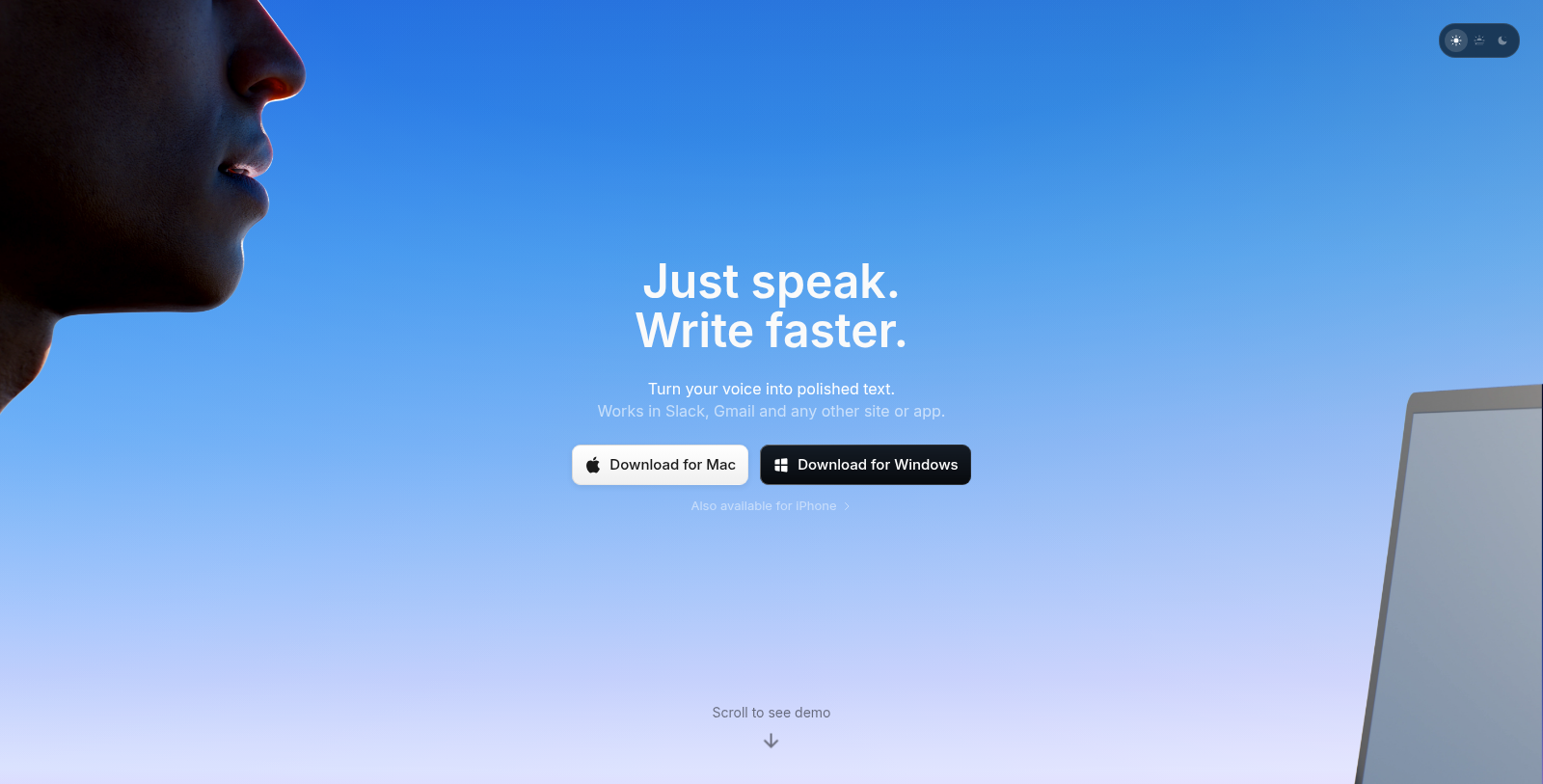
Superwhisper is an advanced AI-powered voice-to-text application designed for individuals and teams seeking to improve their productivity through effortless dictation and transcription. With its ultra-fast transcription capabilities available on macOS, Windows, and iOS, Superwhisper helps users convert their spoken words into polished text with ease.
This innovative tool works seamlessly with various applications such as Slack, Gmail, and more, allowing you to dictate messages, emails, and notes without ever touching the keyboard. Users can speak, and Superwhisper handles the rest, making it an essential productivity tool for busy professionals.
Key Features of Superwhisper
Superwhisper boasts a range of powerful features that enhance its usability:
- Voice-to-Text Functionality: The primary feature of Superwhisper is its ability to transform speech into text with high accuracy. Whether you're giving a presentation or taking notes, this tool can handle it all.
- Multiple Language Support: Superwhisper supports over 100 languages, enhancing its global usability. The AI can also translate these languages into English, making communication smoother in diverse environments.
- Custom AI Integration: Users have the option to use their own API Keys for various AI models, providing flexibility in workflow. This feature allows businesses to tailor the text conversion process to fit their specific needs and preferences.
- Modes and Contextual Intelligence: The app allows the creation of custom modes that adapt the tone and structure of the text based on the type of content being created. From casual messages to formal emails, it intelligently adjusts to meet user requirements.
- Offline Functionality: Superwhisper can operate offline, enabling users to dictate anywhere without requiring an internet connection. This is particularly useful for users who frequently work in environments with limited connectivity.
- Meeting Assistant: With a dedicated mode for meetings, Superwhisper simplifies note-taking by automatically transcribing discussions, allowing users to focus on the conversation rather than on capturing every detail.
- Clipboard Integration: The tool features automatic pasting, ensuring that the transcribed text can easily be inserted into any application without manual copying.
Pricing and Plans
Superwhisper offers a freemium model, allowing new users to experience premium features through a 15-minute free trial. After this initial trial, the free tier remains available, providing basic functionality without charge. For those seeking additional features, the Pro version is available for $8 per month and includes advanced capabilities and unlimited use.
Additionally, Superwhisper provides a one-time purchase option for users interested in a lifetime license, making it an attractive choice for individuals or teams that prefer a one-off payment rather than a subscription.
User Experience
The user experience is at the forefront of Superwhisper's design. The onboarding process is straightforward, enabling users to quickly and efficiently set up their preferences. The system also offers customization features that enable users to refine their dictation experience.
Whether for transcription, note-taking, or drafting communication, Superwhisper is a versatile tool that effectively improves workflow and enhances productivity for a wide range of users. With the ability to support complex voice inputs, remember unique vocabulary, and adjust to different contexts, it stands out as a leading solution in the voice-to-text software market.
Pros & Cons
Pros
- Supports 100+ languages and can translate them to English.
- Works offline, allowing transcription without internet access.
- Integrates seamlessly with various applications like Slack and Gmail.
Cons
- The effectiveness depends on proper microphone setup and system permissions.
Frequently Asked Questions
Superwhisper is free to start, with paid plans from 0 to 8 USD per month.
This tool offers a lifetime deal.
Superwhisper is designed to enhance professional communication by converting speech into text with exceptional accuracy. Its intelligent modes allow users to dictate emails, notes, and messages while ensuring the tone, structure, and formatting are appropriate for the context, whether it's formal or casual. Additionally, Superwhisper integrates seamlessly with popular applications such as Slack and Gmail, making it a versatile tool for any professional environment.
Superwhisper is highly integrative, working seamlessly with any application you can type into, including Slack, Notion, and Gmail. You can set custom shortcuts to launch and control dictation, and clipboard integration is automatic, allowing you to easily paste your transcripts into any app without manual copying. You can also use Superwhisper alongside coding applications to enable voice commands that facilitate coding tasks.
To get started with Superwhisper, you'll need to download the app compatible with your device, which can be a Mac, Windows PC, or iOS device. Upon launching the app, you'll go through an onboarding process that involves setting essential system permissions for dictation, selecting your preferred language, choosing between cloud or local AI models, and configuring your microphone and audio settings to ensure everything is optimized for your needs.
Yes, Superwhisper offers a file transcription feature that lets you upload audio and video files for transcription. This capability is perfect for users looking to convert recorded meetings, lectures, or any audio content into reliable text. You'll also be able to access this feature during the 15-minute free trial of the Pro tier, allowing you to experience the full potential of file transcription.
If you encounter any issues or bugs while using Superwhisper, you can check the application's documentation for troubleshooting tips or common issues. Additionally, you can report problems directly through the app. This feedback helps the development team improve the user experience and resolve any concerns efficiently. Regular updates also keep the app functioning optimally.
Superwhisper is compatible with both Intel and Apple Silicon Macs. However, it's worth noting that while it works best with cloud models on Intel Macs, the offline models are optimized for Apple Silicon and deliver better performance. Users should ensure their devices meet the minimum system requirements for an optimum experience.
The 'Modes' feature in Superwhisper allows users to create custom configurations tailored to specific tasks or contexts. You can define how Superwhisper processes your speech, including selecting different AI models, languages, and formatting rules. This personalization ensures the transcription meets your precise needs, whether for drafting messages or emails or for transcribing meetings.
Superwhisper supports over 100 languages, enabling users to dictate in various dialects with accurate transcription. Additionally, it includes a translation tool that supports multiple languages and outputs to English. This functionality is particularly useful for users working in diverse environments or communicating with international teams.