Text Blaze

Create customizable text snippets to streamline typing and enhance productivity across multiple applications.
Blaze.today
Is this your tool?
Follow for updates & deals
Get alerts for Text Blaze discounts, feature releases & pricing changes
Similar Tools

Evernote Web Clipper
Capture and save web content directly to your Evernote account for easy organization.

Saga
An AI workspace that combines notes, documents, and task management into a single streamlined interface.

Flot
AI writing and memory tool that integrates with apps to enhance writing and recall information.

Superhuman
An email app designed to enhance productivity with AI tools for efficient inbox management.

TheTabber
Publish to 9+ social platforms at once.

Text Blaze Media Gallery

Text Blaze (review) video
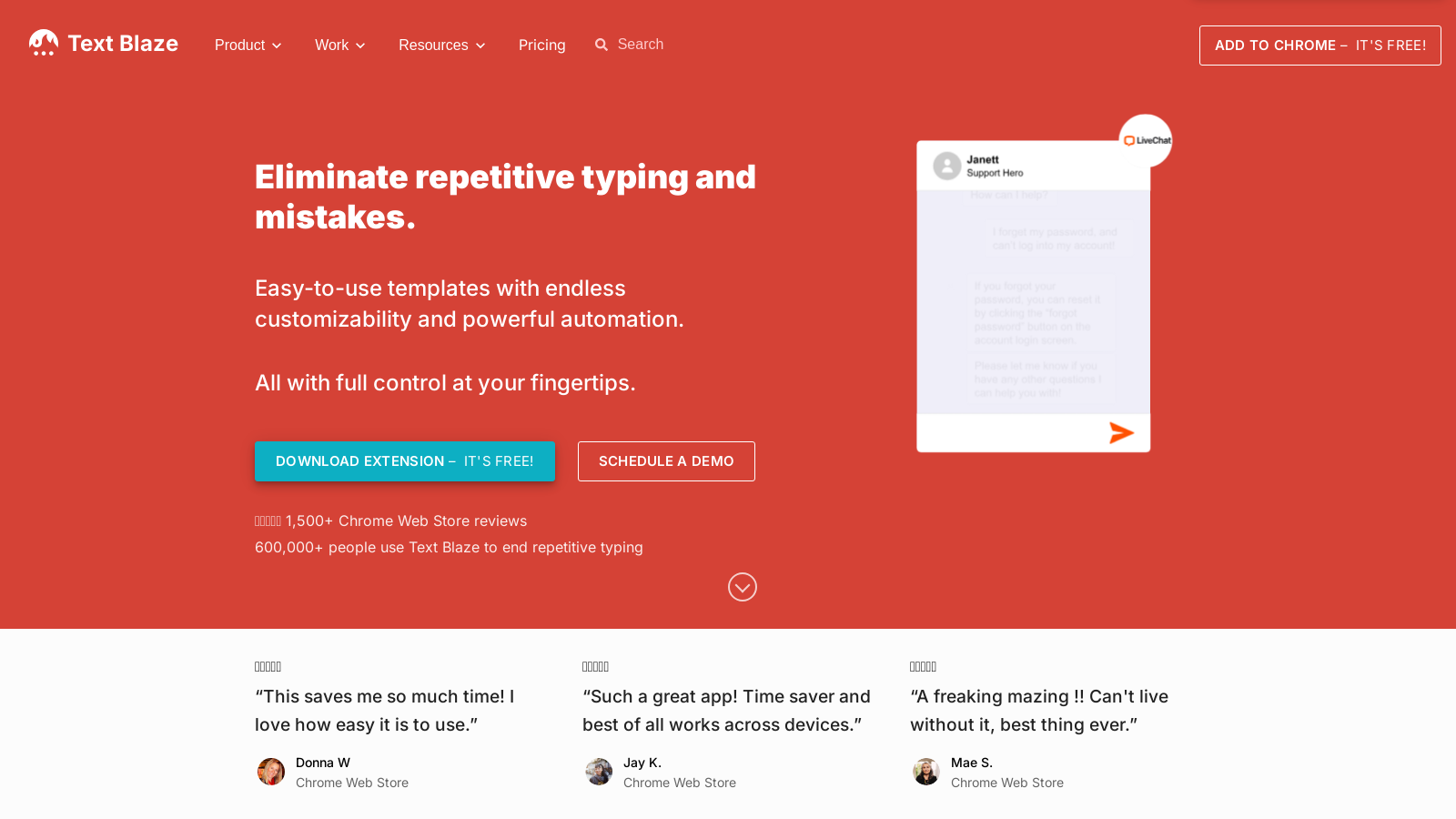
Screenshot of Text Blaze
What is Text Blaze?
Text Blaze is a powerful text expansion tool that enhances productivity by eliminating repetitive typing and enabling users to create customizable snippets that can be utilized in any application or website. Available as a Chrome extension, Text Blaze allows seamless integration, making it easy to insert frequently used phrases, email templates, and other texts with just a few keyboard shortcuts. As a result, it serves as a vital asset for professionals across various fields.
How Does Text Blaze WorkNULL
At the heart of Text Blaze's functionality is the concept of 'snippets.' These are predefined pieces of text that users can create and modify according to their daily needs. Each snippet is associated with a unique shortcut, meaning users can effortlessly insert lengthy responses or repetitive text simply by typing the shortcut. This feature is particularly beneficial in applications such as Google Docs, Gmail, Salesforce, and many others pushed by the app's cross-platform capabilities.
Dynamic Templates and Customization
Text Blaze stands out due to its dynamic templates, allowing users to create snippets that contain customizable fields. These fields automatically adapt based on user input. For instance, using Text Blaze's forms, users can design a template that incorporates fields for names, locations, or other variable information, which will be filled in automatically, thus streamlining workflows even further.
Collaboration Features
Text Blaze offers powerful collaboration tools within its business and team plans. Teams can effortlessly share snippets and folders, ensuring that all members have access to the same updated information and templates, which enhances consistency in communication. Changes to any snippet are updated in real-time across all users, fostering a collaborative environment.
Advanced Dynamic Commands
Notably, Text Blaze introduced dynamic commands that significantly enhance the capability of snippets. Users can harness commands such as {if} to conditionally include text, {formtext} to create input fields, and {time} to retrieve and format date information dynamically. This allows for complex automated responses that can adapt to specific situations, making it an invaluable tool for detailed communication needs.
Impressive Productivity Metrics
Text Blaze boasts impressive user statistics, with top users reportedly saving over 28 hours each month. That represents a potential annual time savings exceeding NULL,000 due to increased productivity. With billions of characters typed monthly using Text Blaze, the product has established itself as a leader in the text expansion market.
Flexible Pricing Tiers
Text Blaze offers various pricing options to accommodate different user needs:
- Free Plan: A 'forever free' option that is perfect for individual users or small teams looking to boost efficiency without any initial investment. This plan allows limited snippet sharing and access to basic features.
- Pro Plan: Ideal for users seeking more functionality, priced at NULL.99/month when billed annually, or NULL.49 when billed monthly. This plan doubles snippet sharing capabilities and provides full access to dynamic forms and advanced commands.
- Business Plan: Designed for larger teams, this plan costs ?.99 per user, per month (billed annually) and includes features like unlimited snippet sharing, centralized user management, and team collaboration tools.
- Enterprise Plan: Tailored for large organizations with bespoke needs; potential clients must contact Text Blaze for customized pricing.
Conclusion
Text Blaze is an essential tool for anyone looking to enhance productivity, streamline workflows, and improve communication efficiency. Whether working in sales, customer service, healthcare, or education, Text Blaze provides the necessary tools to save hours of typing and allows users to focus on what truly matters—their core responsibilities and interactions.
Pros & Cons
Pros
- Offers customizable snippets that work across any app or website seamlessly.
- Significantly increases productivity by saving users over 28 hours monthly on typing tasks.
- Facilitates team collaboration with real-time updates and shared snippets.
Cons
- Advanced features like command packs require a paid subscription.
Frequently Asked Questions
Text Blaze is free to start, with paid plans from 0 to 6.99 USD per month.
According to our latest information, this tool does not seem to have a lifetime deal at the moment, unfortunately.
Text Blaze allows you to create various types of templates, known as snippets, which can include text expansions for emails, messages, and documents. You can customize these templates with placeholders, dropdown menus, toggles, and dynamic rules to ensure that every message is tailored to fit its context. This flexibility helps in standardizing communication while allowing for personalization.
Yes, Text Blaze works seamlessly with a wide range of applications, including Gmail, Google Docs, Salesforce, Notion, and Office 365. It also integrates with Data Blaze, enabling you to organize and utilize data directly within your snippets. This compatibility makes it versatile and applicable across various workflows without the need for extensive onboarding.
Text Blaze offers robust sharing and collaboration features, allowing you to share snippets and folders with colleagues. There are three access levels: Owner, Editor, and Viewer, each with distinct permission capabilities. Any changes made to shared snippets are automatically updated for all users, ensuring that everyone stays aligned with the latest information.
Dynamic commands in Text Blaze enable you to create more interactive and personalized snippets. For instance, you can use commands to insert current dates, create condition-based content, or perform calculations. This functionality allows snippets to adapt in real-time to user inputs, thereby enhancing productivity and accuracy in complex scenarios.
Absolutely! Text Blaze allows you to create dynamic snippets that can include form fields. You can add input forms for easy data collection, including text fields and drop-down menus. This feature helps automate repetitive tasks and ensures that the correct information is consistently captured, thereby enhancing efficiency and minimizing errors.
To get started with Text Blaze, download the extension for Chrome or your desired platform (Windows or Mac). After installation, you can register for a free account. Then, explore the quick start guide available on their website, which provides step-by-step instructions on creating your first snippets and leveraging the tool's features.
Text Blaze is widely used across various sectors. In healthcare, professionals create medical templates for patient notes to save time. Sales teams use it to automate email responses and outreach messages. Recruiters rely on it for standardized communication with candidates, while educators use snippets for grading reports or student feedback. This versatility makes Text Blaze a valuable tool in numerous workflows.
While Text Blaze is mighty, there are some limitations. Basic users may experience restrictions on sharing snippets and accessing certain advanced features, such as dynamic rules and forms. Upgrading to a Pro or Business plan unlocks additional capabilities. Additionally, some features may have specific requirements regarding browser compatibility, so checking the system requirements is advisable before use.